Comentário oficial

Three ways...
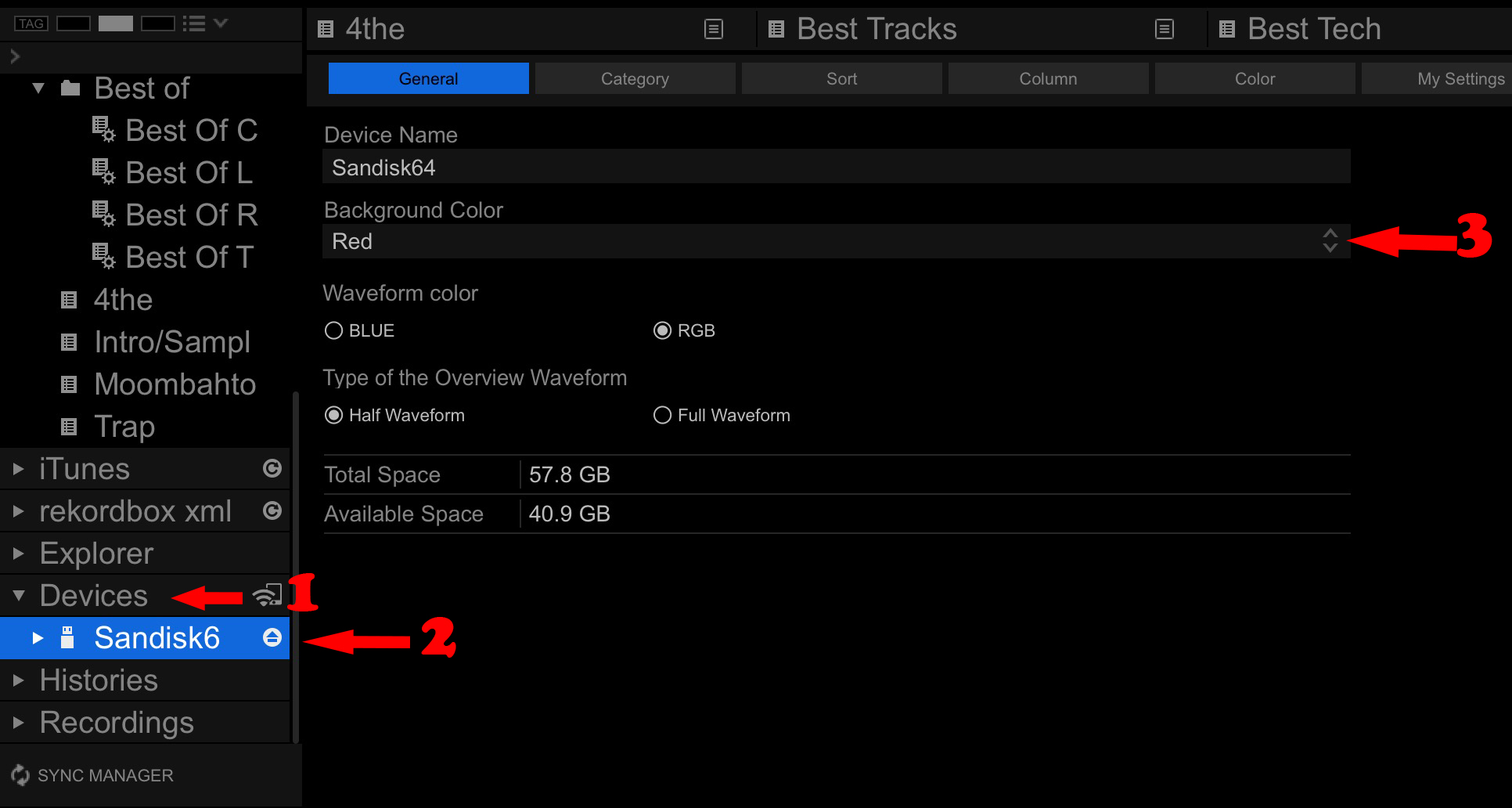
1) Colour. You can add a "colour" to the drive, so when it's connected, you can have red for your right deck and blue for the left (as an example), then when looking at the player, you can see the track's title above the waveform has a background colour of that drive.
2) Info. Pressing the info button will show "USB@PLAYER2" or "USB@USB2" (I think that's what it shows for the RX/RX2, I can't recall at the moment!).
3) Stop. Press the STOP button for the USB drive you want to remove, but don't hold it - just a quick press and release. If you hear the audio dip in volume, that drive is active. If there's no change, you're safe to hold the stop button and remove the drive.
Ações de comentário