wow! nice work!!!
do you have any idea how to get the Problem fixed that no grids/cues/Loops are stored in the Music file itself? thats my biggest Problem atm and kinda showstopper for me :-(
maybe you have any idea how to solve this issue?
Hi Rekordbox users,
I've made something I want to share with you. It's a web app and it's called: www.myrekordbox.com. It adds a couple of useful functionalities on top of Rekordbox. I use it to prepare my gigs and analyse my music collection. It's nothing more than a pet project that solves some of my problems. Maybe you will like it too.
I've been using Rekordbox for long. It's nice to see the development the app is making. I use it as my main music organizing software and I like to listen to my RB library a lot so I can prepare for gigs. I use playlists like hot cakes. And I key most of my music.
I have a couple of gripes with Rekordbox. Maybe they will be fixed in the near future. But I needed to solve them so I can prepare my gigs properly.
I'd like to share my project with you. Maybe you can use it, maybe not.
These are the gripes I had, and that I fixed:
I'm also working on graphics to analyse your library. See attached images for an example.
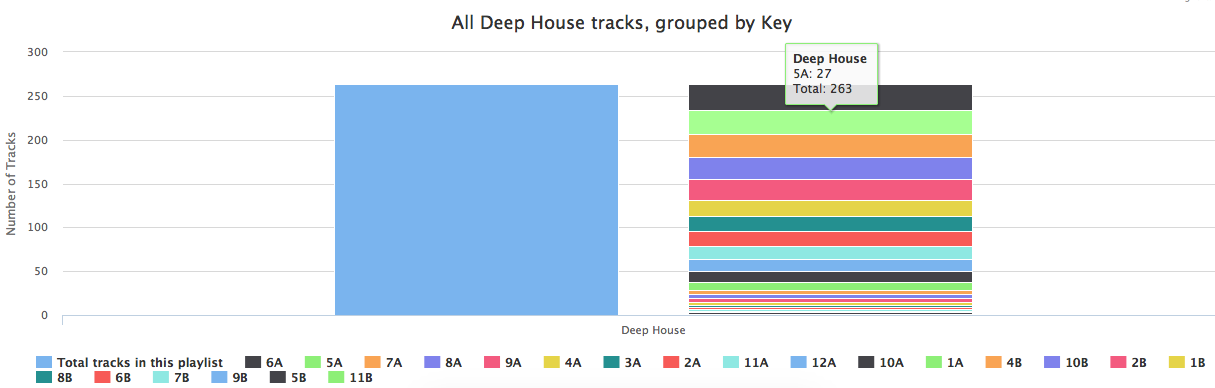

It's a web app called www.myrekordbox.com. You can export your XML library from Rekordbox (open Rekordbox, click on File and then click on Export collection in XML format), upload the XML-file to the app and it will give you the options above.
Feedback both positive, neutral and negative is welcome :)
Thanks.
Kind regards,
Amar
Publicação fechada para comentários.
wow! nice work!!!
do you have any idea how to get the Problem fixed that no grids/cues/Loops are stored in the Music file itself? thats my biggest Problem atm and kinda showstopper for me :-(
maybe you have any idea how to solve this issue?
thats great! nice work
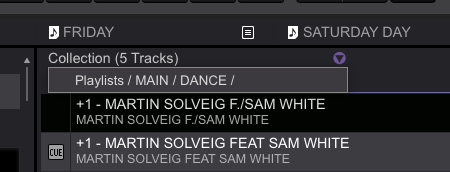
Rekordbox already shows playlists a track is in though unless I'm missing what you mean

@Daniel Ventura: Thanks :)
I assume you mean that the file itself (e.g. mp3 or aiff) are not altered to contain the grids/cues/loop information? I think that's just the way that Rekordbox is intended to work. The information is stored as meta-information, so that the tracks themselves stay original. You can see it as descriptive information added seperately to the track. I can't help you with that, sorry.
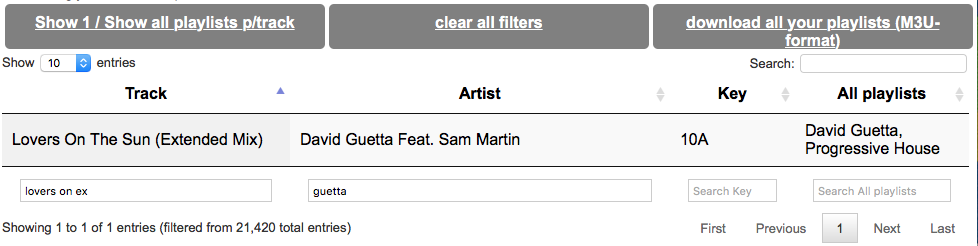
@BriChi: Thanks, I looked into it, you're totally right! Thanks for this tip. I think it's kind of easier to look in a grid to see in which playlists a track is added, saves clicking on each song and then clicking the arrow to see the playlists:

great work.
Thank you @Tiago Fortuna
where is it ?! It just takes me to your webhoster :P
what happened to your project?
Hi Manuel,
When I click on the links in the post, it takes me to the project. I've tried it on multiple devices on multiple connections.
Maybe you can try to go to these links:
http://www.myrekordbox.com/apps/rekordbox/
Or
http://www.myrekordbox.com/apps/rekordbox/index.php
If it still doesn't work, can you let me know what you see?
Thanks.
Well, none of those will work for me somehow ... its strange
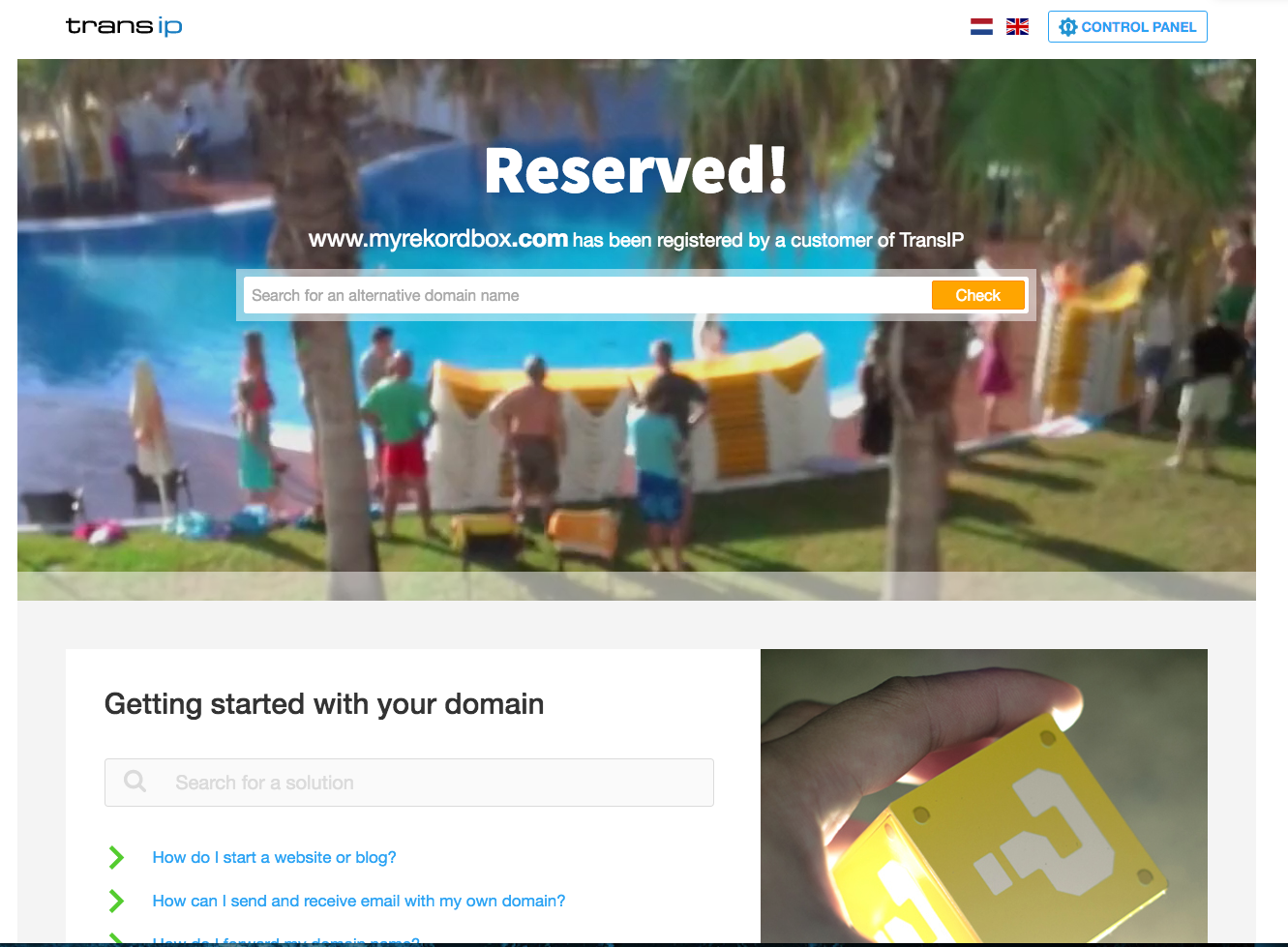
It just shows me a placeholder website telling me the domain is reserved ...

FYI: The links works fine for me. Just tested from Sweden :)
Hi,
Seems like a domain / DNS issue.
Maybe you can try out this link? It circumvents the domain resolving and should hopefully take you directly to the app:
http://149.210.240.228/apps/rekordbox/index.php
Thanks for testing @oakstream
Hi,
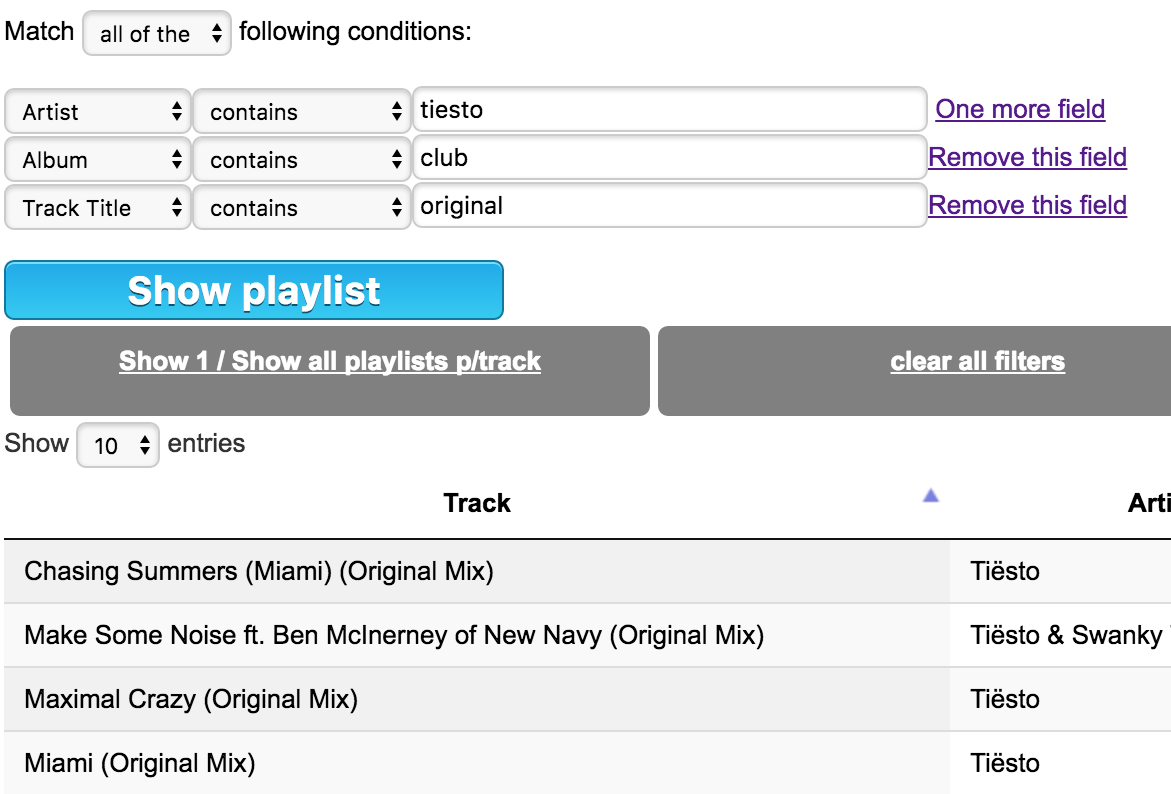
I've done a small update: it's now possible to create Intelligent Playlists, just like you normally do in Rekordbox. Currently there's a limit in Rekordbox that doesn't allow you to create more than 128 intelligent playlists. If you want to create more, or you just want to tinker around to see which results you get by adding conditions, you can now do so.
It'll show you the results of the conditions you've added in a table and you can search through the results too. And you can create an M3U-playlist so you can use that on your USB to listen to the playlist as well.
If you haven't done so already, you'll need to create an XML export from Rekordbox and upload that file, after that you can use all the functionalities.
You can use it by going to http://myrekordbox.com and either uploading your file or entering your personal ID in the Create intelligent playlist-form.
Cheers.

Hi,
I've seen activity on the logs when I first posted this project, thanks for taking the time to try it out.
However, recently it's been silent.
I will be closing down the project in a week from now.
If you have any questions or comments, please feel free to post them in this topic.
Cheers,
Amar
I'd like to give this software a go. I've been wanting to export all playlists to an m3u without having to export one by one. Anyone still have any version of myrekordbox?
Hi Phil86OSU, it was a hosted web-app :)
If you'd still like to try let me know, I have a local copy running.
That would be great! Thanks in advance.
Hi AmarQ, I'm not sure if I missed something, but would be really excited to try the myrekordbox sw out.
Thanks,
Phil
Hi Phil,
I'm not sure what happened but lost access to my account.
Is there a way we can connect through private messaging? I can't see your e-mail details because I can't click on your name and also cannot send you a PM. This is because we'll need to exchange some files.
Thanks.
That's strange. I'm having issues contacting you directly as well. I have a side e-mail account at fattalk1967 at hotmail dot com. We can link up on your preferred messaging service from there.
Thanks again!!!!
Phil
Hi Phil, you've got mail!
Hi,
I search a tools like that (rekordbox playlist to m3u batch)
if someone can share the link !
thanks
my email : contacted
thanks
Deleted
Hi Cedric,
You've got mail :)
Hi DiceDJ,
I'm also interested in the tool and would love to try it out.
My email: juic3pow3rs+rekordboy [at] gmail.com
Many thanks in advance!
Best regards
Andi