Have a feature request or suggestion? Post your idea here!

Publicação

2 seguidores Seguir
0
Avatar

Update issue - unreadable characters

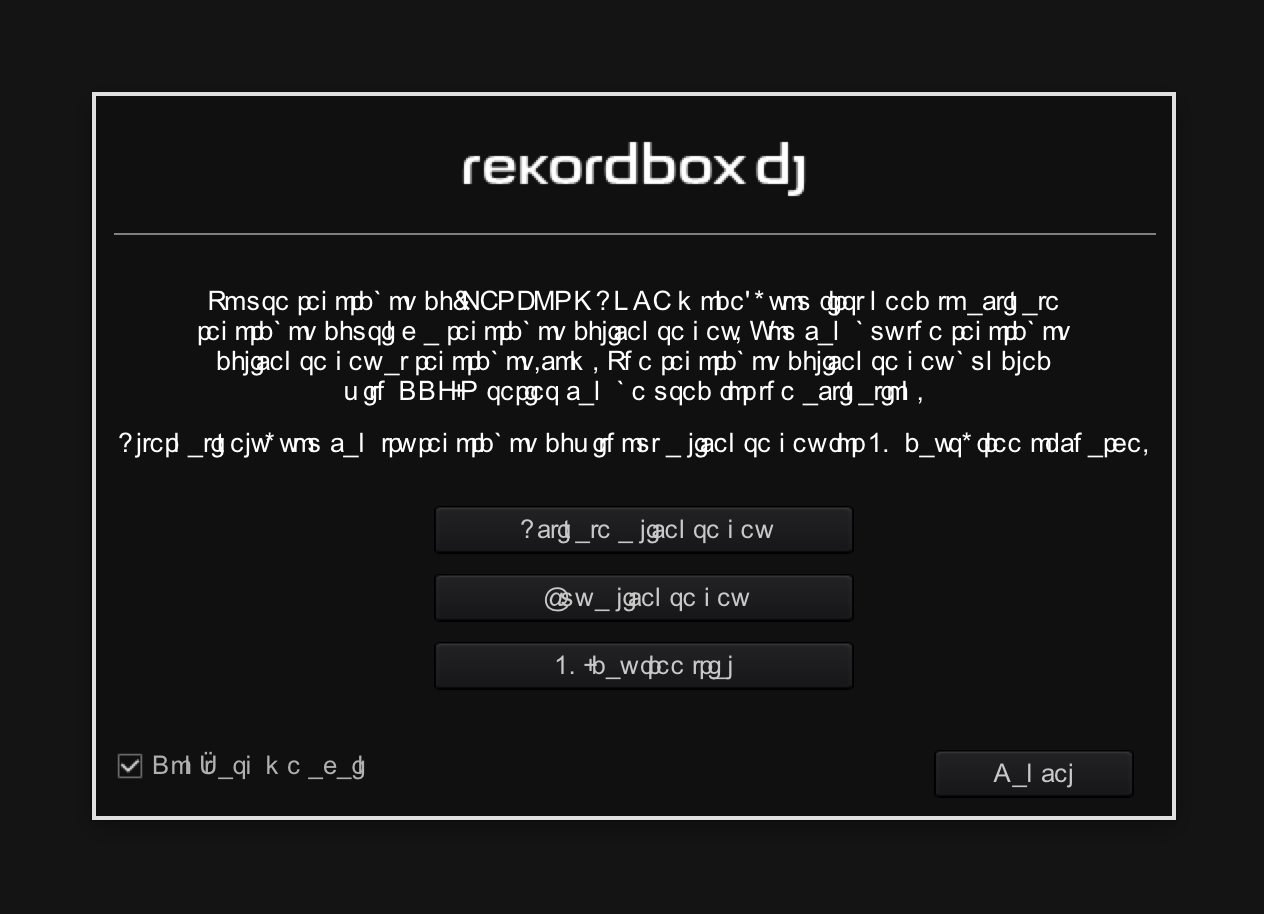
Hi everyone, I'm currently using version 2.2.4 I've been trying to update several times the past year but keep getting weird unreadable characters and ended up just deleting the newer version every time.  

Trying to sort it out now with the help of you experts!  

I'm on a iMac - 10.10.5 Yosemite 

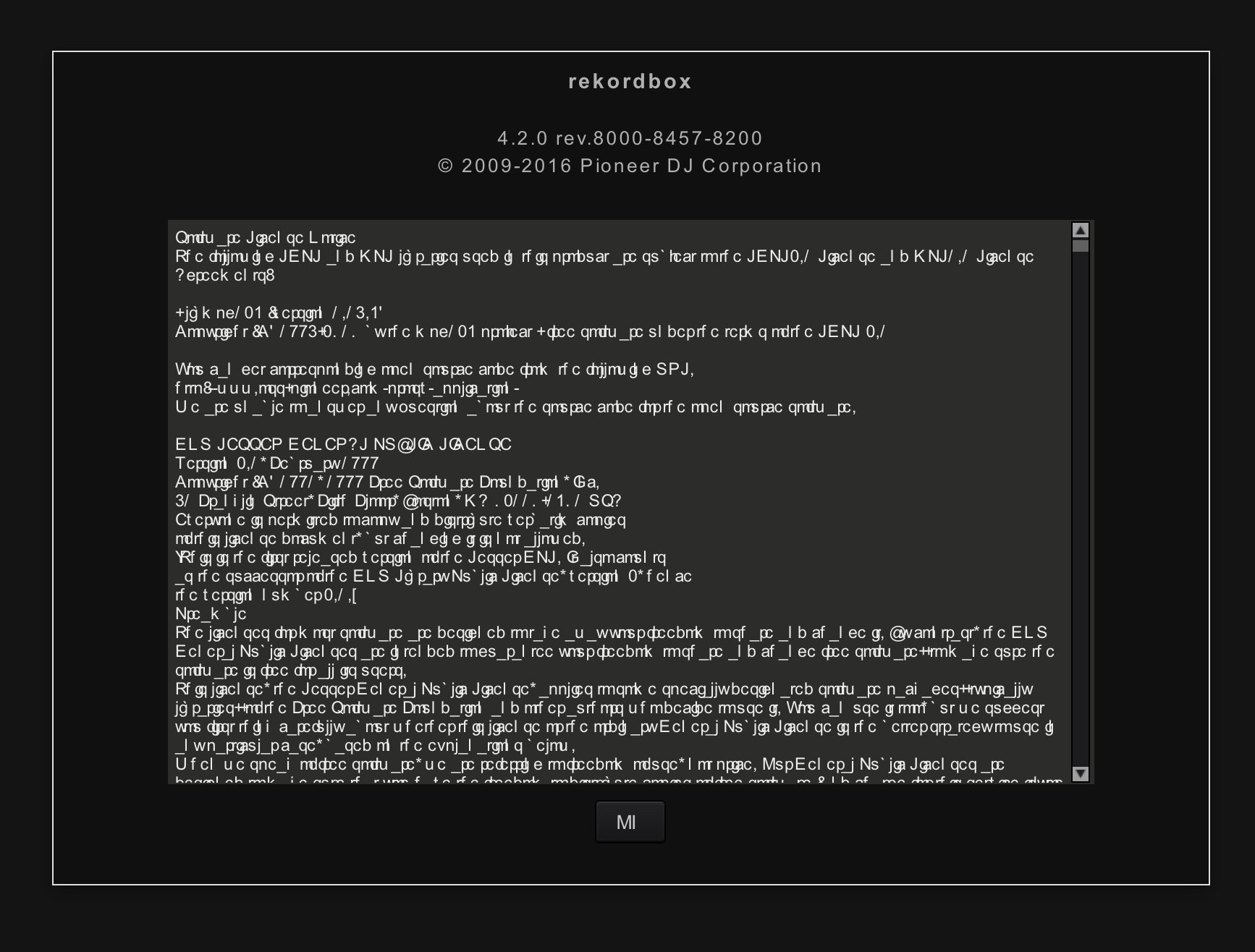
Enclosing an image of what the pop up screen looks like when I open version 4.2.0 Any advice appreciated. Thanks!


Madeleine Alm Respondido

Comentário oficial

Avatar

Copied from from this article:


- The fonts all look weird within rekordbox (OS X)
If you are using FontExplorer or another font manager, it may have messed around with the default system fonts. Please uninstall that application, and then from the system Font Book application, select 'Restore Standard Fonts' from the File menu. Please note that this will disable non-standard fonts in your system (they are put aside in the Fonts(removed) folder).

- The fonts all look weird within rekordbox (Windows 10)
Some of the fonts used by rekordbox that were available in previous versions of Windows as default fonts were removed by Microsoft, but can be re-added for free. Follow the instructions in this article for more information.

Mark Gallo
Ações de comentário Permalink

Publicação fechada para comentários.

2 comentários

0
Avatar

Thank you Mark - No other font manager installed but I did the restoration bit and now it works like a charm! 

Madeleine Alm 0 votos
Ações de comentário Permalink