

If you click on the speaker icon will it mute?
Ações de comentário
Publicação fechada para comentários.
If you click on the speaker icon will it mute?

Yes, it mutes.
But I want the volume all the way up.
Right now I'm having to turn the headphone knob virtually to the 4o'clock position
to get a good volume through my headphones as I can't adjust the volume.
This will be the same if I want to hear and prep anything through normal speakers.

Please try to off the PC MASTER OUT function.
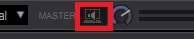
I don't have that option.
This is what I see;

(zoom in image to see)
OK, you use rekordbox in EXPORT mode.
What equipment dose your PC connect through USB port?
I have a USB cable from my computer to the mixer.
I also have LAN connections for using Link.
My TV is connected to my computer via HDMI.
What's the mixer's model number you use?
DJM 900NXS2

Hi.
Sorry...Master Volume Slider is available for only Internal-Controller.
DJM-900NXS2 is an External-Mixer, so you can't adjust master volume slider in RekordboxDJ.
Because External-Mixer has "Master Volume Knob(-∞ ~ +5dB)" on the hardware.
And you can adjust "TRIM Knob(-∞ ~ 0dB) " on the hardware, too.
Would not enough still...??
No, the volume is too low.
When I'm previewing a track I have to turn the headphones knob all the way to the right.
But, if I'm queing from a channel, the volume is normal (too loud in same position).
Not good when trying to listen to tracks in the preview player and from the mixer channel.
Can cause damage to one's ears if forget to turn the knob.
Is it occur in the "PREVIEW PLAYER" ?
If so, would you try to adjust "Preview Volume" ?
Preference -> Audio
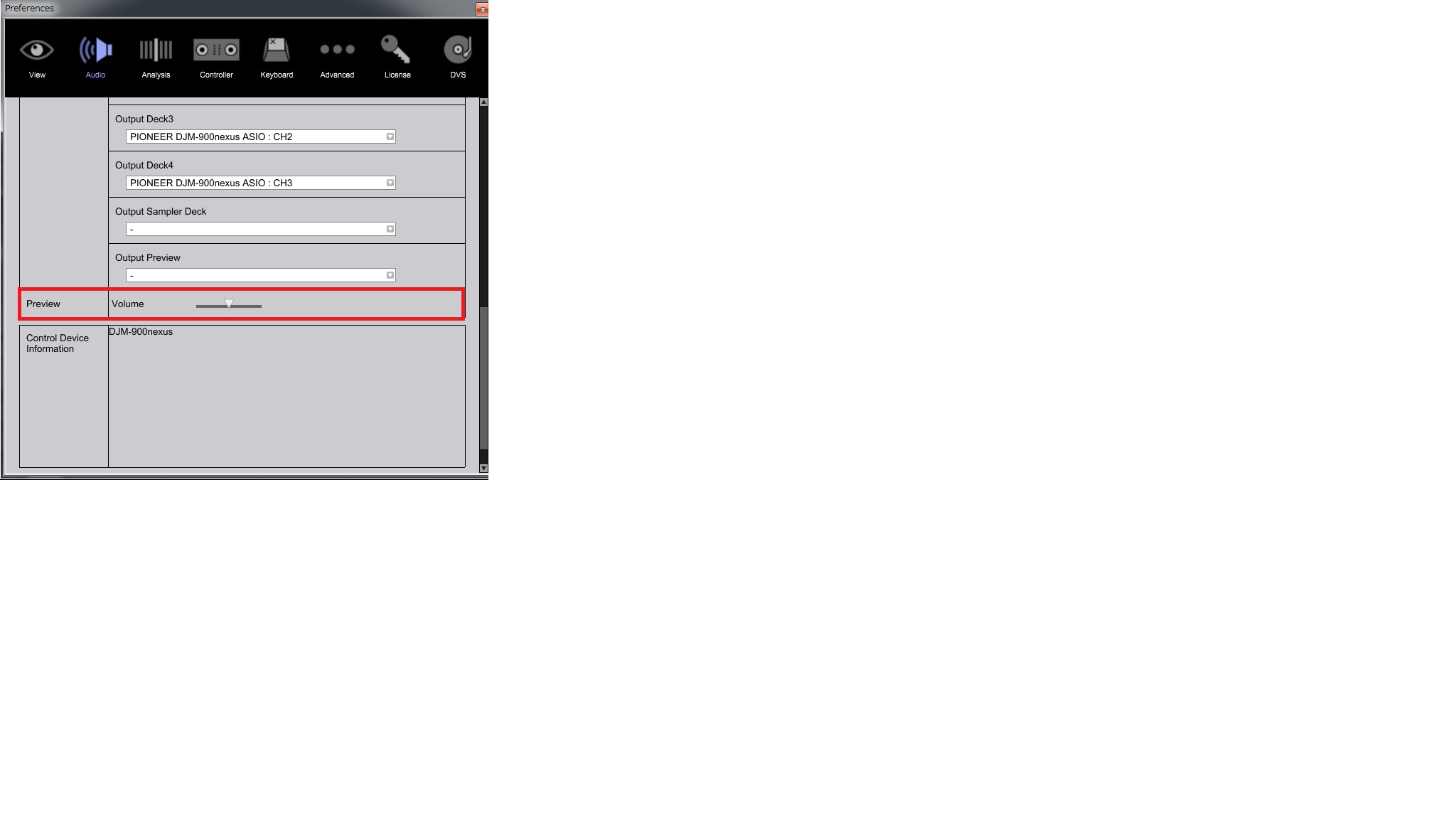
I don't have that option.
I only use Export mode.
I don't see this option in my settings.


