
Can you open the rekordbox in performance mode, open the preferences and scroll to the bottom of the Audio page to where it says Control Device Information -- can you tell me what's listed there?
Ações de comentário

Hello,
I just downloaded the newest version of Rekordbox, and my DDJ RZ is recognized by the software and it does indeed show that the DDJRZ Asio driver is recognize, but I have no control over the software except library browsing. Not sure what's going on, but this is the first time it's done this. It won't load a song into the deck, and the jog wheels won't work either....the software is showing that the RZ is connected, but it won't control the software. It lets me browse the library, but when I go to load a song, the deck show nothing, and nothing else works. I should have the most recent Asio driver and my DDJ RZ has the most recent firmware! Please help!
Publicação fechada para comentários.
Can you open the rekordbox in performance mode, open the preferences and scroll to the bottom of the Audio page to where it says Control Device Information -- can you tell me what's listed there?
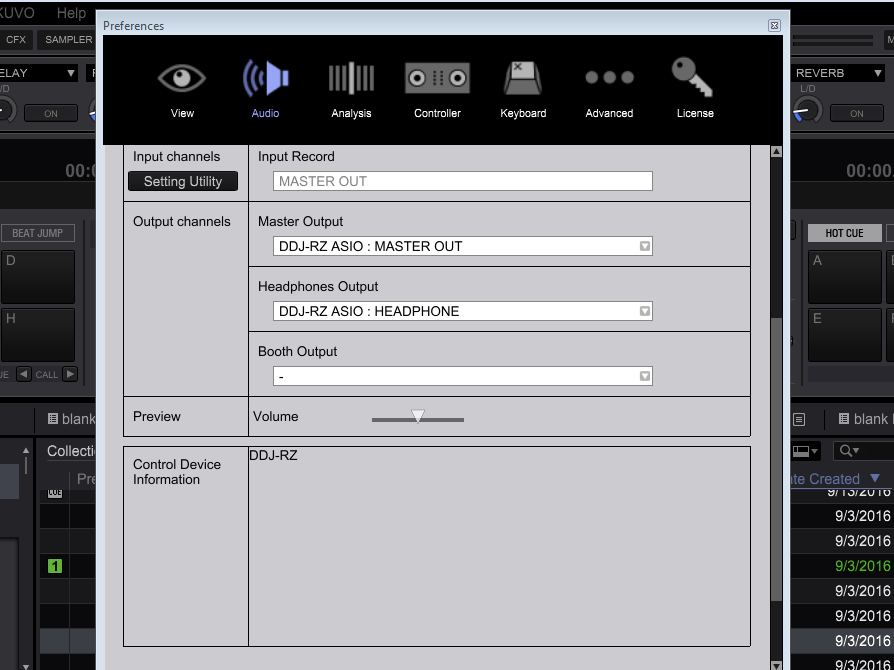
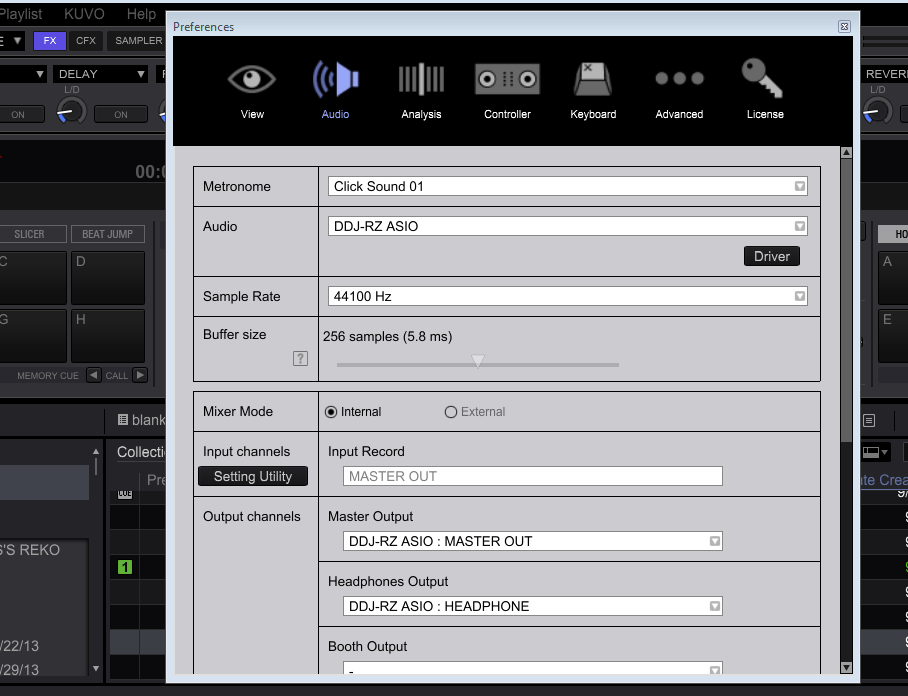
Hello, any other help on this would be appreciated.
Sorry, somehow missed the reply Tuesday.
Could you go to the MIDI panel and with the RZ selected as the device, click the DEFAULT button at the top-right?
Close rekordbox and restart it, see if that helps.


