
Comentário oficial

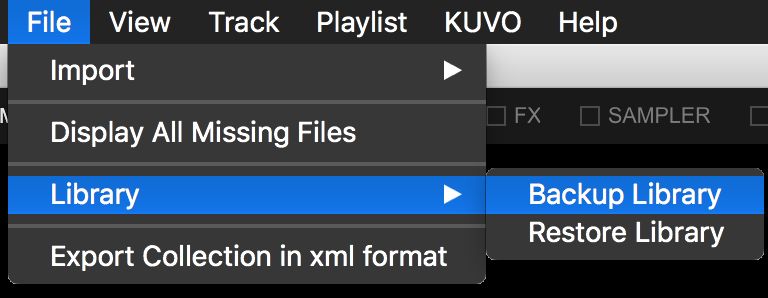
Open rekordbox, File > Library > Export Library:
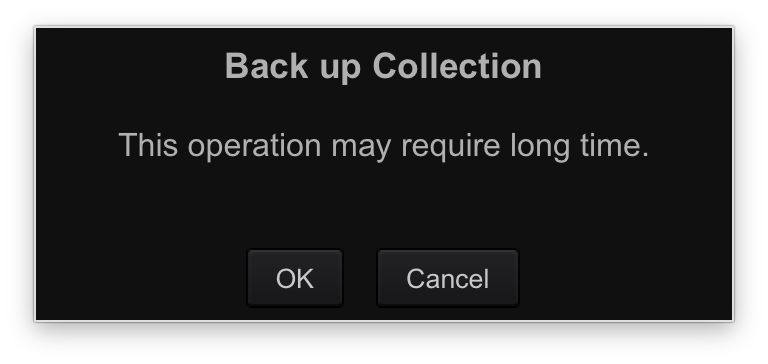
You'll be prompted that this takes some time; click OK:
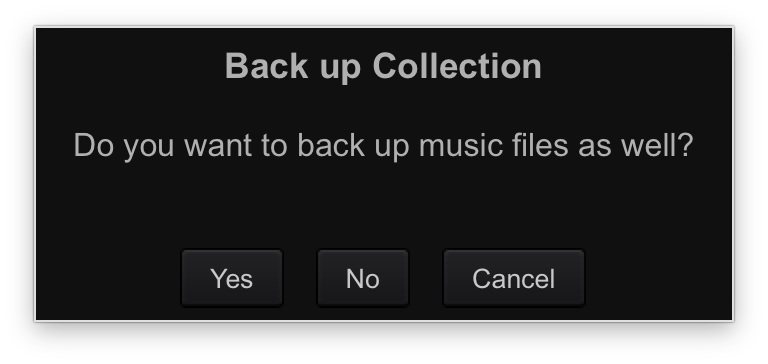
 It will ask if you want to back-up your music as well, click Yes:
 Pick the location where you will save the ZIP file, then click OK. It will take some time:
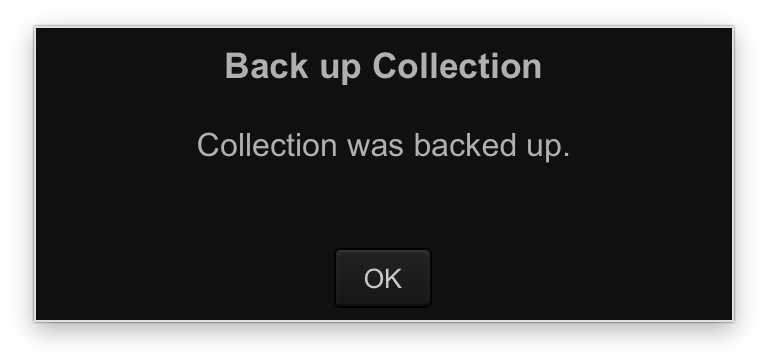
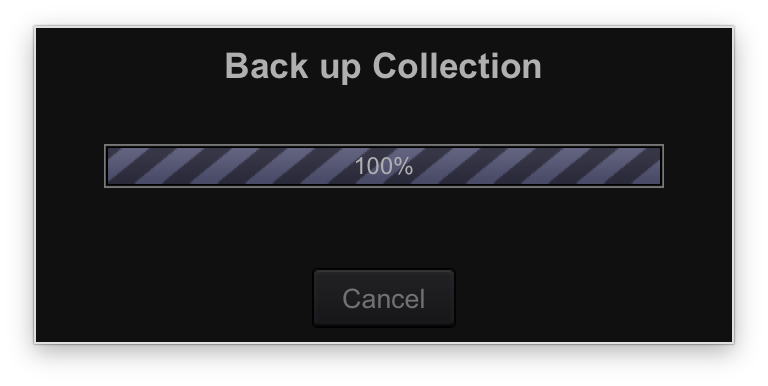 When the backup is complete, you'll see:
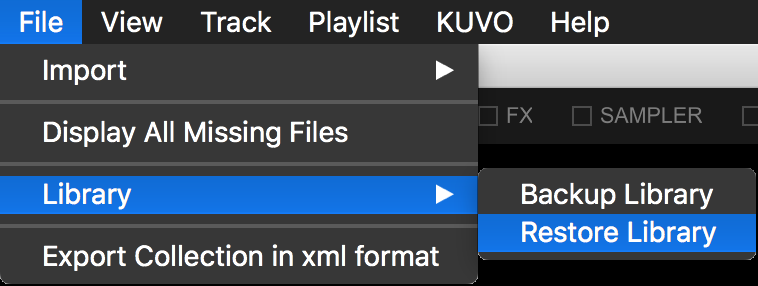
 On the new computer, open rekordbox and go to File > Library > Restore Library:
It will warn you about the time and the fact it will overwrite the current database, click OK:
 Locate the ZIP file you created and click OK.
It will take some time, and then when it is done: 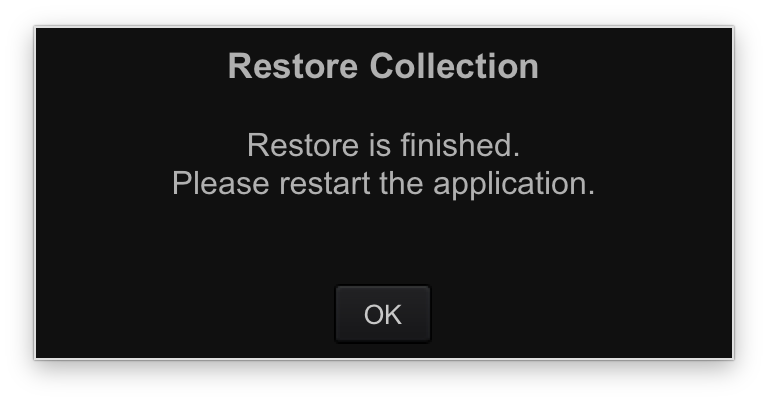 Click OK and rekordbox will close. Re-open rekordbox and your library and all the audio files will be restored.


Ações de comentário