Publicação
Seguir
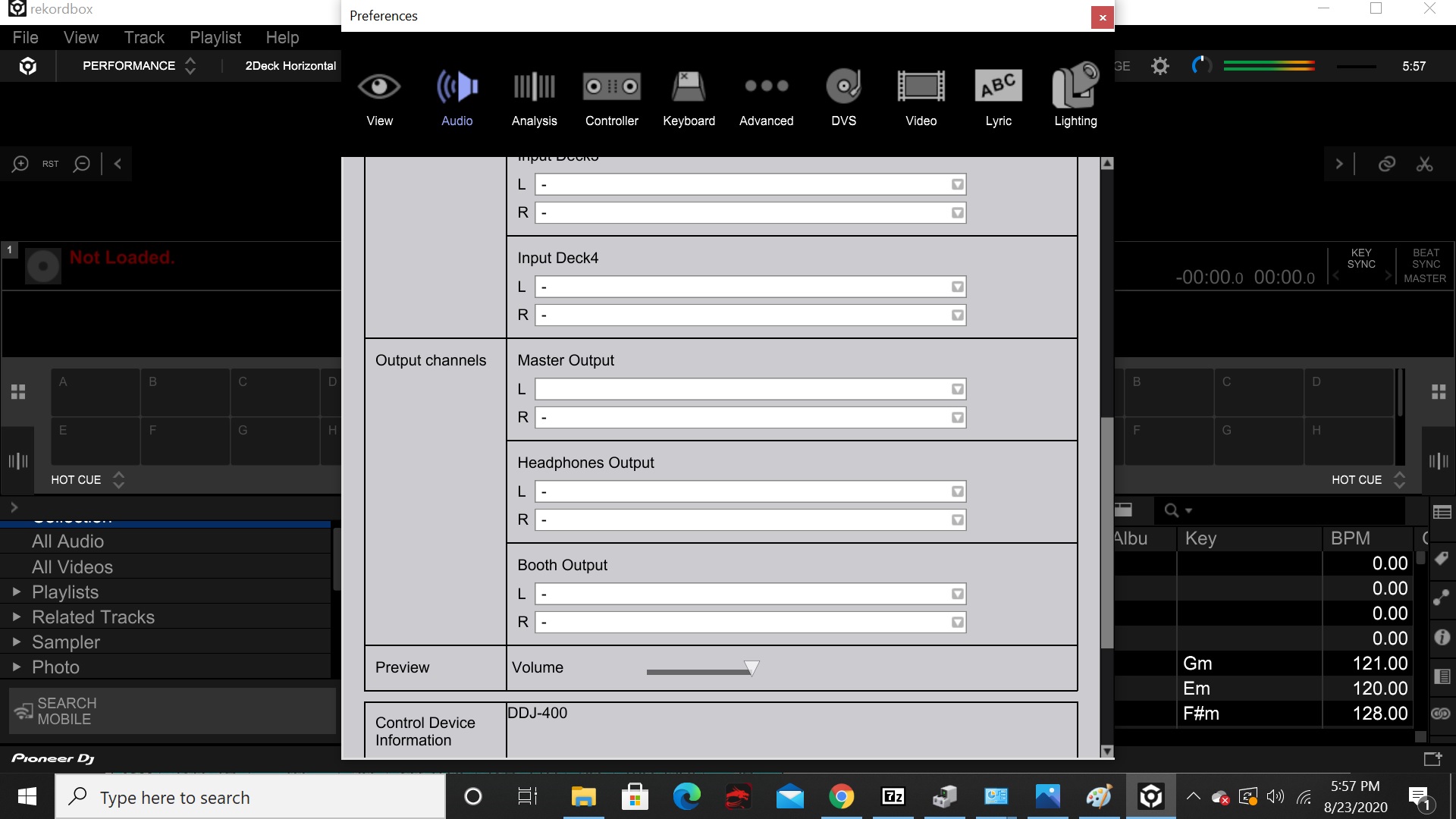
Can't select DDJ-400 WASAPI from preferences under sound in recordbox and headphones arent recognized in rekordbox
Hello everyone,
I have been trying to configure Rekordbox to work for a three days and i'm not sure what i'm doing wrong. I have a gig Sept 3-5th and i'm very nervous.
My computer is a MSI GE75 Raider Gaming Laptop - 9th Gen Intel Core i7-9750 - GeForce RTX 2060 - 144Hz 1080p Display 1.5 TB storage 16GB RAM.
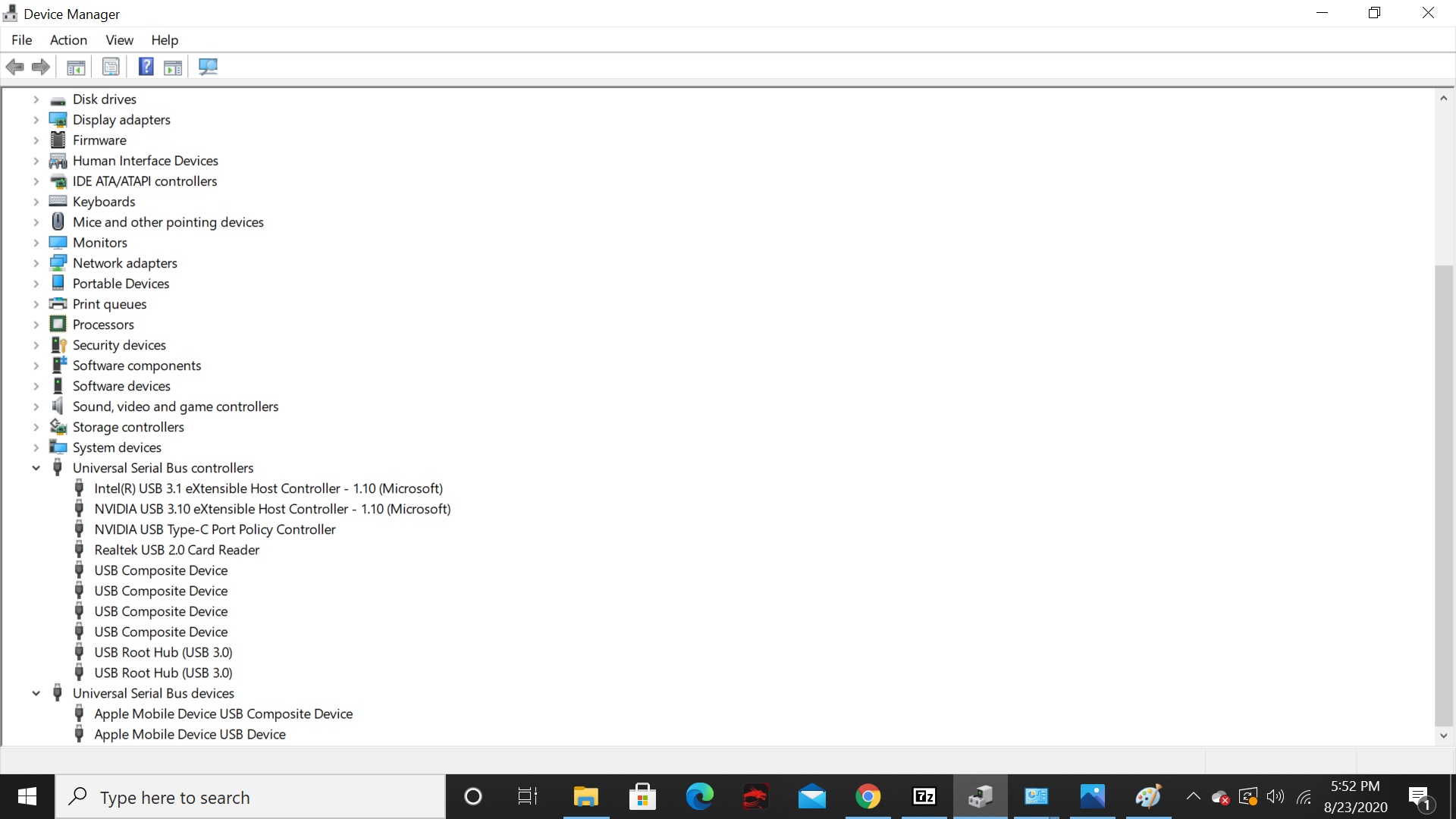
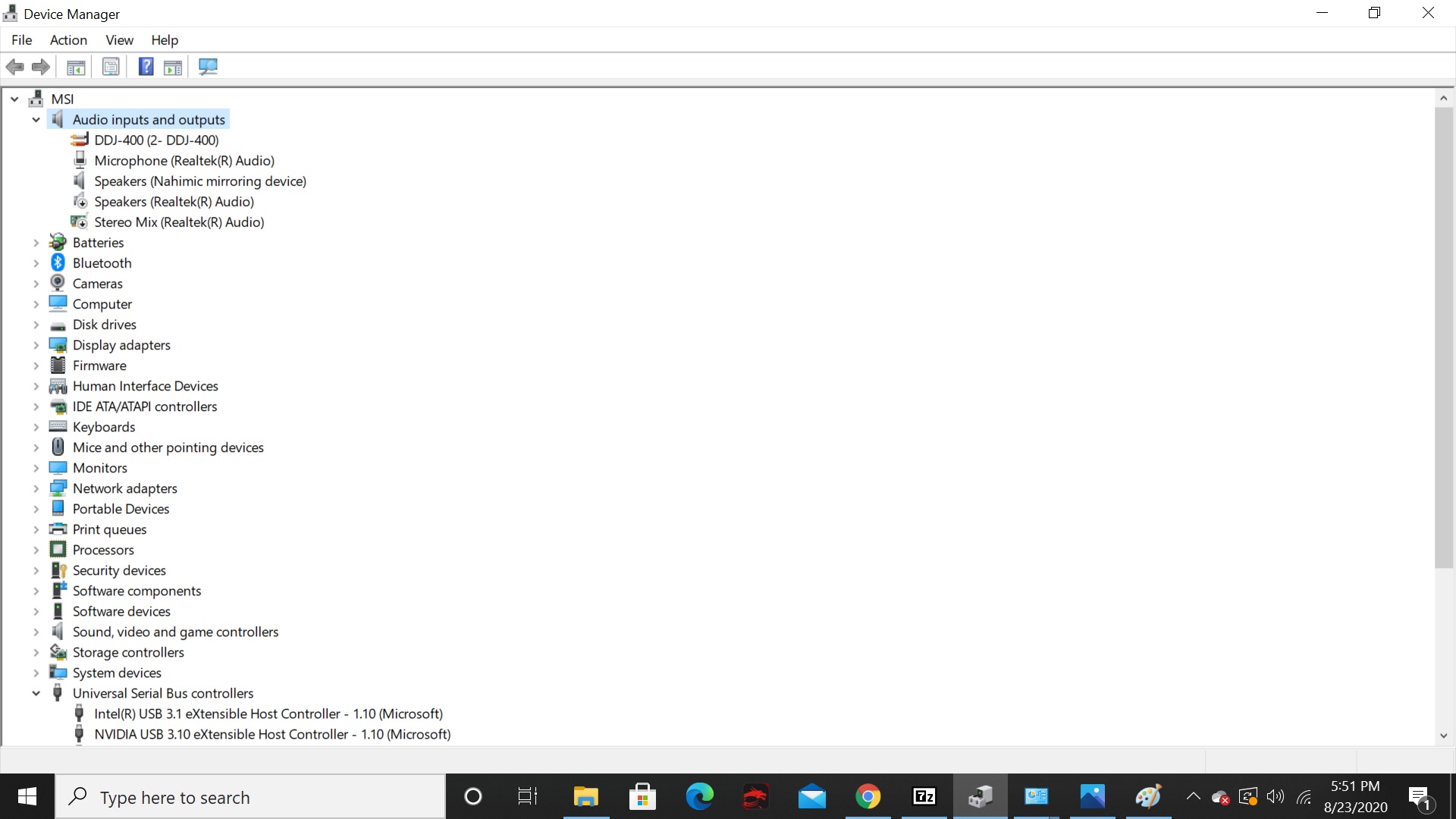
On my laptop systems output Speakers Realtek (R) Audio is selected however i cannot select the option of DDJ-400 WASAPI from within rekordbox.
Ive downloaded the latest version of rekordbox (6.04) when I wasn't able to select the DDJ-400. I could get the sound to come out of my laptop only, but not out of the headphones. Most of the buttons worked on my DDJ-400 but cueing the headphones wasnt possible. ive uninstalled it and tried to install and run rekordbox 5.85 to see if i could select the DDJ-400 from the preferences in rekordbox under Audio.
it was the same situation where it displayed the option for the DDJ-400 WASAPI but the program would not let me select it from either versions of rekordbox. i even tried the rekordbox beta (6.05) and it was the same thing.
No sound from any of the individual versions that i installed and uninstalled separately came out of my speakers or headphones while using virtual dj. Ive managed to get a little sound to play out of my speakers using virtual dj, but the headphone cueing doesnt fully isolate to either channels. I have a set of Gemini 12" PA powered speakers that are powered and connected by rca to XLR connections.
Please help me figure out what's going on. This DDJ-400 is a brand new controller i bought with a key registered to me. My order for this package arrived 4 days ago. The speakers do work, as well as the headphones. I tested them with other connected devices.
Thank you for reading


Publicação fechada para comentários.