

Hi,
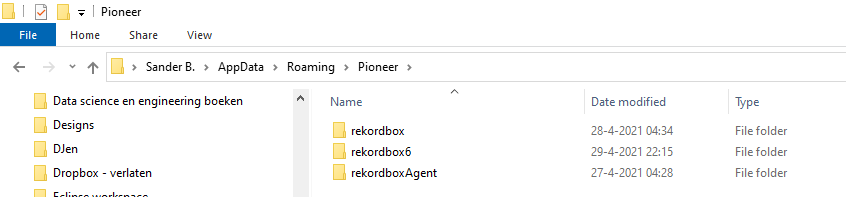
I followed Pulse's guide but adjusted it for rekordbox 6 as it was written for 5.
The differences are as follows.
The rekordbox3.settings file will be under folder. ...\AppData\Roaming\Pioneer\rekordbox6
edit this line to point to your cloud path (mine is this) <VALUE name="masterDbDirectory" val="G:\My Drive\RBDatabase"/>
Files to copy
from: ...\AppData\Roaming\Pioneer\rekordbox
to: your cloud path as specified in the config file above
Files:
- automixPlaylist6.xml ,
- ExtData.backup.edb,
- master.backup.db,
- master.db,
- masterPlaylist6.xml.
Copy the folder named "share" , this contains all the artwork etc for the files in your database. If you have a large library there will be a lot of files in here.
Ações de comentário