Have a feature request or suggestion? Post your idea here!

Publicação

2 seguidores Seguir
0
Avatar

RB 6.5.0 - Empty paly list on CDJ2000NXS2

Grrrr

What do I always make the mistake of upgrading RB before a live stream !

I have created a new playlist in RB 6.5.0. It shows in RB OK

When I use the RB link from the CDJ2000NXS2, the playlist is there, however its empty !

Windows 10 64-bit

Smurf

Publicação fechada para comentários.

15 comentários

0
Avatar

Windows requires that you create new rules for the new version of the software to be allowed through. You can add the 4 services manually try this...

Click on the Start menu and type "CMD" but don't click on the cmd.exe (command line) option; right-click on it and select Run as Administrator.

Click OK on the security pop-up.

Type the following commands, pressing return after each:

cd\

cd "Program Files\Pioneer\rekordbox 6.5.0"

updatefwrule.bat ADD x64 C:\Program Files\Pioneer\rekordbox 6.5.0

That will create the necessary firewall rules for you.

Let us know if that works.

Pulse 0 votos
Ações de comentário Permalink
0
Avatar

No joy mate

I got a few "No rules match the specific criteria" and a few "ok."

I've rebooted too :(

Smurf 0 votos
Ações de comentário Permalink
0
Avatar

Yeah, the "no rules" is when it clears out old rules, the "ok" are where it adds the new ones.

Have you checked the network type of your wired connection, is it set to PRIVATE or PUBLIC?

Pulse 0 votos
Ações de comentário Permalink
0
Avatar

On another note, I cant seem to be able to remove tracks from a playlist.

   Right click - Remove from playlist, does nothing

Also, when dragging a new track into a playlist, it is inserting it as the seconds track in the playlist and not at the end, like in previous versions.


Smurf 0 votos
Ações de comentário Permalink
0
Avatar

With your wireless networking disabled (if applicable) and only one CDJ connected direct via ethernet, it still doesn't show as a LINK device?

Where is the playlist located? Local or on an export device?

Pulse 0 votos
Ações de comentário Permalink
0
Avatar

It does show as a LINK device.

The problem is when I press the Rekordbox button on the CDJ, browse to a newly created playlist, the playlist shows, but it is empty.
Thanks

Smurf 0 votos
Ações de comentário Permalink
0
Avatar

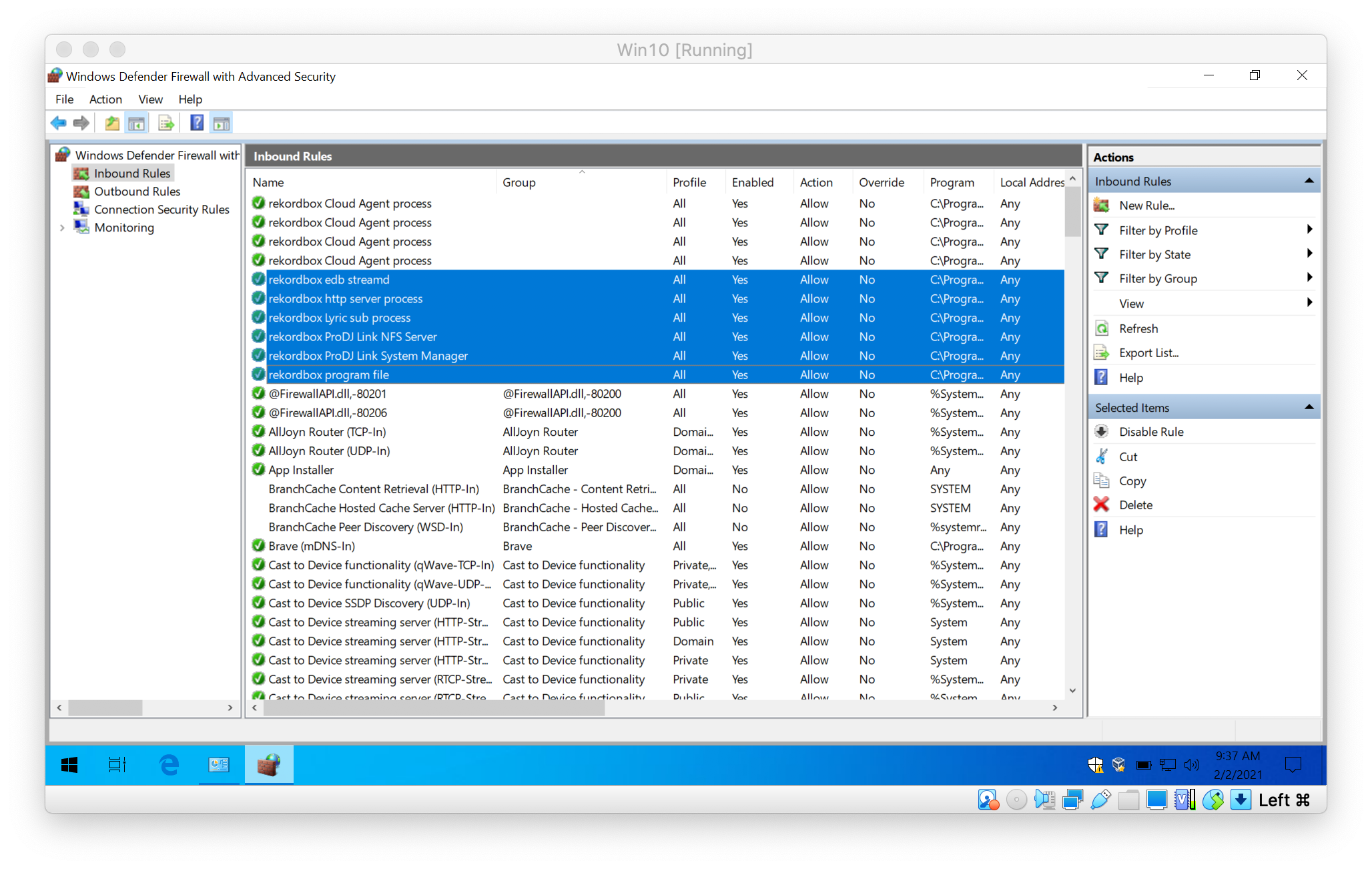
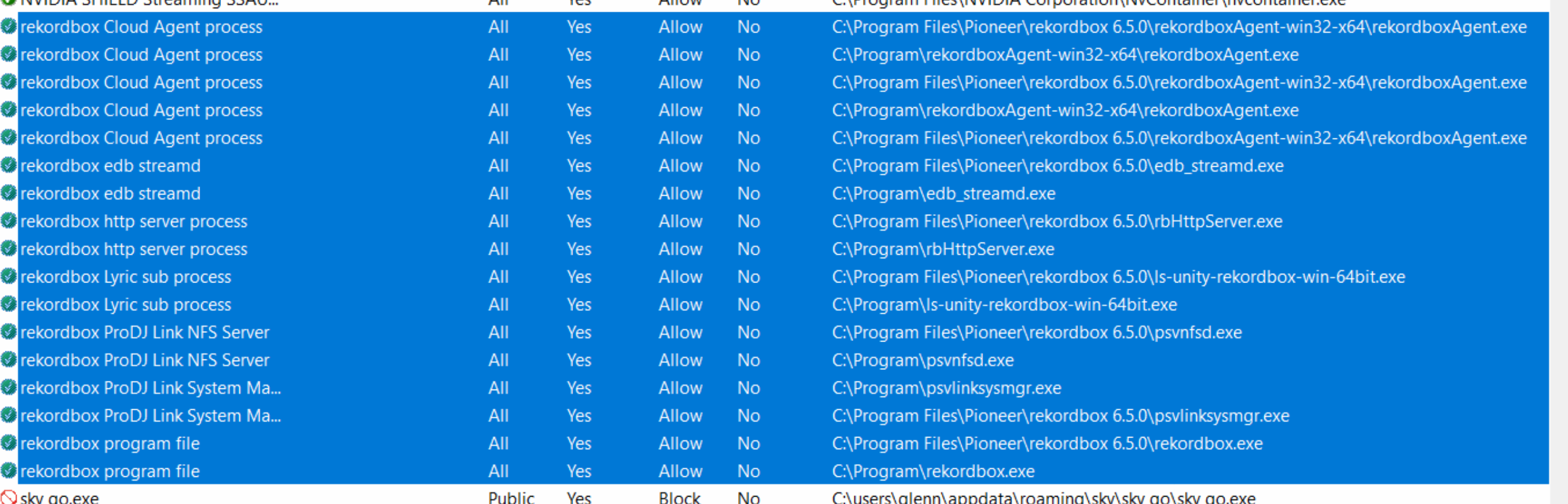
It sounds like the firewall is likely the cause; can you please check the rules and see if these items are listed:

Pulse 0 votos
Ações de comentário Permalink
0
Avatar

(Right-click and open the image in a new tab to view full-size.)

Pulse 0 votos
Ações de comentário Permalink
0
Avatar

I also turned of TotalAV incase that was causing an issue, but there's no change

Thanks

Smurf 0 votos
Ações de comentário Permalink
0
Avatar

Any update on this please ?
I see other users having problems creating playlist on 6.5.0.

Another issue I have is RB hanging when I try and sort by a column on the main collection window :(

Thanks

Smurf 0 votos
Ações de comentário Permalink
0
Avatar

Sorry, I'm unable to replicate it here as I don't currently have access to a Windows machine, and our engineers have noted that it's likely a networking communication issue. Please check that you don't have any other networking or file sharing services running, any security software is disabled, and if you have any gaming performance applications installed, that they are also disabled.

Pulse 0 votos
Ações de comentário Permalink
0
Avatar

Hiya

I've rolled back to 6.4.2.

I had to remove 6.5.0. and run a clean install of 6.4.2. and all is back working again, so I doubt it was a network issue.

Cheers


Smurf 0 votos
Ações de comentário Permalink