
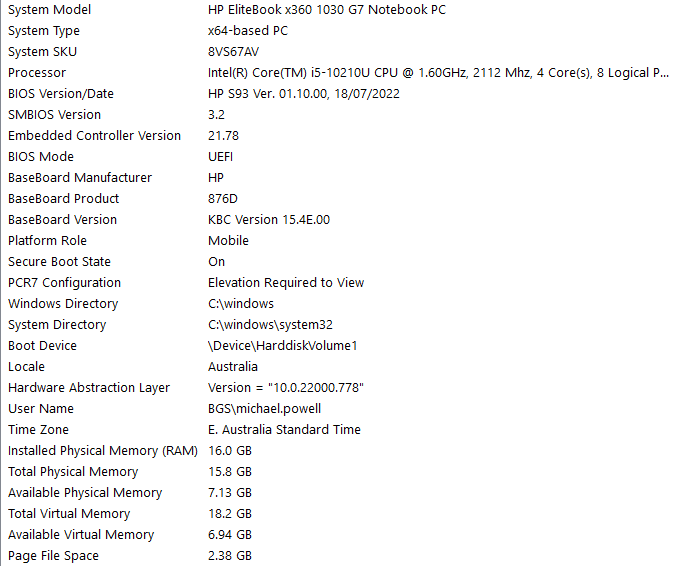

1) Get any available updates for your notebook from the HP product support page, including the BIOS.
2) Grab any available Windows updates (but don't upgrade to Windows 11 if you're still on 10).
3) Disable any unnecessary background tasks or applications which may be consuming system resources. Check both the startup list and the services list. Open the activity monitor to see what else may be using resources to determine if anything else can be disabled.
4) Try disabling the Intel Turbo Boost (Google it, there's a few different ways) as that could be kicking in and causing audio interrupts.
Aktionen für Kommentare