
There is no physical button on the controller itself, but you can just hit the space bar on your computer keyboard to toggle back and forth between browse and deck layout.
Aktionen für Kommentare

Hi,
Is there a shortcut using the DDJ-RX controller to expand the browser window from this:

To this one:

Thanks!
Post ist für Kommentare geschlossen.
There is no physical button on the controller itself, but you can just hit the space bar on your computer keyboard to toggle back and forth between browse and deck layout.
Hi Mark,
Thanks for your response. Yes, I knew about the space bar. Are you planning to create a button for the controller in a future software or firmware update though?
Best regards,
Santiago
The issue engineers sometimes run into is that there isn't enough real estate on the controller face and/or inside the chassis to add another button/knob/input/output. Future versions of rekordbox dj may feature MIDI mapping which would allow you to create your own controller shortcut to utilize this feature.

Here is your solution :)
https://www.youtube.com/watch?v=b4kUaZ5MUP8&feature=youtu.be
Thanks a lot!!!!!!!!!
yw ;)

Is it possible to use the MIDI settings panel to make a push of the jog wheel toggle between the browser and deck view instead of browser to tree? I never use the tree since I dump everything I think I will play in a set into one folder during preparation. So toggling between tree and a small browser view isn't useful to me.
The split screen is great only if you carry an extra monitor around...
Also, I prefer to not touch the laptop at all when playing thus pressing the spacebar is not an option. I've found a way to slide the PC under the RX to keep it out of the way the same way I could with my recently sold DDJ T1. For me that was a brilliant feature.
Not being able to toggle browser and deck view feels like having my record crate under the table amongst a mess of cables...
BTW, I'm using Rekordbox 4.1.2 rev. 7437-7738-7633
@Kevin > No, the jog wheel cannot be mapped this way.
Bummer...No plans for being able to customize more options in the future?
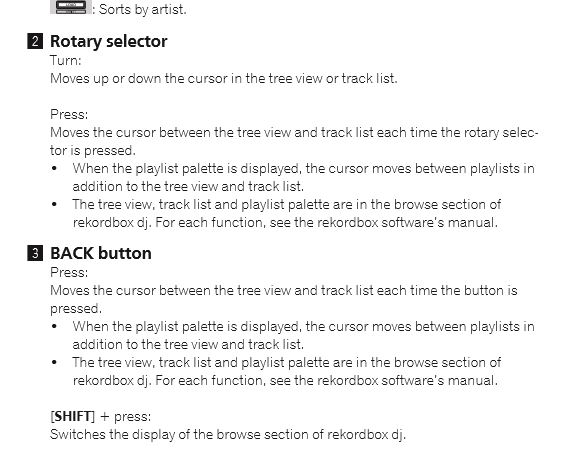
I really hate to be a pest, but is there a reason that the rotary press and back button press do the exactly the same function as per the manual?
For now I'll use the fix in the youtube video...

Estamos salvos amigos!
https://youtu.be/b4kUaZ5MUP8
You can remap any button/knob on the controller to do this. Just not the jog wheel.
Perfect!!!

