Have a feature request or suggestion? Post your idea here!

Post

2 Follower Folgen
0
Avatar

CDJ/Rekordbox and Auto-Looping issue

Hey guys, 


I'm running Rekordbox 4.5 and use USB's with various CDJ 2000 models, mainly Nexus. 


I had this very odd thing happen to me a few months ago where I'd load a track with the dial and go to hit Play or Cue and the cue point would go straight to the end of the track where I had a (red) Auto-Loop Memory Cue. It wasn't possible to go to the first beat of the track and cue from there without manually deleting the memory loop point that the track kept on jumping to. 


Not sure what was going on as it happened to a few other tracks as well...


Thanks!

Sam Jaspersohn Beantwortet

Offizieller Kommentar

Avatar

It's a preference in the settings (either rekordbox or on the CDJ, depending on the mode) where you have it load the track to cue to the first memory point.

Even if you have one set at the end of the track, that's still considered the one "closest" to the start.

Pulse
Aktionen für Kommentare Permalink

Post ist für Kommentare geschlossen.

6 Kommentare

0
Avatar

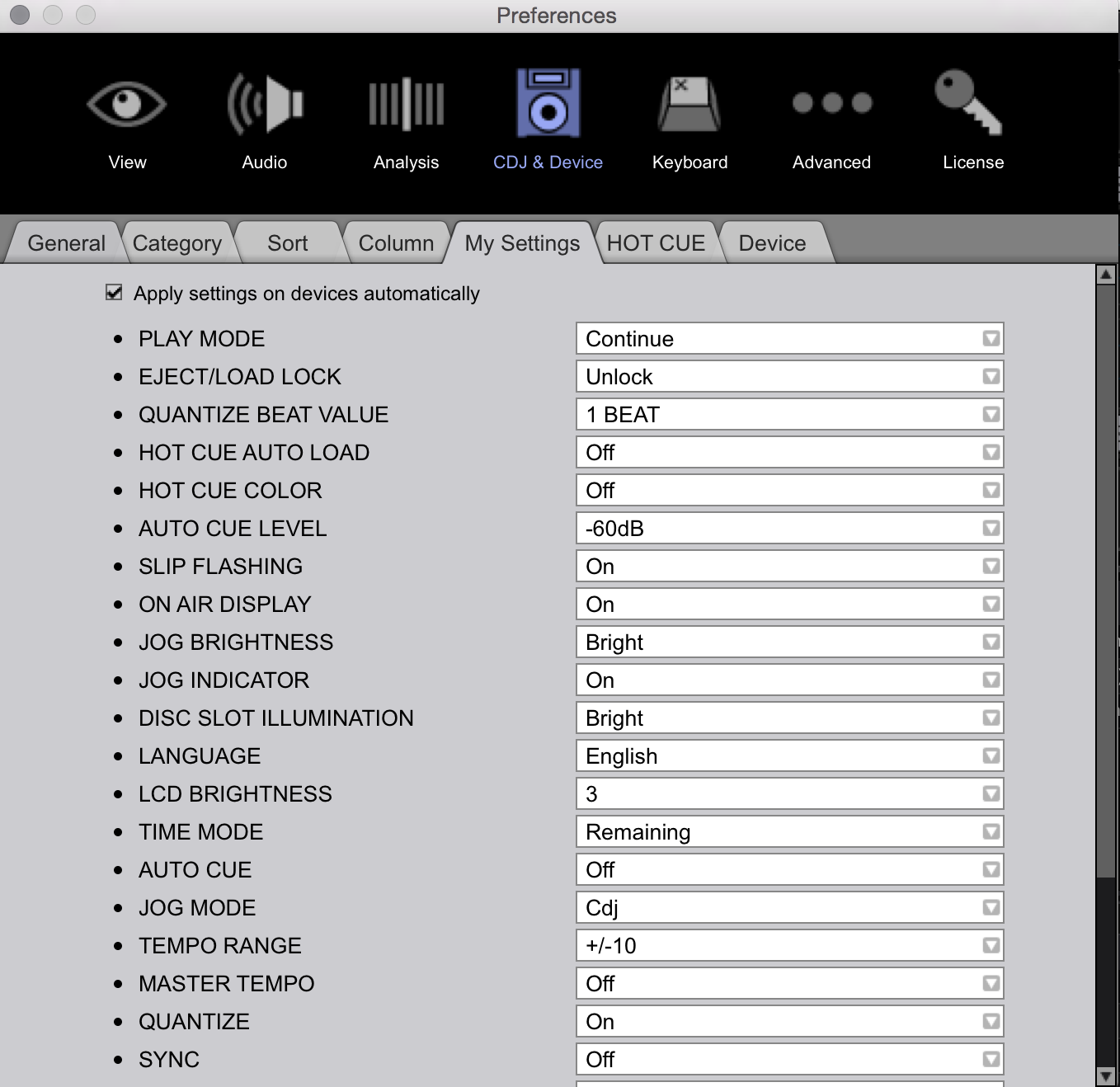
Thanks, guys. In the interest in being super thorough on this subject, what should be active/deactivated: 


Sam Jaspersohn 0 Stimmen
Aktionen für Kommentare Permalink
0
Avatar

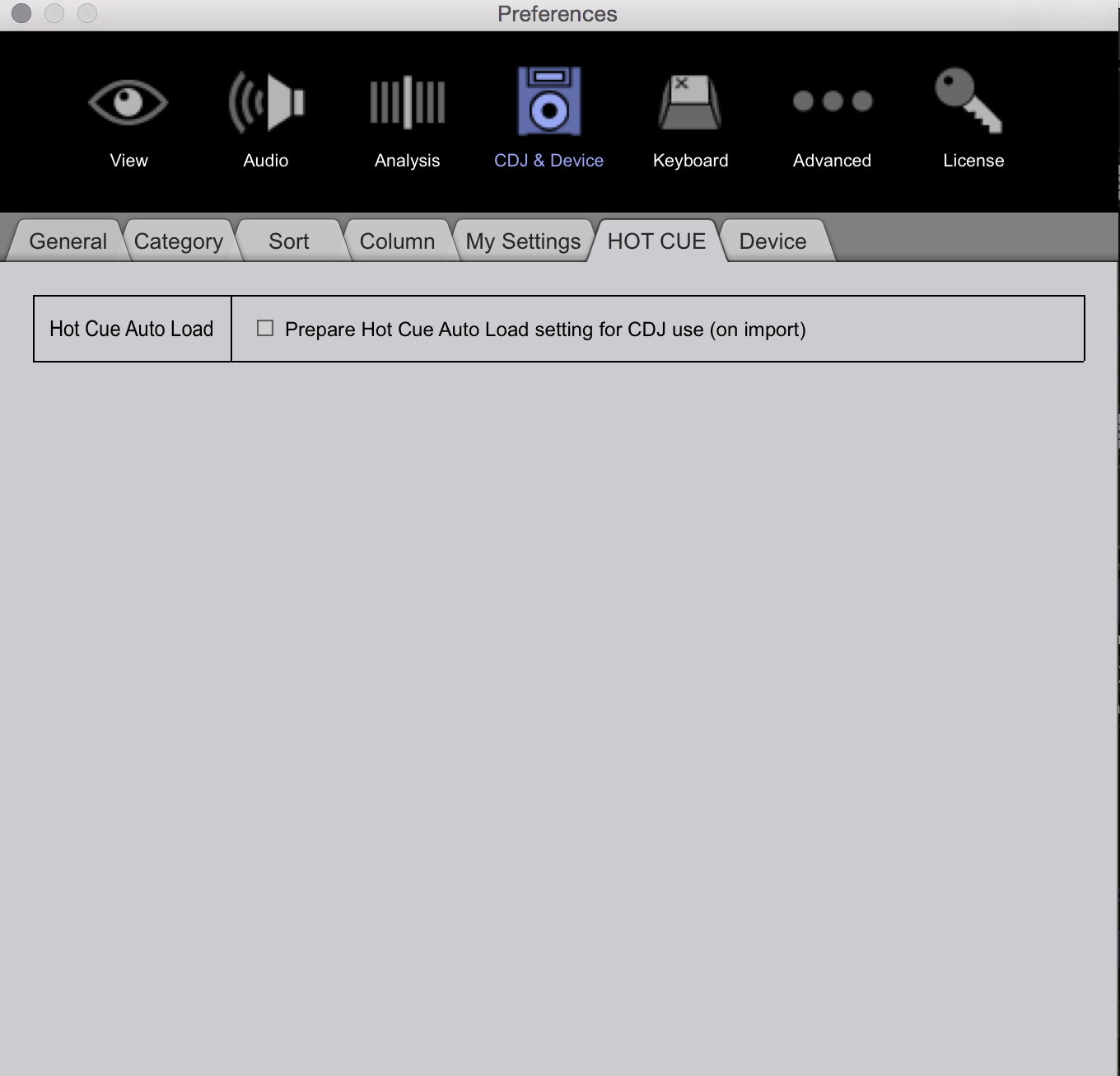
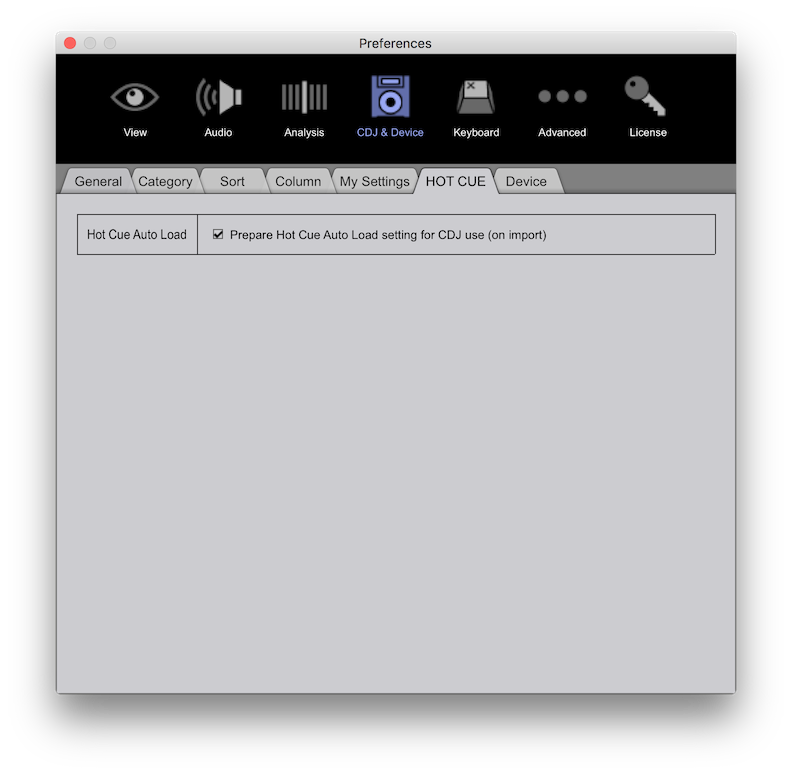
Here's what I have set -- the important one I have set is for it to load the first memory point (yours is set to cue to the audio, but are you loading the preferences to the player from the memory stick?), I have a memory point set at the start of every track, so it's not cueing the first memory point which could be your emergency loop.


Pulse 0 Stimmen
Aktionen für Kommentare Permalink
0
Avatar

Cool. Thank you! I don't use Memory points like you do at the first beat of every track. 

What is the correct settings for this: I just want to insert my usb and then load a song and have it start at the very beginning (without using memory cues)?


Thank you for this all by the way. In all my years I've never had any cdj issues, so I'm keen on getting to the bottom of this. 


Sam Jaspersohn 0 Stimmen
Aktionen für Kommentare Permalink
0
Avatar

As Pulse said, just make sure Auto Cue Level is NOT set to "1st Memory Cue", but to a dB value. Then make sure you actually load your settings after plugging in the USB stick.

Erik Minekus 0 Stimmen
Aktionen für Kommentare Permalink