



Aktionen für Kommentare
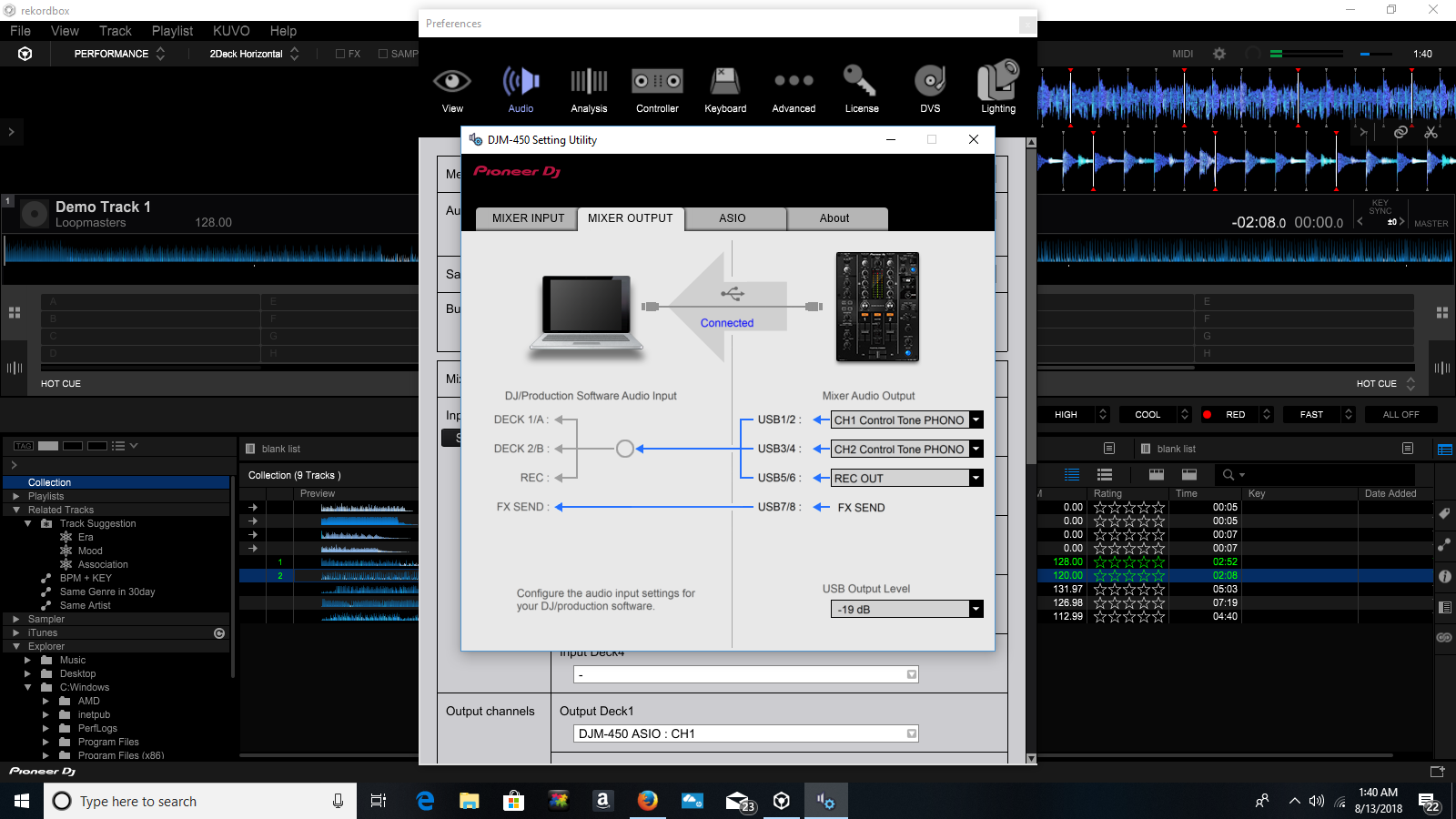
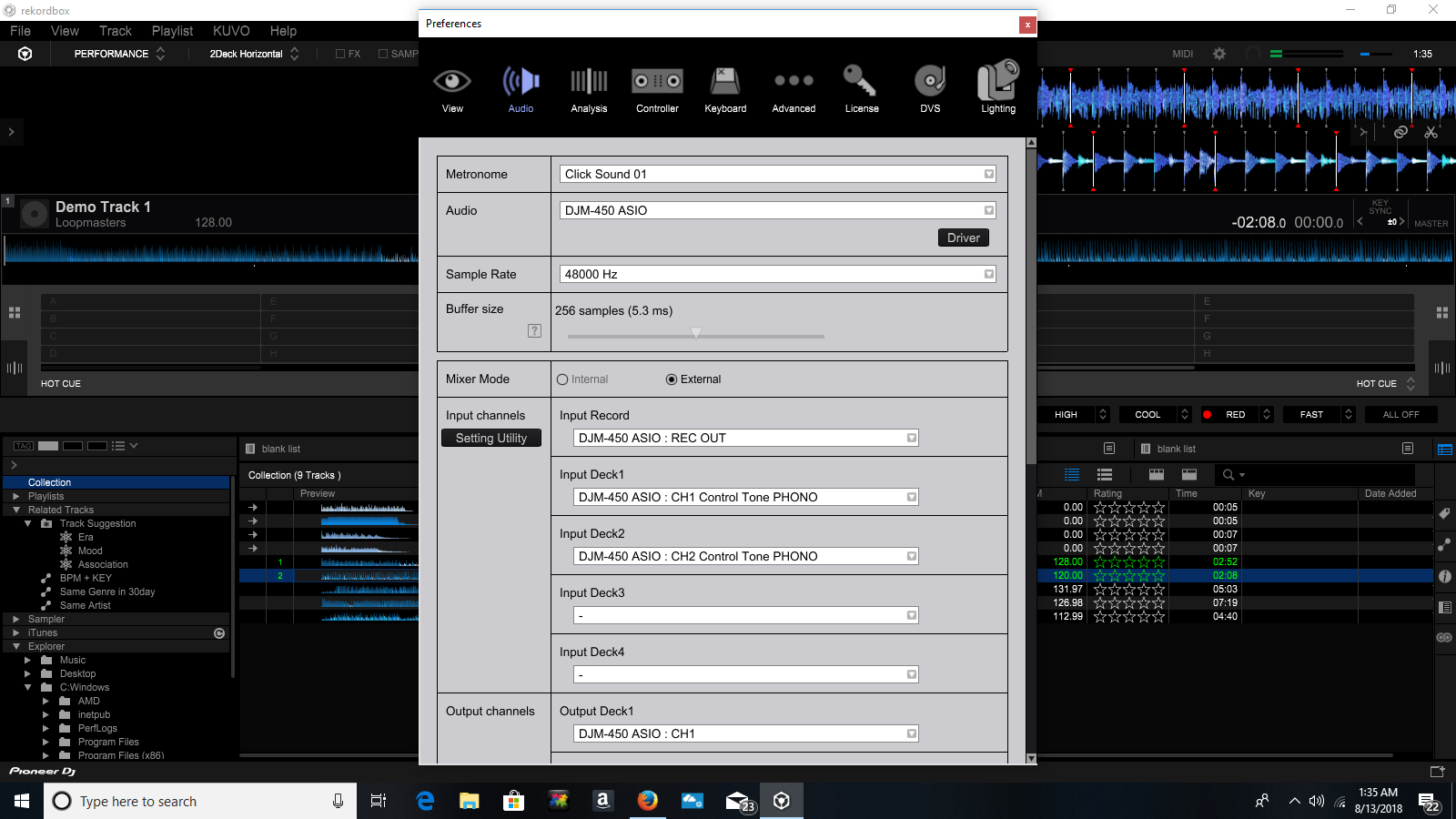
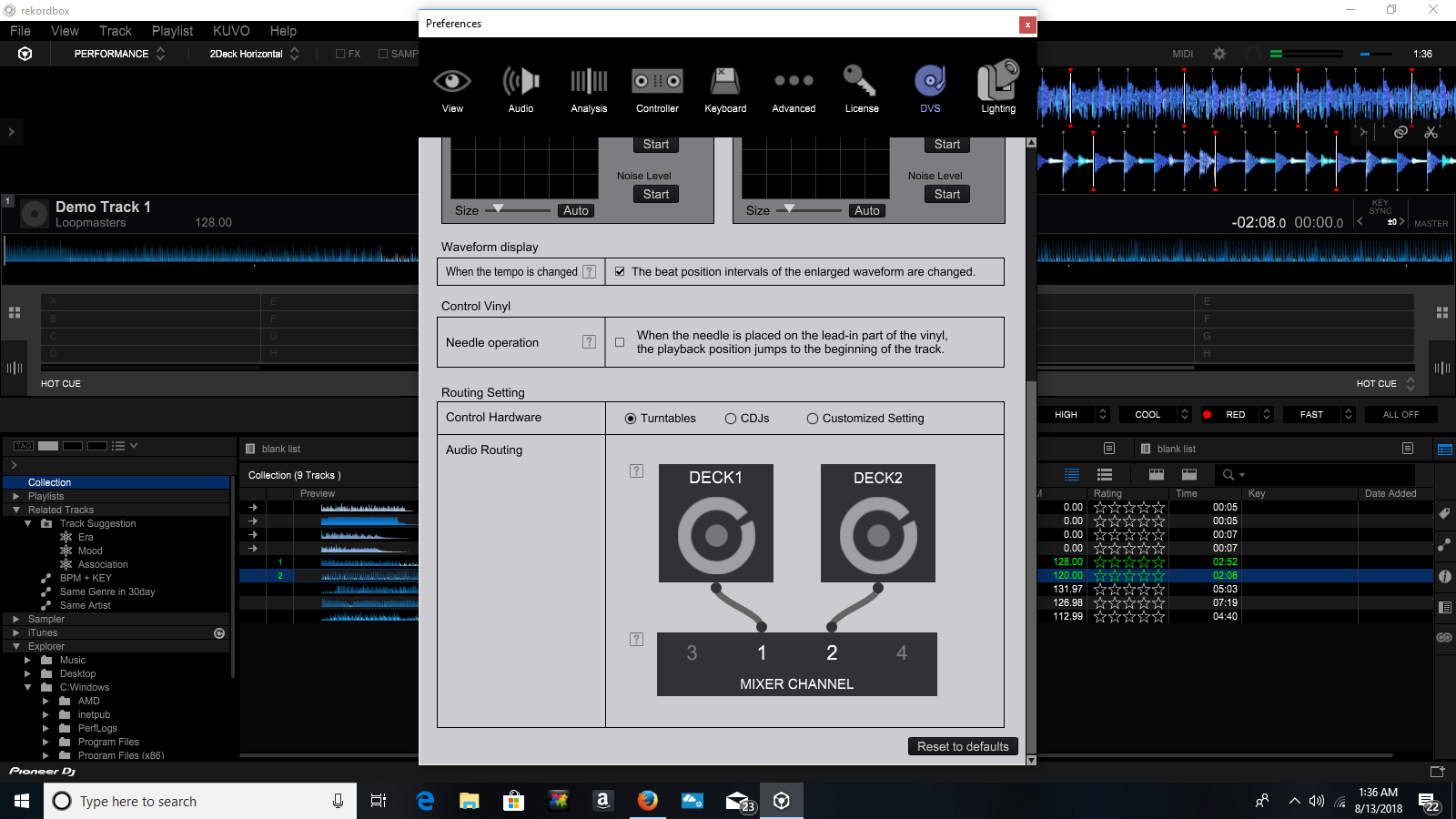
This is my initial set-up of rekordbox dvs. I'm using 2 technic 1200m3d's connected to the phono inputs of a djm-450 connected via usb to a hp desktop running windows 10. Everything seems to be connected on the setting utility and the tables play just fine with regular vinyl through the mixer. I'm using rekordbox control vinyl. The screenshots shown are with the mixer settings for channels 1 and 2 set to computer(not line or input), and with the needles on the control vinyl. Any input is helpful.
Post ist für Kommentare geschlossen.

On that last screenshot - in the DJM setting utility output page, try toggling the channel outputs from Control Tone PHONO to any other setting and back. See if that resolves the issue for you.
I just tried that to no avail. I changed both channels on the mixer output from PHONO to at least 3 of the other selections and then back again to PHONO, but still not showing up at all.
Are the input selectors on the channels of the mixer set to USB?
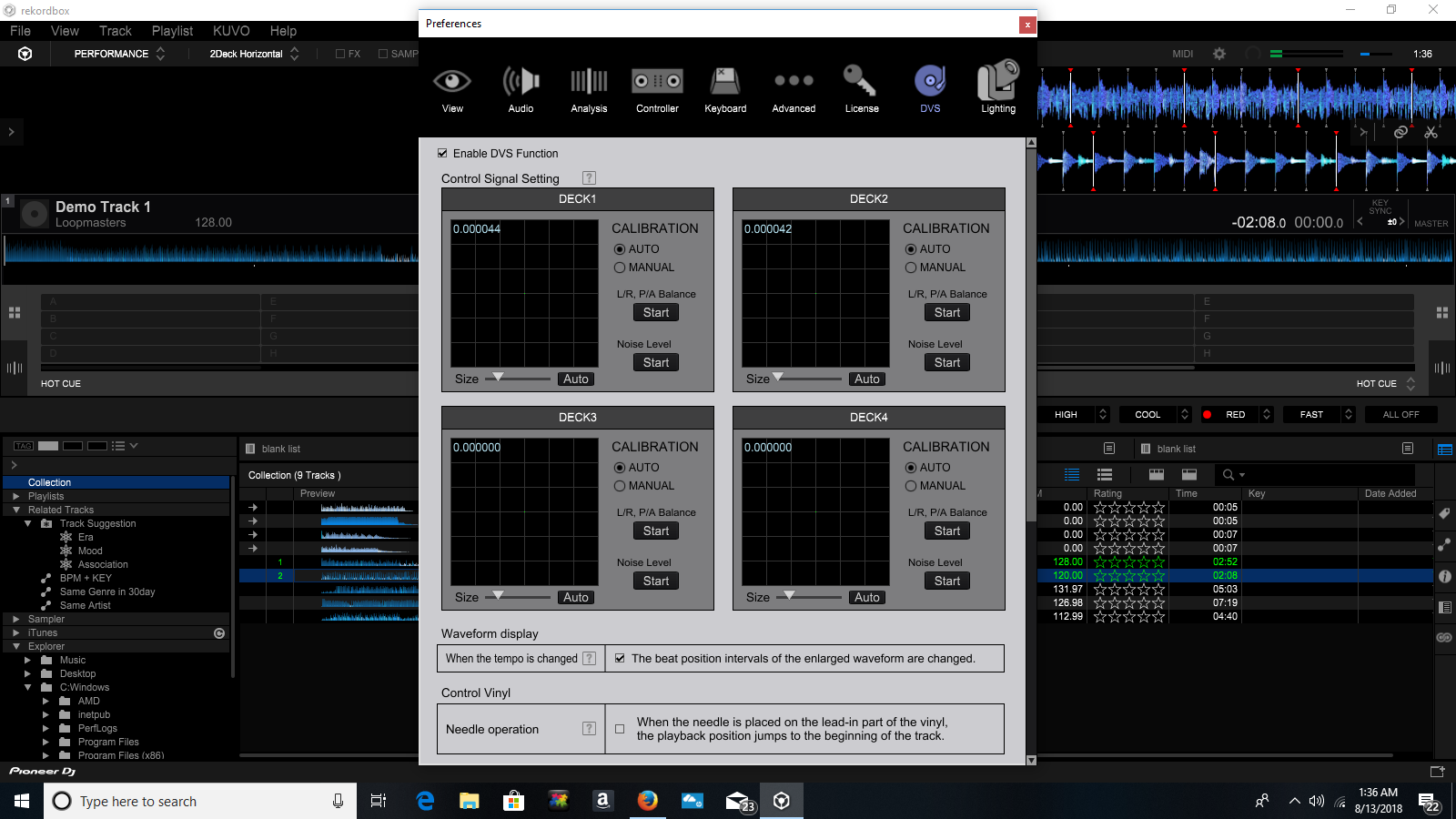
Do you see any signal in the calibration scopes on the DVS page?
Yes the inputs are selected to usb as shown in the last screenshot. If I toggle to PHONO or line the highlighted blue connection arrows go away, so I put it back to usb and it shows connected as in the screenshot.
The second screenshot shows the dvs calibration windows with the needle on the control vinyl spinning with the mixer input selectors set to usb.
Thus far I've tried toggling the switches and selections that I could think of as well as your suggestion, but no go. The calibration windows show a green dot, but that's it.
I also tried uninstalling the software and re-installing it.

Hey i'm facing the same problem, what was the solution ?
After letting a Pioneer engineer have remote access to my computer I was told it's most likely the AMD processor. It's not supported with this software. The engineer said it still should work, but for some reason it's not, and I bought the computer refurbished for cheap so I'm going with that. I haven't put my resources into trying a computer that has a Pentium yet, so this isn't absolute. Hope this helps.

Was this ever resolved? Im having the same issues
No, but after a few sessions with remote support I'm pretty sure it's my soundcard and/or my processor. I think we determined that I need a Pentium processor.
I sussed it my end.
It was an issue with mac security preferences involving the microphone !
Weird! haha