
Offizieller Kommentar

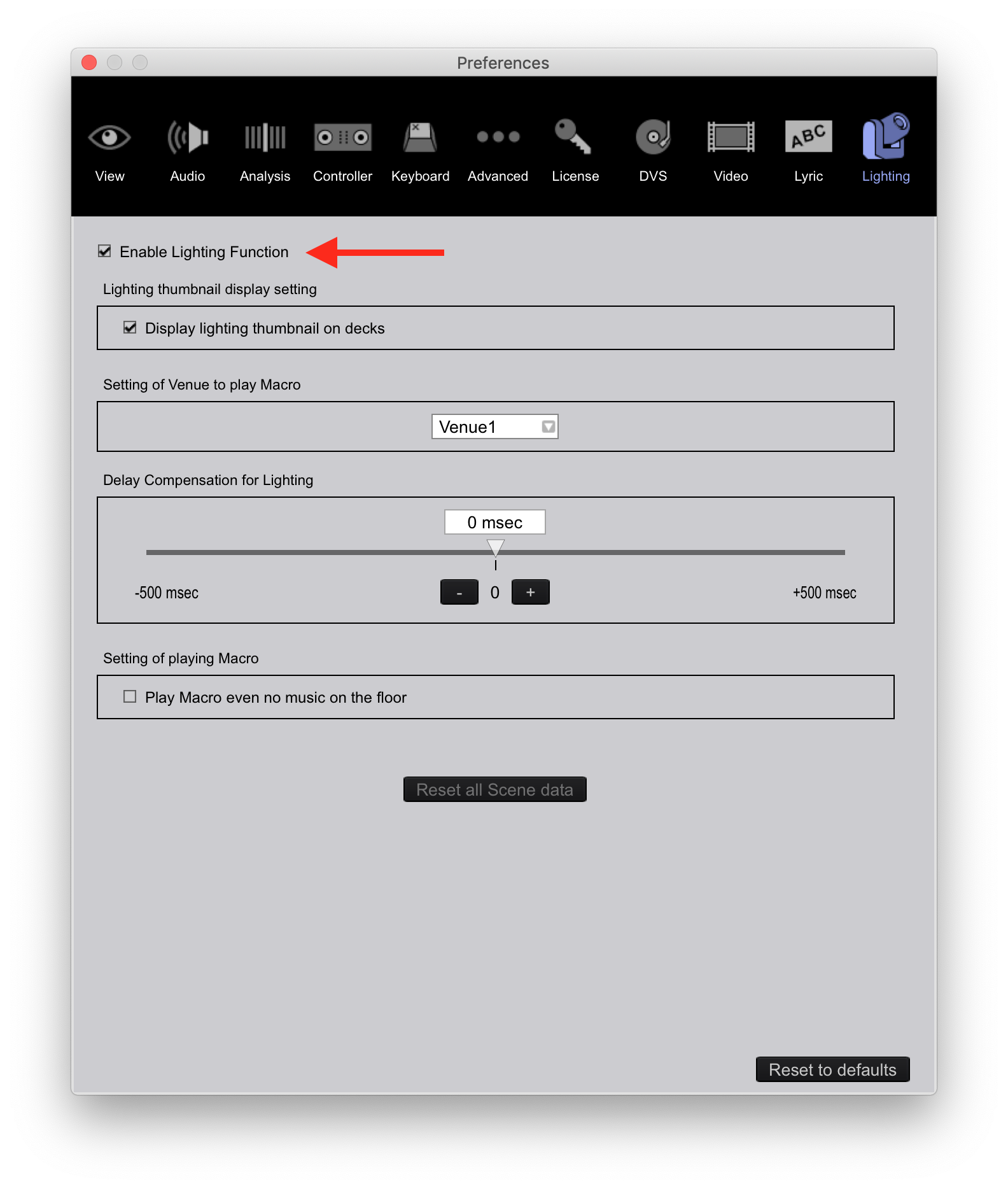
Then the good news is if you have rekordbox dj (PERFORMANCE mode), you already have access to the lighting database. First, enable Lighting by going to the preferences, click the Lighting tab, and click the box to enable the lighting mode.
Next, at the top left where it says PERFORMANCE, click that drop-down and switch it to LIGHTING. rekordbox will switch modes and read the fixture database, which you should first update by clicking this button at the right:
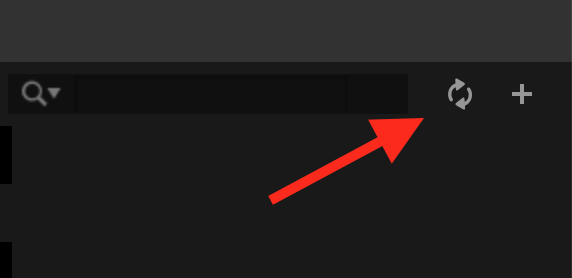
Then you can either browse by manufacturer name on the left, which will then display all the fixtures available under that brand, or use the search box at the right to look for keywords.


Aktionen für Kommentare