Official comment

rekordbox > Preferences > Advanced > Database (tab) > iTunes Library File > Click the Browse button and find the new location.
Comment actions

Hi there, I recently moved my iTunes library to DropBox from an external HD and since I did that, RB can't seem to find the new location and keeps giving me an error message (attached).
I've been to Preferences -> Bridge -> iTunes Library File and changed the location. But when I return to RB, it does not see my iTunes playlists.
How do I overcome this and get it to find the new location and get it display the playlists I have on ITunes? I'm using a MacBook (10.12.2 Sierra)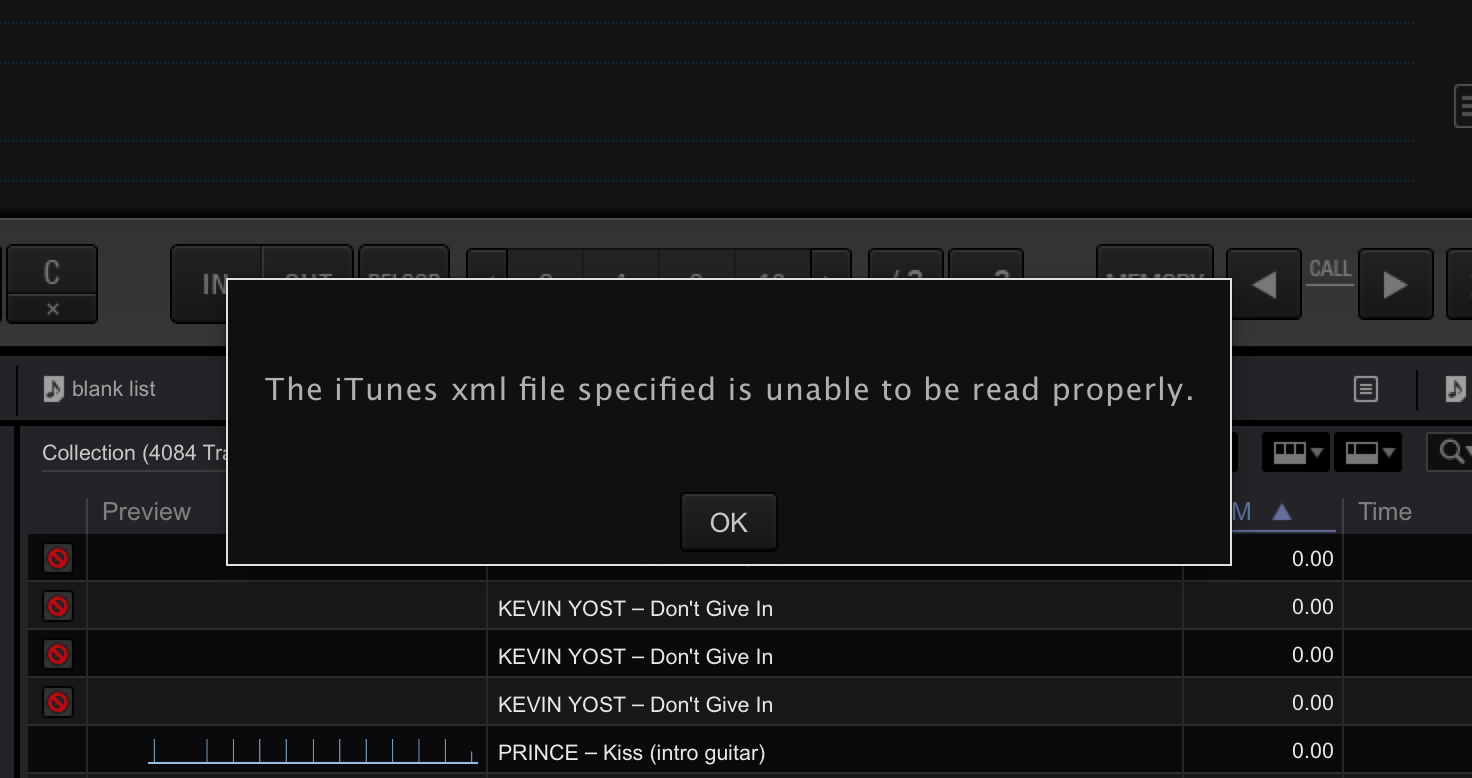
rekordbox > Preferences > Advanced > Database (tab) > iTunes Library File > Click the Browse button and find the new location.
Post is closed for comments.
Thanks for your help!