Have a feature request or suggestion? Post your idea here!

Post

2 followers Follow
0
Avatar

Firmware Update Manager, any info on how it works?

Hey ya'll! 

Been on this forum since "CDDJ" years- bet no one here remembers that ;)

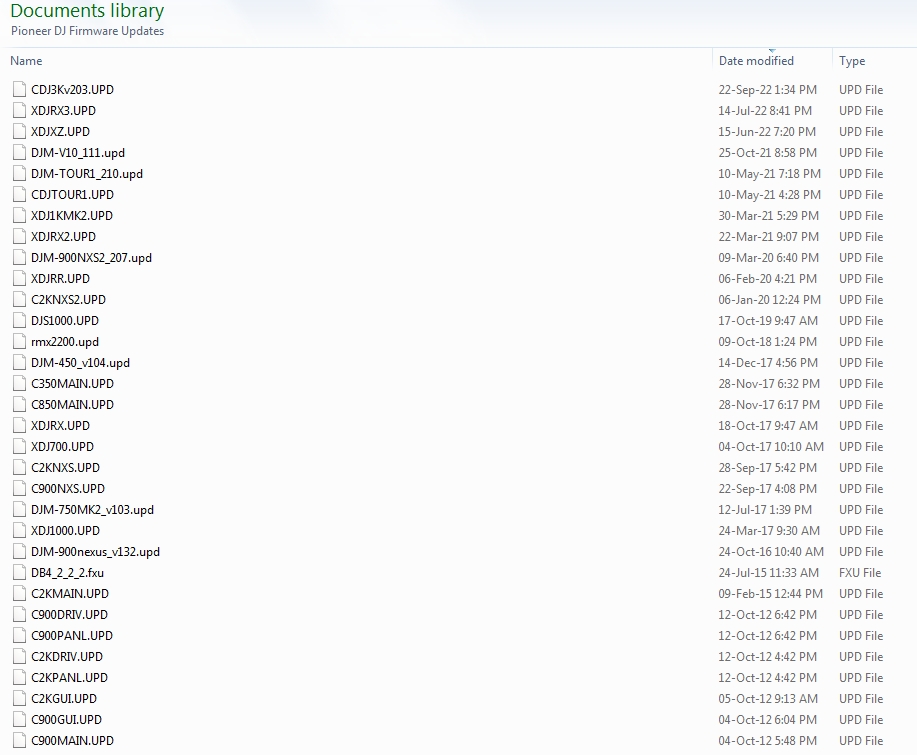
Anyway got all the firmware updates for CDJs/DJMs/XDJs on all my USB/HDD devices (about 700MB space needed) same devices I use with rekordbox- but have to manually head to the support page to check for updates. Not a bother just gotta refresh & replace the ".upd" files on each device. 

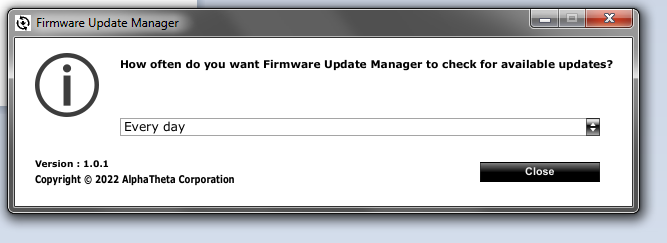
So, with rekordbox 6.6.6 we now have "Firmware Update Manager" (Version1.0.1) 

Any info on what that does? Would be awesome to have an automated app that checks for the new firmware/.upd files!!


Hope that's what it does ;)


maDJam Answered

Official comment

Avatar

<raises hand> I've been here since the start, and I know you have been too! :)

So how this works is it informs you of updates available for connected devices but then only downloads them. Due to the varying methods for updates required for each unit, it can't apply them automatically so you do need to take that additional step.

Let us know if you have any further questions.

Pulse
Comment actions Permalink

Post is closed for comments.

3 comments

0
Avatar

Yo Pulse!!! We're still here my Maple-leaf man! (much love from chaos yet fun-bundled Beirut!)

Ahhh so aint an automated "firmware update available" system yet, still check every month or 2 product by product- 

usually update the files on desktop first then if anything new is out load em on all 5 USB devices + 3 SSDs

oh and 1 USB for each keyring- electric bike & car (ya never know when we might need 'em) ;)

maDJam 0 votes
Comment actions Permalink
0
Avatar

Yeah, unfortunately as noted - just too many different update methods (requiring a specific boot mode, update via USB drive, or that horrible DJM-900 that needed to update over ETHERNET!?), so it's not automated, but maybe for future devices?

Pulse 0 votes
Comment actions Permalink