
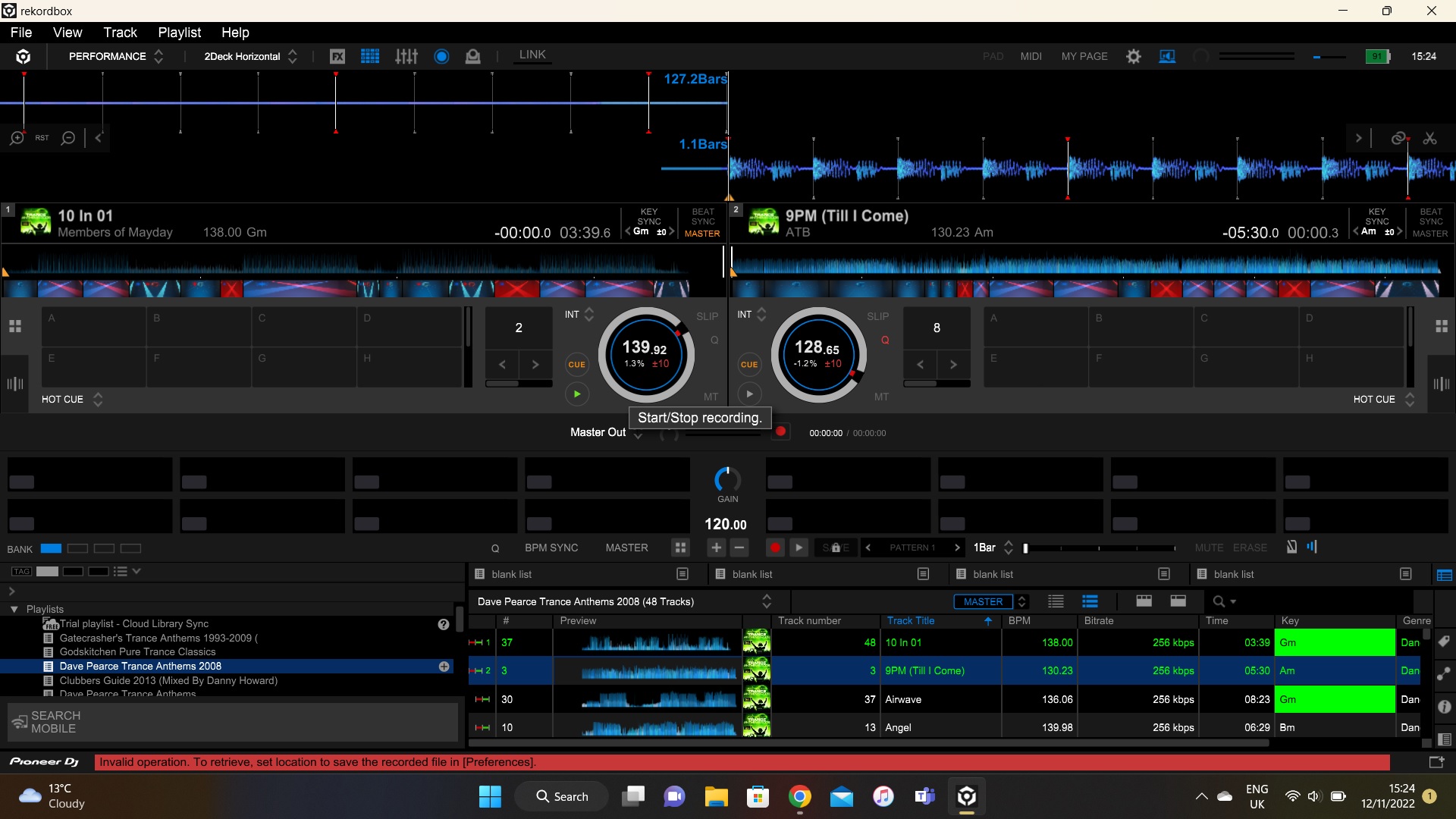
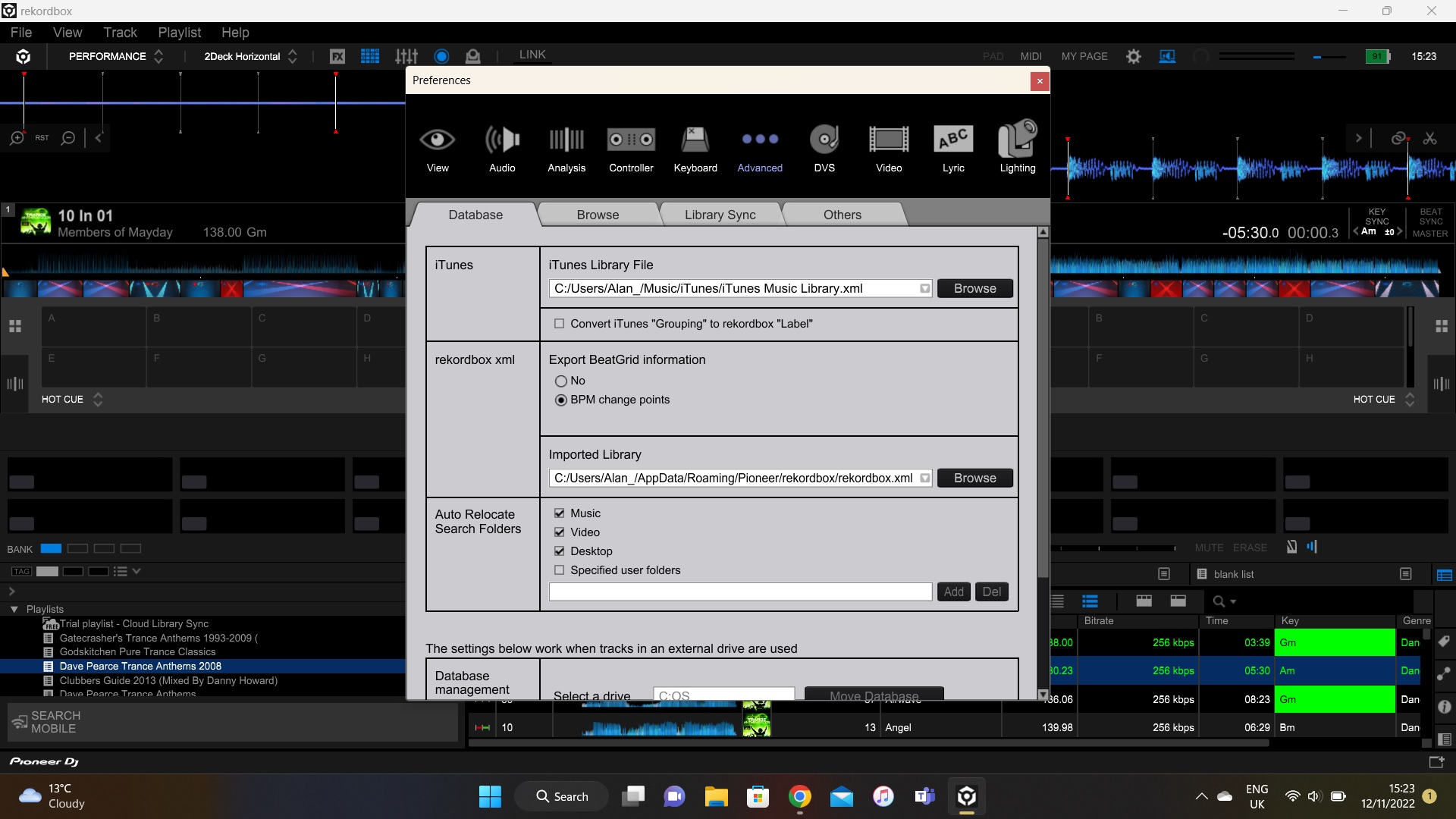
The screenshot doesn't show your recording location preference.
Comment actions

Hi,
I am using Rekordbox with a DDJ-400 and get an error any time I try to record.
I believe I have the settings right, but the redf bar at the bottom says I don't?
Any pointers appreciated.
Alan
Post is closed for comments.
The screenshot doesn't show your recording location preference.
Thanks for the reply.
I see someone had a similar problem with a DDJ200, and you advised the masterout couldn't be used. He's since appeared to have fixed the problem himself, but not shared the resolution.
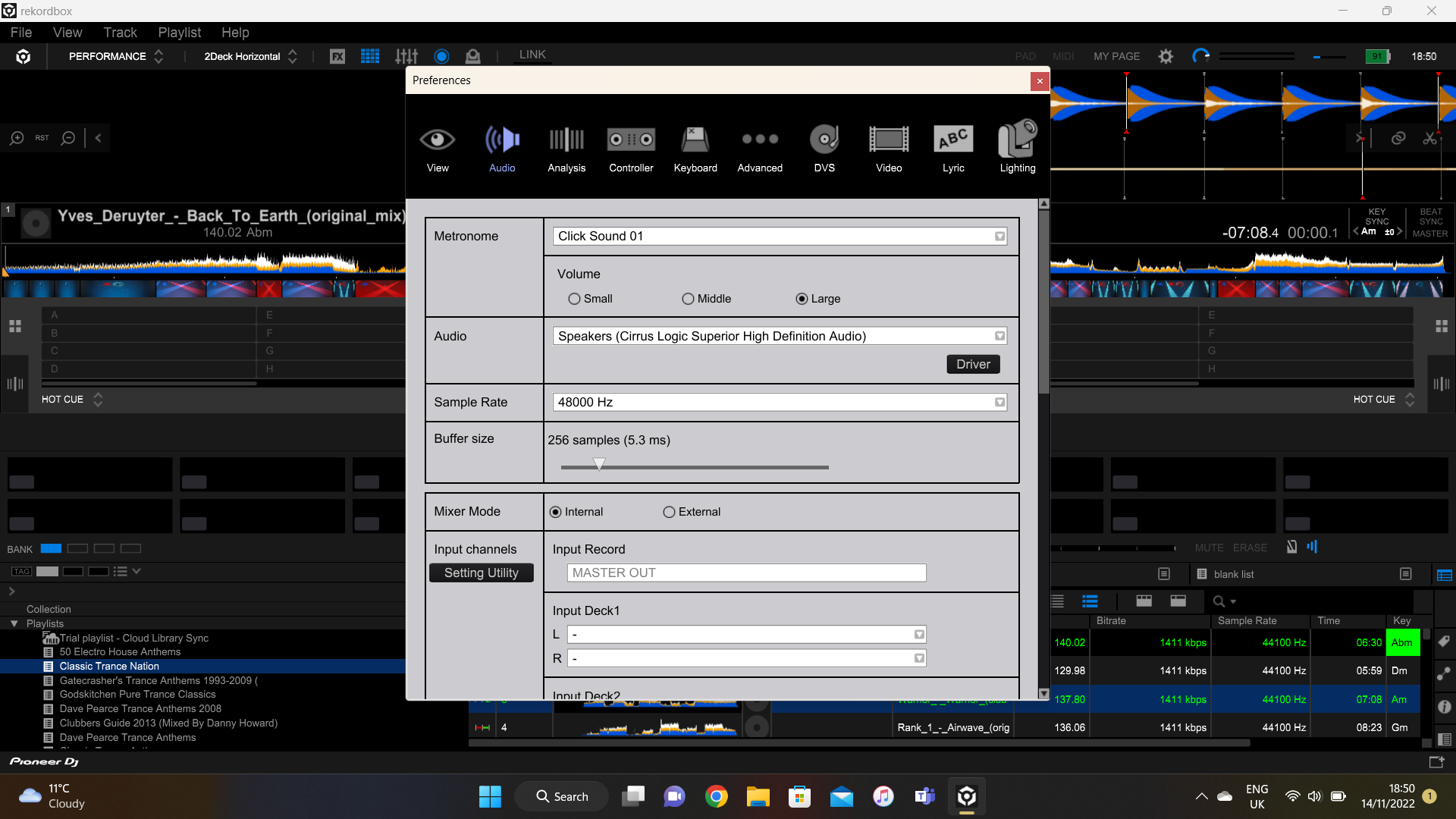
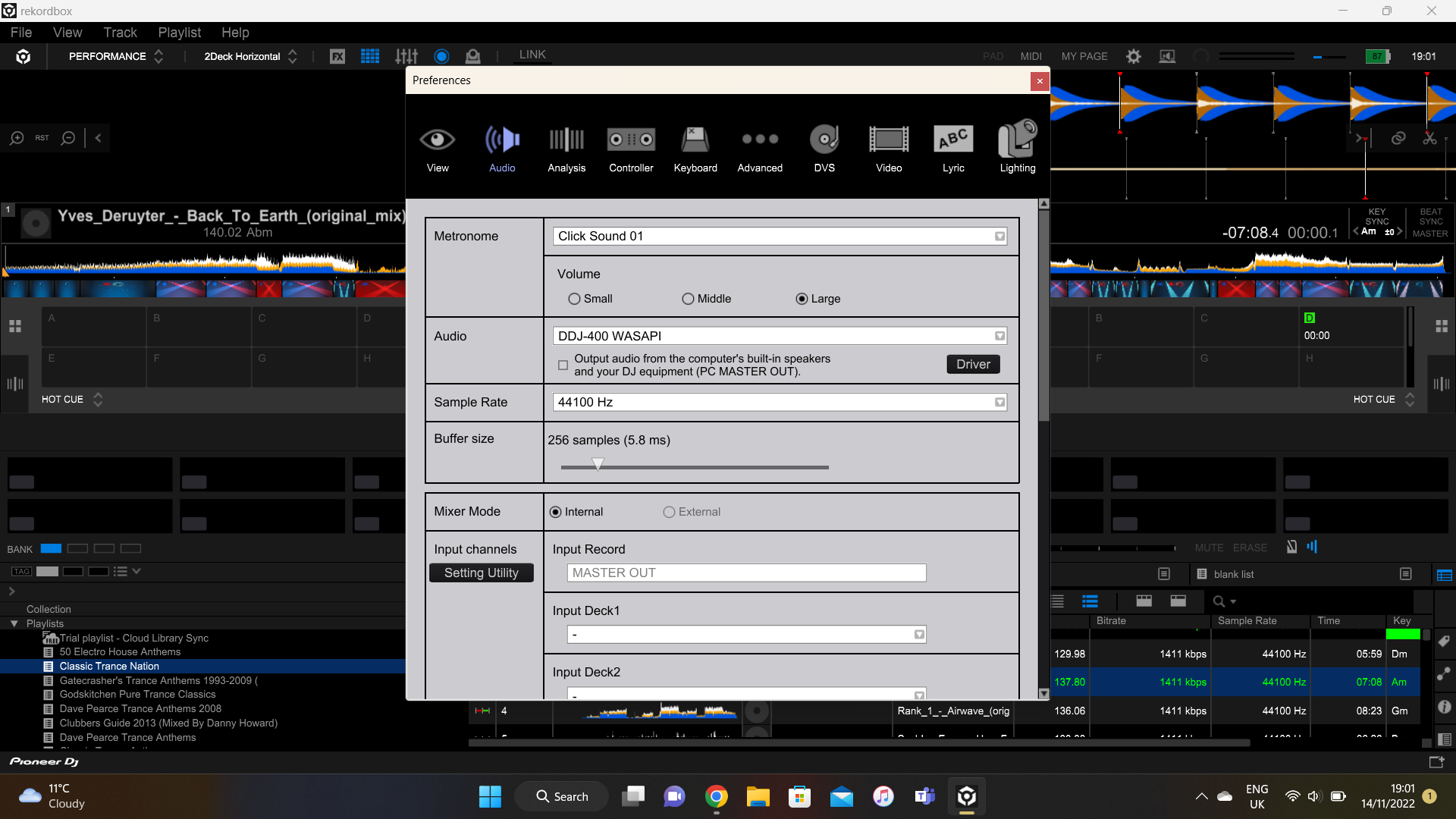
My DDJ is not connected just now, when it is, the soundcard changes to the DDJ and offers to output to both master out & the laptop soundcard. I'm never able to selct any other settings in the Input Channels section
Alan
That's with DDJ connected.
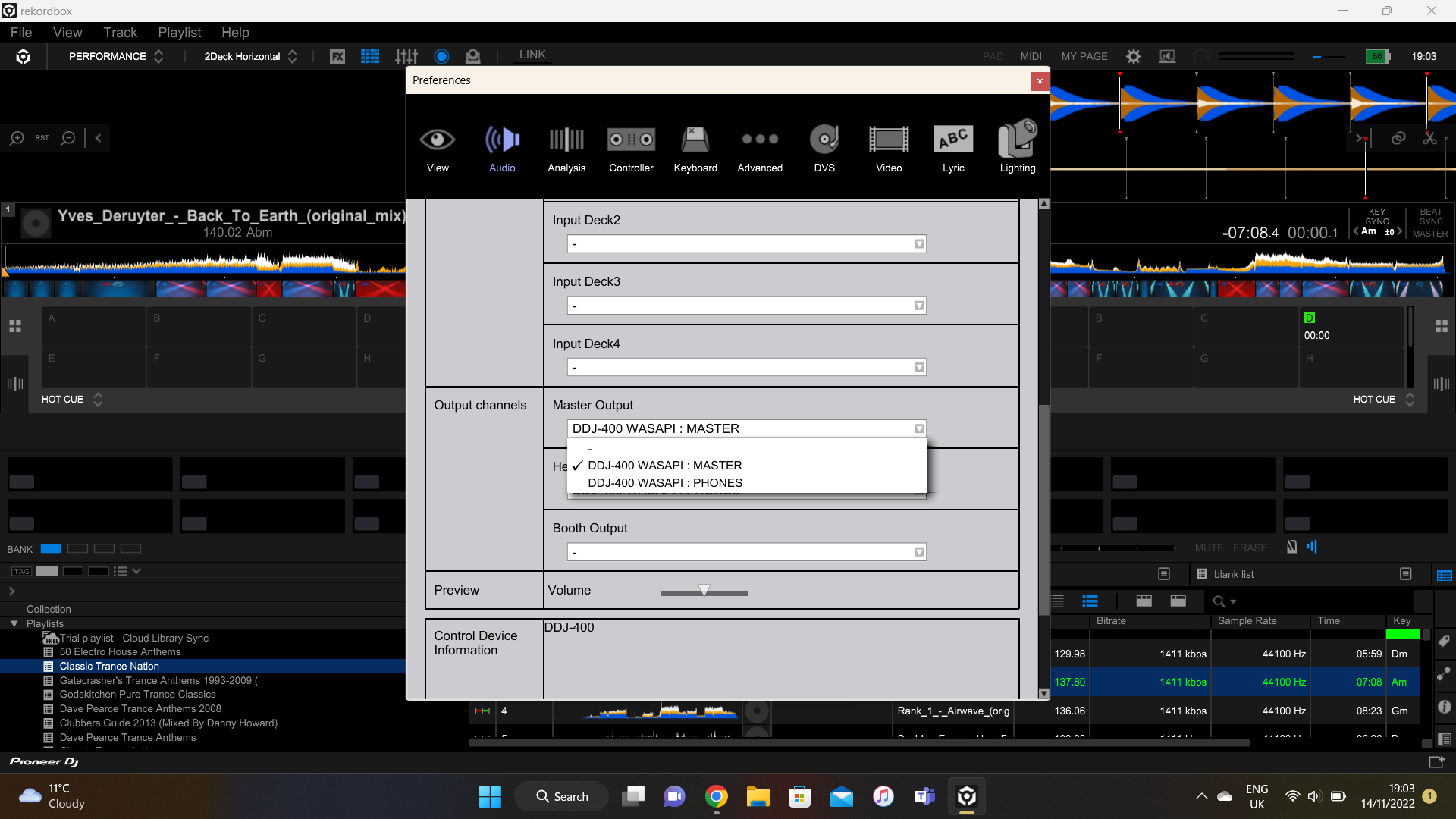
Alan,
Sorry if I wasn't clear on the previous post... I meant the recording location here:
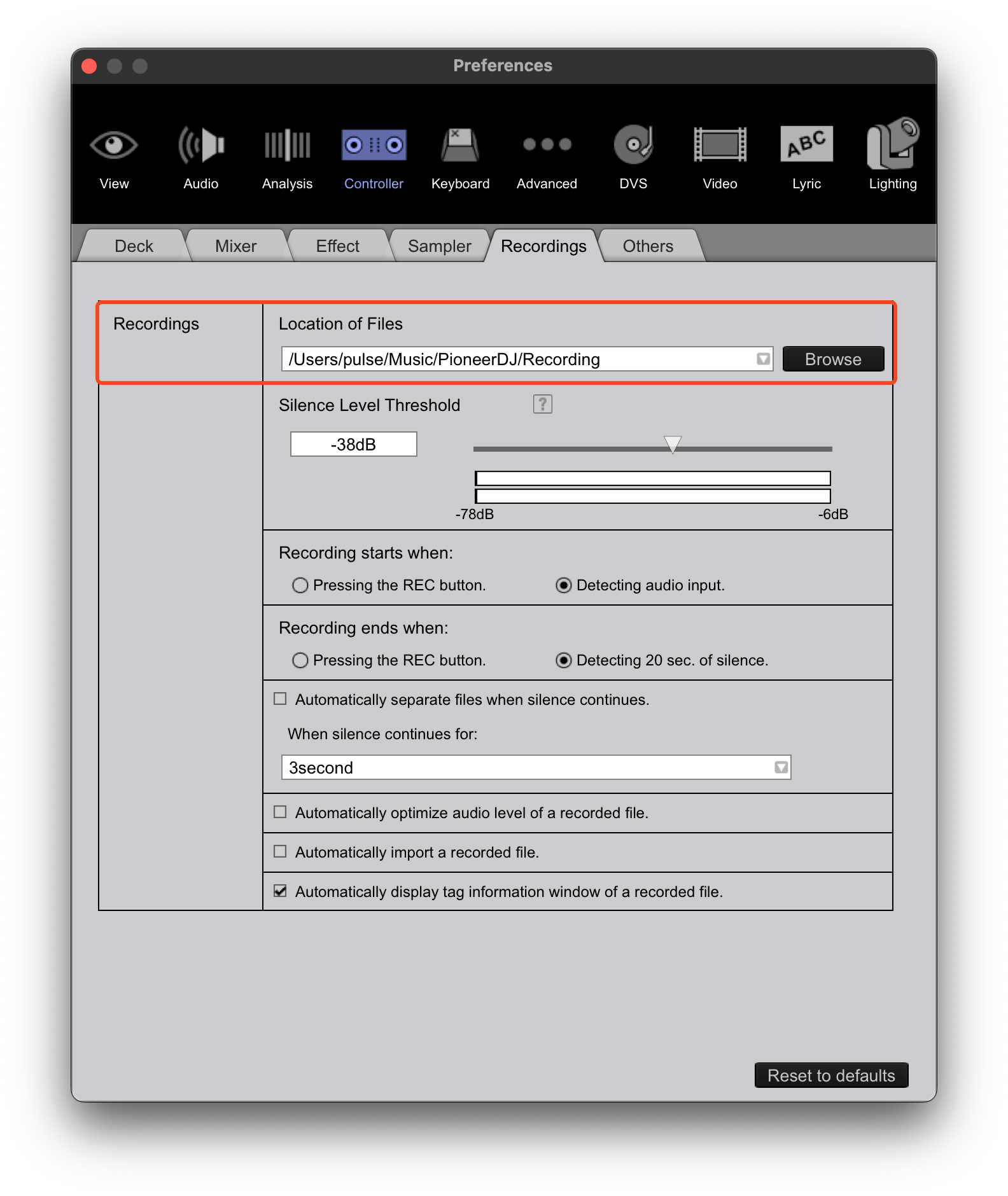
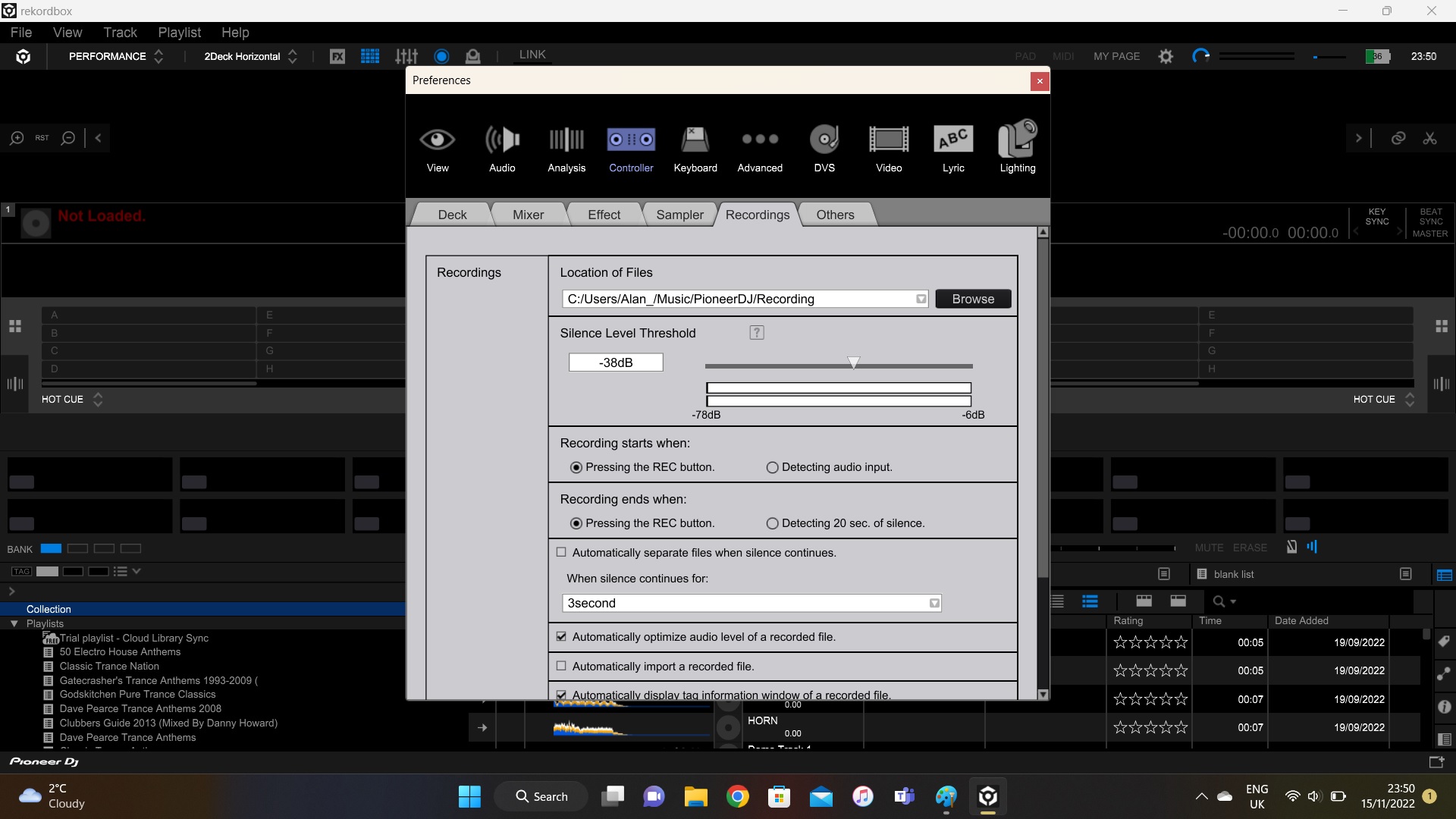
Have you tried setting that to another location, like your desktop?
no, but it seems to have worked changing it to desktop - simple but strange.
Non-related side notes - logging in to this forum seems to be awkward and always says "log in", even now. It also wont work on my phone - it'll allow me to make a new post but not reply to it..... and I ordered an RX-3 today :)
Thanks for the help.
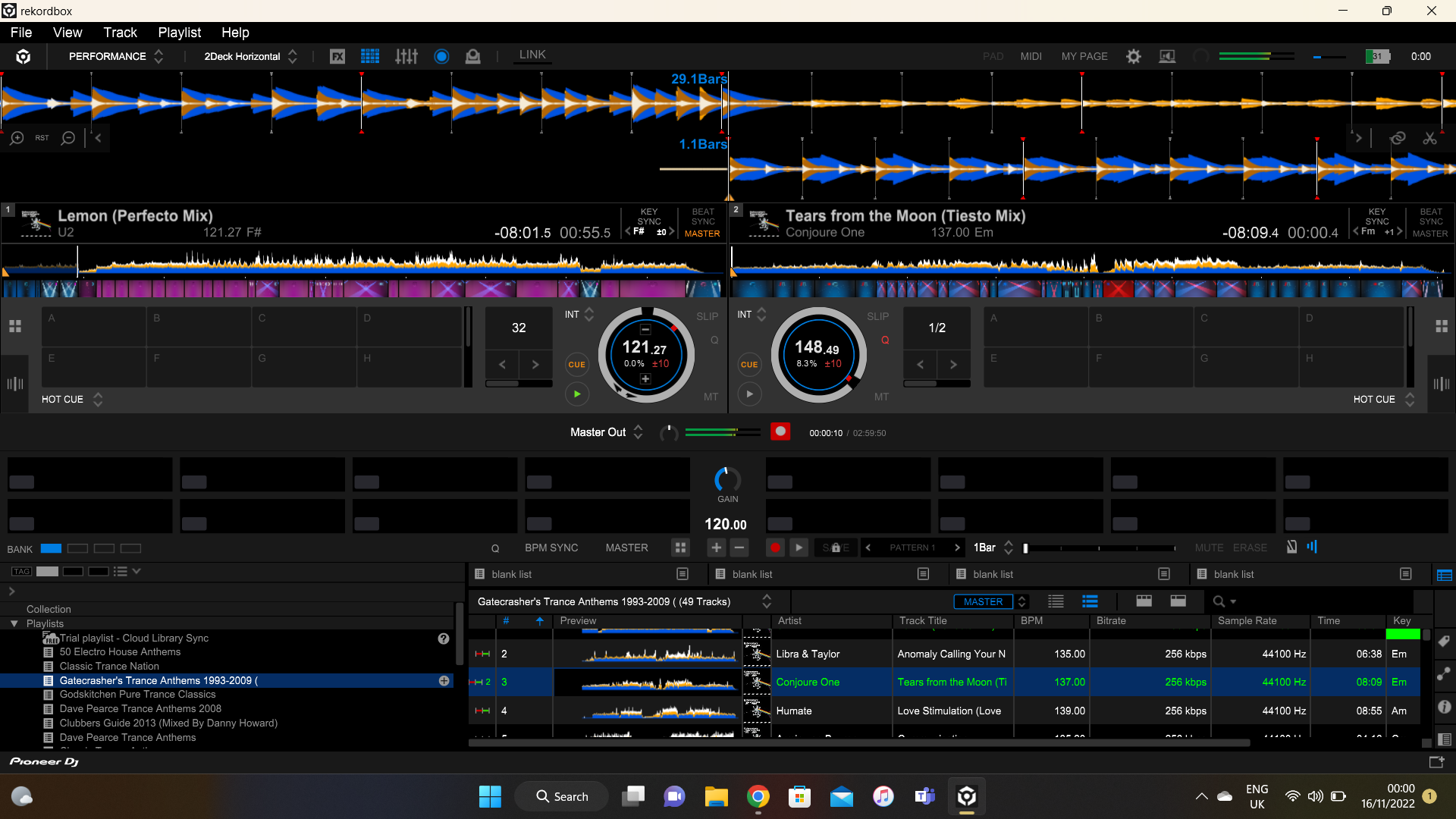
Yay! Glad that worked... could have just been a hiccup in the settings file, and congrats on the RX3 order -- you'll love it.
Re: the login issues, please clear your cookies and cache for the following domains:
*.pioneerdj.com
*.rekordbox.com
*.kuvo.com
*.gigya.com
*.zendesk.com
You will also need to ensure that you have allowed 3rd party (or cross-domain) data for those domains, as we use an SSO (single sign-on) service; blocked data will result in looping logins or other errors.
This may not be possible on some mobile browsers, so try private / incognito mode.


