I came here to post the same thing.
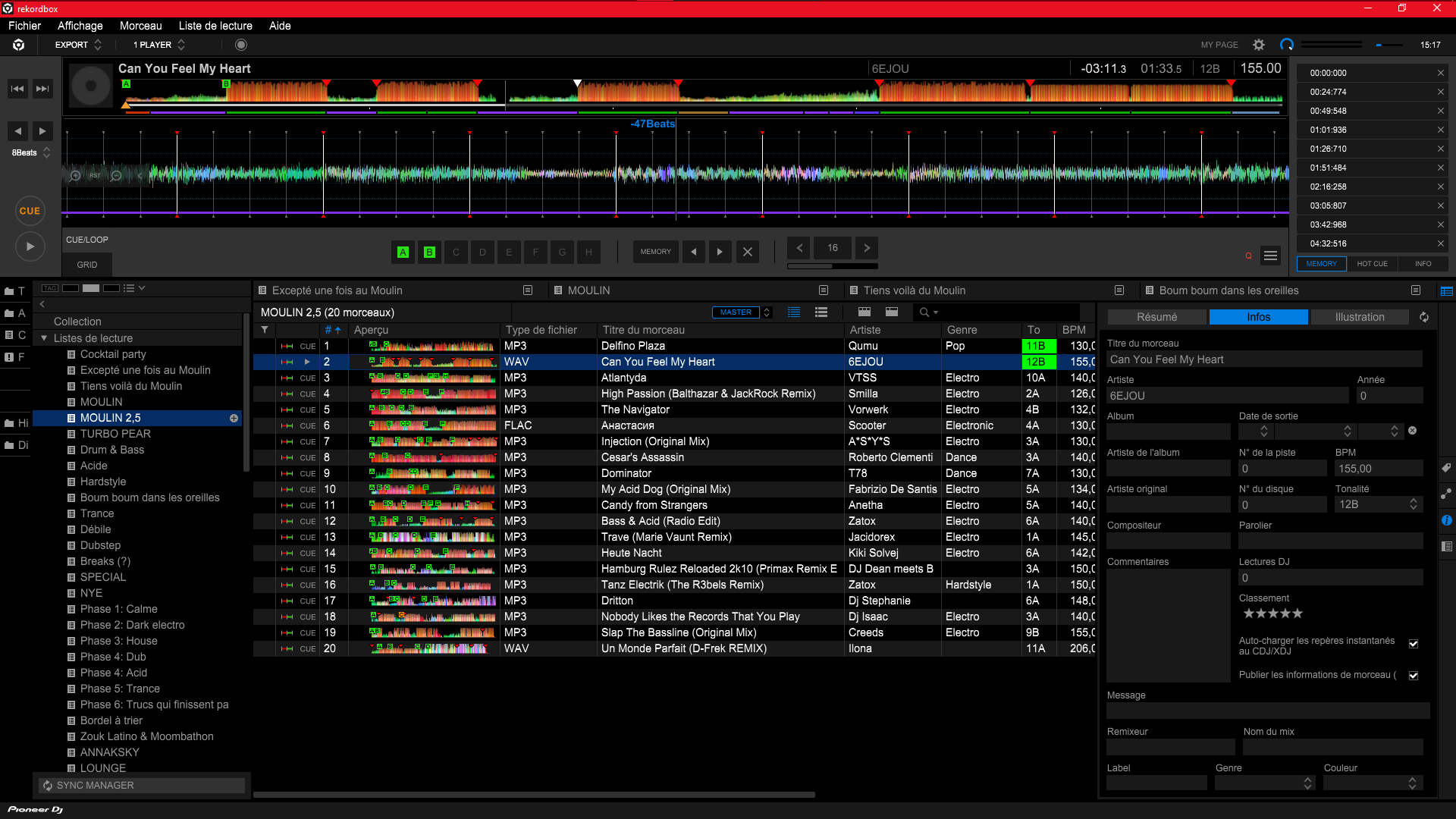
I'm trying to build a set for next wednesday and some of my playlists can't be reordered.
I recorded the issue and posted it to youtube here:
https://youtu.be/ezmKJKmpjKA
I hope to find a solution soon.
So I'm organising a new playlist to play today, and I like songs to be in a certain order for easier reading.
I have the playlist ordered by Track Number, meaning that I can drag a particular song to move its position within the playlist. However, this isn't happening.
Normally, when you have a playlist ordered by Track Number, the last song you import to the playlist is at the bottom of the list. However, when I do this, it gets ordered in a random number, in my case, it gets listed as track #2.
Clicking on it to drag it down the list does nothing. Deleting the track does nothing, as the song remains in the playlist. I tried deleting it with pressing Del key on my keyboard, ctrl+del or right clicking it and selecting remove track from playlist, it does nothing.
So I tried deleting or moving other songs, same stuff happens. Can't move its order, can't delete.
When this happened, I remembered I skipped the update from 6.7.1 to 6.7.2, so I closed Rekordbox and updated. Same issue occurs.
I tried making a new playlist, same error occurs.
I tried ordering the playlist by name, artist, key, everything then order it back by track number, nothing.
I tried ordering by key (for example), then left click the top bar of the playlist to renumber track order, nothing.
I restarted RB, nothing.
I restarted my PC, nothing.
Anyone knows what's going on?
Post is closed for comments.
I came here to post the same thing.
I'm trying to build a set for next wednesday and some of my playlists can't be reordered.
I recorded the issue and posted it to youtube here:
https://youtu.be/ezmKJKmpjKA
I hope to find a solution soon.
Yeah I have the exact same issue, but it's with every single song. I can't delete anything either. Highly annoying for someone who has some OCD like me. I hope someone knows the solution for this. Does this forum not have admins answering issues?
J'appelle le SAV lundi.
Il y a des playlists que je peux réordonner et d'autres non, je me demande si ça a quelque chose à voir avec la présence de caractères accentués dans le nom de la playlist lors de sa création, je vais investiguer.
I tried today and noticed that the playlist order problem starts happening after i put one particular song in the list.
At first I noticed this was the only song in .WAV, but after deleting the whole playlist and trying inserting another WAV track, the bug did not rehappen.
Once the bug starts, the involved playlist can't be reordered.
The other bug that makes it impossible to remove songs from playlists happens before this one.
I'm currently backing up my collection, i will try to delete it and restore it from the backup.

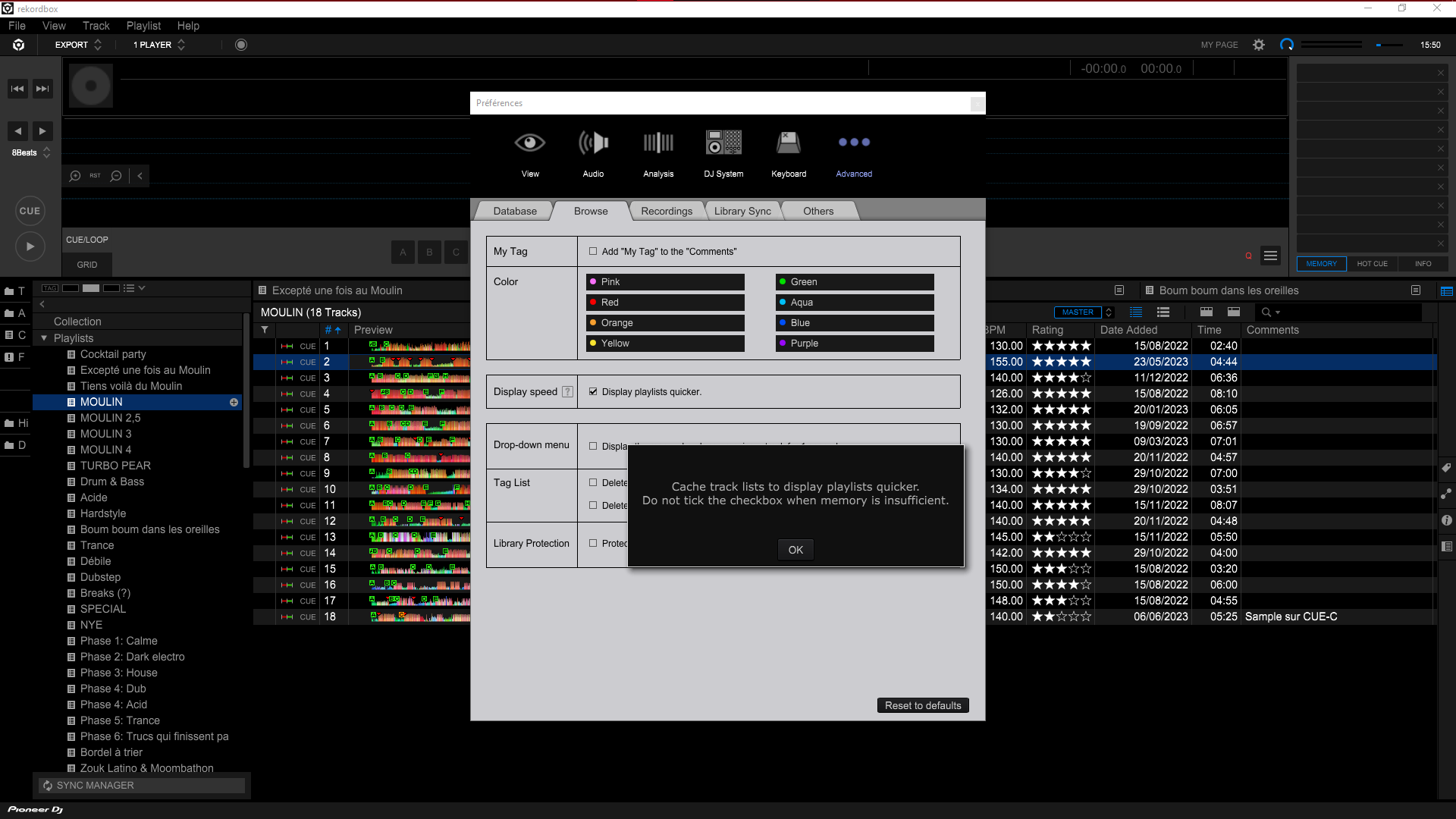
Unchecking this box does not solve the bug.

Can you please file an inquiry ticket here and our support team will gather some additional information to assist you in resolving this issue.
So I contacted support, and they think my Database might be corrupted. They are investigating the issues and coming up with possible solutions. If I were you I'd contact them directly as well cos you need to send them your DB files so they can look into it.