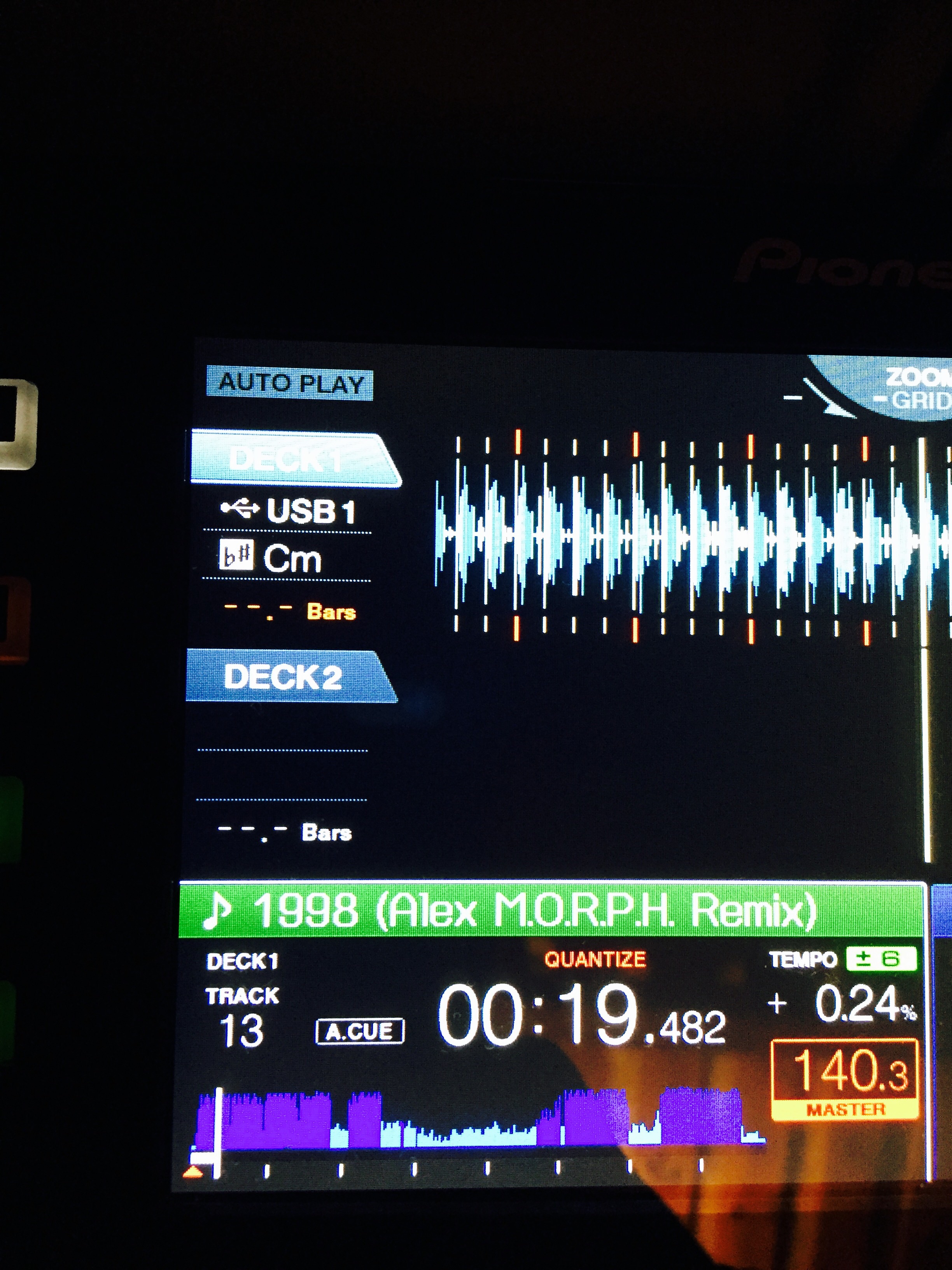
When you select [Key] in the [Customize the criteria] window, tracks which meet the criteria are shown automatically in the [Related Tracks] panel.
Track name, BPM and key are displayed in that panel.
1.Major key and minor key are specifically displayed like B and Bm.
2. When you select Relative Key 1, tracks only in Relative Key are shown.
When you select Relative Key 2, tracks in Dominant Key and Subdominant Key in addition to Relative Key are shown.
Comment actions