
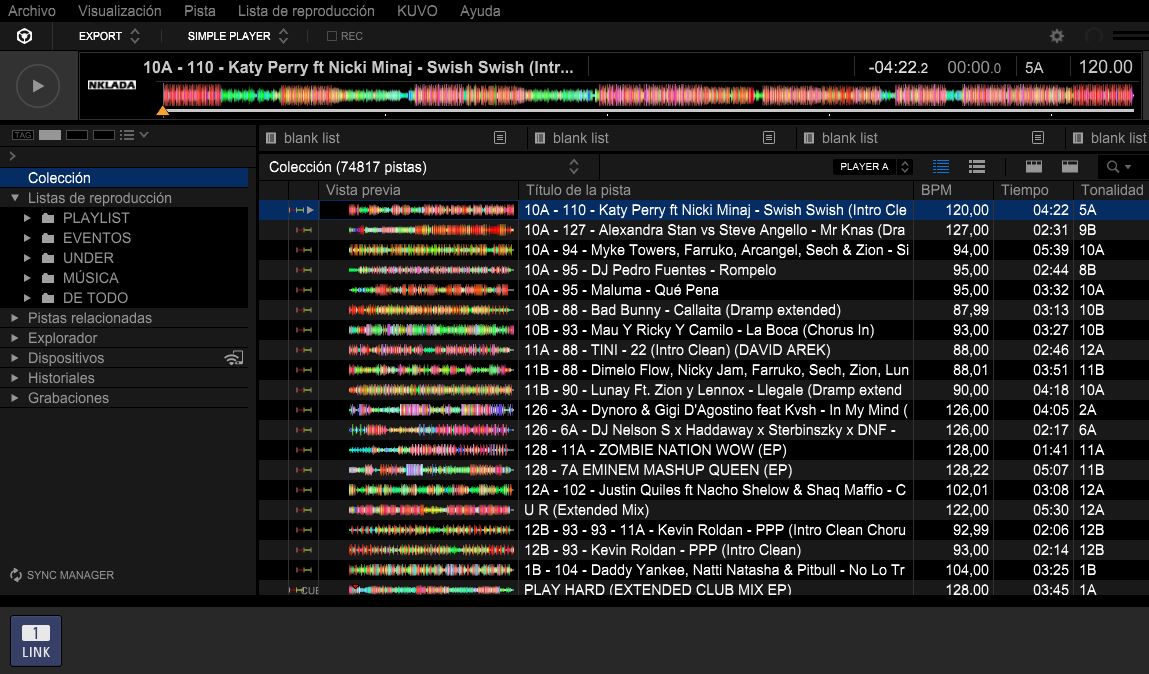

Hello, 99 nights forest
I understand you're having trouble linking your Pioneer XDJ-RX to your laptop via LAN cable while using the EXPORT mode in rekordbox. Here are some steps you can try to resolve the issue:
Check Network Settings:
Ensure that both your laptop and the XDJ-RX are on the same network. Sometimes, network settings can change unexpectedly.
Restart Devices:
Restart both your laptop and the XDJ-RX. This can often resolve connectivity issues.
Update Drivers:
Make sure that your network drivers on the laptop are up to date. Check the manufacturer’s website for the latest updates.
Reconfigure LAN Settings:
Go to the rekordbox settings and ensure that the LAN settings are correctly configured for the XDJ-RX.
Try a Different Cable:
If possible, try using a different LAN cable to rule out any issues with the cable itself.
Check for IP Conflicts:
Make sure there are no IP address conflicts on your network. You can check this in your network settings.
Firewall and Antivirus:
Since you've already tried disabling the firewall, ensure that any antivirus software isn't blocking the connection. Temporarily disable it to test.
Reinstall rekordbox:
If you haven't already, try uninstalling and then reinstalling rekordbox. Make sure to back up your settings and tracks before doing this.
If none of these steps work, please provide more details about any error messages or issues you encounter, and I’ll be happy to assist further.


