Have a feature request or suggestion? Post your idea here!

Post

5 followers Follow
0
Avatar

DDJ RB-no sound in headphone & master out speakers

Hi everyone.

i just bought a ddi-rb controller and can't use it correctly on my mac because of somme issues.

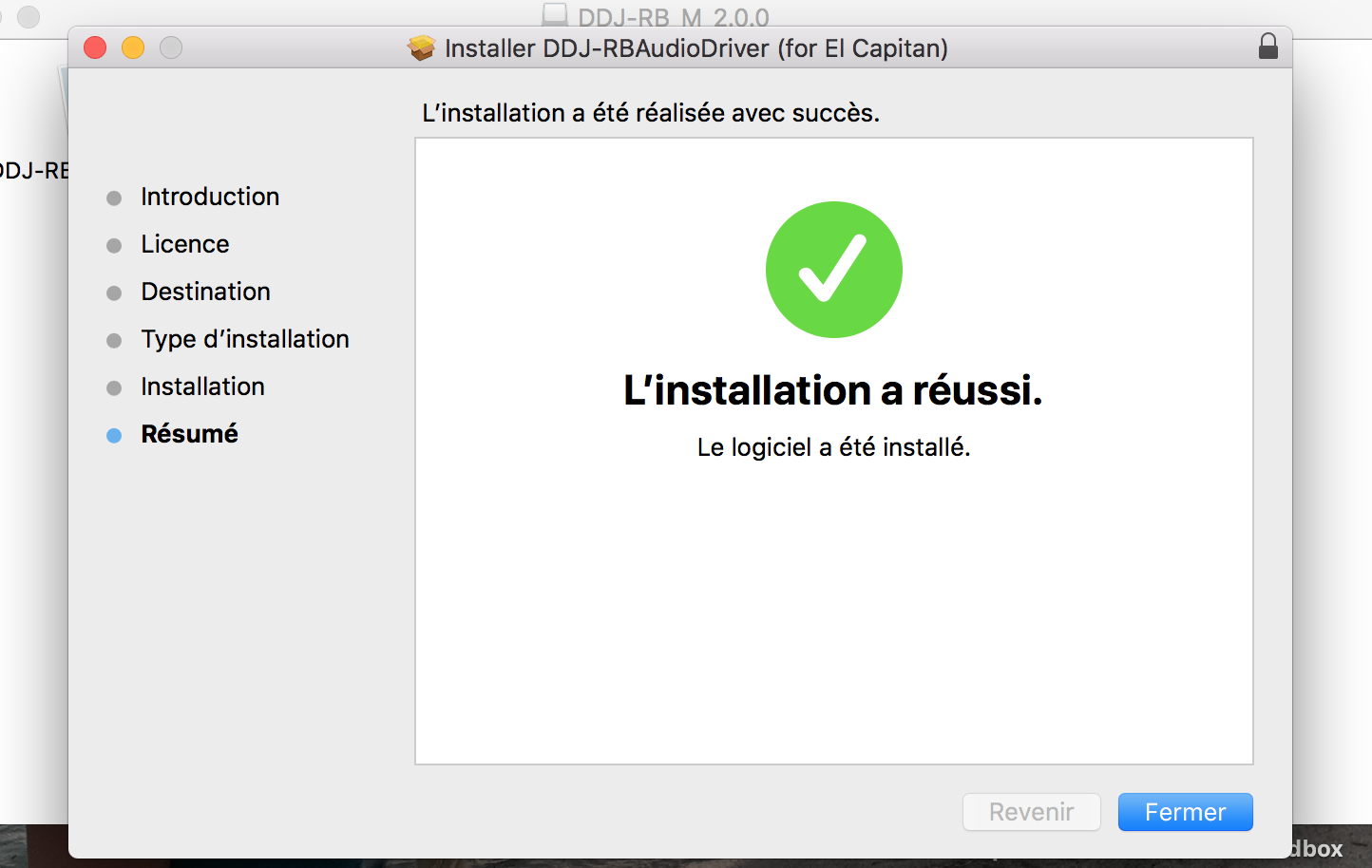
First of all, i installed the last drive and firmware.

When i plug my controller and use it with rekordbox, the sound can be here on the mac speakers (master pc out mode i guess ?). Cool, but i have no sound in headphone and when i plug my external speaker, it doesn't work too, the sound keep playing on my mac speakers...

I don't understand why the controller soundcard is not recognize.

I look up to toggle the pc master out button but can't find it ! he's not on the top right of the rekordbox screen... I can't make any change in the audio config of rekordbox.. as you can see on the screen bellow i don't have the DDJ-RB to choose.


Is somebody have a solution ?

My english is not that good and i apologize for that.

Simon

Post is closed for comments.

10 comments

0
Avatar

Thanks Pulse for your response.

I already installed the last driver and never meet any probleme during the installation. I ever didn't get the "system extension blocked" message, so the systeme software seems to be allowed already.


Simon 0 votes
Comment actions Permalink
0
Avatar

No - you won't see an error during installation, it will appear as if it completed successfully. You have to run the installation once and then go to disable the security immediately; the option to disable it is not available unless you have recently attempted an installation.

Pulse 0 votes
Comment actions Permalink
0
Avatar

I have the same problem no sound on the speakers and headphones. when I was setting up first time I did pick the second option ( speakers settings ) which was the cable from speakers is plugged to the computer ( not to the rekordbox ) and now I would like to change it so how I can restore this setting window ?

Oskar Napora 0 votes
Comment actions Permalink
0
Avatar

I have the same problem,, I have disabled high sierra and it still won't work


Ethan Hewitt 0 votes
Comment actions Permalink
0
Avatar

@Tom > Here's what you need to do...

- disconnect your RB

- download the drivers

- open that package, run the uninstaller

- reboot

- open the driver package again, but run the installer this time

- after the installer completes, disable the OS security

- connect the RB

- test

Pulse 0 votes
Comment actions Permalink