
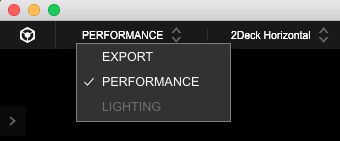
Is this in export mode or performance mode?


Comment actions

I’m stumped and I feel dumb because I’m not new this at all. I’m new to Rekordbox though. I just picked up a DDJ 1000. I installed the latest version of Rekordbox, updated the firmware, and updated the drivers. After following the installation steps it seems like nothing is working. The DDJ 1000 lights up but I can’t control Rekordbox with my controller. I turn the knob to select my track and nothing happens. I hope you can all help me out. I’m running Windows 7.
Thanks!
Post is closed for comments.
Is this in export mode or performance mode?
It’s on performance mode

Check USB port A or B. If you have connect the wrong USB Slot you cant control Rekorbox. Any error messages on windows?

@Stefan > It would work with either A or B ports, that's the idea - the only limitation where the port is important is when updating firmware.
@Neil > Can you open the DDJ-1000 driver utility and post a screenshot of that?

And then within rekordbox, on the Preferences > Audio tab, scroll to the bottom and tell me what is listed under Control Device Information at the very bottom?
I’ll post a pic tomorrow because I can do a screen shot from my phone. Basically what the utility shows is the same utility version and driver version as well. My firmware is up to date at 1.04
Also when I start up Rekordbox it says the controller is conected
That's fine, I'll still need you to verify what is listed at the bottom of the Audio page.
Here you go!! Let me if you need any other screen shots!
Thank you!
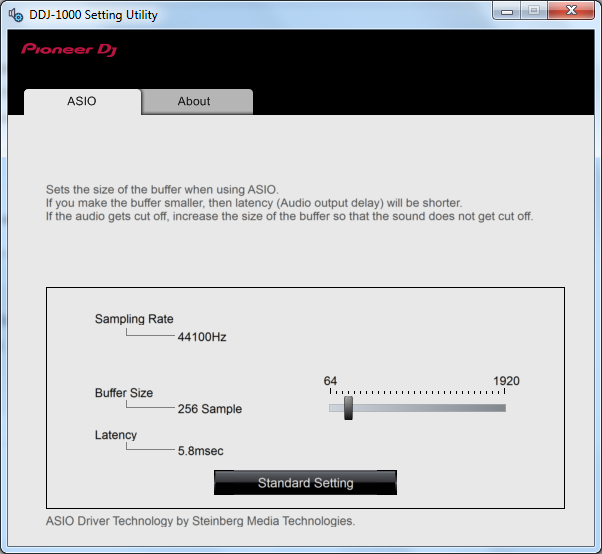
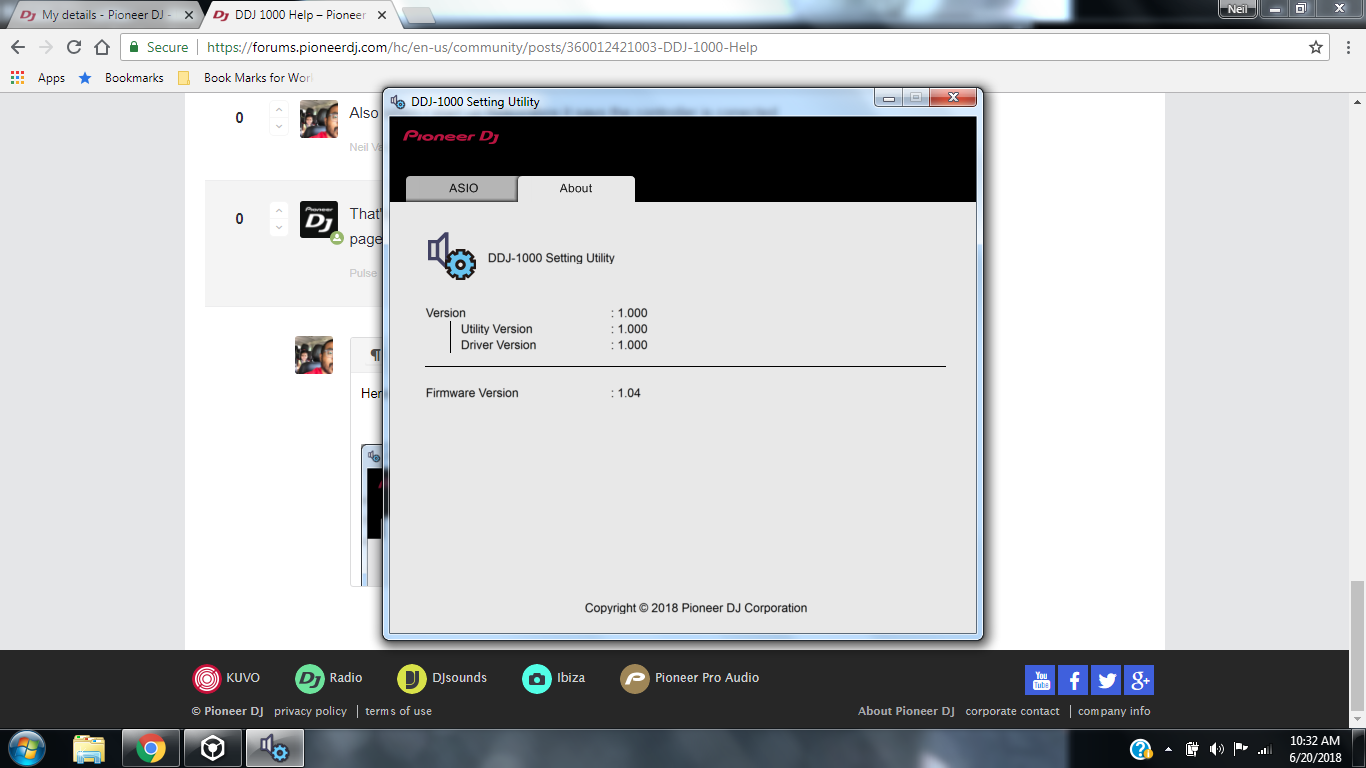
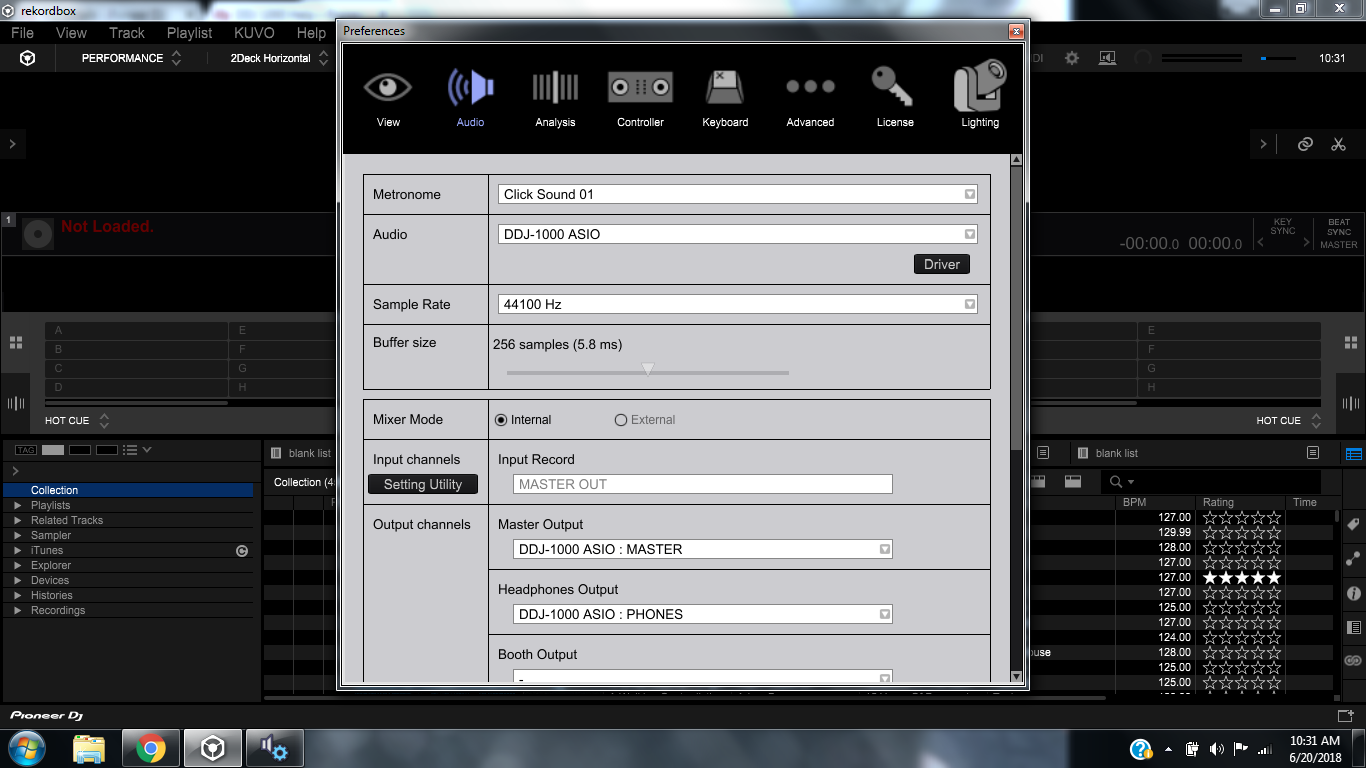
>> I'll still need you to verify what is listed at the bottom of the Audio page.
Is the what you're looking for? Thanks!

Yep -- and note that the DDJ-1000 is not listed there; that's the problem.
Can you first please disconnect the DDJ-1000 and close rekordbox, then apply ALL available Windows system updates and service packs. Reboot once more, then reinstall the drivers, but force administrative-install by right-clicking and select "Run as Administrator." Reboot your computer again after the drivers are installed, then connect the DDJ-1000 and open rekordbox to see if the device is listed at the bottom of the AUDIO tab. If not, please try disabling those other MIDI / control devices listed.
I’m up and running. I had to shut off all of the other midi stuff. Thanks for all your help
@Neil > Thanks, glad to hear that. Were you possibly using a lighting software that had enabled those functions?

