Official comment

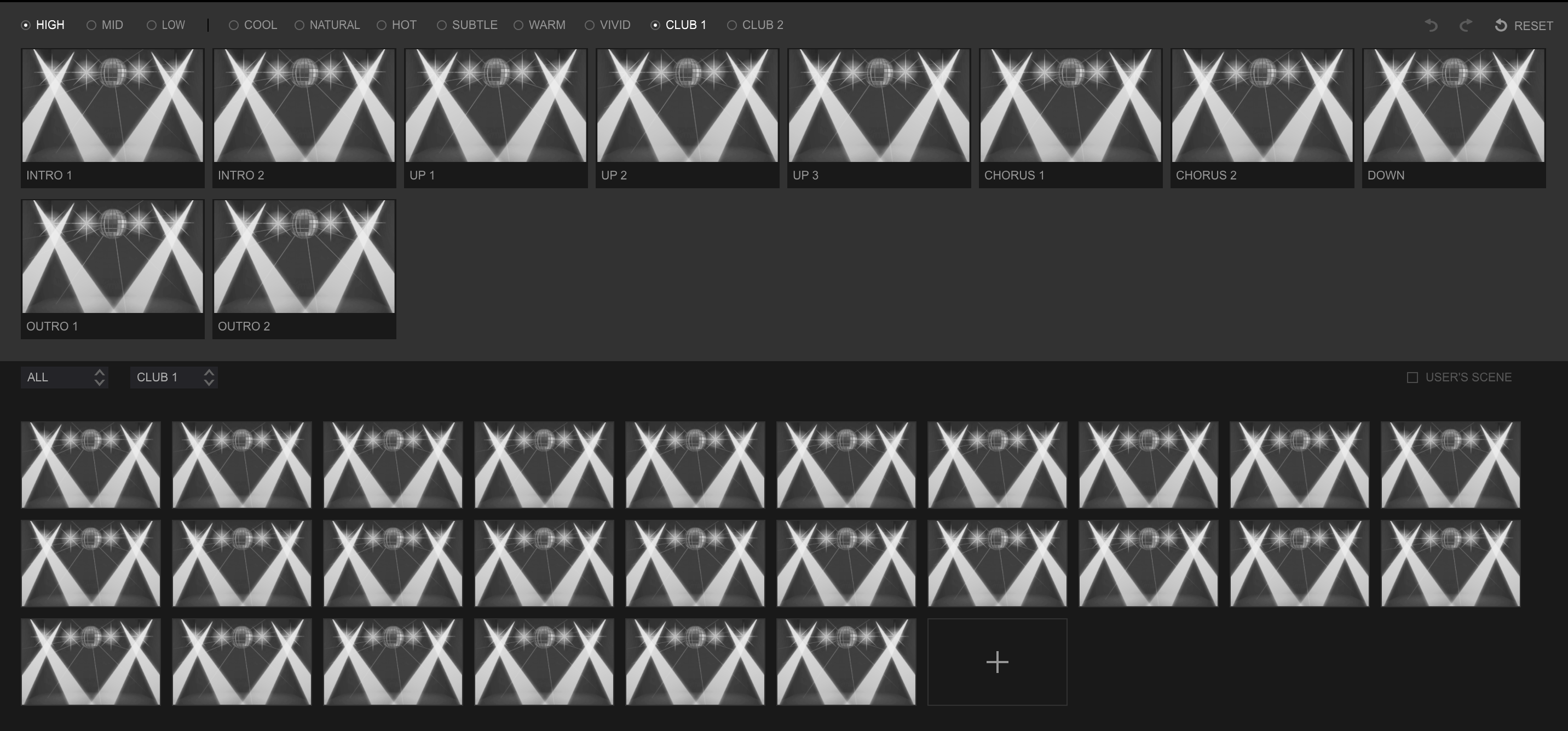
No, that's correct - there isn't the same structure for all moods. Club has: Intro 1, Intro 2, Up 1, Up 2, Up 3, Chorus 1, Chorus 2, Down, Outro 1, Outro 2.


Comment actions

When in "Macro Mapping" -
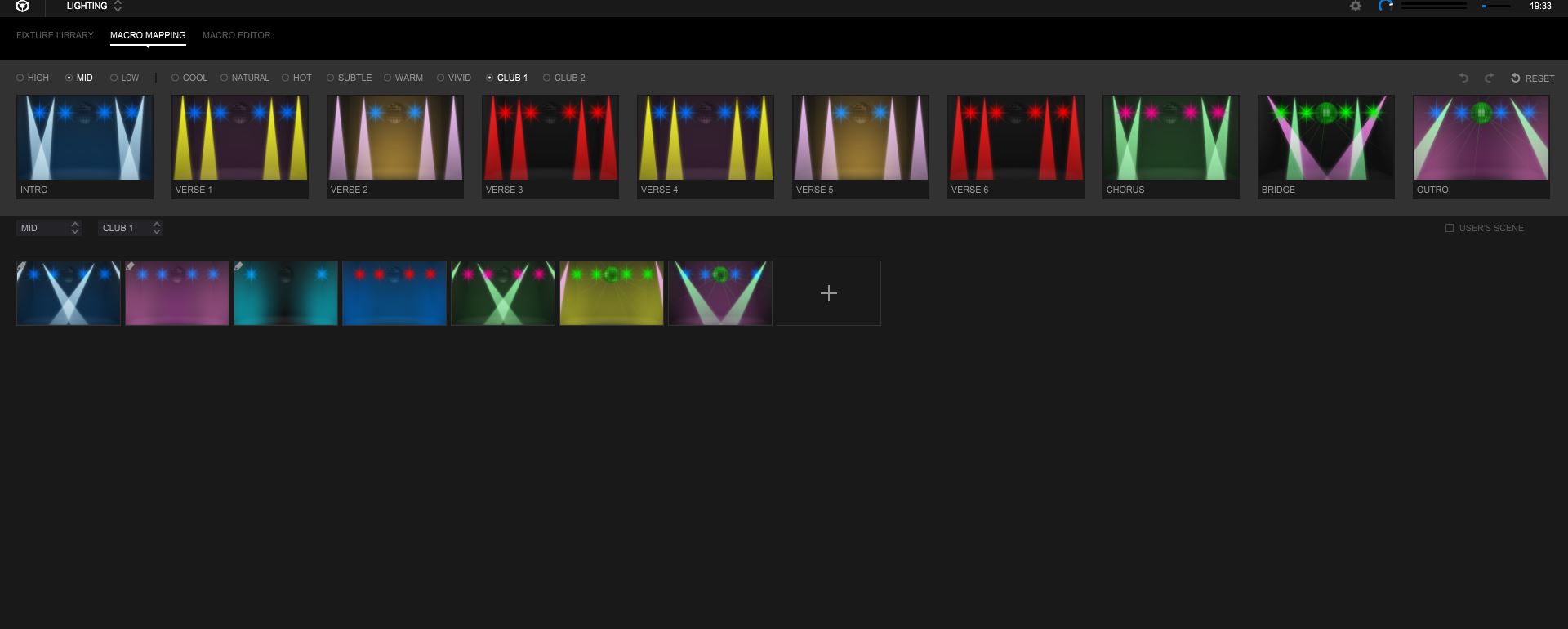
For both "Club 1" and "Club 2", incorrect modes are appearing in the lower section of the screen when selected via the menus.....
There should appear - Intro, Verse 1, 2,3,4,5,6, Bridge and Outro.
What does appear are - Intro, Up1 Up2. Chorus, Down and Outro.
No, that's correct - there isn't the same structure for all moods. Club has: Intro 1, Intro 2, Up 1, Up 2, Up 3, Chorus 1, Chorus 2, Down, Outro 1, Outro 2.
Post is closed for comments.
This is version 5.4.0 beta....
Haha - yeah, that's wrong. I'll send this up to our lighting guys.
Mid Club1 selected in the upper and lower sections......
Why the f**k has this not been corrected in the 5.4 release......
Not only is there no improvements to Lighting, you are not even correcting the errors. This is simply not good enough.. total crap support. Why did i invest in an RB DMX1.....?
Sort it out Pioneer, and do it quickly... Loosing faith..
@Andy > First of all, please watch what you post. Rude comments and negative attitude will not do you any favours.
Second, there were no changes forthcoming in the 5.4 beta, so why would you expect a surprise release of any lighting updates in the official version?
We understand the frustration and desire for improvements and changes, but they are working to address these issues.
@Andy > Our engineers have provided this information for you:
Preset scene of CLUB1 has only seven scenes in total together with the three moods, HIGH/MID/LOW as shown below.
You can see the same preset scenes commonly used for HIGH/MID/LOW.
A Verse is named "UP1, Club1" as shown below.
One Mood needs 10 scenes so that some preset scenes are assigned twice. 
If you create USER'S SCENE as needed and drag and drop them to the upper section to replace it with the redundant one there. In this way, you do not have to use the same scenes.
If their explanation is not enough, please let me know.
Hi Pulse,
Thanks for following this up..
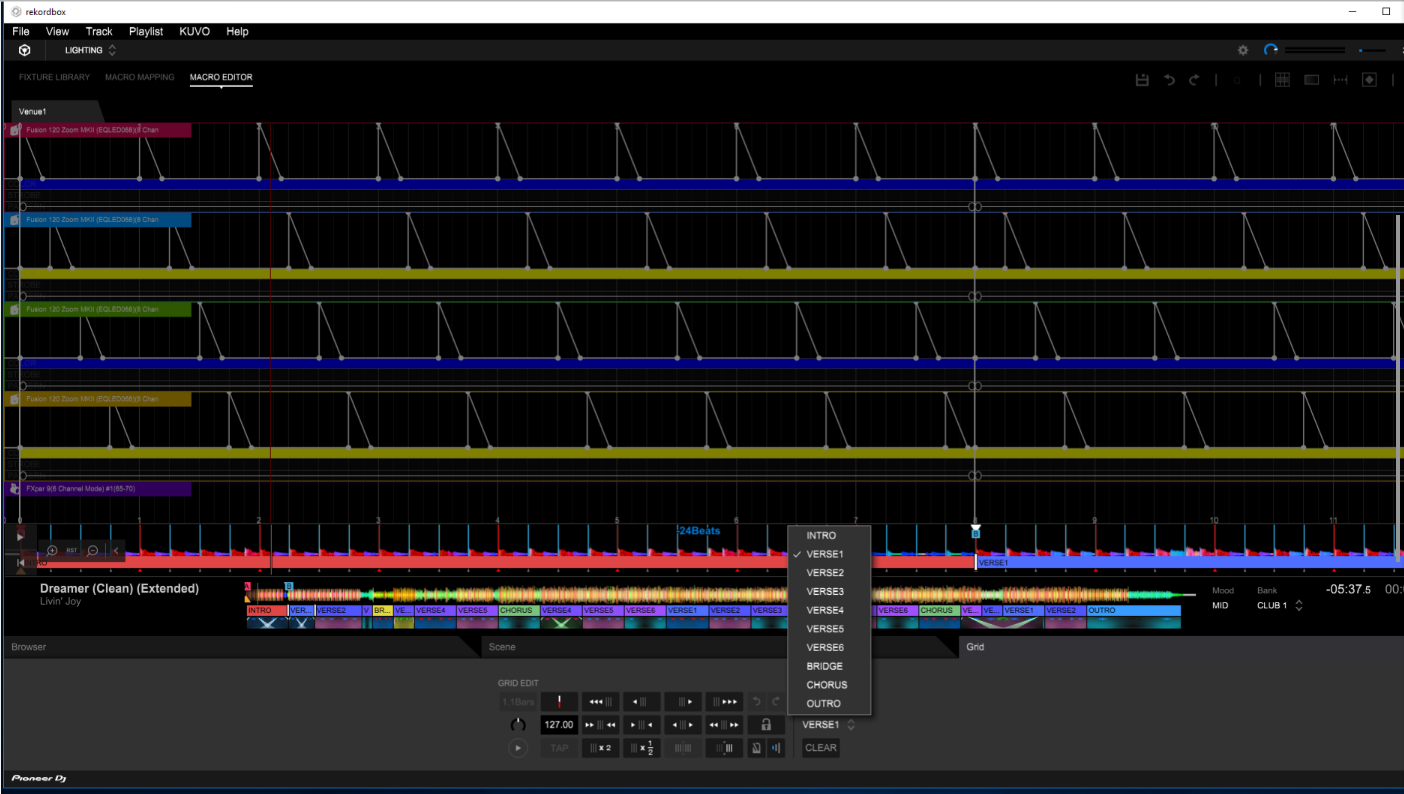
I guess the engineers should know.... however it still doesn't make sense. If you goto macro editor and pull up a tune designated Mid/Club1 (as per my attached .png) you still have the 10 scenes. Why then are they not mirrored in the choices available within Macro Editing?
Many thanks,
Andy.