Official comment

@adino > Bingo -- see, that's the information that we need to start troubleshooting! You changed the user, the directories changed. See this guide on fixing your issue.
Comment actions

Hiiii
I've read the older posts, but I'm not able to get my rekordbox to analyse any of my files. I've tried to tinker around, read other reports etc, but can't seem to figure it out on my machine.
Any help is much appreciated :)
thanks!
@adino > Bingo -- see, that's the information that we need to start troubleshooting! You changed the user, the directories changed. See this guide on fixing your issue.
Post is closed for comments.
Did you recently move to a new computer?
No, but I got a second hard drive installed in my Mac about a year ago.. maybe the problem is there somewhere? I've also just downloaded Rekordbox, so I'm starting from scratch.
@Megan > Is that drive possibly installed in the optical bay?
Yes it is. Any idea what to do?
thank you!

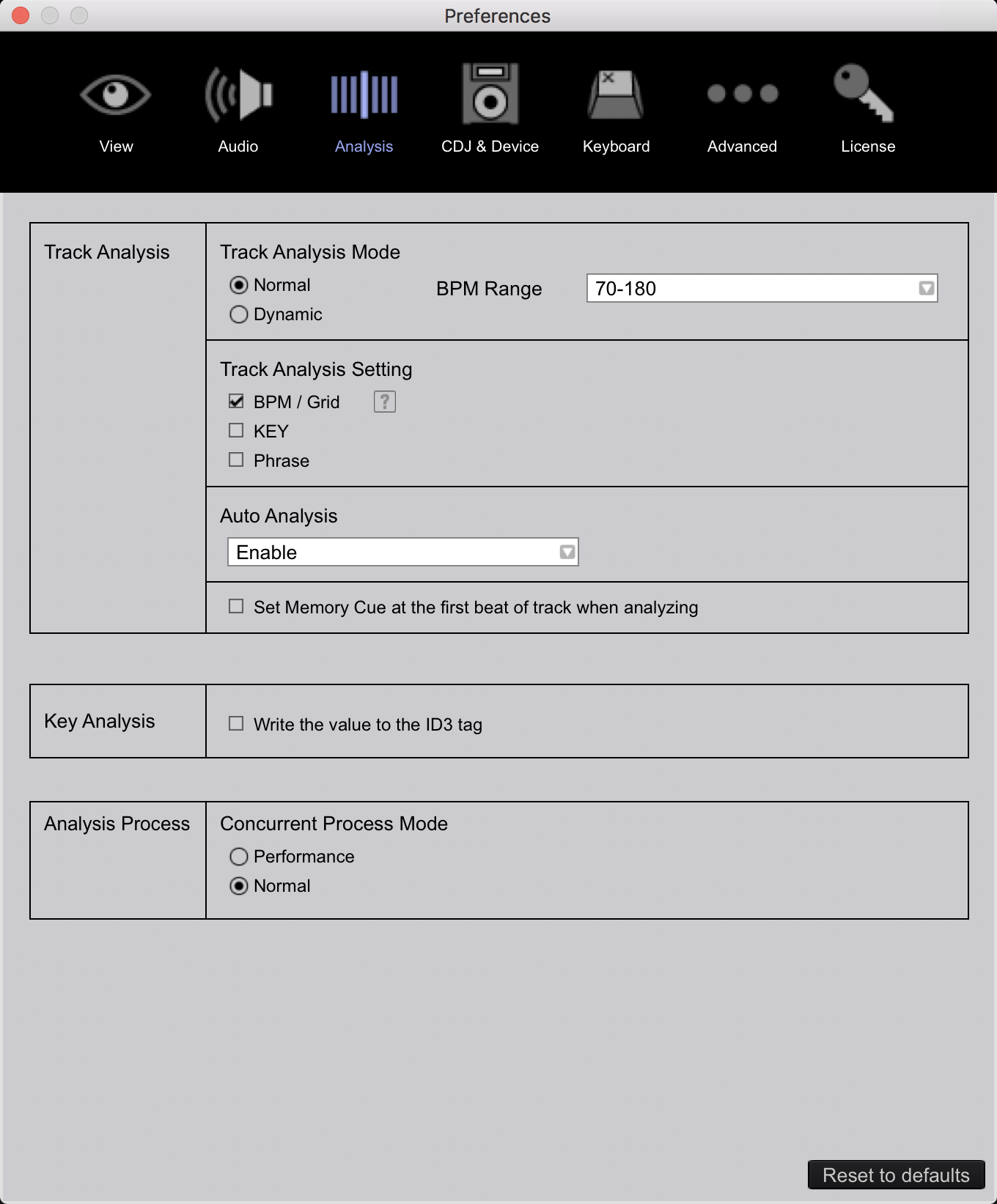
Just read the other topics, but I can't see any Folder to Locate under "Track Analysis" section..
What is on the 2nd drive? I'm a bit confused as it seems I don't have a full picture of the landscape in your computer. If you have a second drive installed, it shouldn't be an issue for rekordbox as the default is always to use the primary drive. The error regarding the inability to create the analysis file is almost always because the target folder in the settings file is different from what's available on the hard drive, typically because of a move to a new computer.
Can you fill me in on any missing information here?
my problem is that I can’t locate the folder in settings, so I can’t replace it with the right one!
Ps. I didn’t change hard drive, I canged my account and as a result my account’s home folder change name too!
that helped and now it can analyse the tracks, but it doesn't rekognise the analysis of my songs, so it's kinda like this!
If I reanalyse it, it doesn't work much because some songs wasn't in the grid, so my hot cues goes wrong!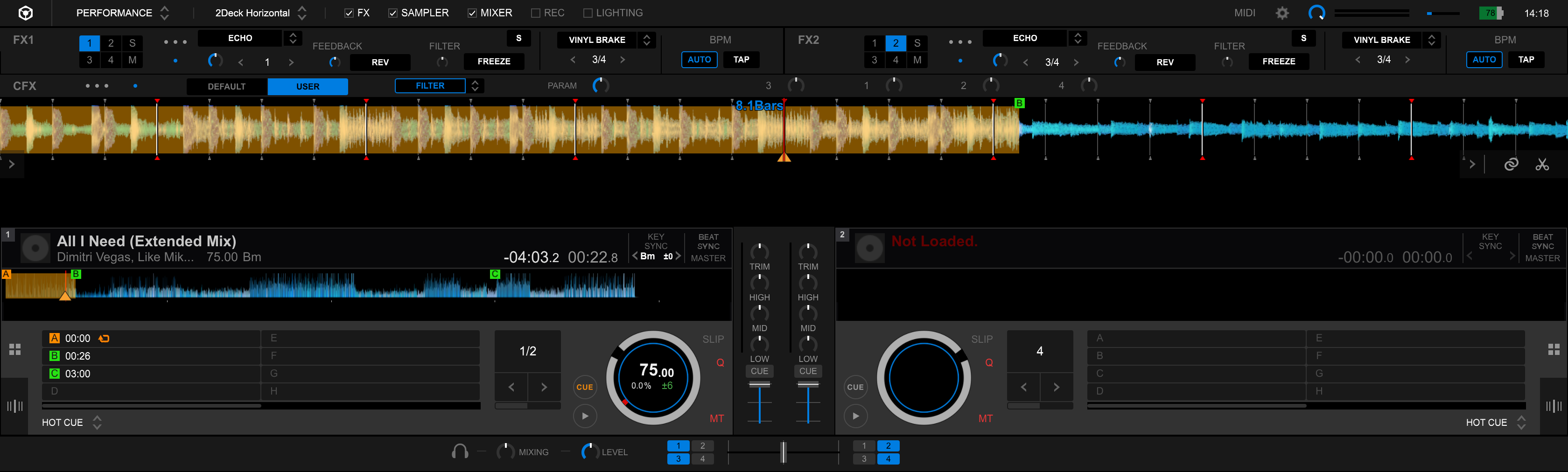
Are you sure you updated ALL of the paths as indicated in the guide? If you missed even one item you'll have problems.
Yes, replaced my old username with my new one
@adino > If it doesn't find the previous song anaylsis files, they're either missing, you have them in the wrong place, or you didn't point that settings line to the right place.
@Megan > The second drive (in the optical bay) is not handled by the OS the same way as the primary drive. You can put your music files there, but I don't suggest that's where your database or settings files exist.
Can you post a screenshot of this folder: /Users/meganking/Library/Application Support/Pioneer/rekordbox/
@Pulse thanks so are you saying my music files are currently kept in the optical drive, and recommend moving them to the primary? Sorry, I'm a bit confused.
Here's the screenshot:
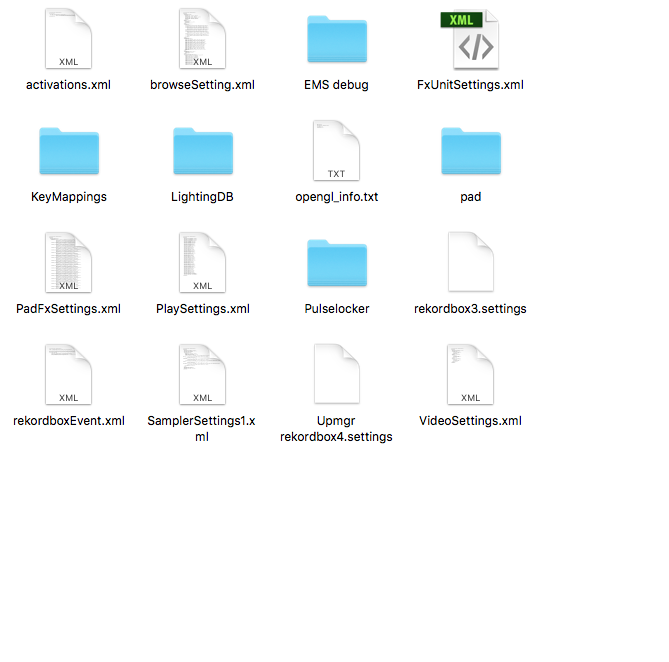
Okay, the rekordbox3.settings file is there ... can you please email that to us? forums@pioneerdj.com

Hi,
I have got a new Macbook Pro and I have exactly the same issue.
I am aware that I have changed the user name and I have EDITED rekordbox3.settings file as told.
But no chance! This doesn't work for me and I can't analyse any tracks now...
How can I fix this? Please help!
tasdemirbora@yahoo.com.tr
OK, the problem was exactly this:
All sorted i realised my my go to folder search of "~/Library/Application Support/Pioneer/rekordbox/" took me to a different rekordbox folder and not the rekordbox6 one that i needed.
You def. need to check if you're editing the correct rekordbox3.settings file in the correct rekordbox6 folder...


