Official comment

Once you've "matched" the two tracks, next time you have one of the tracks loaded, you can open the recommended tracks panel on the side to see that previously-manually selected track and any others... but in order to get those matches to show, you should create a match list.
Click the Related Tracks folder at the left, then click the + icon beside it to create a new Related Tracks Playlist.
On the pop-up window, check only the Matching box (and rename it at the top if you want).

The rest of the criteria should be okay.
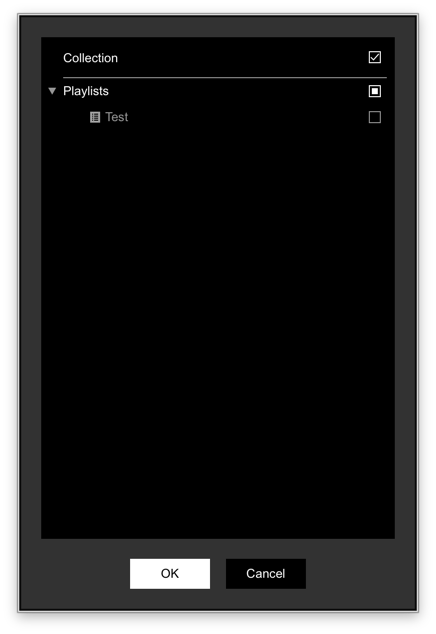
Now, with that Related Tracks Playlist selected, click your source to match-to, and then click the hamburger icon to select the target of where it's matching from.

Here you can select if it's matching the collection, or playlist(s).