Rekordbox 5.4.2
Macbook Air (Pre 2018)
OS 10.14.1
UK physical Keyboard
Default keyboard mapping (Performance 1)
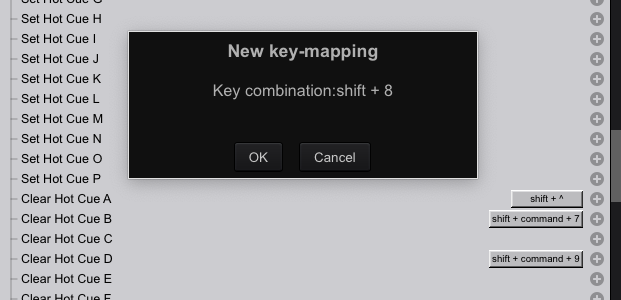
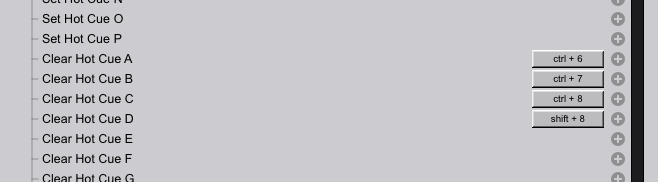
Clearing a hotcue using the default shortcut keys does not work for every expected key on Mac. Also some of the default mappings for Deck1 are the same shortcut keys used by Mac OS to take screenshots. Here's what I'm seeing for each key:
Deck 1:
Clear Hotcue A (Shift + command + 1). Actual behaviour, Clears Hotcue A as expected
Clear Hotcue B (Shift + command + 2). Actual behaviour, Nothing happens
Clear Hotcue C (Shift + command + 3). Actual behaviour, Mac OS takes a screenshot
Clear Hotcue D (Shift + command + 4). Actual behaviour, Mac OS displays crosshair icon to drag out a screenshot
Deck 2:
Clear Hotcue A (Shift + command + 6). Actual behaviour, nothing happens
Clear Hotcue B (Shift + command + 7). Actual behaviour, Clears Hotcue A but should clear hotcue B
Clear Hotcue C (Shift + command + 8). Actual behaviour, nothing happens
Clear Hotcue D (Shift + command + 9). Actual behaviour, Clears Hotcue C but should clear hotcue D