Official comment

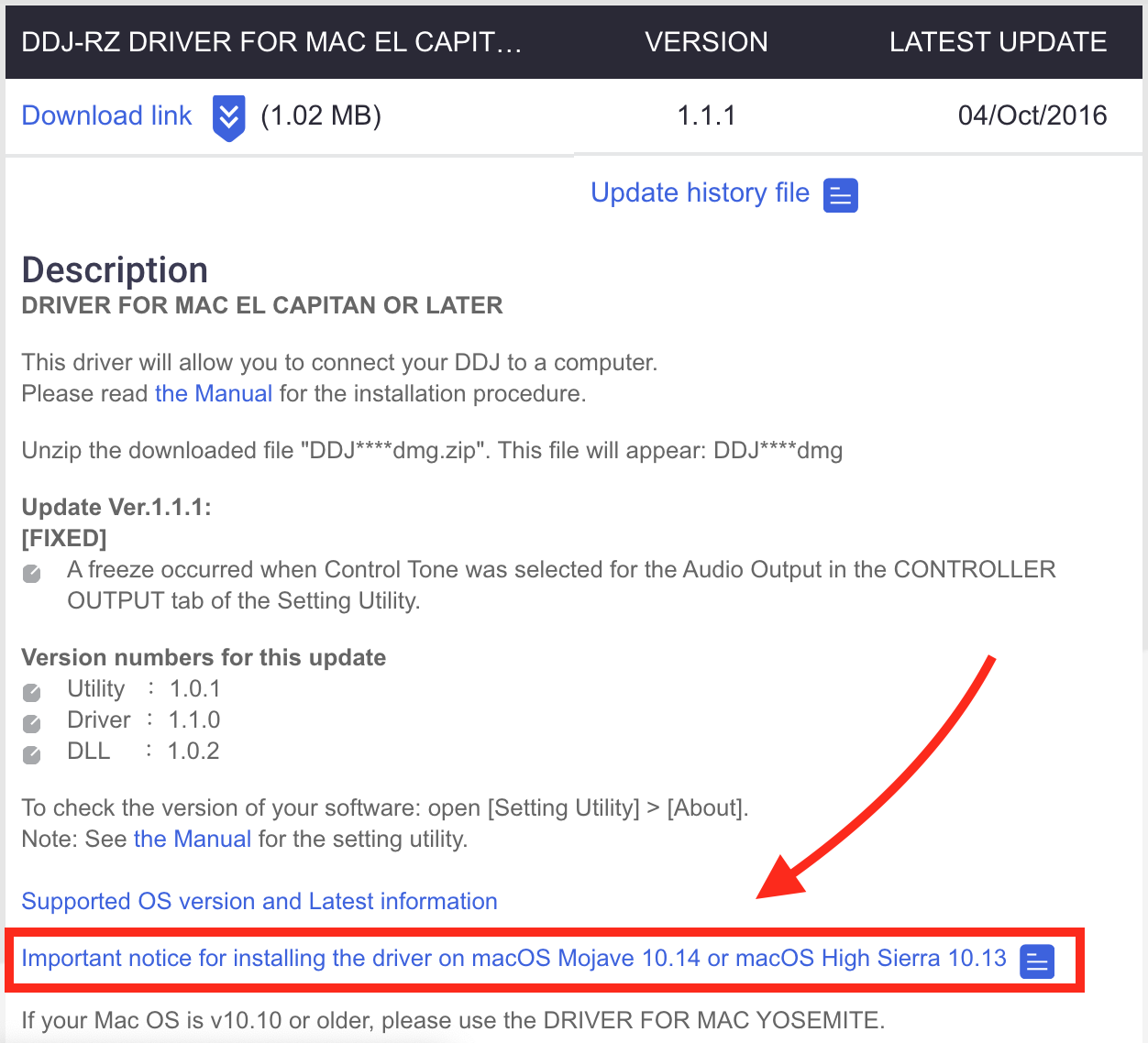
I'm glad you figured it out through some very intensive exploration, but this guide to your issue is linked on the same page from which you downloaded the drivers:


Comment actions

I've been at this for a while. Installed and uninstall just to reinstall firmware, with same results.
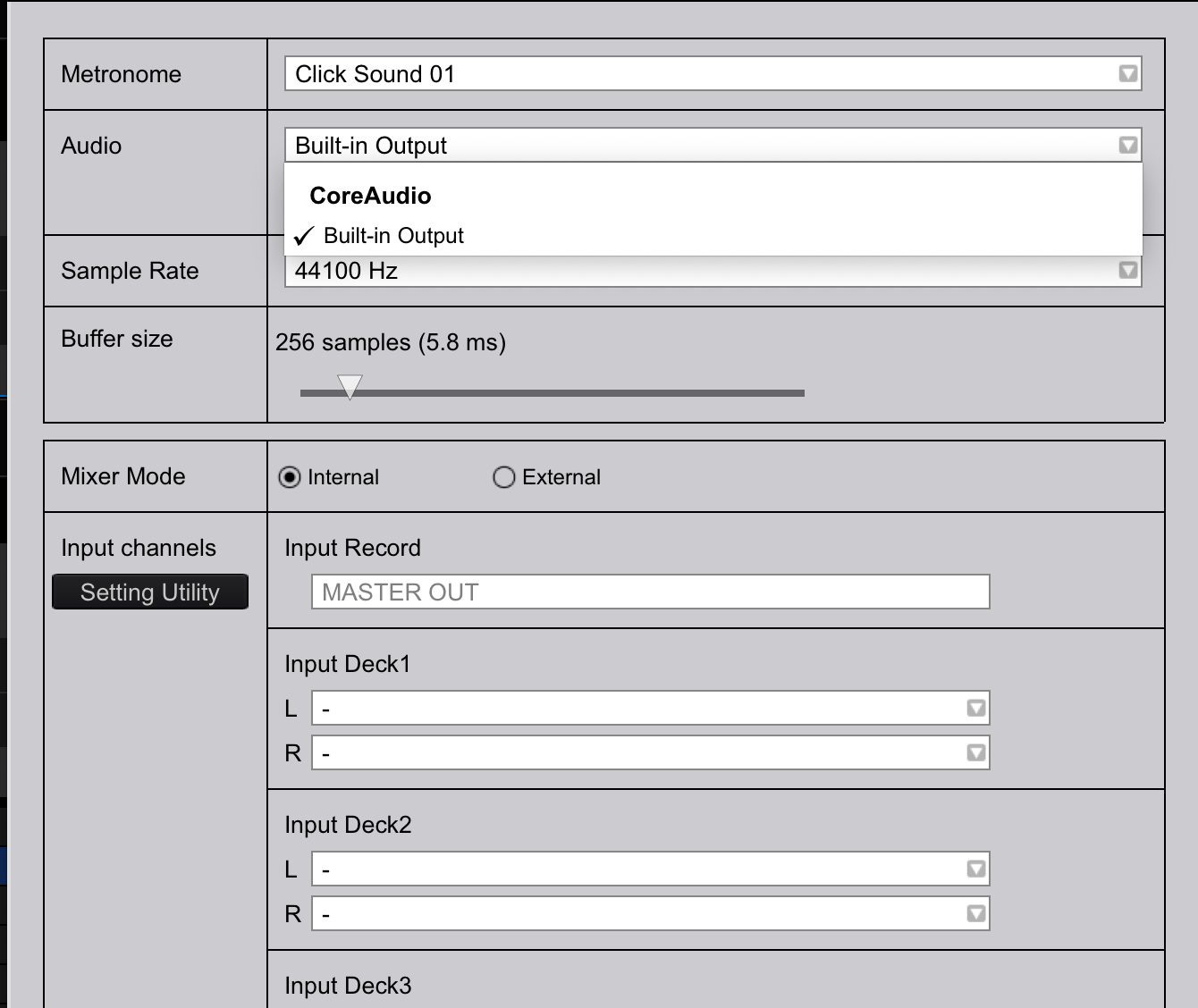
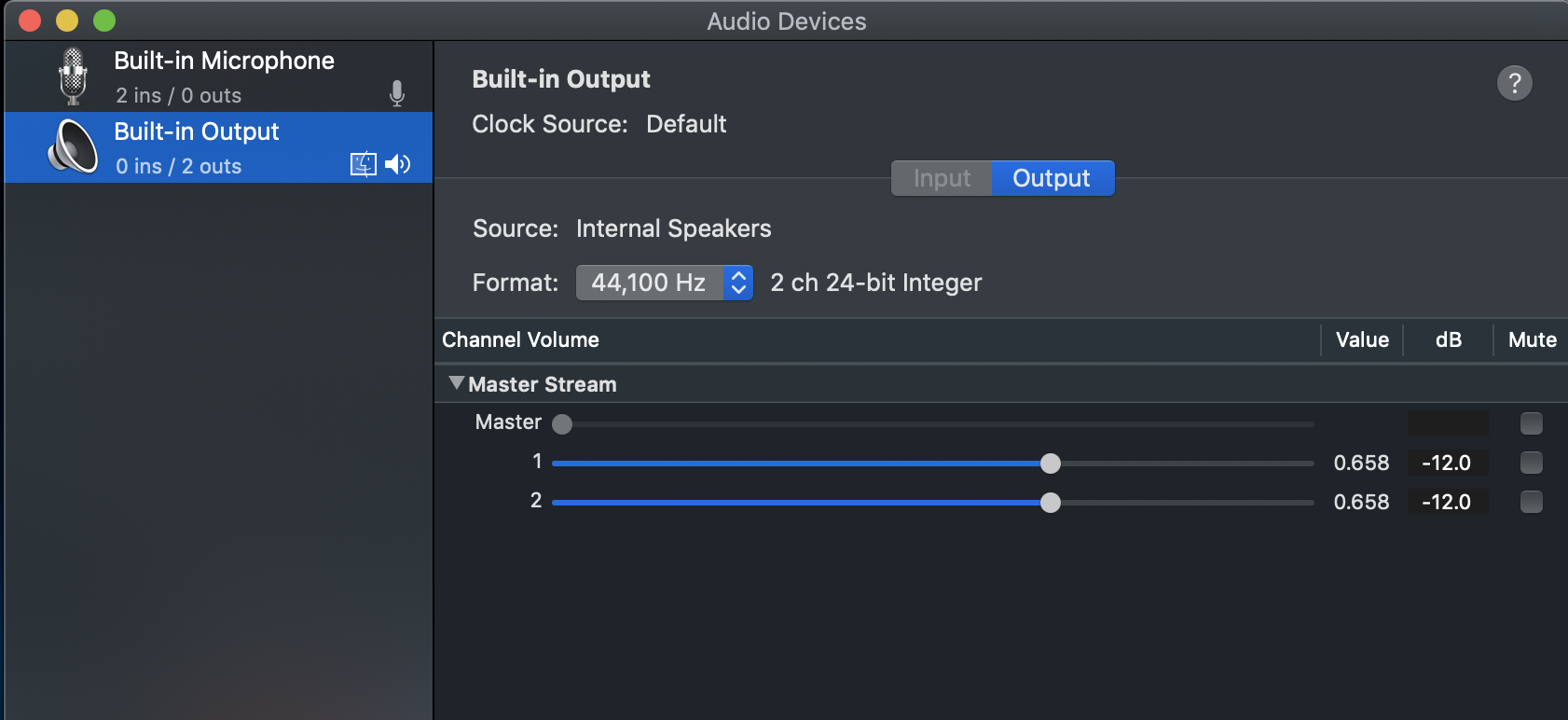
Rekordbox doesn't recognize DDJ-RZ as an Audio source for output.
Can someone help?
see photos attached
I'm glad you figured it out through some very intensive exploration, but this guide to your issue is linked on the same page from which you downloaded the drivers:
Post is closed for comments.
0) Have you read the "READ ME FIRST" thread in its entirety AND TRIED THE SOLUTIONS THERE before posting: Yes, I swear it!
1) Operating System: OS X 10.14.2
2) OS Type: 64bit / 32bit
3) rekordbox version:
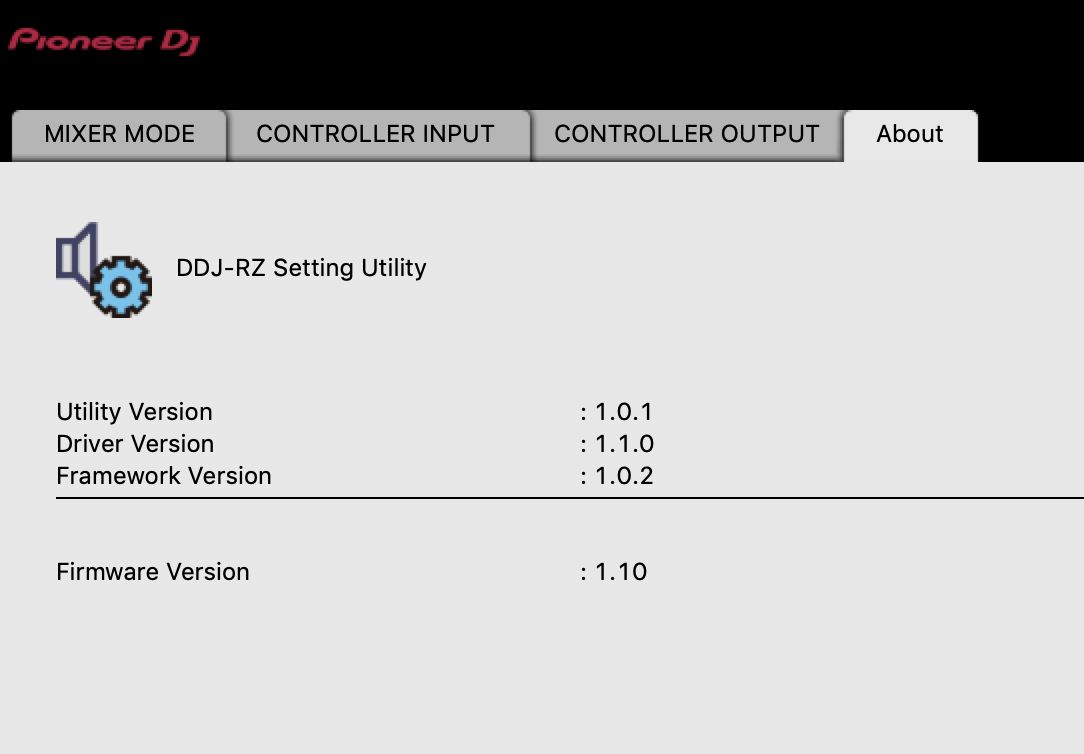 A follow up post reading the "Read this article before posting"
4) Using LINK: No
4b) LINK Connection method: N/A
4c) Using with CDJs: No
5) Source Hard drive / Flash drive / SD card file system: HD/Desktop
5b) Connection type: USB3.0 to Thunderbolt
5c) Does the device have multiple partitions: No
5d) If it's a flash drive, is it a U3 device: N/A
5e) With what utility did you format the device: N/A
6) Export Hard drive / Flash drive / SD card file system: N/A
6b) Connection type: USB3.0 to Thunderbolt
6c) Does the device have multiple partitions: N/A
6d) If it's a flash drive, is it a U3 device: No Yes Unsure
6e) With what utility did you format the device: N/A
7) Have you scanned your files for errors: No
7b) Have you scanned your drive for errors: No
8) Is rekordbox crashing at all: No / Yes
8a) If crashing, is it resulting in: N/A
8b) If not crashing, are there any error messages: No
9) Are you able to repeat / reproduce the problem: Yes -by uninstalling and reinstalling
9a) If yes, can you do it consistently: Yes
10) Does the problem occur with one specific song: N/A
10a) If yes, please post a link to it: N/A
11) Any other notes regarding your setup only:
12) Provide as much detail of the issue here
Thanks
Hello Support,
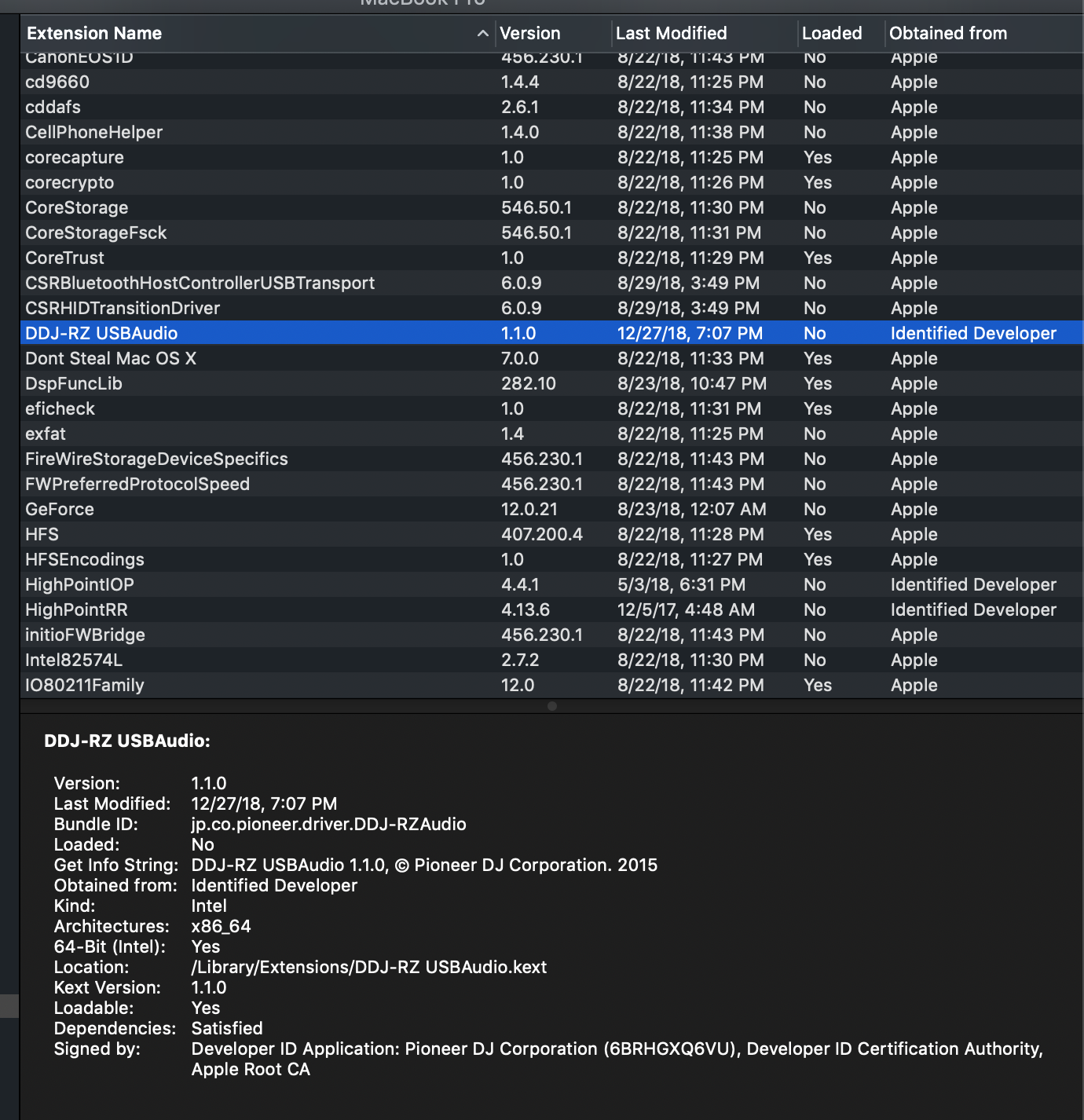
I would like to include the USB 'Software -Extension' info below.
Hope someone can help me resolve. I've been at this for hours : (
Hello Support,
For those experiencing similar issues. I determined that Mac Mojave, Kernel extension manager - for lack of a better term - rejected the "driver" illustrated above.
After some sweat and tears : ) I found a workaround, as a permanent solution is yet to be determined.
$ sudo kextutil -b <Bundle ID>
Kext rejected due to system policy: <OSKext 0x7fd87271f950 [0x7fff836b48f0]> { URL = "file:///Library/StagedExtensions/Library/Extensions/DDJ-RZ%20USBAudio.kext/", ID = "jp.co.pioneer.driver.DDJ-RZAudio" }
Diagnostics for /Library/StagedExtensions/Library/Extensions/DDJ-RZ USBAudio.kext:
Warnings:
Dependency lacks appropriate value for OSBundleRequired and may not be available during early boot:
com.apple.kec.Libm - OSBundleRequired not set
com.apple.vecLib.kext - OSBundleRequired not set
com.apple.iokit.IOAudioFamily - OSBundleRequired not set
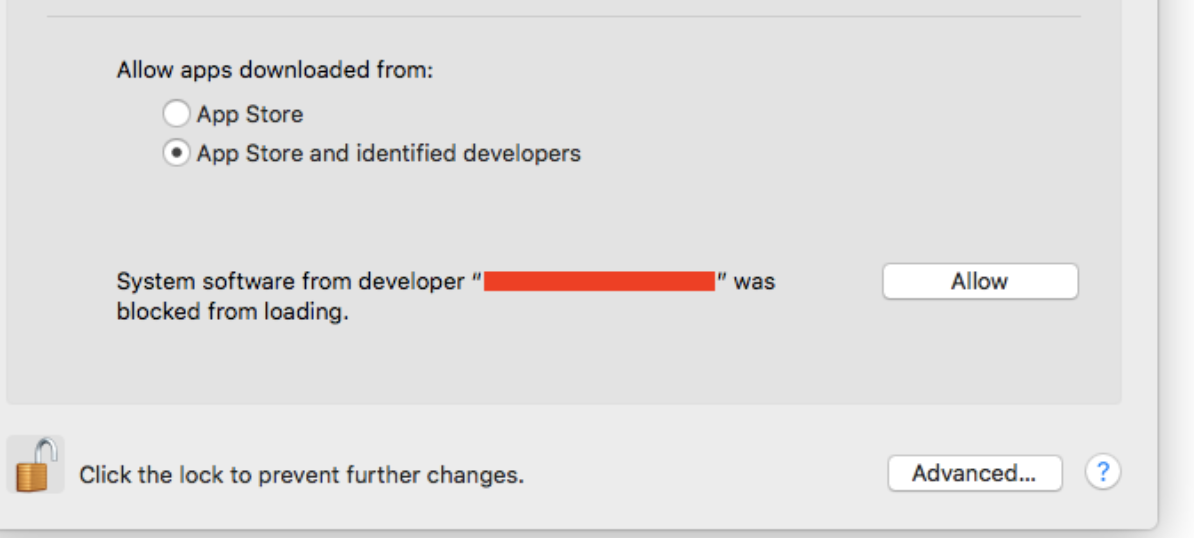
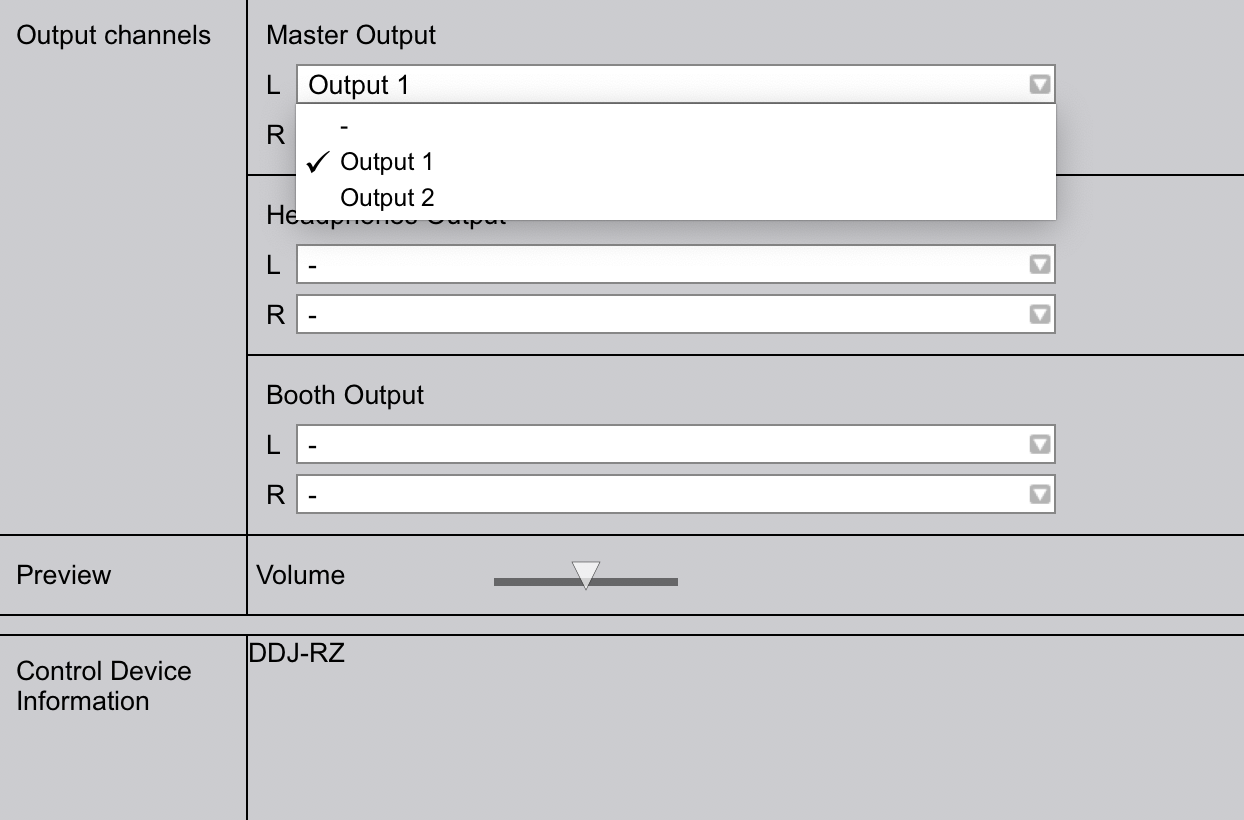
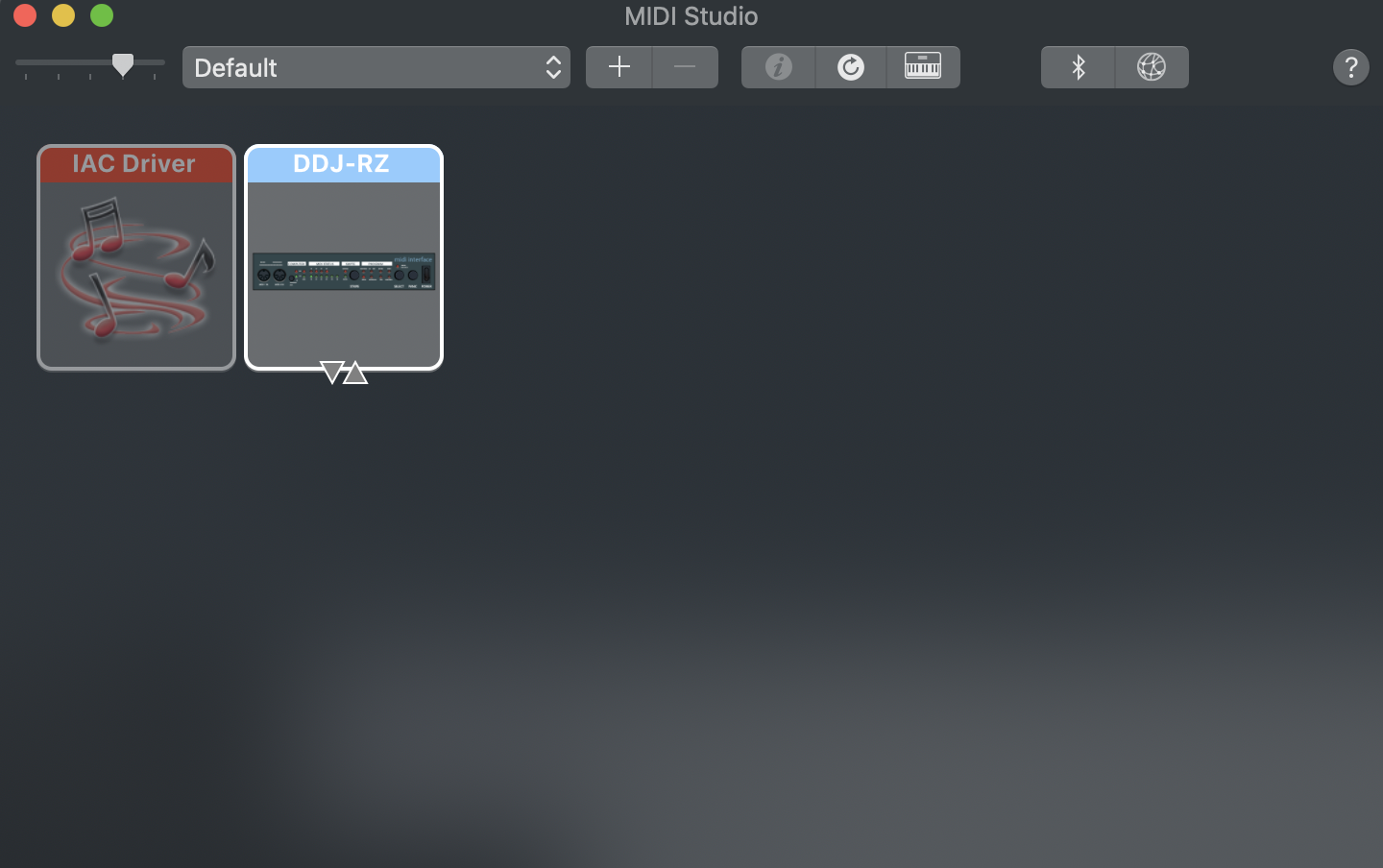
You should now see the Audio of your Controller populated like so.
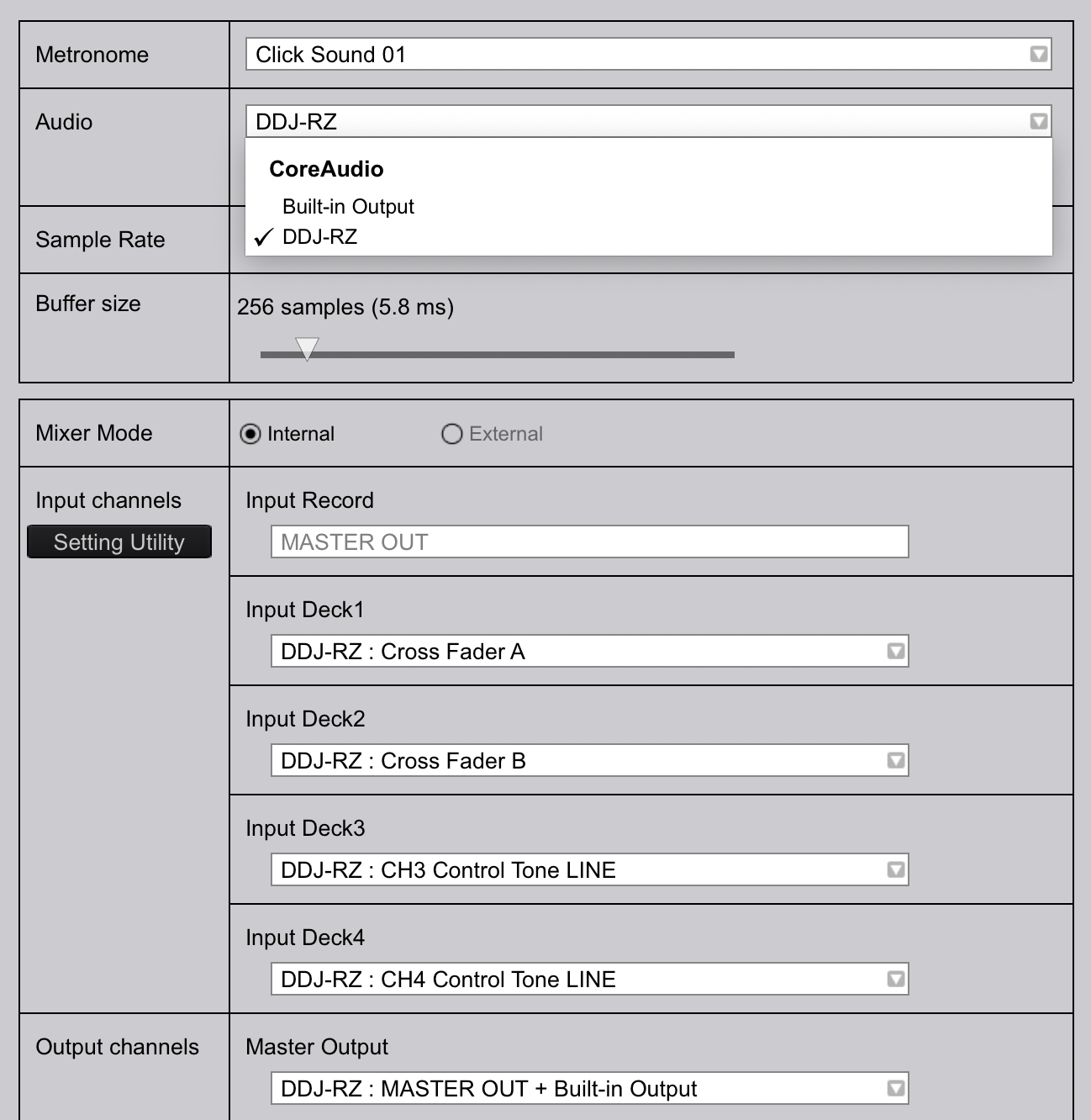
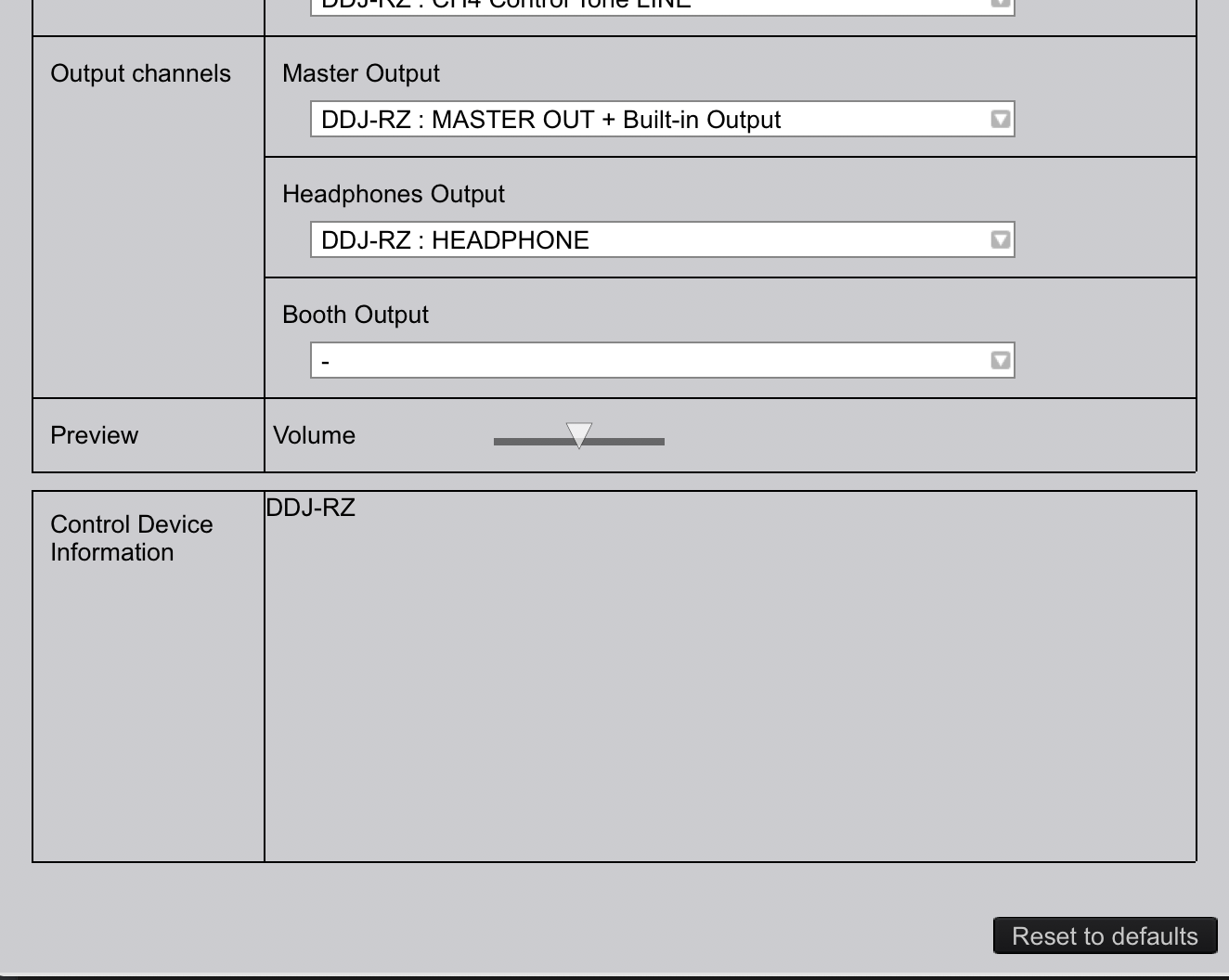
I hope this helps.
Thanks


