
Does your Xone96 appear as two separate ASIO devices; one for output, one for input?
Comment actions

My Setup working off both PC Desktop and a Macbook pro
Xone 96 Mixer
2 x XDJ 1000MK2
I have no problem linking the setup on both PC and MAC
Two channels working independently on playback
No option to select input channels in order to record sets if I choose too.

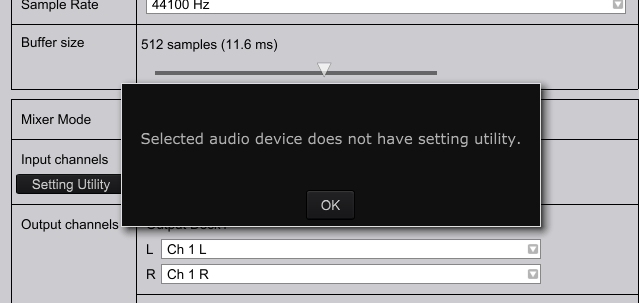
When I select seeting Utility for input channel I get this....
Post is closed for comments.
Does your Xone96 appear as two separate ASIO devices; one for output, one for input?
Just one device
There should be 12in/12out ... does the device have a utility application?

I have exactly the same setup and problem. Did you find out how to get this working @veridium?

Same problem here.
Still did not find a solution to this
I called with the support service of the store I bought it at. tried for 45 min still didnt get it to work.
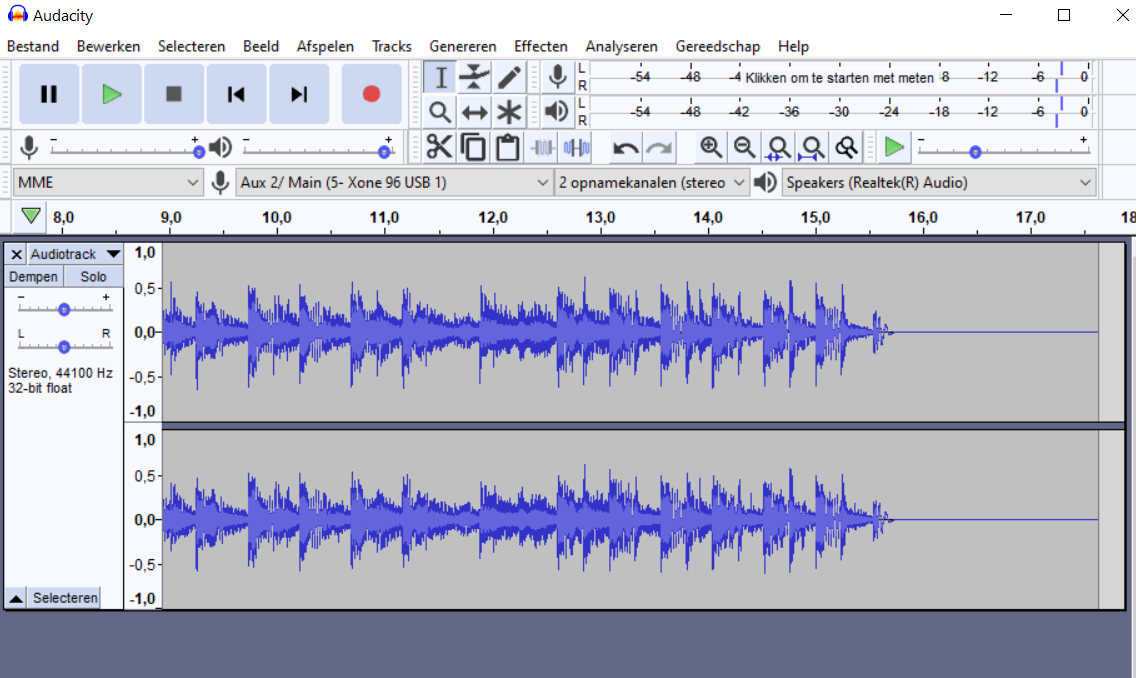
Then I decided to download audacity and record via that program.
And it works!
So I stopped trying to record via recordbox.
I would advice trying that.
@Tobias > Does the 96 have two different interfaces - one for output, one for input? If so, that's the problem; rekordbox can only manage one audio device. You would have to create an aggregate using ASIO4ALL.

