
Official comment

1) Connect the USB drive to your computer, open rekordbox.
2) On the device, create a new playlist, call it "USB"
3) Click All Tracks on the device, select all of the songs listed there, drag them to the new USB playlist.
4) Right-click on the USB playlist and select Import Playlist.
5) You'll see a pop-up window like this:
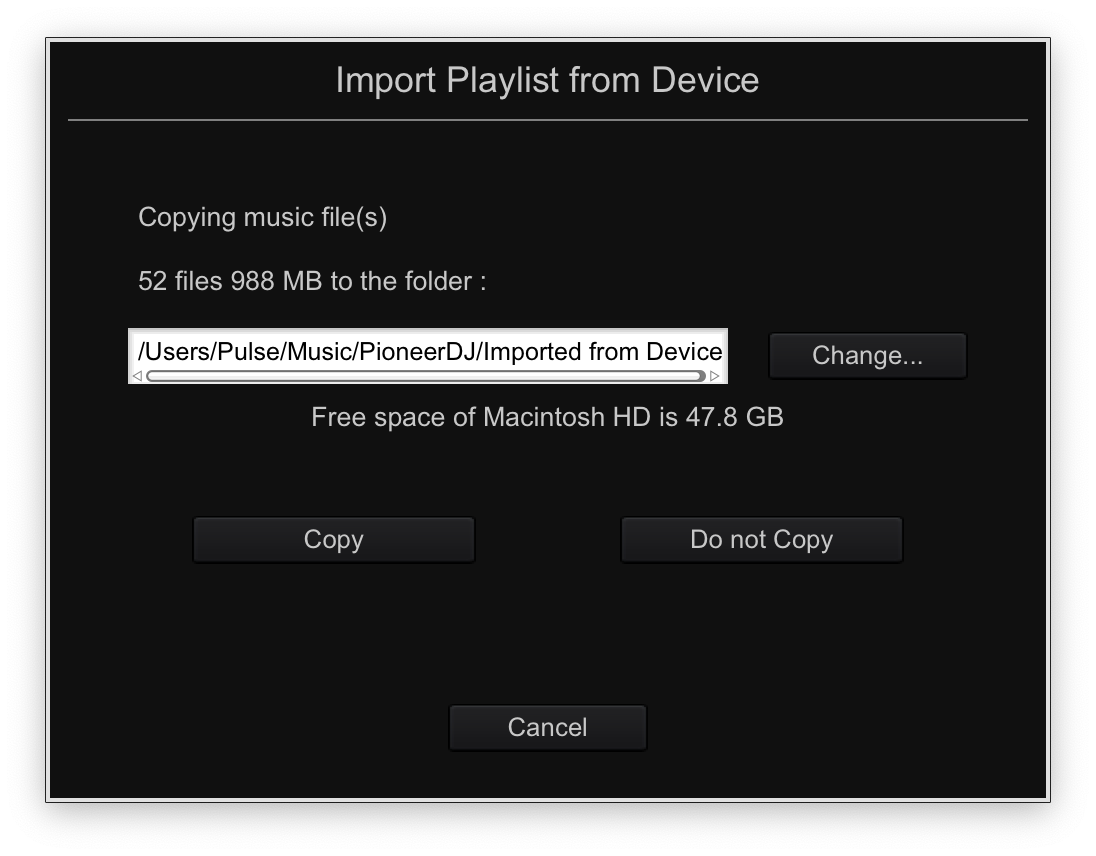
Select the destination for your music files, and click Copy. The audio files will be imported from the drive, along with the grids, hot cues, and memory points.


Comment actions