
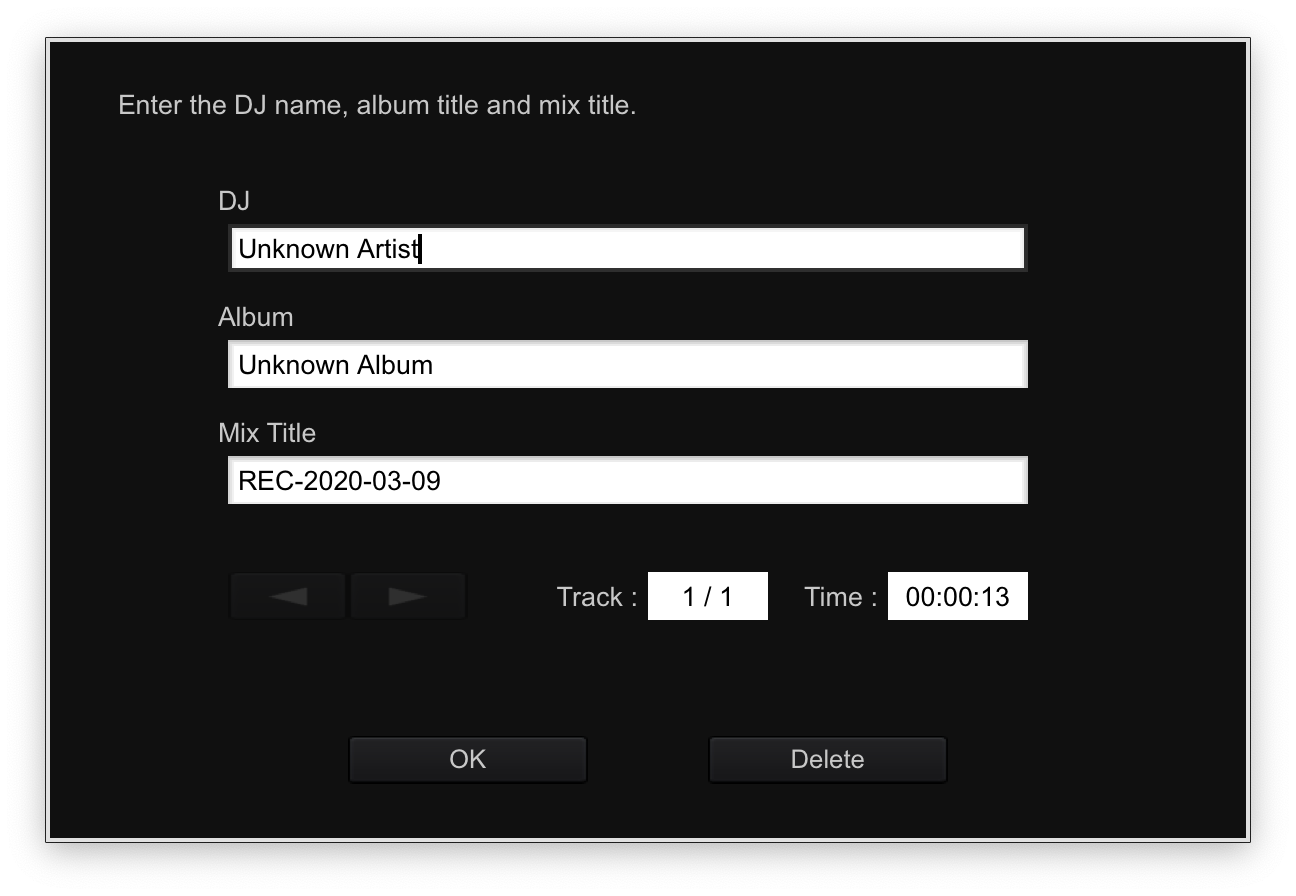
You should be able to enter the artist and track information into that window for the recording you just created.
Can you take a screenshot so I can confirm it's showing properly?
Comment actions

Post is closed for comments.
You should be able to enter the artist and track information into that window for the recording you just created.
Can you take a screenshot so I can confirm it's showing properly?
Basically when you select the tab to view it nothing happens. It doesn't respond to clicking it. A silhouette of a window can be seen on the desktop as well. I'll take a screenshot and post from my pc.
The only caveat is I have Rekordbox on a secondary screen which is a 4K tv video routed via a USB 3.0 4K Converter, if that makes any difference. I did however just move Rekordbox back to its main screen and the tab still seems locked. I'm wondering if there is anything in my environment to check that may be lending to the problem.
The other issue is I always seem to have 3 instances of Rekordbox listed in my Task Manager. I close them, re-launch, and 3 more appear in TM. Is that a clue?
Disregard. I didn't expand it. They seem like proper files and services.
Those 3 services are normal.
It could be due to the second display - this is what you should see after finishing recording:
Can you uncheck this box and see if you still have the same issue when you finish recording?
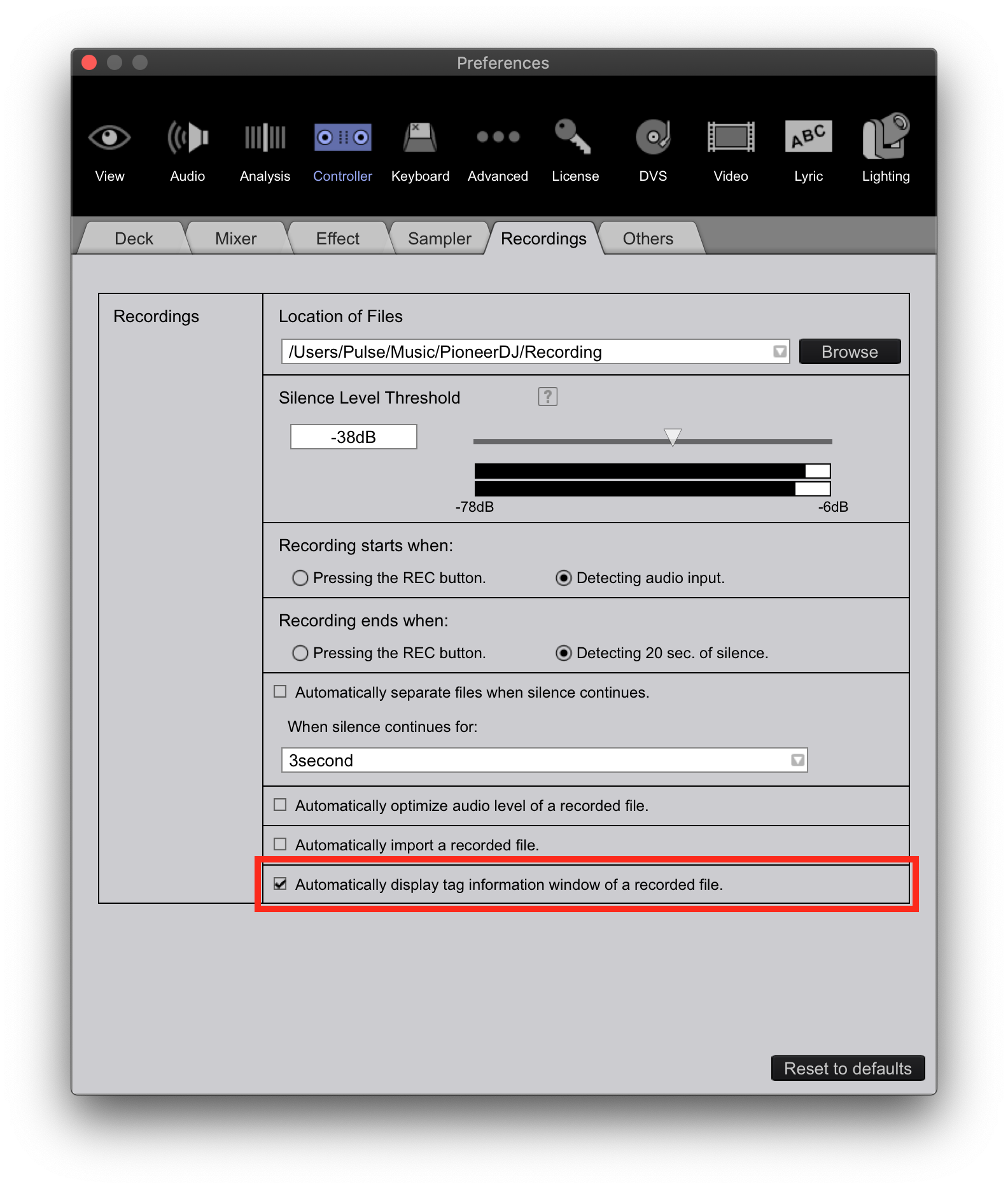
I unchecked the setting and did a test record. The screen no longer locks up and the prompt for recorded file information no longer appears, and that's a good thing. Thank you. Any idea if it's my system causing this window to remain hidden and locked down, or could this be a bug maybe? Strange one for sure. I'd rather not have the fields available and manually rename the save files than be locked up and unable to proceed though. I plan to migrate the software to my new Acer Predator Helios 700 gaming laptop with alot more resources. I'll test it on the Acer. It may be my OS on the Dell needs to be cleaned up. I appreciate it. Thank you!
The most likely culprit is the graphics adapter and its process of drawing that pop-up window. You can try following the instructions here to see if switching the primary graphics chipset used by rekordbox helps it when the "display tag" option is enabled.


