Official comment

See this article for information on that.
Comment actions

Lots of info on how to move the rekordbox (v6) DB to another PC or an external drive.
But I want to move it form C:\Users\Me\AppData\Roaming\Pioneer to a specific folder in my D: drive (within OneDrive, so It's backed up).
If I move it to the D: drive using the "Move DB" function, it puts it in the root of D. I don't want it there.
Any way to move it to a specific folder??
Neil
See this article for information on that.
Post is closed for comments.
Reading through the instructions, it's clear you have a Mac. The PC instructions don't seem to be quite right, with the directories not quite matching what's there. Nervous to try it as there's a lot to go wrong. Can you please double check the files/folders for Windows.. Thanks in advance.
I've got both, and I have verified the location.
The article says:
Windows: C:\Users\<username>\AppData\Roaming\Pioneer\rekordbox\
And here's a screenshot: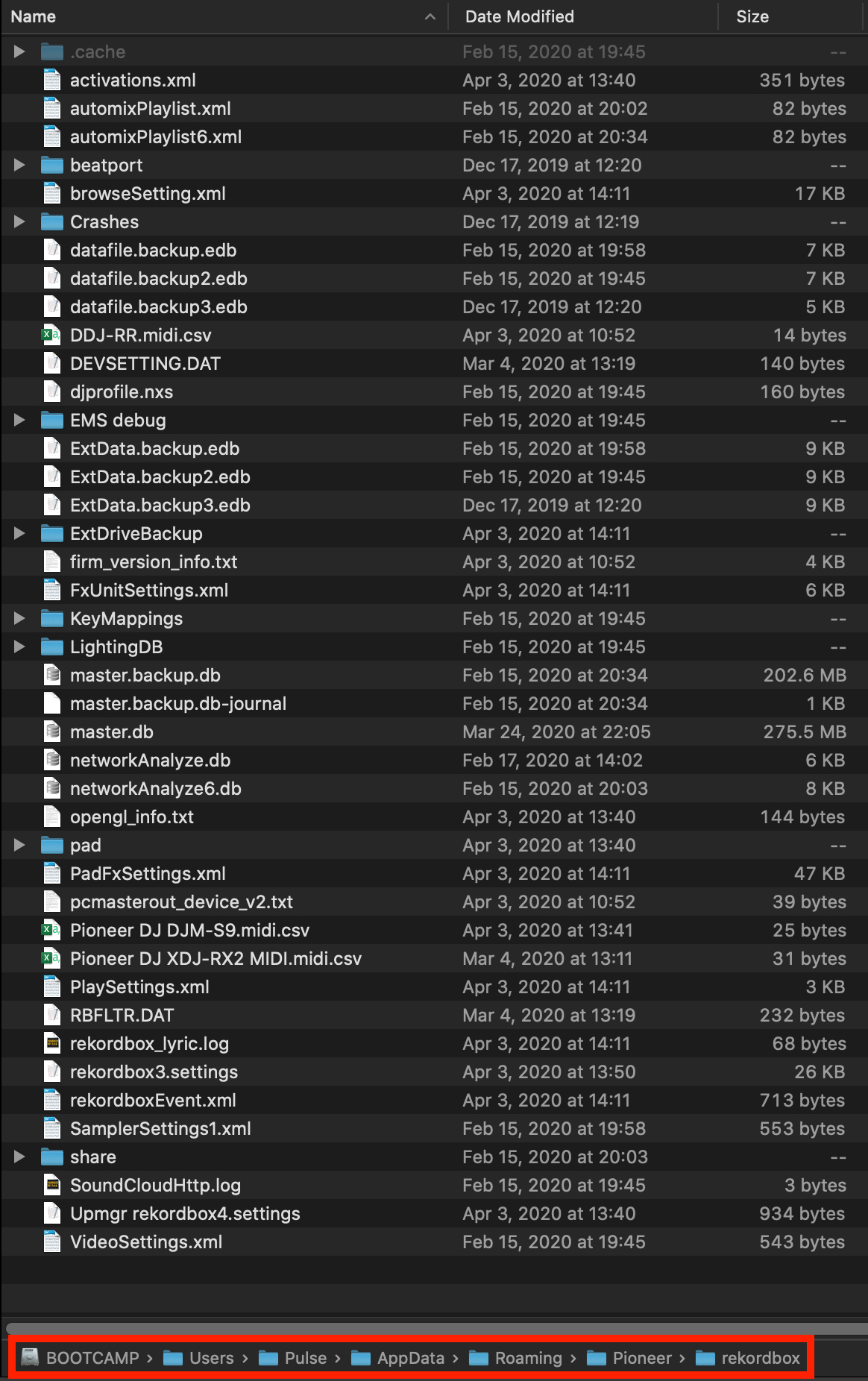
The only thing I caught is a typo here:
Hey Pulse
Yeah, I figured out the typo ;o)
Mine is a fresh install on rekordbox6 and I have a \rekordbox folder and also a \rekordbox6 folder under \user directory
rekordbox.settings is under the rekordbox6 folder, not rekordbox, so I figure I just change that.
The instructions say to copy datafile.edb, ExtData.edb, PIONEER (folder) but don't mention master.db (which seems to be the largest file) and also masterPlaylist6.xml.
Should those also be moved? I figured master.db is the main part of the config data???? The .edb files are only a few kb.
Cheers!
Neil
With rekordbox 6, there are additional databases in use and I haven't tested the instructions for it since it has a different set of database files - so your mileage may vary.

