
Hi Aaron,
Click then hold and drag the column header left and move it next to the song name header.
Comment actions

Hello,
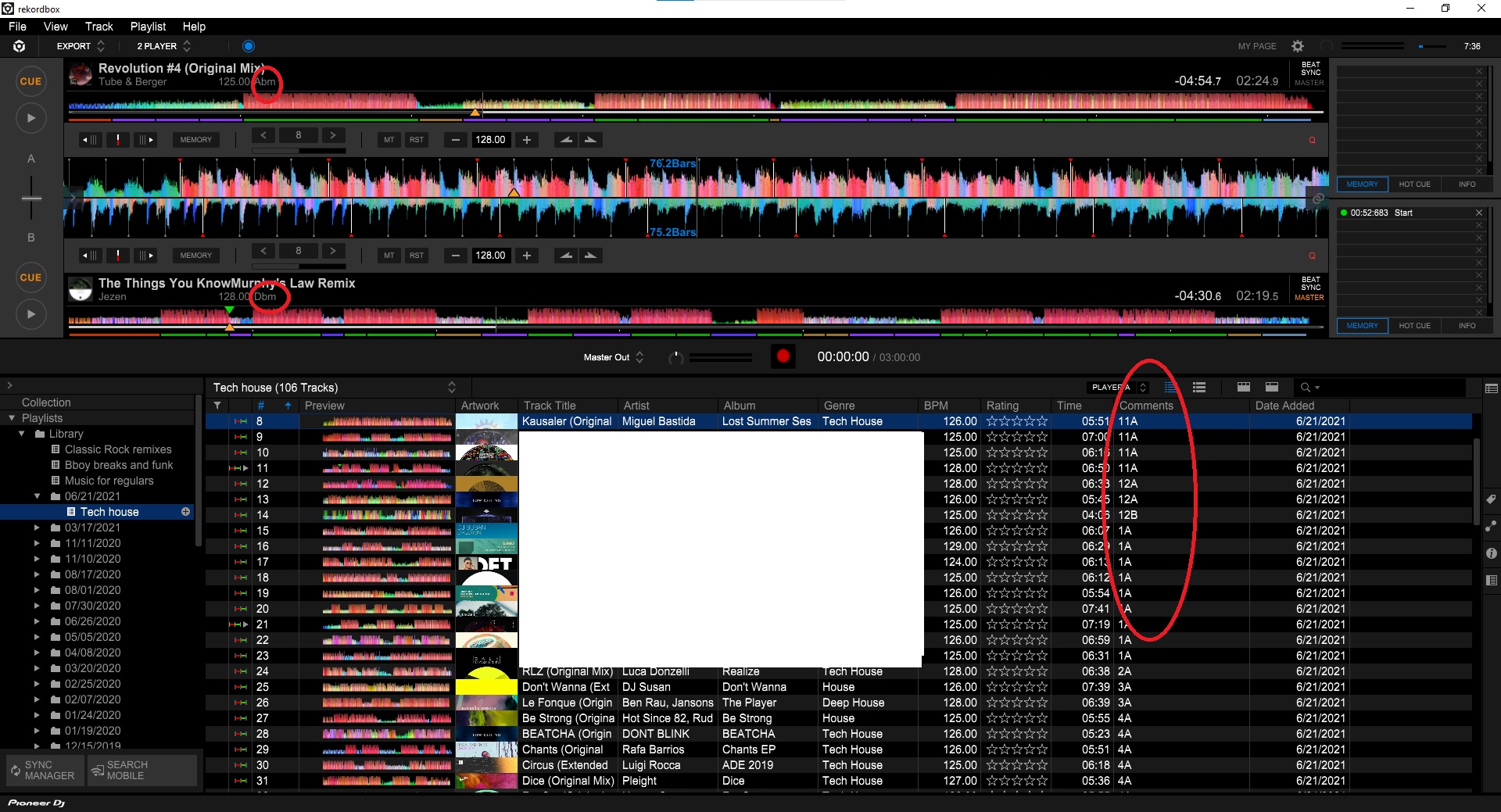
In export mode, next to the song name, it has the key information. Can this be changed to display what is in my comments on each song?
I want what is in the comments field (which is camelot notation) to be displayed next to the song name instead of the key section.
Look at red circles.
Here is a link for a larger photo if need be.
Post is closed for comments.
Hi Aaron,
Click then hold and drag the column header left and move it next to the song name header.
Hey there,
I am slightly confused by your comment? Do you mean click and hold on the comment field, and drag it next to the Track title field?
I tried that, nothing changed.
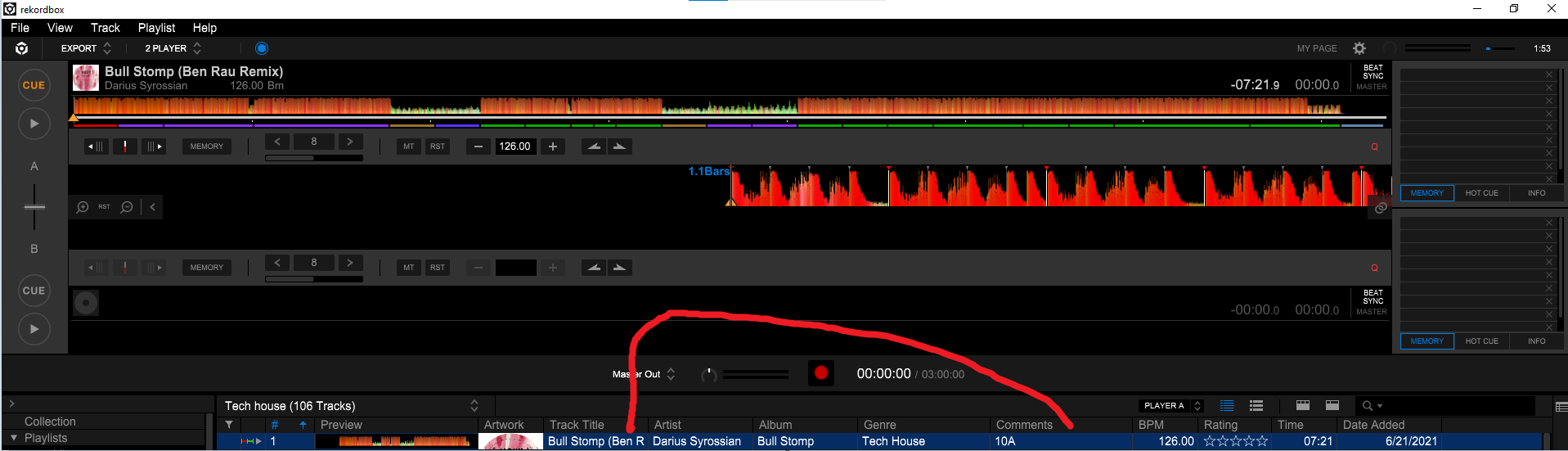
I moved the comments section next to track title, and nothing changed.
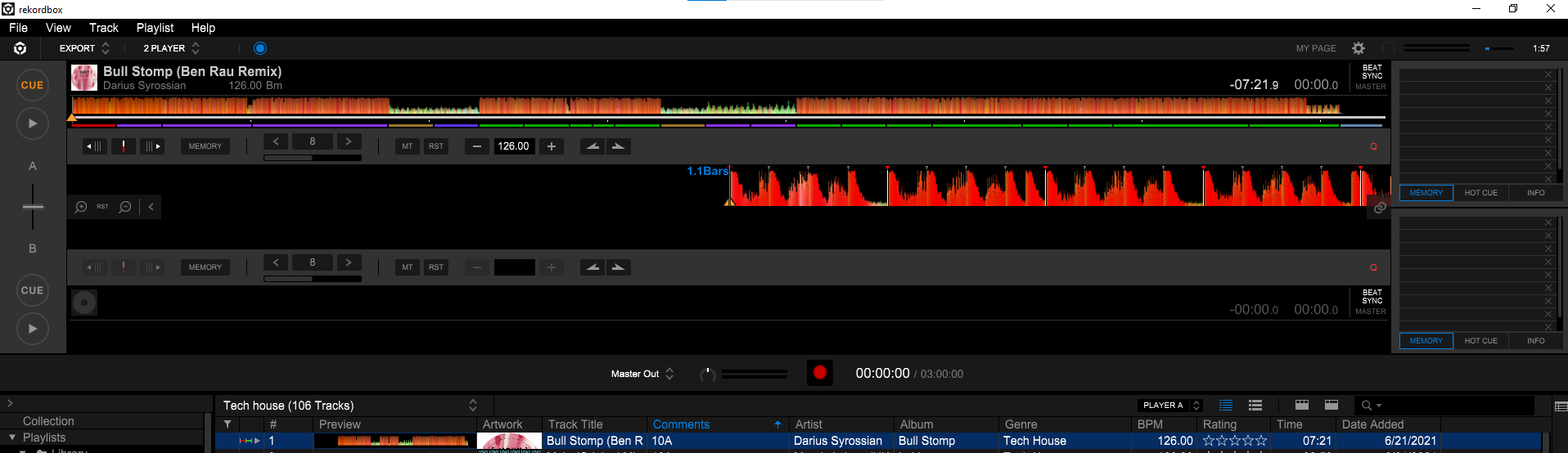
Do you mean showing the Key value from comments in the Key field?
EDIT: I just saw the two other circles. Apologies!
In Preferences > View > Key display format, choose Alphanumeric.
Then right click on one of the column headers. Select 'key' so this field gets displayed.
If the key doesn't match what is in your comments click in that field, it will show you options to change it.
if you have multiple which aren't correct but have a similar key in the comments selected with shift/ctrl+ click. Click on the "Display info window' on the right. Click in the key field to change them.
Wonderful! Thanks so much! I really like rekordbox, and thanks for explaining it to me!
No problem, we're here to help each other.


