Official comment

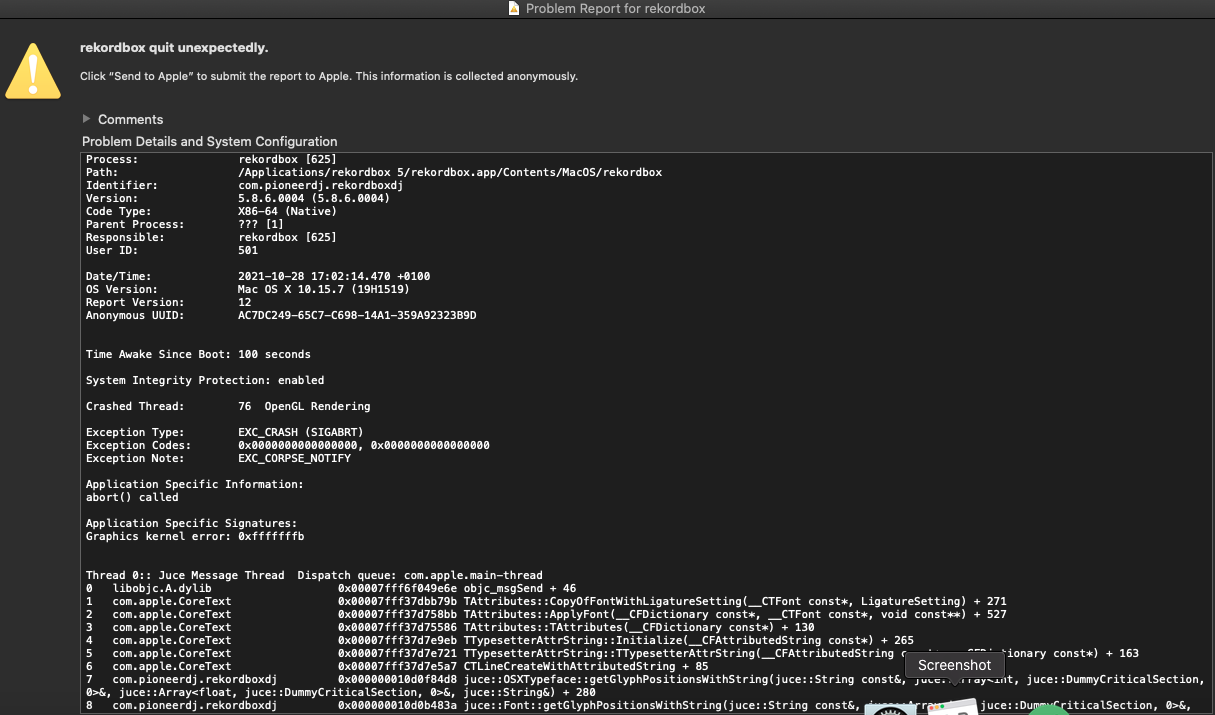
There is an OpenGL issue in the recent Catalina update is being tracked by our engineers, and they've provided a work-around until they're able to patch the issue on our end:
Open the Finder, from the menu at the top of the screen, click Go > Go to Folder... and copy/paste this into the box:
~/Library/Application Support/Pioneer/
Find the rekordbox3.settings file and right-click > Open With > TextEdit (if TextEdit isn't on the list, click Other then find it on the list and click Open).
Before you do anything, open the TextEdit preferences and uncheck the Smart quotes preference at the lower left, then close the preferences.
Find the following string: BasicOpenGL
You'll see this line highlighted:
<VALUE name="BasicOpenGL" val="0"/>
Change the 0 to 1.
Save the file and close TextEdit, then try launching rekordbox again.