Official comment

Are you sure you didn't just collapse that menu all the way to the left? Try mousing over that edge and drag it back.
Comment actions

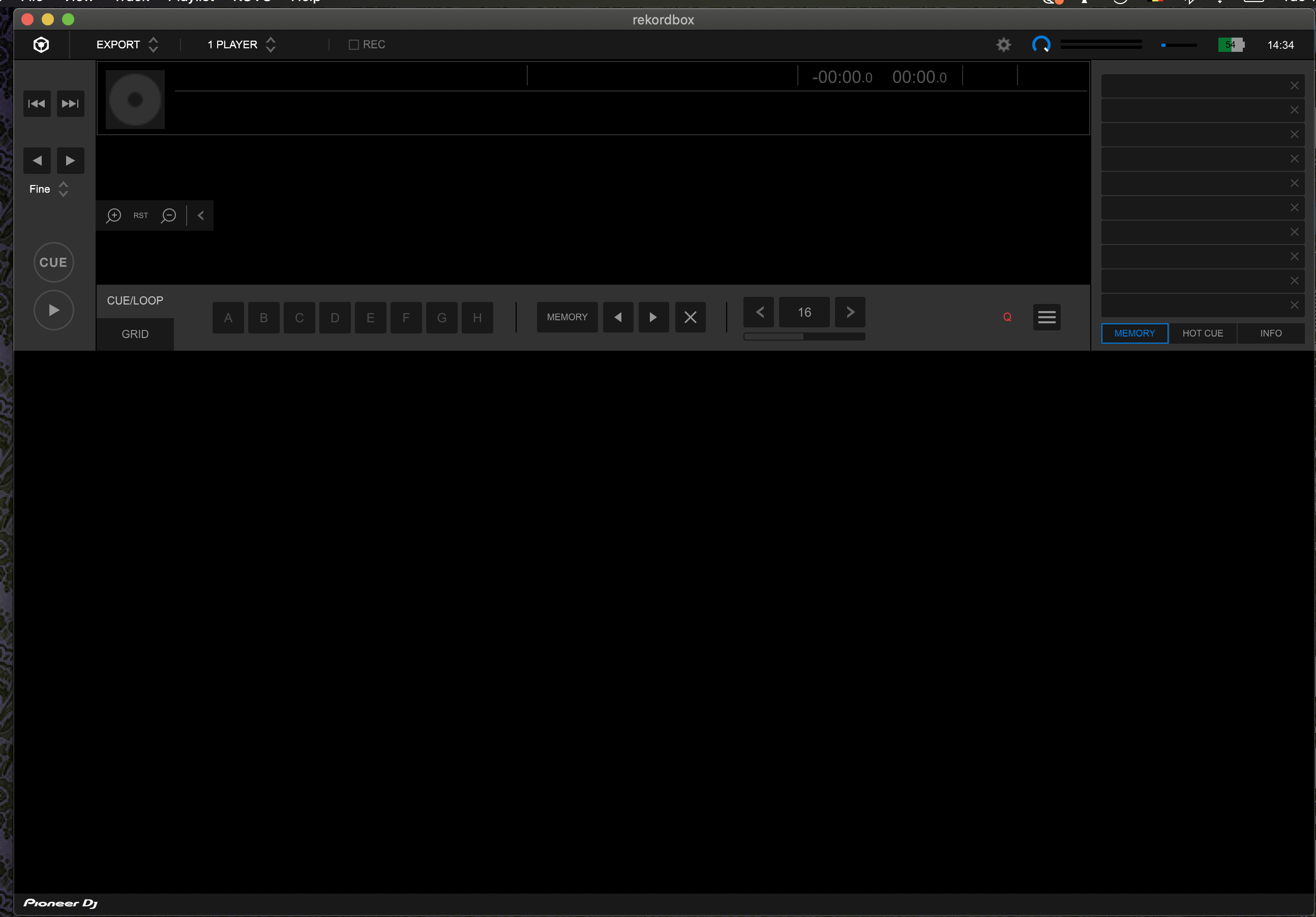
I used an external HD for RB database. That HD crashed, so I selected my internal HD for database in order to import the library from a flash drive. Now RB seems to be corrupted. There is no more tree view, left nor right, and most of the functions in the menus are greyed out, including the backup and restore library.
Here's a screen view from what RB looks like now. I tried re-download. I'm completely stuck.
Are you sure you didn't just collapse that menu all the way to the left? Try mousing over that edge and drag it back.
Post is closed for comments.
Yes, I'm sure. I managed to solve it, though. My database got corrupted, I guess. I switched to an old database by switching the names of old and new in the folder.

Having this same issue on Mac OS 6.5.2 rev.21393-18825-18786 nothing I've found on these fourms has helped. No way to drag it back, resetting all settings or reinstalling doesn't help. wtf
@Andrew > Sorry to hear that, please file an inquiry ticket here and our support team will gather some additional information to assist you in resolving this issue. DO NOT re-open rekordbox.