
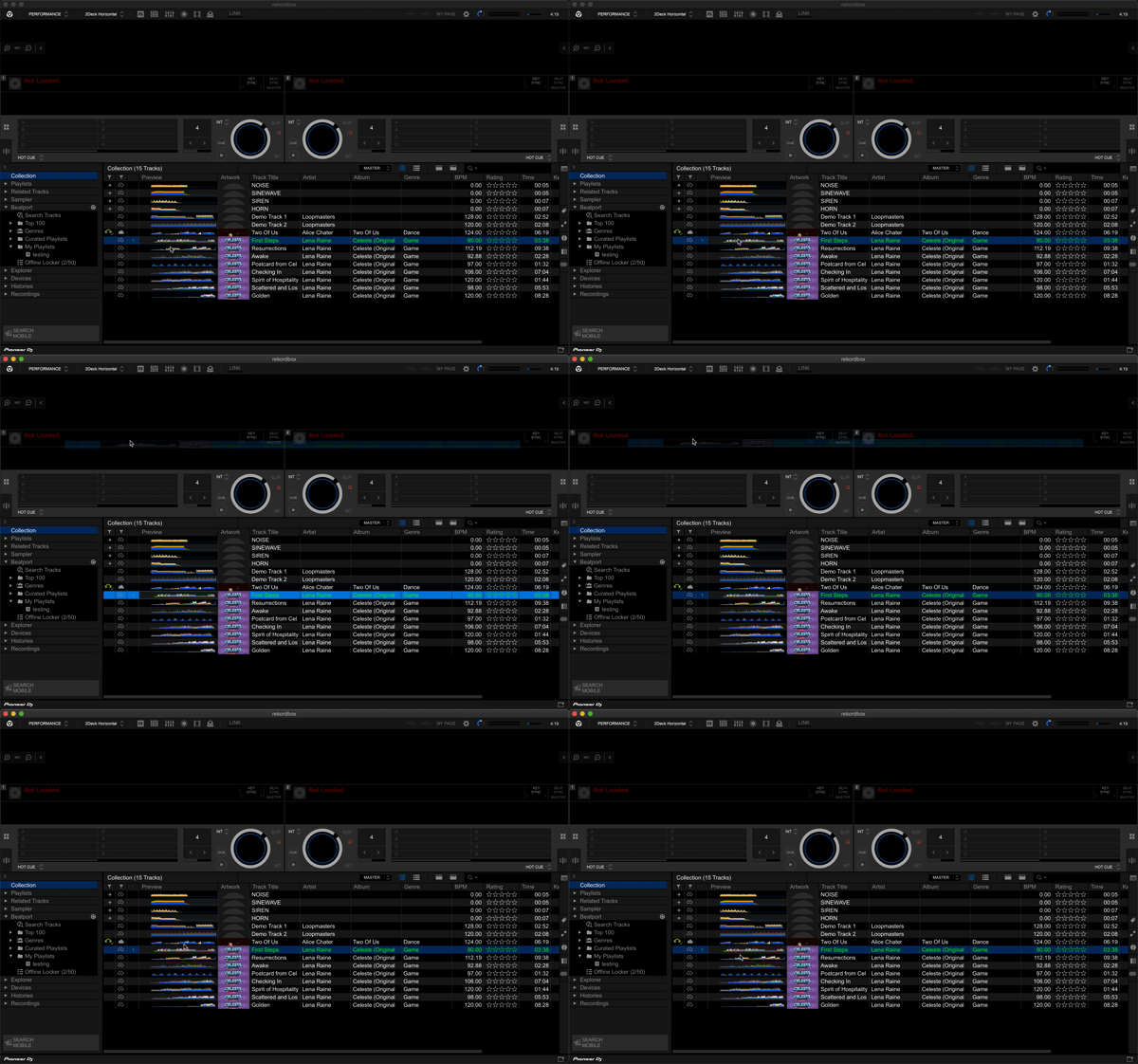

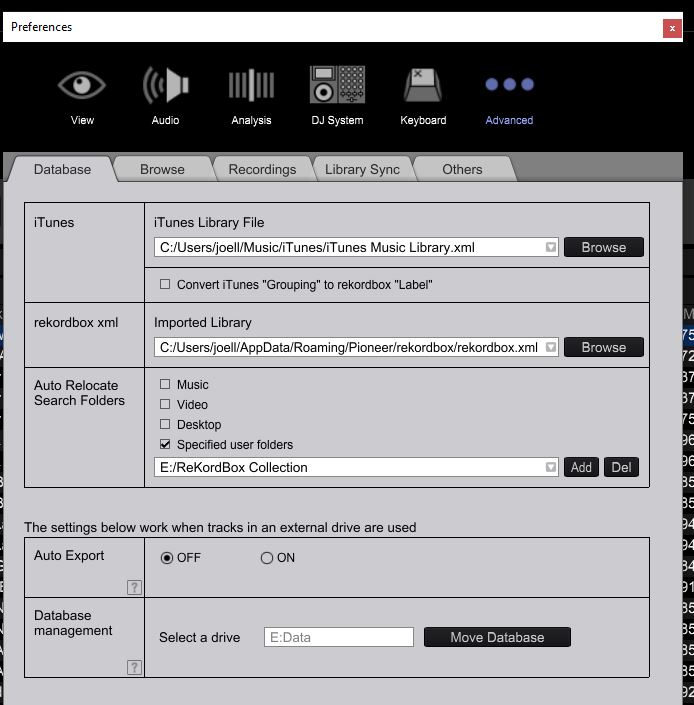
Notice the exclamation point in the left column. This indicates that the track file cannot be located. You need to check for missing files. Select File / Display All Missing Files and relocate the missing files. To define folders for Auto Locate, select Preferences under Database tab and enter search folders where your tracks are located. You can add more than one folder to the search list.


Comment actions