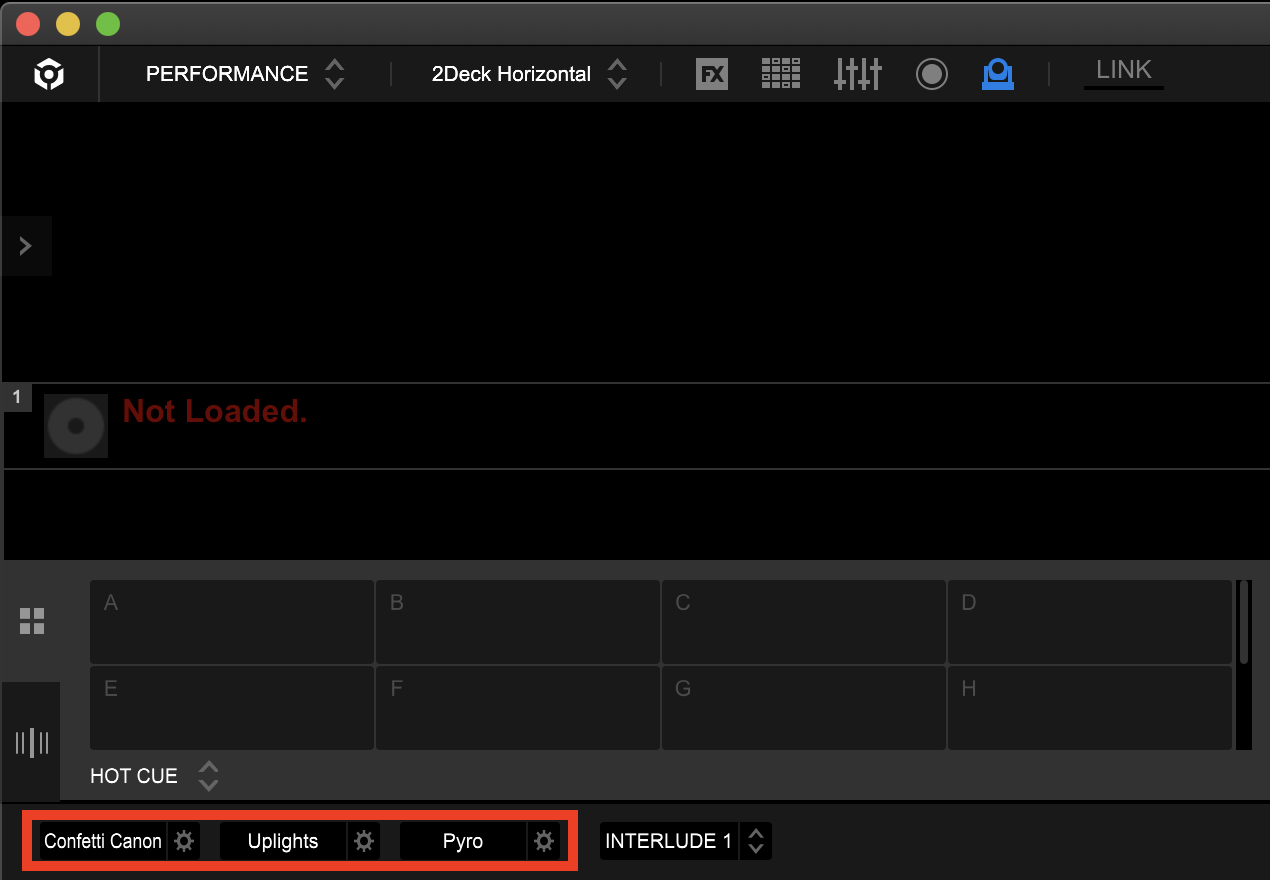
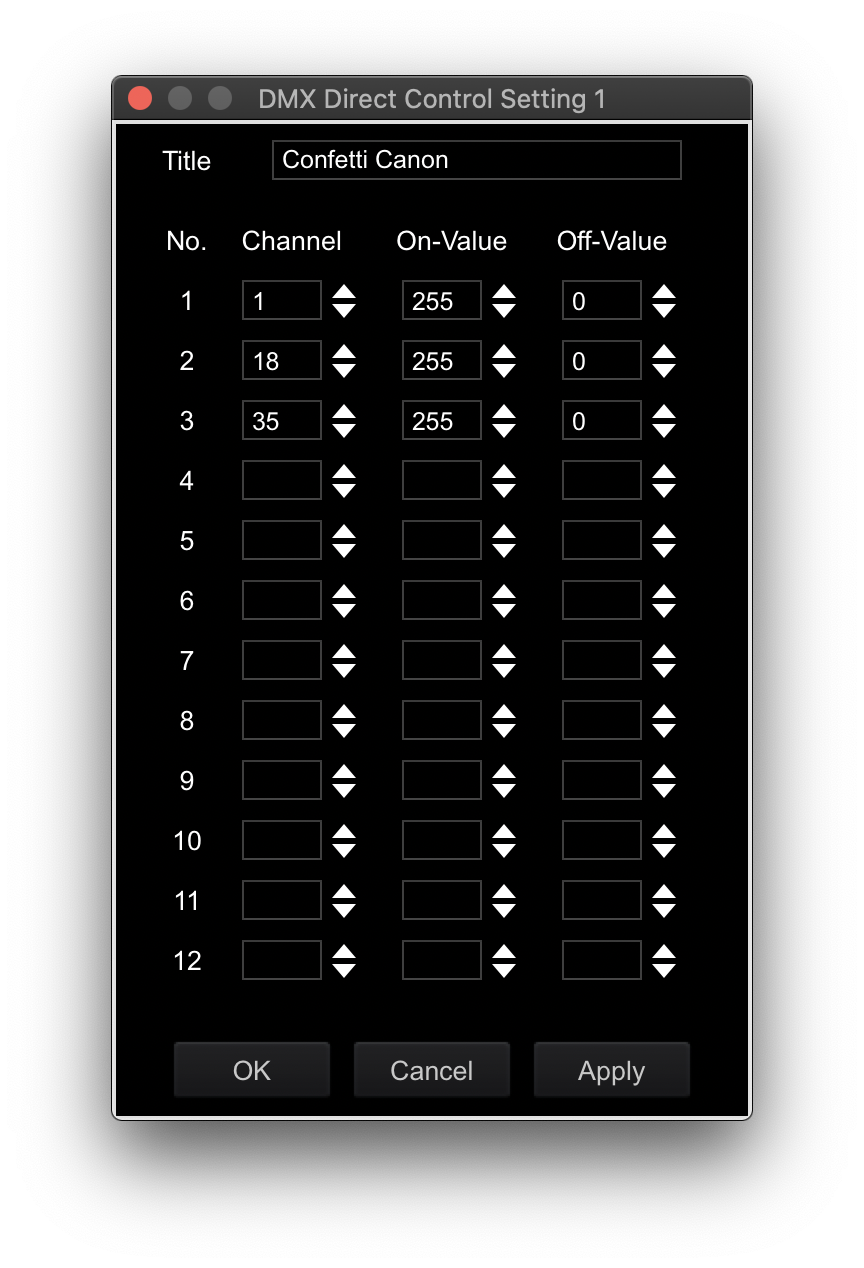
Unfortunately, no. RB Lighting has a ton of missing features, lacks documentation as well as support.
For this, you have a few options. You can go into lighting mode and modify the existing scenes. I think there are 7 or 8 (hot, warm, cool, vivid, etc) and each of those have a low/med/high version. So if there are 8 variants, you will have 24 different scenes. One thing that will make a big difference is for you to go in and assign a scene to each song as opposed to using whatever RB decides to assign it. I noticed that almost all of my songs were getting set as "cool/high" so the sets looked very similar. Simply going in and changing the songs to use a different preset will be a big boost. Couple that with modifying the scenes (change colors, change mover patters, etc), that will add a lot to what you have.
The other alternative is to create your own scenes. In the scene selection area, you will see an option to create a blank template that you can customize. Be warned, this is going to a have a ton of rows for almost every possible fixture type, so it might be easier to CLONE one of the existing scenes.
What I have also done, for some songs, is go in and customize the light mapping data for that specific song. For this, I started with an assigned scene and modified it to fit the music perfectly.