Have a feature request or suggestion? Post your idea here!

Post

3 followers Follow
0
Avatar

DDJ SR Updater App v1.08 Not Installing (Big Sur)

Hi,

> Recently upgraded to Big Sur
> Downloaded newest update to Serato Pro
> Plugged in DDJ SR
> "Error: Failed to connect to audio" on Serato Pro
> Downloaded latest Java
> Downloaded latest updater v1.08 for DDJ SR (currently on v1.07)
> Plugged in DDJ SR
> Error message on Updated Program "Your DDJ SR is not connected"

Would anyone know a fix?

Thanks!

Andrew Samson Answered

Official comment

Avatar

Andrew,

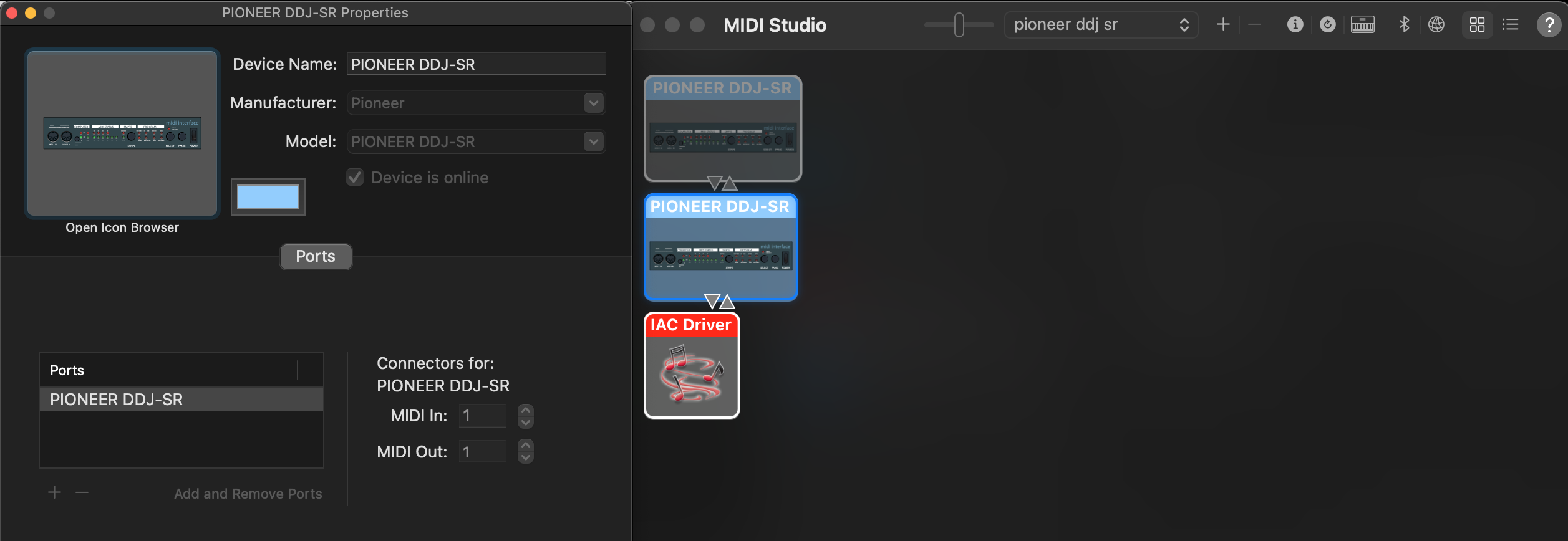
Try launching the Audio MIDI Settings app (found in Applications > Utilities) and open the MIDI Studio window. At the top of the window, click the drop-down and click New Configuration... and give it a name. See if the DDJ-SR appears on the list there.

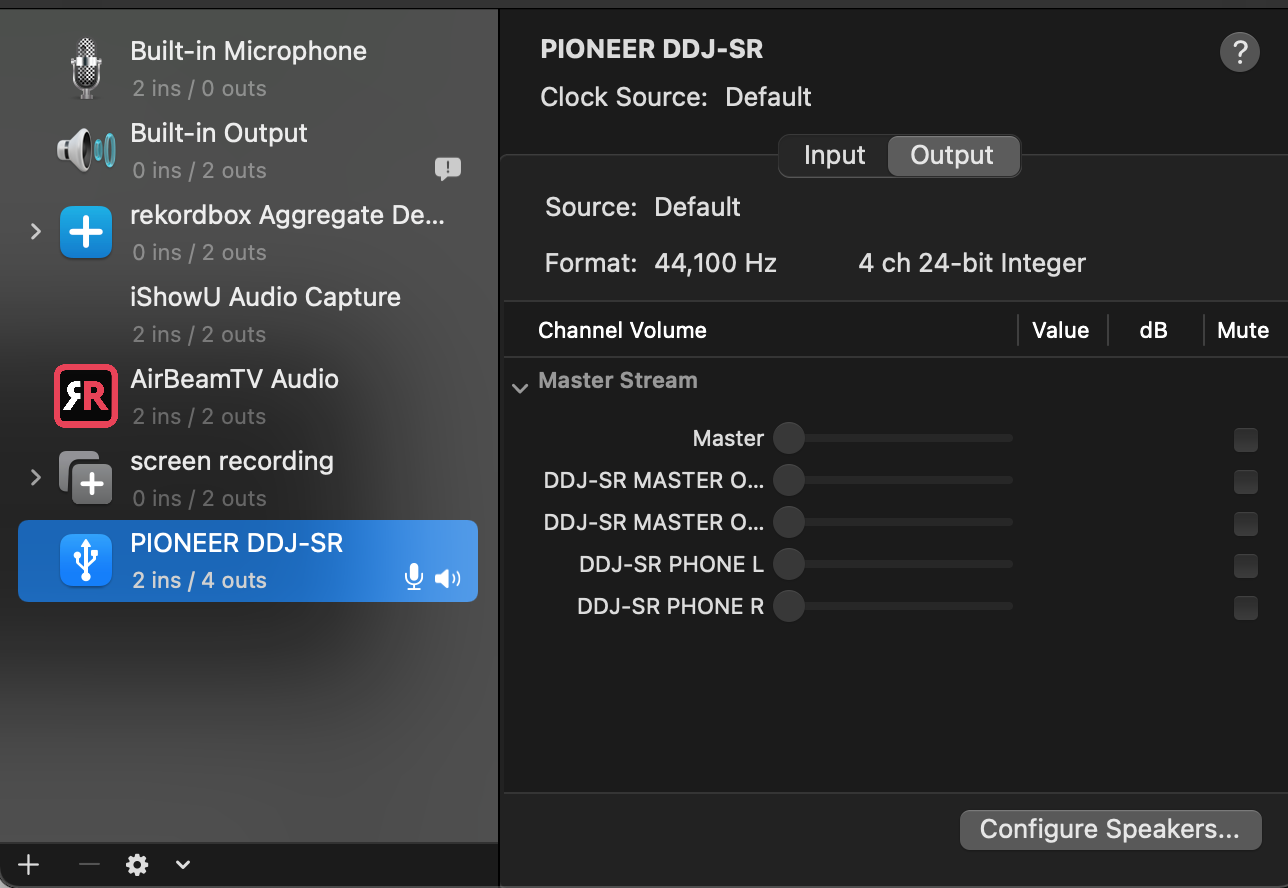
Next, flip over to the Audio Devices window and make sure the DDJ-SR is not set as the default audio device for the Sound Outputs and Alerts.

Pulse
Comment actions Permalink

Post is closed for comments.

6 comments

0
Avatar

Hi,

Still no luck.

First screenshot shows the New Configuration showing the device is online.

Here is the Audio Devices window. 

Andrew Samson 0 votes
Comment actions Permalink
0
Avatar

Andrew,

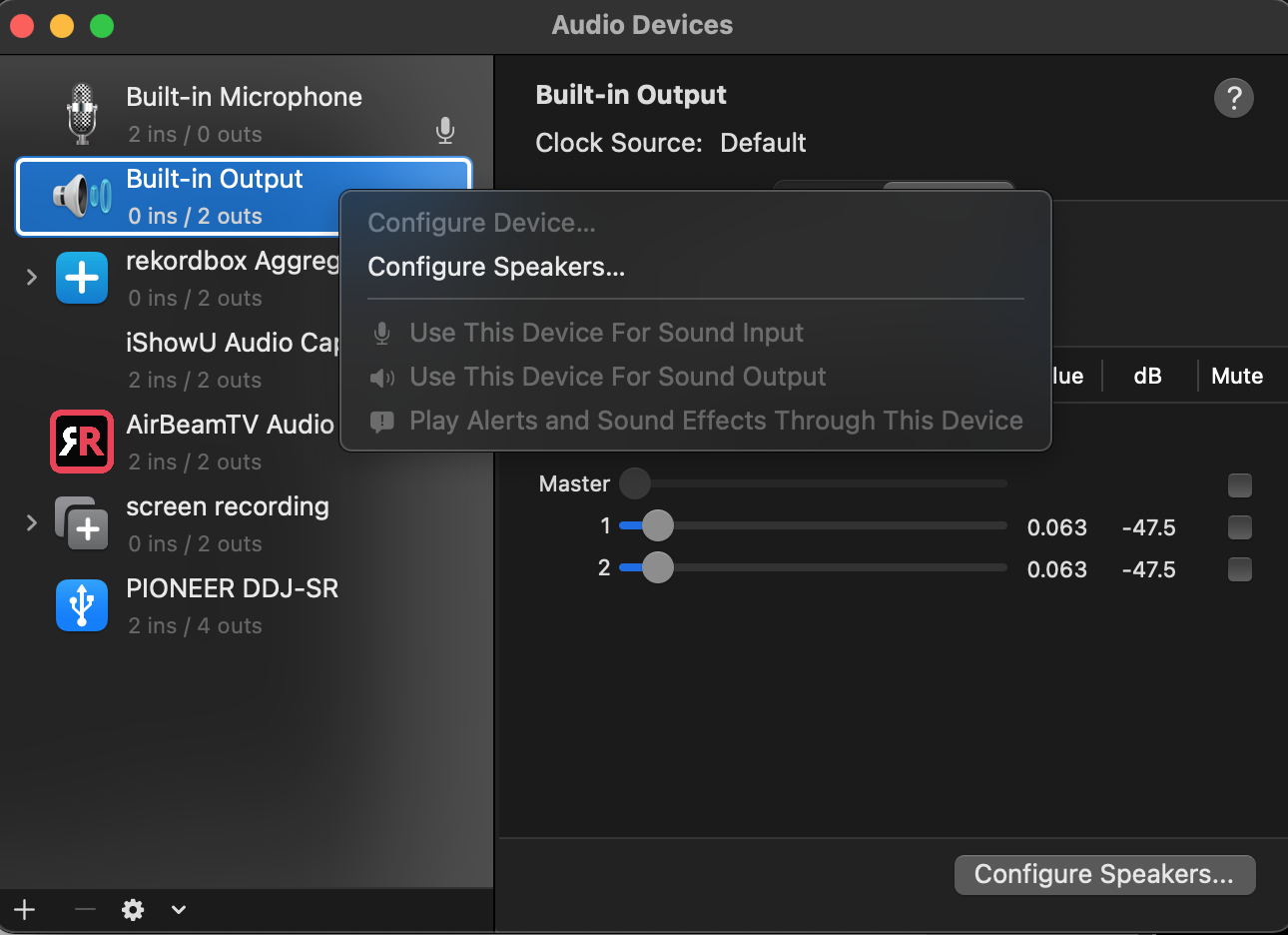
You can see the SR is set for the default output and alerts; right-click on the Built-in Output to change the assignment there instead of the SR for both items, then it will work.

Pulse 0 votes
Comment actions Permalink
0
Avatar

Hi,

I'm unable to change anything under built in output, all are grey'd out.

Would this error message have something to do with it?

"Error loading MIDI Xml: /Users/Werdna/Music/_Serato_/MIDI/Xml/AUTO_SAVE.xml"

I checked that file path and that folder is empty.

Andrew Samson 0 votes
Comment actions Permalink
0
Avatar

Quick update: I just tried to download the installer again, it went thru and began installing, then the error message said "Your DDJ SR is not connected"

Andrew Samson 0 votes
Comment actions Permalink
0
Avatar

Ok the fix was;

> Close Serato
> Plug in DDJ SR
> Click installer and let it fail
> Unplug DDJ SR
> Plug in DDJ SR with Shift Sync
> Click installer and let it install perfectly.

Thank you for your help!

Andrew Samson 0 votes
Comment actions Permalink