Official comment

Yes you can now use Sample Scratch with rekordbox and the XDJ-XZ.
Comment actions

With the new Rekordbox update Is it possible to use Scratch Bank with the XDJ XZ?
Yes you can now use Sample Scratch with rekordbox and the XDJ-XZ.
Post is closed for comments.
Is there a tutorial on how to do this?

Gus > Easy!
1) Open the PAD editor (at the top of the rekordbox window).
2) Decide which pad mode you want to assign over to the Sample Scratch function; personally, I never use KEY SHIFT (which is SHIFT+BEAT LOOP on the controller):
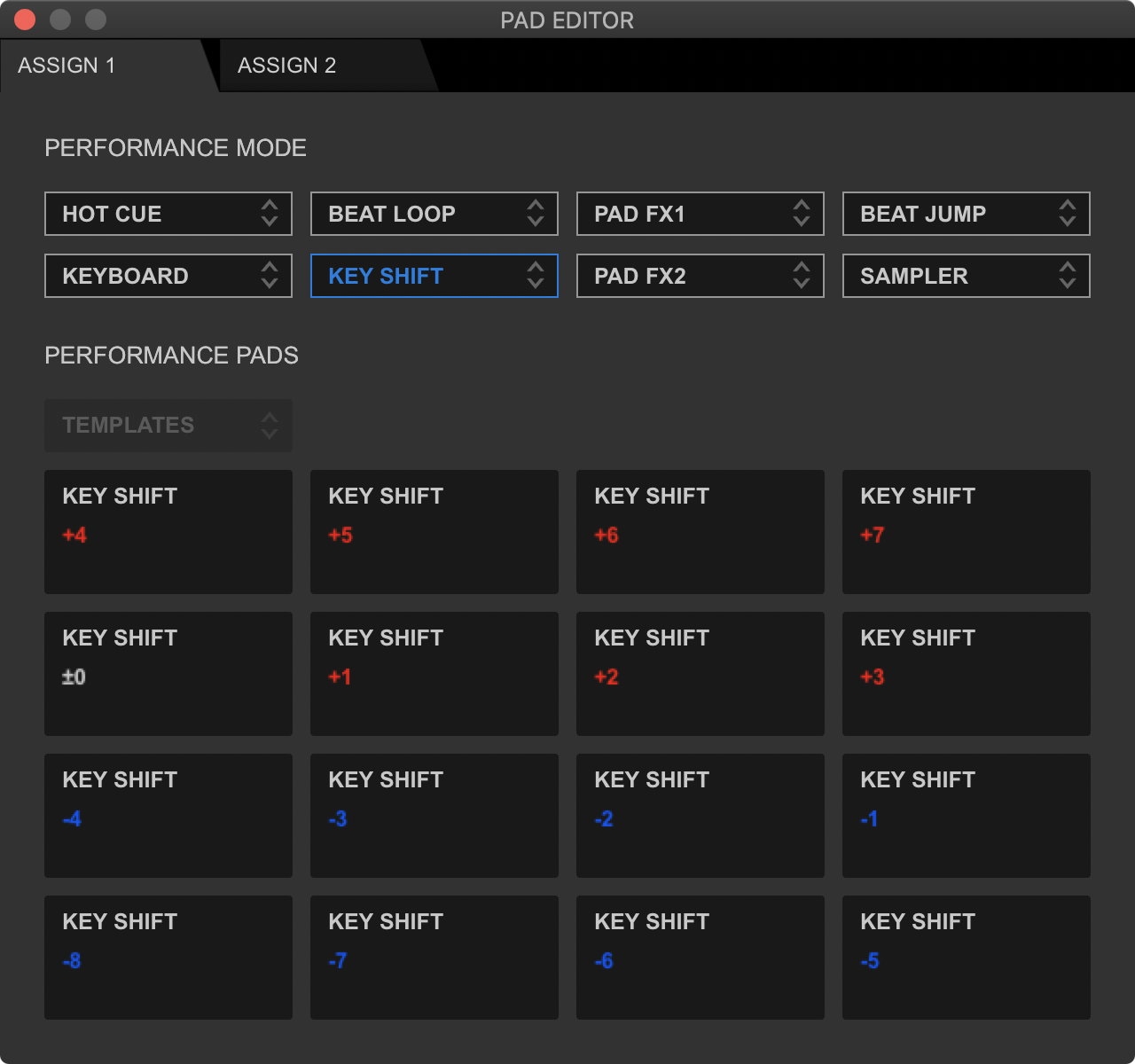
Click the drop-down and change it to:
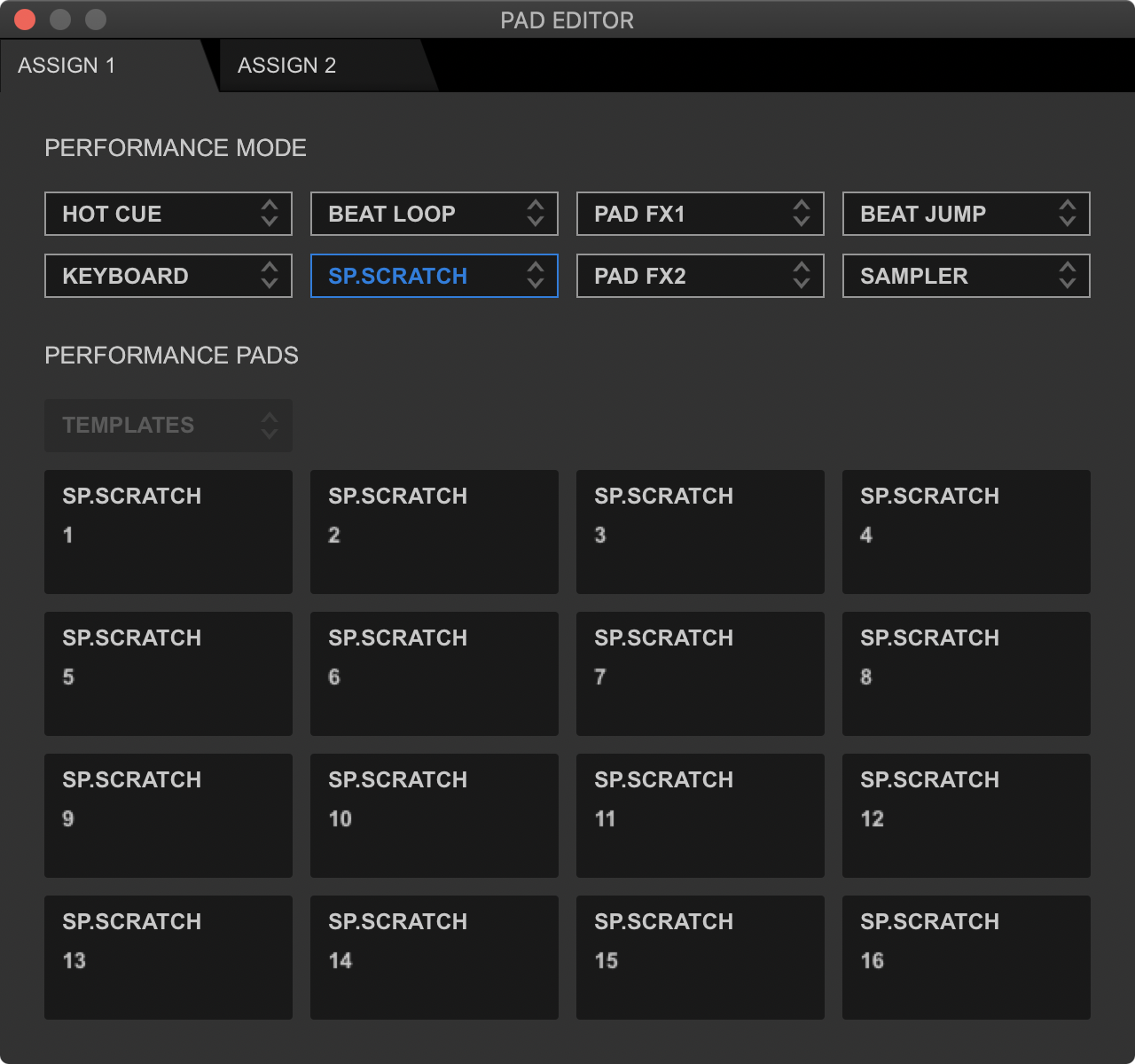
3) Close the PAD editor, open the SAMPLER and throw some samples in the slots.
4) Press SHIFT+BEAT LOOP on your XZ, and the pads will illuminate purple wherever a sample exists to load to scratch.
5) If you have a play-lock enabled, you'll want to disable it or you have to stop playback of the song to load the sample to scratch.
6) To unload that sample from the deck, you can press SHIFT+PAD. Unfortunately, unlike Serato, the original song is not automatically re-loaded to the deck.

Just what i was looking for, but with my XDJ XZ connected to rekordbox i can not see the pad editor in the top right, do i have to enable it or something?
I am running windows 11 and Rekordbox 5.8.6 or do i have to have the newer version of Rekordbox, i hope not as had this version since starting out.

