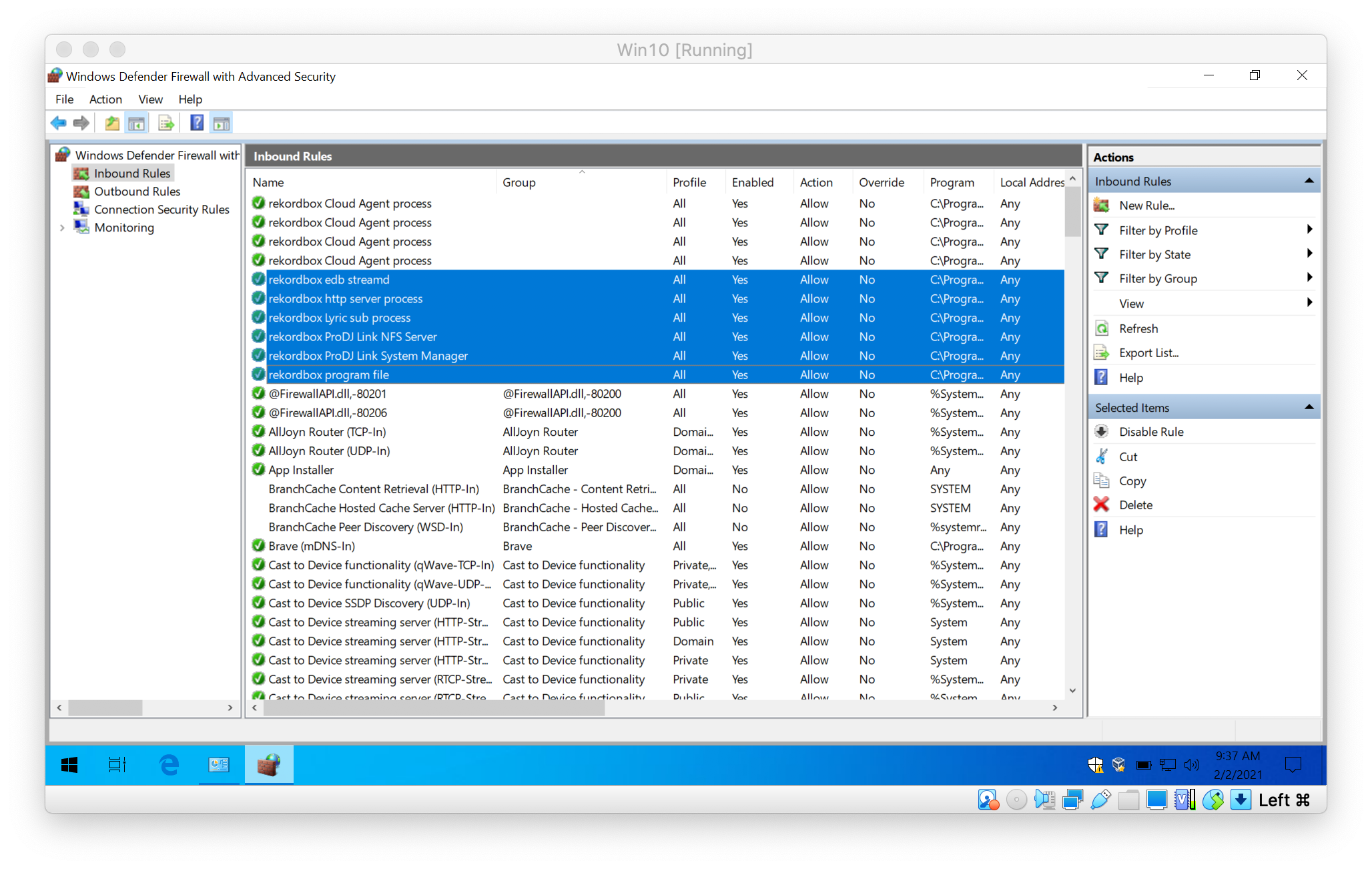
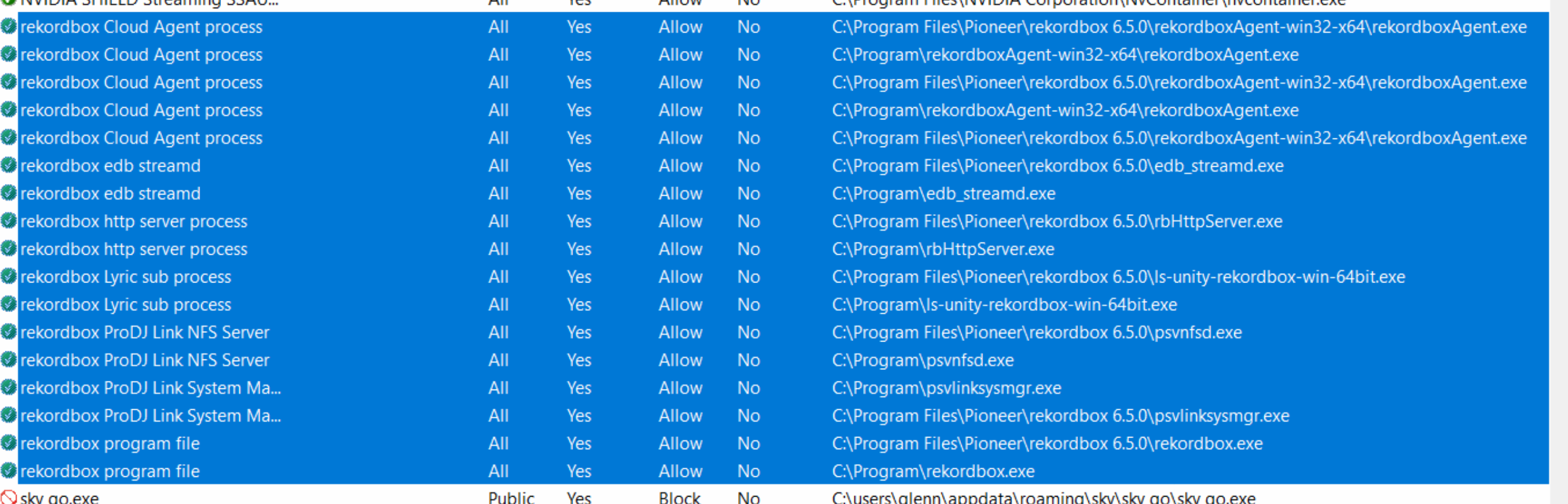
Windows requires that you create new rules for the new version of the software to be allowed through. You can add the 4 services manually try this...
Click on the Start menu and type "CMD" but don't click on the cmd.exe (command line) option; right-click on it and select Run as Administrator.
Click OK on the security pop-up.
Type the following commands, pressing return after each:
cd\

cd "Program Files\Pioneer\rekordbox 6.5.0"

updatefwrule.bat ADD x64 C:\Program Files\Pioneer\rekordbox 6.5.0
That will create the necessary firewall rules for you.
Let us know if that works.
Comment actions