
You can't select the XDJ (I'm assuming XDJ-RX?) in the Audio device where it says Built-in Output?
Actions pour les commentaires


I got a mac book (MID 2012) I installed the rekordbox software
but when i want to switch in to performance mode i have no sound output (speakers plugged in master) i have updated the framewire on the unit and installed the relevant audio driver then i went in to the audio preferences in rekordbox but to switch the audio for the output but its only displaying just the output in the laptops no the option to change
Cette publication n’accepte pas de commentaire.
You can't select the XDJ (I'm assuming XDJ-RX?) in the Audio device where it says Built-in Output?
No dose not give me the option to only built in audio in the drop down list
ive installed the driver but still having no joy.
Rich
With the RX connected, can you take screen shots of these two windows from the Audio MIDI Setup app?
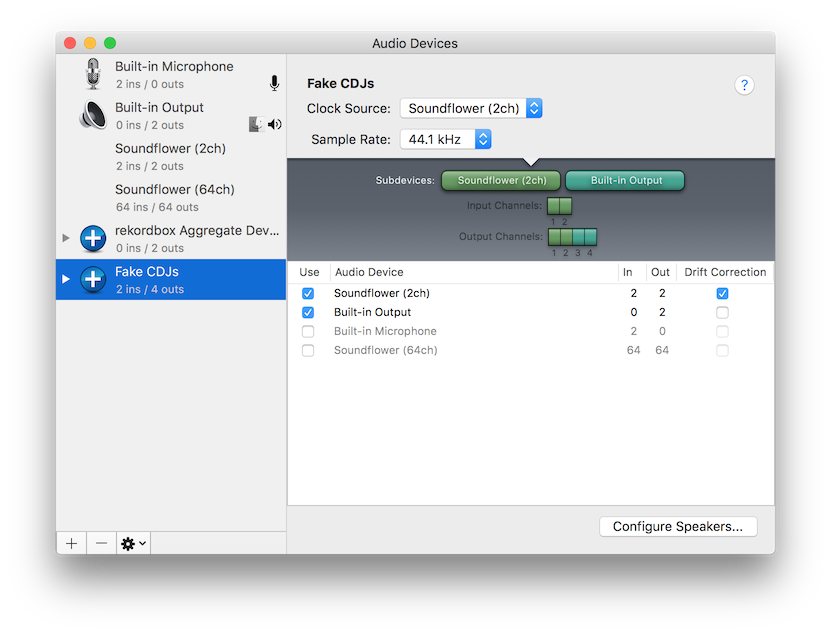
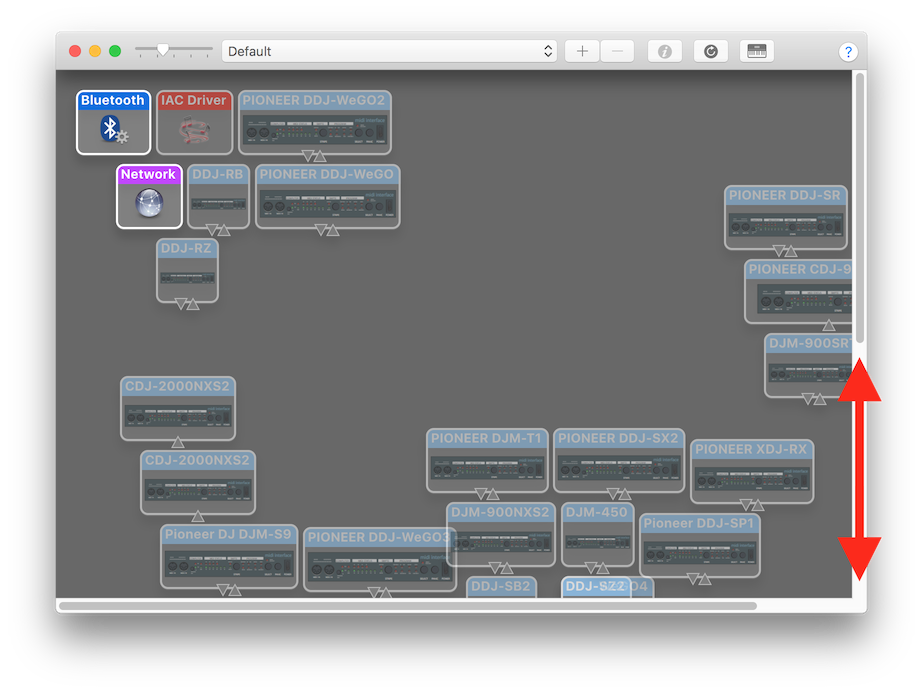
Be sure all your devices are on-screen on the MIDI Studio window, as sometimes they can be spread out and scroll all over.
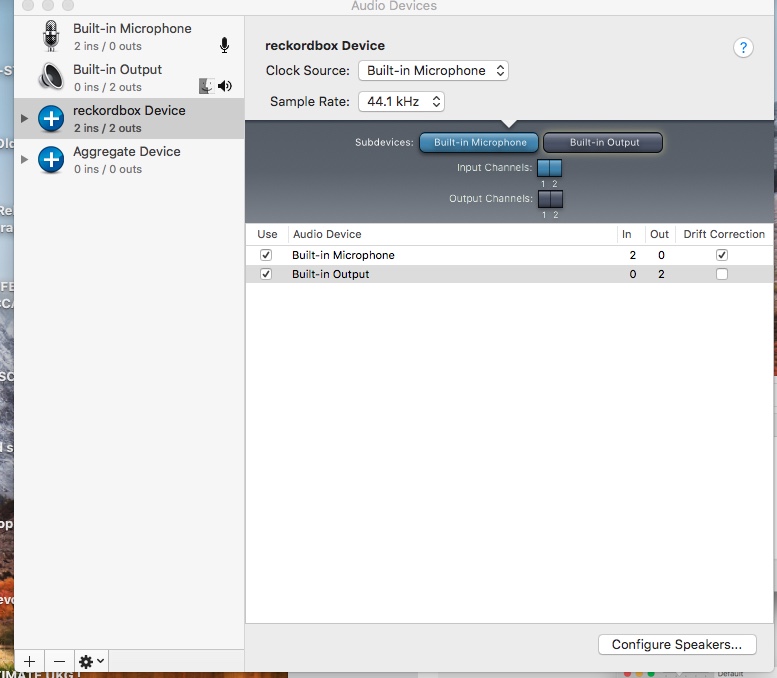 can't see nothing like that on the pic above only that screen shoot ive taken
cheers rich

are you using A HighSierra 10.13 with a TouchBar macbook pro ?
no just a mid 2012 MacBook pro 10.13
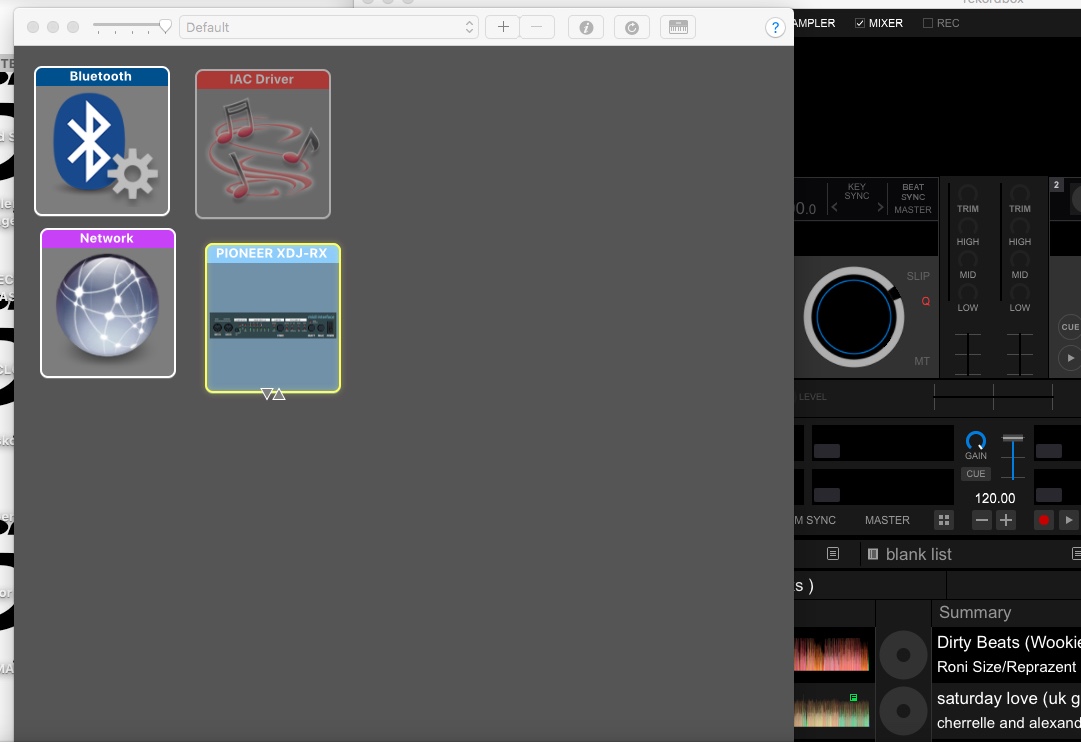 hi managed to find the device page within the audio midi set up
@Richie > Can you please disconnect your XDJ-RX, download the audio driver, run the uninstaller: 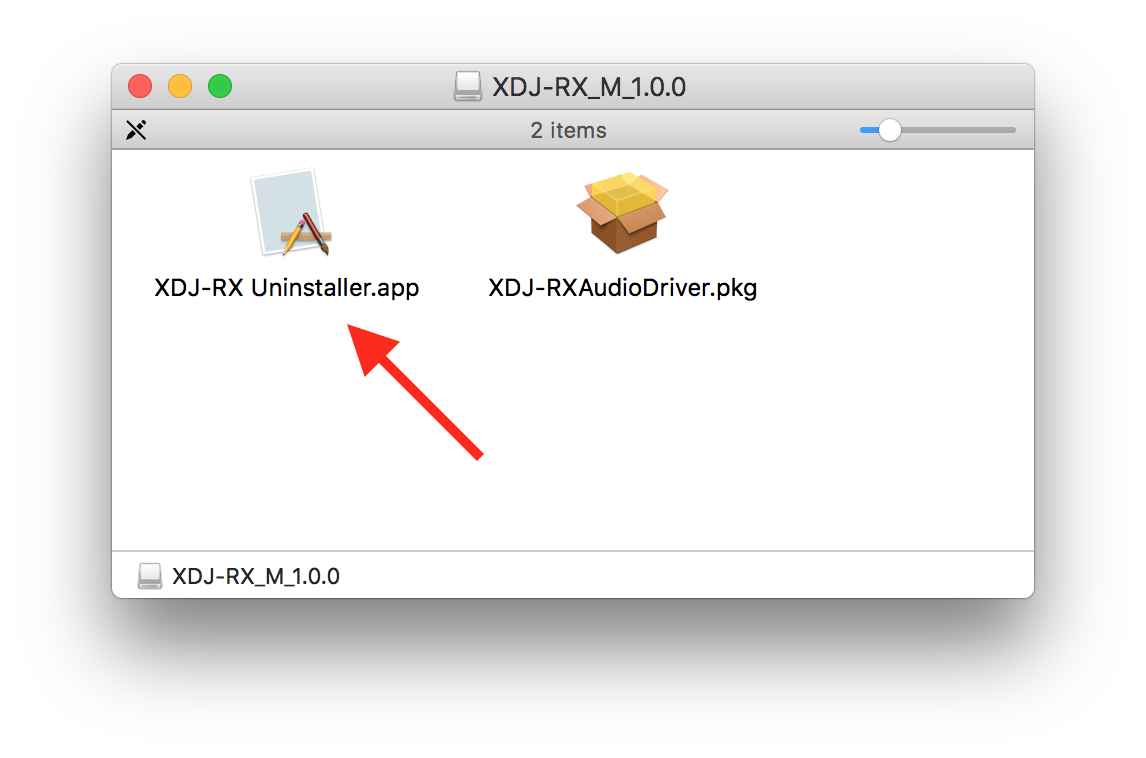 After it has completed, reboot, then run the installer package and reboot again.
Now open the Audio MIDI Setup app and see if the XDJ-RX is listed on the Audio Devices window.
yes just done that uninstalled & installed driver etc
And?
still coming out the MacBook buddy not speakers
That's not what I asked --
"Now open the Audio MIDI Setup app and see if the XDJ-RX is listed on the Audio Devices window."
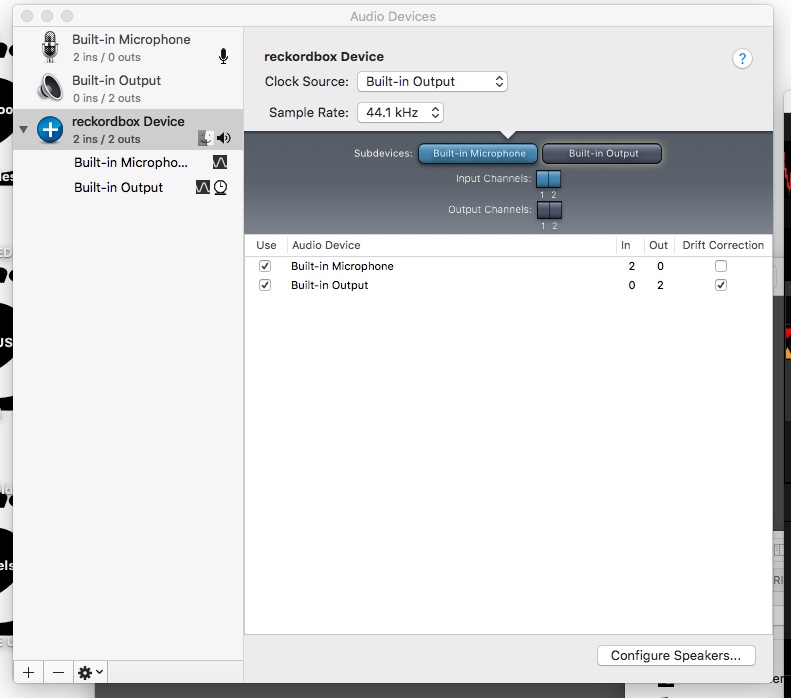 its listed
No - that's not the XDJ-RX, that's an aggregate device.
Something just occurred to me... the XDJ-RX has not yet passed the driver verification process for High Sierra (10.13), and this could be why you're having problems.
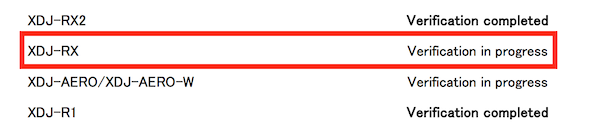
See the compatibility list here.
Until it's been verified, we can't support or recommend using the XDJ-RX with High Sierra for reasons exactly as you're experiencing.
Ok there a way round it then with a soundcard ?
Well, yes and no ... you would stand to benefit to use the product in its proper full configuration, but until it has passed verification (and possibly has an update), you may need to use a different audio device for output.


