Have a feature request or suggestion? Post your idea here!

Publication

4 abonnés S’abonner
0
Avatar

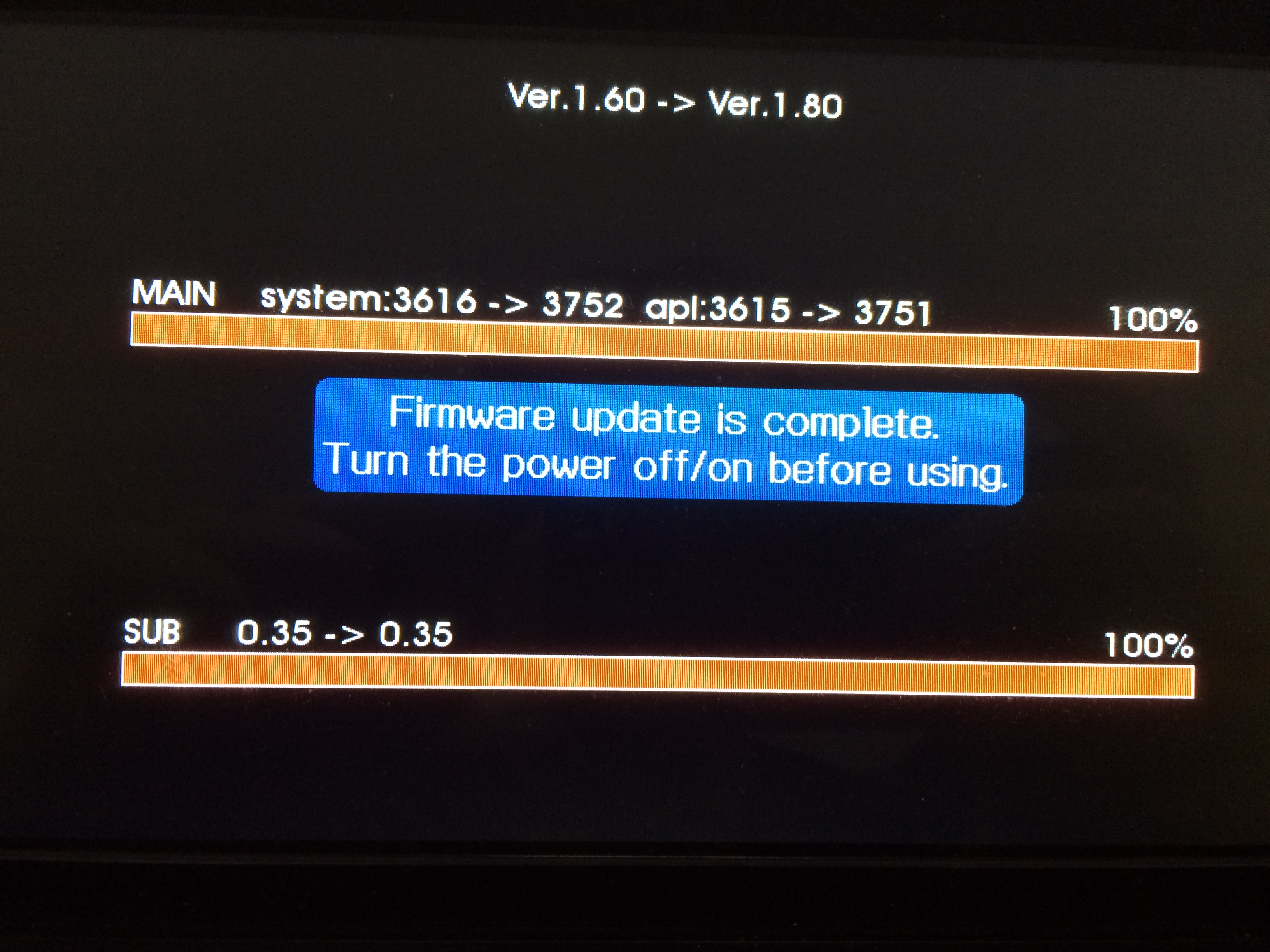
XDJ-RX firmware v1.80 failing to install

Is anyone else having difficulty updating the firmware on their XDJ-RX?

I've tried multiple USB drives, reformatted them beforehand- nothing seems to work.

Any help appreciated!!

Nick Miller

Commentaire officiel

Avatar

Seems to me that the official firmware update instructions clearly state that you have to unzip the file first...

Step 2: Copy the unzipped update file to the root directory of a USB memory stick.

See below:

Which instructions were you reading?

Pulse
Actions pour les commentaires Permalien

Cette publication n’accepte pas de commentaire.

17 commentaires

0
Avatar

SO YOU HAVE TO UNZIP THE FILE FIRST!!!!

Nowhere in the official instructions does it say that you have to unzip the file first.

Thank you for pointing out the obvious, Bastian Schroeder.

Pioneer: perhaps you should add this important step into your instructions.

Nick Miller 0 votes
Actions pour les commentaires Permalien
0
Avatar

Have problem Pioneer ...  I tried everything ..... but xdj - rx can't start updating file .... Thank you for help.

Martin Křenek 0 votes
Actions pour les commentaires Permalien
0
Avatar

@Martin > Please try downloading the firmware update file using Firefox or Chrome; users have had issues when downloading with Safari.

Pulse 0 votes
Actions pour les commentaires Permalien
0
Avatar

ok ... and than unzip the file .... xdjrx.upd copy to usb stick .... hold button bla bra .... right ? 


Martin Křenek 0 votes
Actions pour les commentaires Permalien
0
Avatar

i download it from chrome cause firefox make some bad things with this file.... than i followed the video ..... nothing happens ...


I've recorded this .... Want to see ? 


Martin Křenek 0 votes
Actions pour les commentaires Permalien
0
Avatar

USB stick was formatted .... to FAT ... 

there's no problem in format 

Martin Křenek 0 votes
Actions pour les commentaires Permalien
0
Avatar

If you have a video, please post it so I can see where you might have gone wrong. Thanks.

Pulse 0 votes
Actions pour les commentaires Permalien
0
Avatar

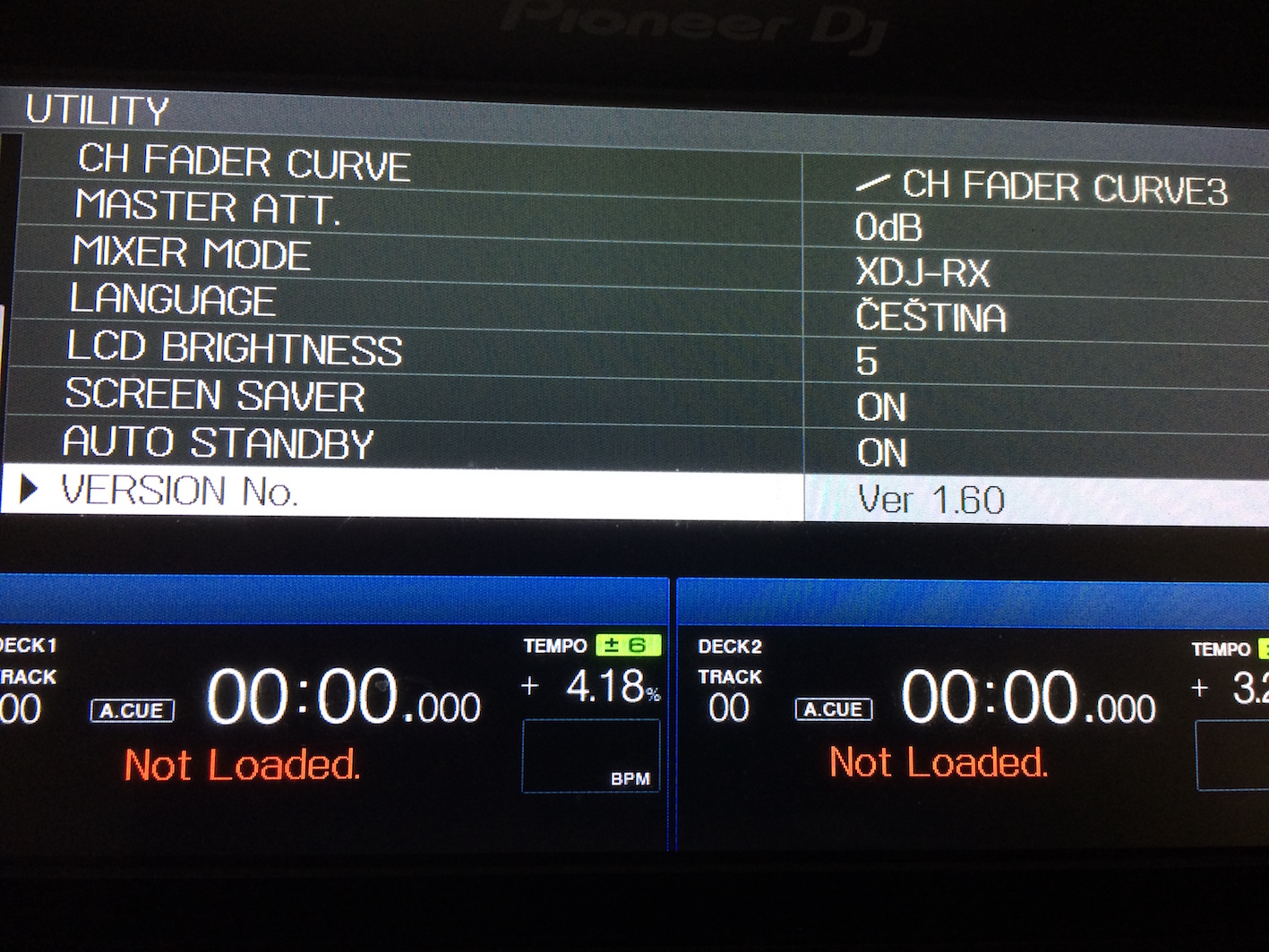
i forgot to rec that current firmware is 1.6 ... video is uploading .. please wait a moment

Martin Křenek 0 votes
Actions pour les commentaires Permalien
0
Avatar

done ..... i had format on MS-DOS(FAT) but my partition was on GUID.... not Master Boot Record. Thank you for your patience :) you helps me a lot .... is MBR better for cdj/xdj devices ? because it works on GUID too.

Martin Křenek 0 votes
Actions pour les commentaires Permalien
0
Avatar

Fantastic!

MBR is required for the boot-sector to be read. While it may work fine in GUID mode for simply playing tracks, MBR is necessary for updating the players. You can use it in MBR mode without issue in CDJs and XDJs.

Pulse 0 votes
Actions pour les commentaires Permalien
0
Avatar

ok thanks for it.... if you are there ... it's any chance to make 4beat loop on ddj-sz (rekorbox dj) by holding loop in button ? ddj-rz has it .... it's very good because finding which loop you wanna use on display is pretty hard .... 


Martin Křenek 0 votes
Actions pour les commentaires Permalien
0
Avatar

You may be able to customize that yourself when MIDI support is introduced, I don't think it would be a pre-configured function.

Pulse 0 votes
Actions pour les commentaires Permalien