Have a feature request or suggestion? Post your idea here!

Publication

5 abonnés S’abonner
0
Avatar

CDJ2000NXS Laptop Link Not Working

Hi,

Current Setup: 2x CDJ 2000NXS, latest1.25 software. 1x DJM 850 

Macbook Pro - Rekordbox DJ 4.0.6

Link: 2 USB Direct into Macbook. I do have a powered USB hub, but for the purpose of this I took it out of the equation and connected direct.

One of my CDJ's links fine using USB. All connected press the link, the connection animation appears, select which deck i want it to display on my laptop, connects and then i can see all the music available on screen. (All good!)


My other CDJ, linked exactly the same, but when i press the jogwheel to connect, the animation comes up and never connects, it just looks like it's trying to but never asks me for a deck selection?


I've tried different leads and ports, taking the ethernet link between the two decks out. Restarting everything but nothing seems to work! :( 


Any ideas?

I've got a video i will try uploading tomorrow

Rob Hiles

Cette publication n’accepte pas de commentaire.

16 commentaires

1
Avatar

@Rob > Are you trying to link in EXPORT mode? That's done over ethernet, not USB. If you're trying to connect in PERFORMANCE mode to control the software with the player, check that both decks are running the newest firmware and that both appear as devices under the MIDI window of the Audio MIDI Setup app (found under Applications > Utilities).

Pulse 1 vote
Actions pour les commentaires Permalien
0
Avatar

I'm trying to link in Preformance mode with USB. Both decks have the latest firmware installed onto them.

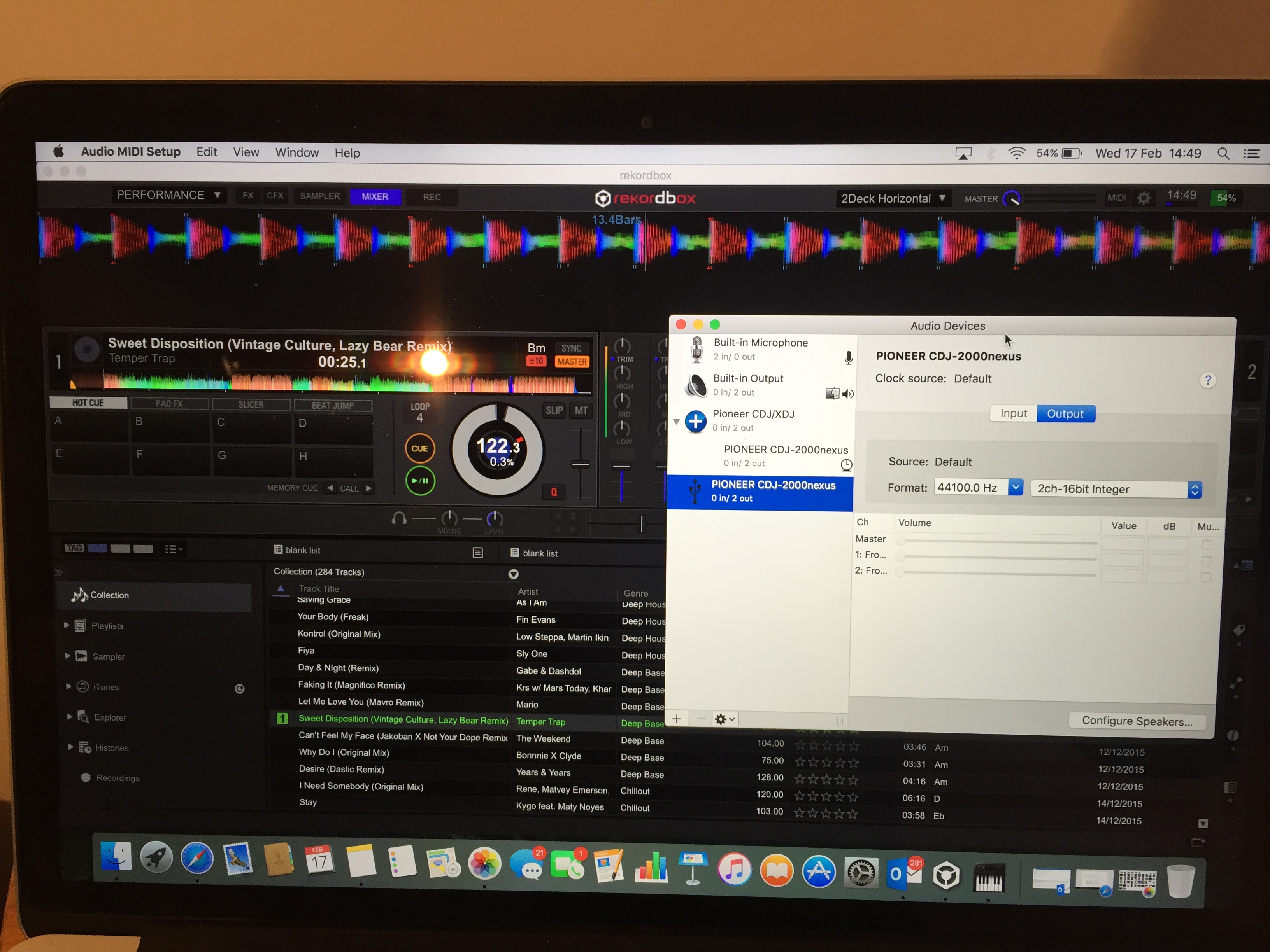
One deck appears in Audio MIDI Setup, the other doesn't. But having said that, it doesn't appear to connect at all.

The deck which isn't connecting just gets stuck on it's 'animation' of a link between the deck and the laptop. Even if i pull the USB while it's doing this it doesn't come up saying 'disconnected' it just continues to try connecting.

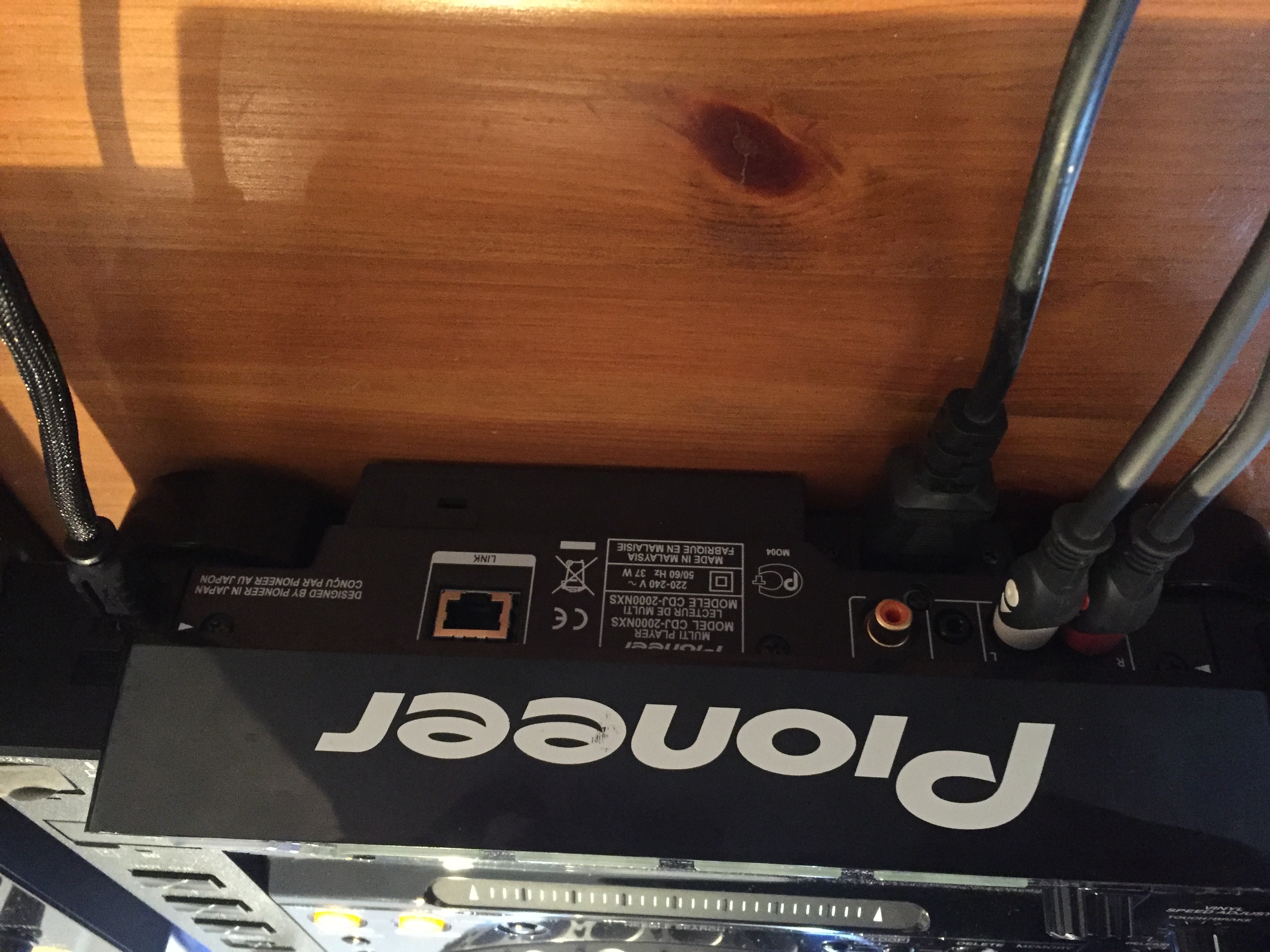
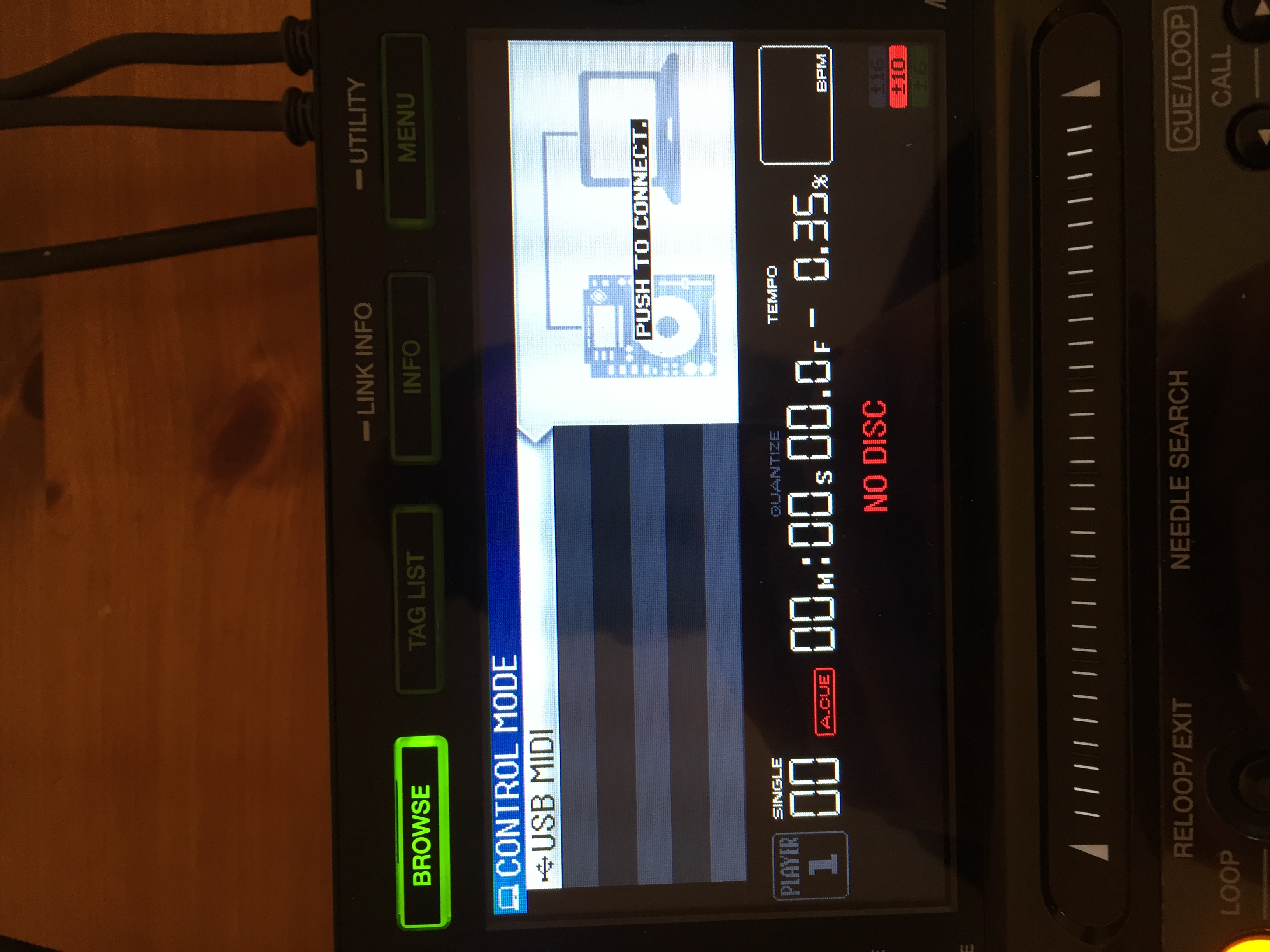
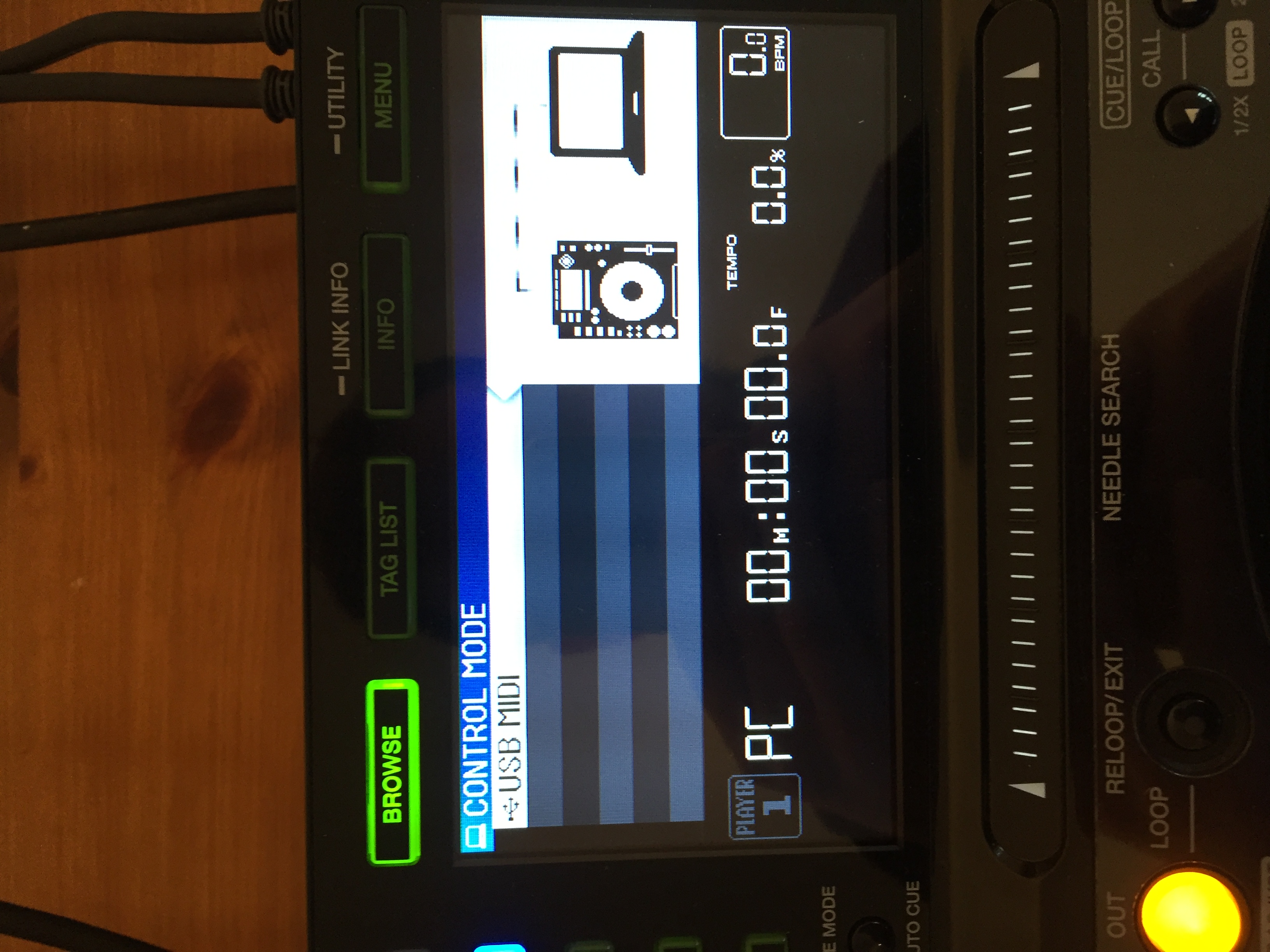
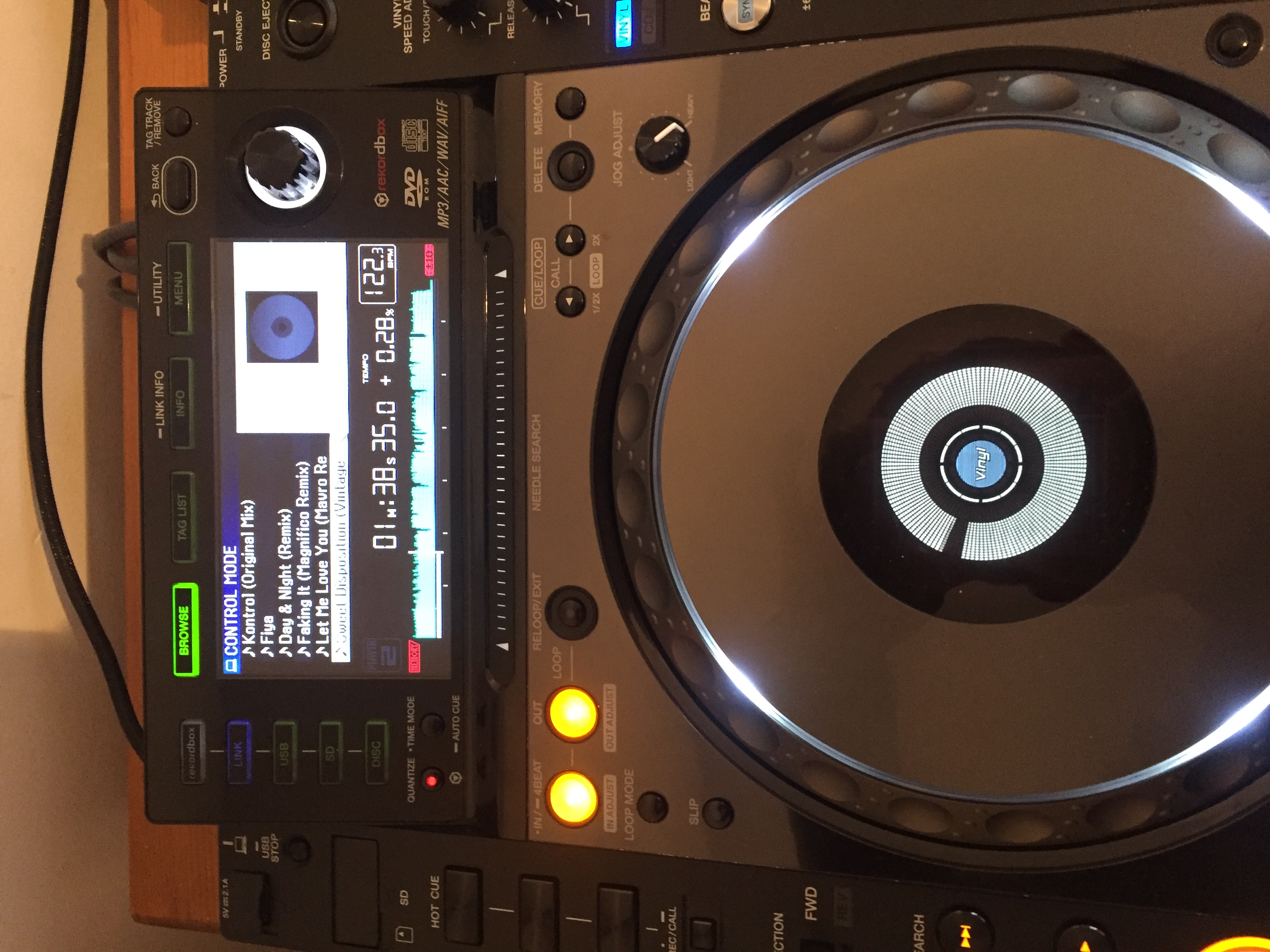
Here are some pics if it helps.


The two pics below is the deck that won't connect. I get the push to connect come up, push it, then just the link screen stays on and won't connect


This is the deck which connects fine:


Rob Hiles 0 votes
Actions pour les commentaires Permalien
0
Avatar

Updated it to latest version about 3 days ago:

OSX El Capitan version 10.11.3 (15D21)

Rob Hiles 0 votes
Actions pour les commentaires Permalien
0
Avatar

I'm guessing there must be an issue with the deck itself, to do with the USB..? I've tried all combinations. I've also tried to link via ethernet (which does work) but i want to be able to use the Rekordbox DJ function so don't particularly want to do it like that.

Rob Hiles 0 votes
Actions pour les commentaires Permalien
0
Avatar

@Rob > Thanks for the info -- can you please see back to my first post, I need you to check and see if they both appear in the MIDI Window of the Audio MIDI Setup app. Thanks.

Pulse 0 votes
Actions pour les commentaires Permalien
0
Avatar

The first picture is the MIDI window you mentioned, it only shows 1 deck in it.

Rob Hiles 0 votes
Actions pour les commentaires Permalien
0
Avatar

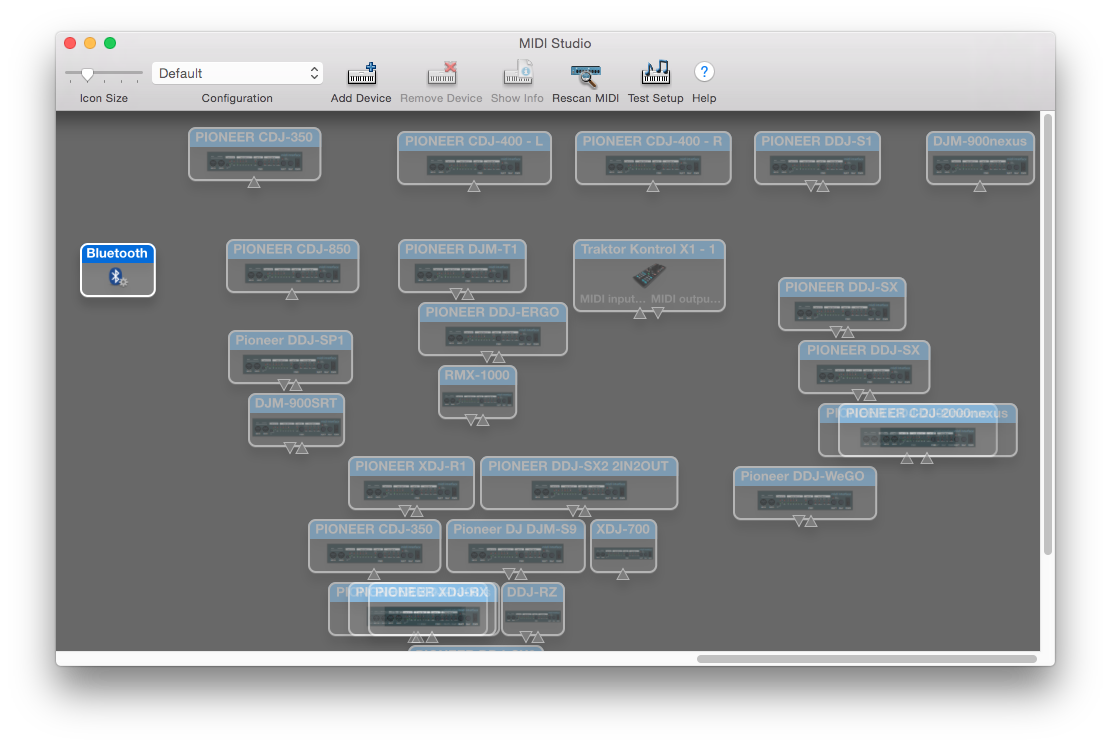
@Rob > No, that is the AUDIO window; click Window from the menu and click Show MIDI Studio, that's the MIDI window. Example:

Be sure to scroll around if you have space -- note the position of my scroll bar in that photo is WAY over to the right. A ghost icon indicates that device is not connected.

Pulse 0 votes
Actions pour les commentaires Permalien
0
Avatar

Only one appears in the MIDI window. I've tried to add device but again, it can't see / recognise that it's there.

Rob Hiles 0 votes
Actions pour les commentaires Permalien
0
Avatar

@Rob > If you've tried the obvious (swapping the USB cable and port with the other CDJ which is being recognized) and it still doesn't work, it's likely a hardware issue and will require servicing. Here's the global contacts page, you can find your nearest support center there.

Pulse 0 votes
Actions pour les commentaires Permalien
0
Avatar

OK. Well thank you for your help in trying to resolve it!

Rob Hiles 0 votes
Actions pour les commentaires Permalien
0
Avatar

@Rob > The other thing you can try before calling support is to try connecting it to another computer just to see if it's recognized.

Pulse 0 votes
Actions pour les commentaires Permalien
0
Avatar

@Rob > I just tried replicating this problem on 2 different machines and wasn't able to do so.  Everything worked just fine.  


Try these steps in order:

1) Upgrade to 4.0.7 which was released today
2) Disconnect both CDJs from computer and power them down
3) Restart computer
4) Plug in both CDJs
5) Power them on
6) Launch rekordbox 4.0.7

They should automatically connect without issue.  Let us know.

Mark Gallo 0 votes
Actions pour les commentaires Permalien
0
Avatar

Hi, I've just read your message. Downloaded the new rekordbox this morning. Unfortunately i'm away for a few days so won't be able to try it till next week. 

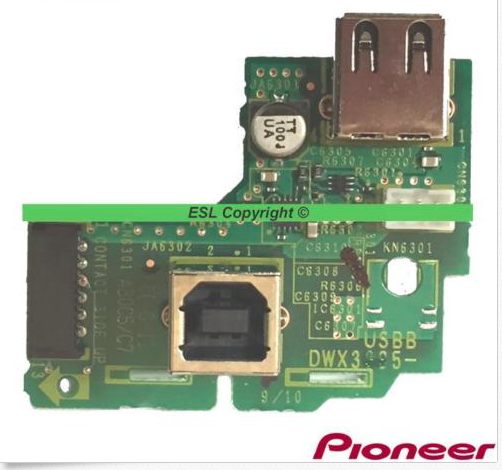
Having said that, i noticed the other day when i plugged in my USB stick it didn't recognise that either until i gave it a gentle wiggle. Are both of those ports connected to the same thing internally?

I'll let you know how i get on with another laptop and the new rekordbox update next week though. 

Rob Hiles 0 votes
Actions pour les commentaires Permalien
0
Avatar

yes, both usb ports on the Nexus sit on the same board


BriChi 0 votes
Actions pour les commentaires Permalien
0
Avatar

@Rob > Did you get this issue solved?  We've released 2 updates to rekordbox since your last report.

Mark Gallo 0 votes
Actions pour les commentaires Permalien