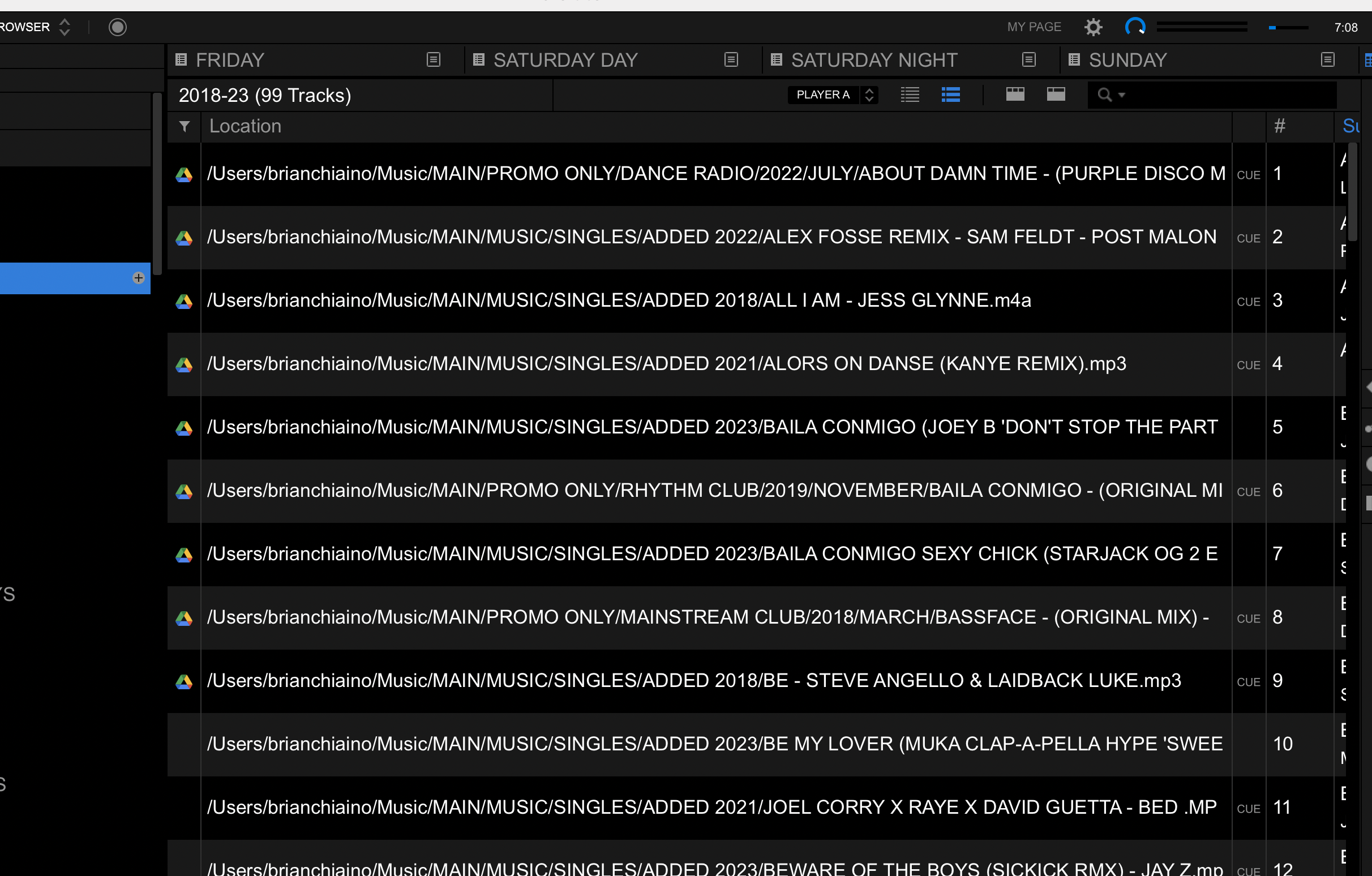
You would need to move the tracks back to the local drive to make that icon disappear.
コメントアクション

I logged into google drive to test 10 tracks with library cloud sync, doesn't work with Opus Quad so I disconnected it all and signed out but my tracks still show the google drive icon in the first column, how do I get rid of this??

投稿コメントは受け付けていません。
You would need to move the tracks back to the local drive to make that icon disappear.
Hi Gabriel,
All my tracks are back to local as you can see in the pic and G-Drive is completely logged out and gone from Rekordbox
Can you please file an inquiry ticket here and our support team will gather some additional information to assist you in resolving this issue.
Will do, thank you.

I have a the same issue only difference is I used dropbox. Same thing I tried to test batch.. which did not work with cloud sync. All files are local and yet the icon is still there.
i got it to go away, I had to sign back in to google drive sync, add those 10 tracks back to the playlist to sync, once it was done i right clicked on those 10 tracks, went to cloud sync in dropdown and moved files back to local and the icons went away, then i was able to log out and all was good
if you log out first, like i did, then the icon stays even if you delete from the cloud p[playlist because it never syncs back to tell Dropbox or google its not there anymore or something like that, LOL

That behaviour makes sense. As it doesn't have the authorization to do so unless you have library sync toggled on in RB.
And CloudDirectPlay only works with Dropbox
https://rekordbox.com/en/support/faq/clouddirect-6/#faq-34849