Hi there,
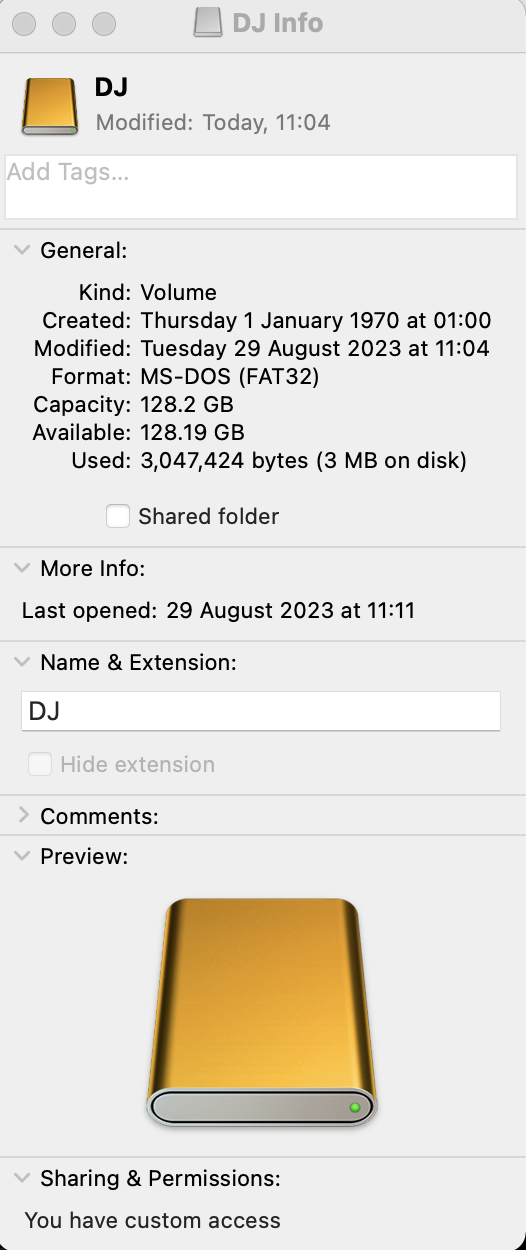
I'm currently sorting my storage solutions, having my rekordbox playlists exported to two USBs and also hope to so do on the 128gb partition in Fat32 on my WD My Passport Portable Hard Drive so I can have three devices to bring with me when I play. I store my music on my hard drive's other partition for files in APFS and also back up my Mac to time machine stored on a third partition on the drive too. I have had no problems.
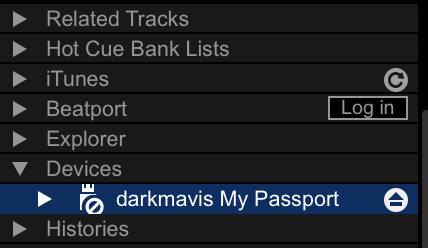
The thing is I want to export to this new partition I created on the drive, I did everything correctly, when I connect my drive it is recognized by my Mac, but it does not show up in my list of devices on Rekordbox, therefore I cannot export.
Any assistance and help with this would be great, I see no problems, my preferences are all turned on and the partition is in the correct format, the partition is called "DJ". Urgent help is needed as I have a lot of gigs this month. Please see screenshots attached.
Best,
Mark