
正式なコメント

Open the PAD EDITOR, click one of the modes you want to re-assign -- I personally never use the 6th one; KEY SHIFT:

So click the drop-down and change it to SP.SCRATCH:
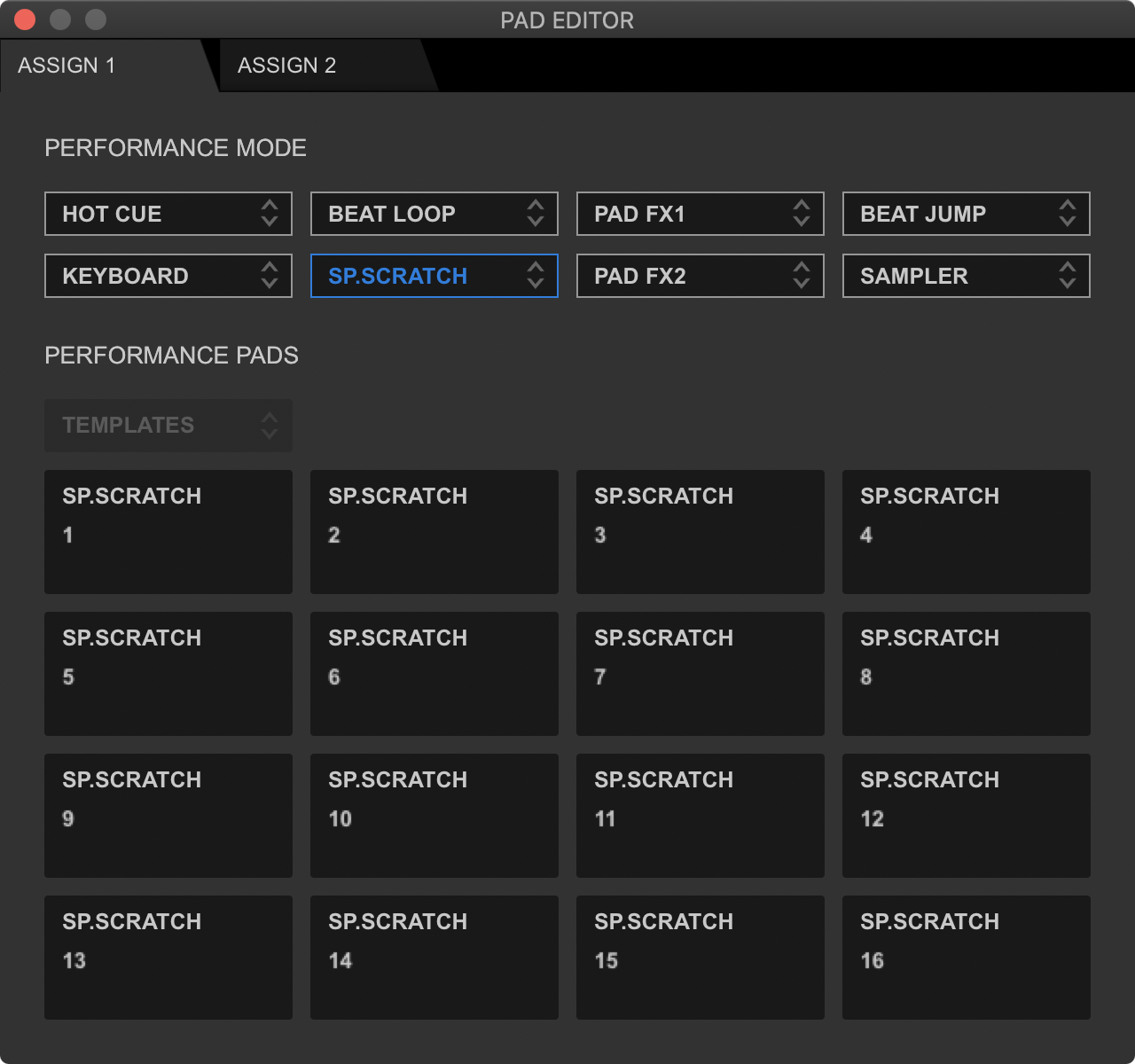
To activate the 6th pad mode, I would press SHIFT+BEAT LOOP on my controller. For the DDJ-1000, press SHIFT+PADFX1.
To load a sample, simply press the pad corresponding to the sample you want to load to the deck, and to unload it, press SHIFT and that pad again.
コメントアクション


