
KEY is not displayed in the 【FOLDER】 category.
Please select songs from other than the【FOLDER】category.
コメントアクション

Alltough there is a key of the track anaylzed in rekordbox software there is no "key notation" visible in the browse mode. How can this be displayed?
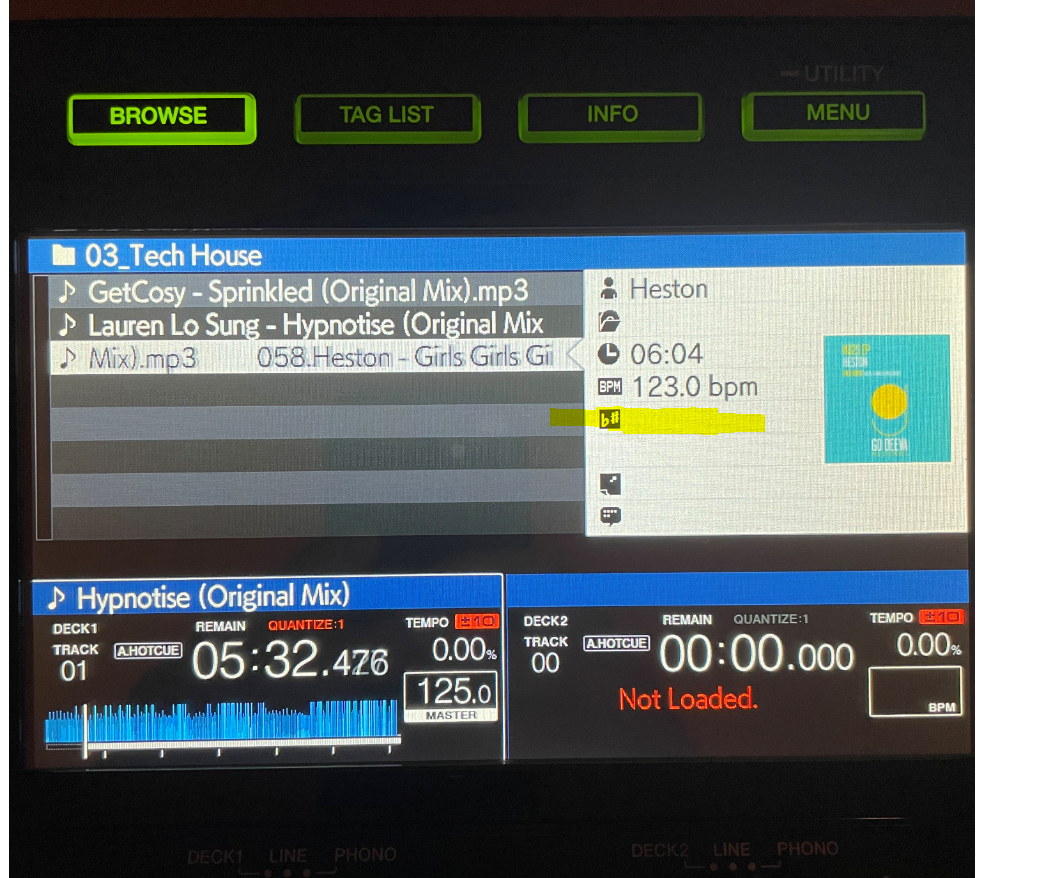
I already set the "Key" to active categories in the settings of the usb stick in rekordbox.
Thanks for your help!
投稿コメントは受け付けていません。
KEY is not displayed in the 【FOLDER】 category.
Please select songs from other than the【FOLDER】category.
thanks tomo. There is no way to see it in the 【FOLDER】category?
I need to see this in the preview section of the track - and this is only available in the 【FOLDER】category.
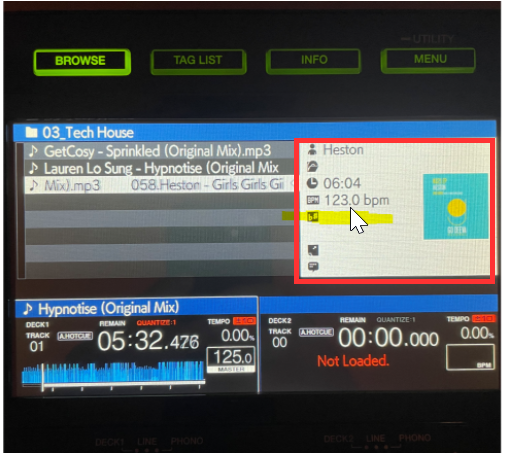
any ideas how to display key and there?
There is no way to display in the FOLDER category
>preview section of the track
Is the above the song information in the right window?
It is possible to see other than the FOLDER category
Press the INFO button while the song is displayed to turn it on.
thanks a lot for the solution!

