Comentário oficial

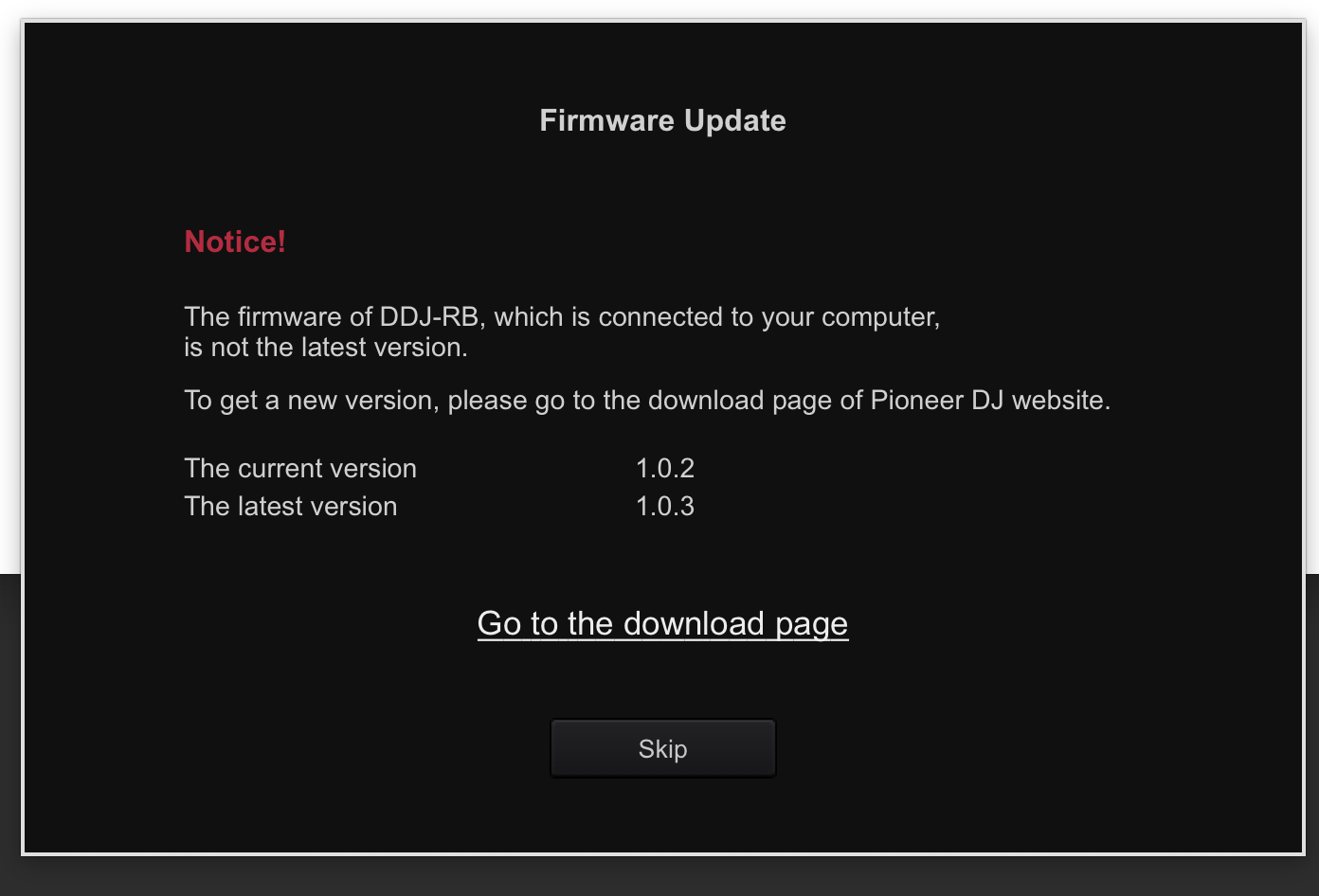
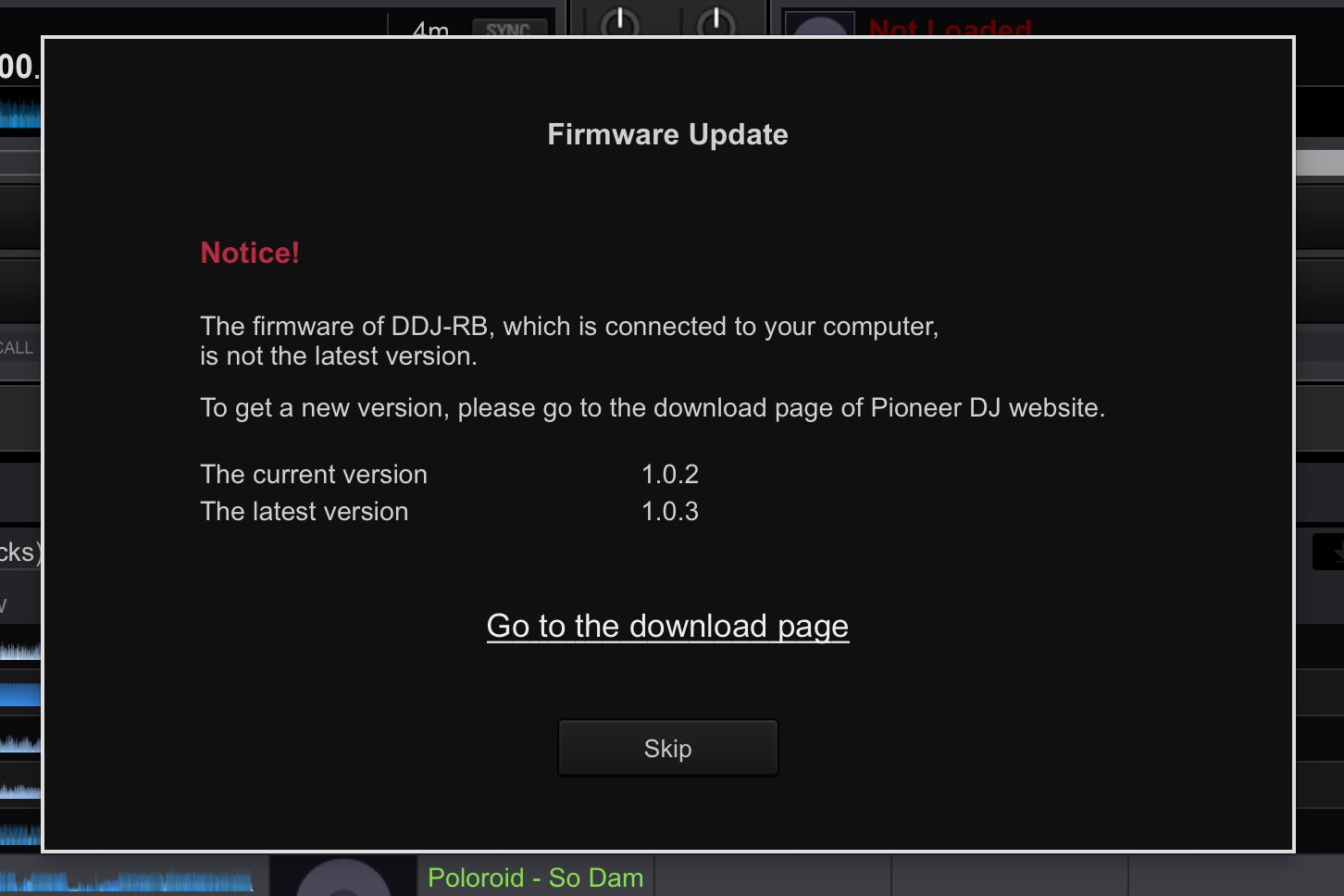
@George > Actually, this is much better than before when the software wouldn't tell you if you had the latest firmware installed on your hardware.
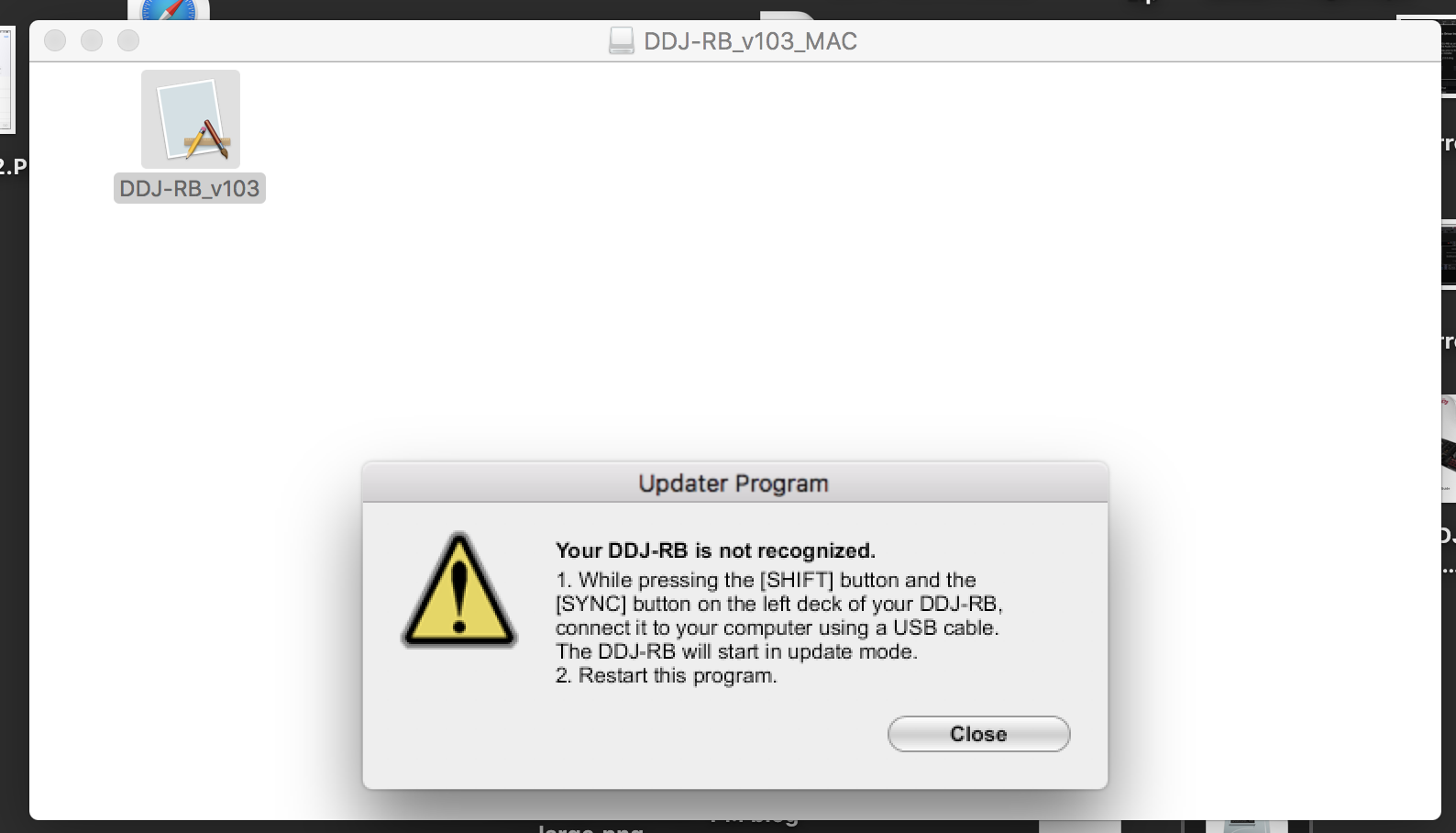
It's asking you to hold SHIFT + SYNC on the left player while connecting the USB cable to put the RB into firmware update mode. Once you see the LED meter blinking, you know it's in update mode and can then install the new firmware.
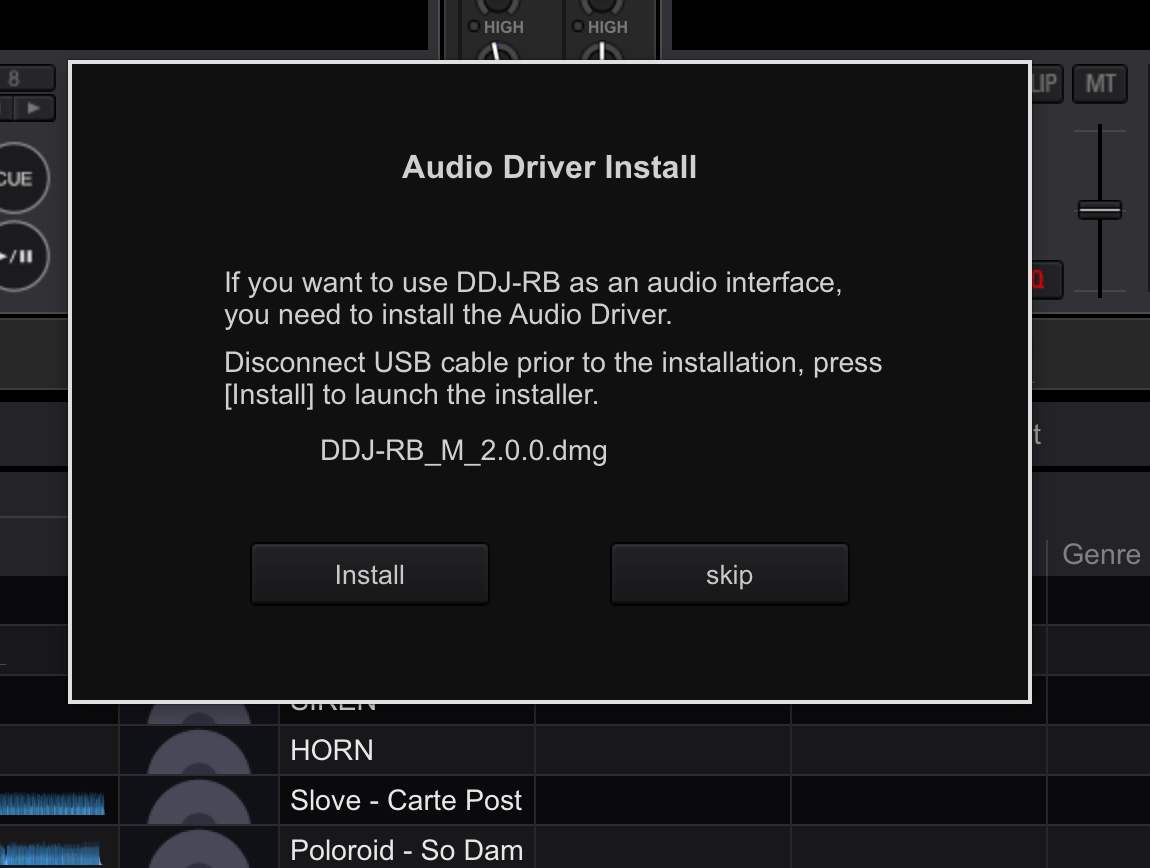
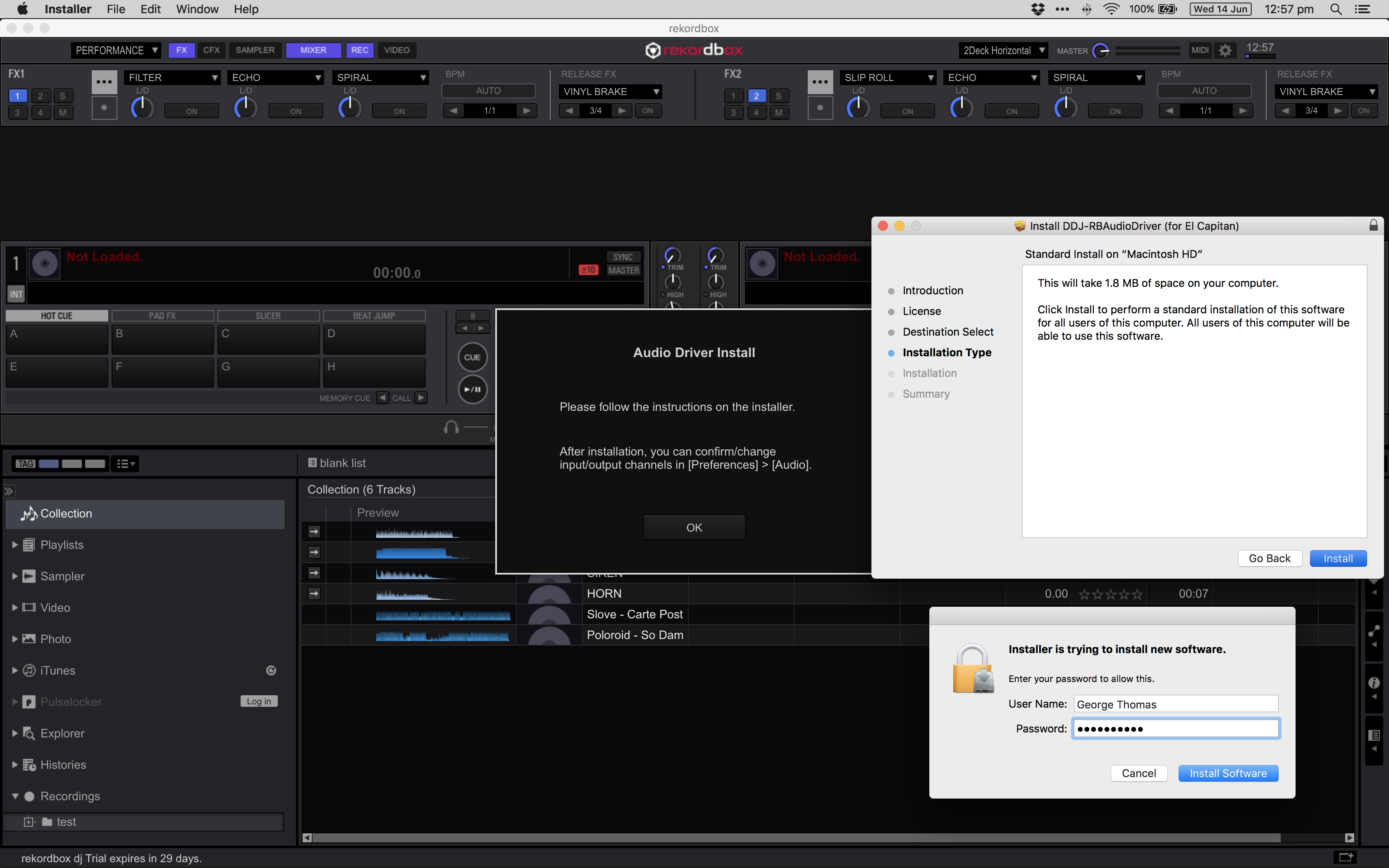
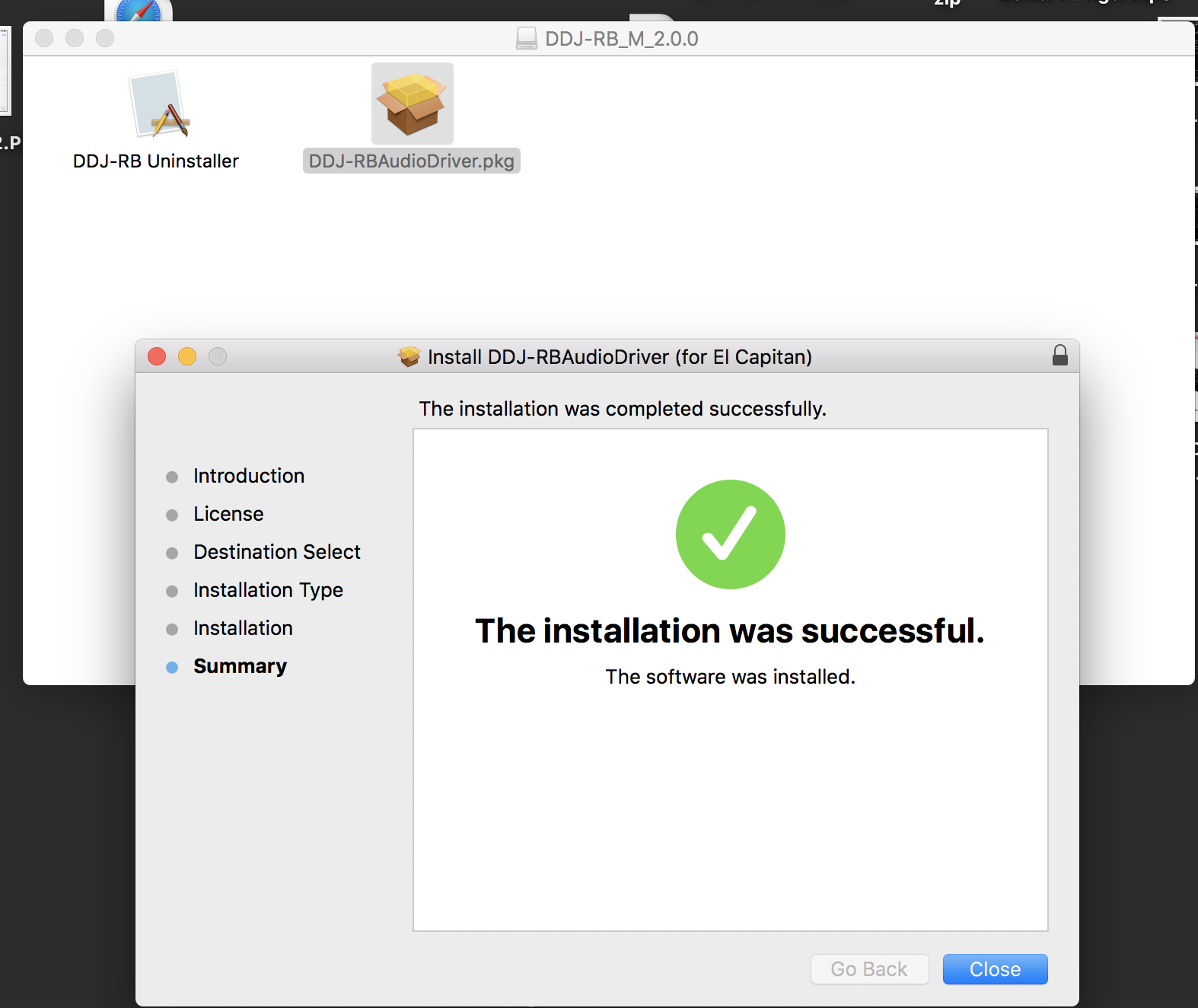
If you hadn't installed the driver prior to connecting the hardware the first time, you didn't follow the instructions in the package, which recommend doing that first. But that's okay, rekordbox is smart enough to notice that the hardware you had connected didn't have the corresponding drivers, so it prompted you to install them.
I'd say things are pretty straight-forward if you follow the instructions.