Have a feature request or suggestion? Post your idea here!

Publicação

2 seguidores Seguir
0
Avatar

Not a great start

So downloaded Rekord box DJ and likes it. So purchased a brand new DDJ-RB in the hope it would be easy to set up. 

It doesn't work. Asking me in to install drivers and updates. This is on a brand new mac running latest version of Recordbox. 

It said something about holding down Shift and Sync but that didn't work. 

Why can't these things just work!?


George Thomas

Comentário oficial

Avatar

@George > Actually, this is much better than before when the software wouldn't tell you if you had the latest firmware installed on your hardware.

It's asking you to hold SHIFT + SYNC on the left player while connecting the USB cable to put the RB into firmware update mode. Once you see the LED meter blinking, you know it's in update mode and can then install the new firmware.

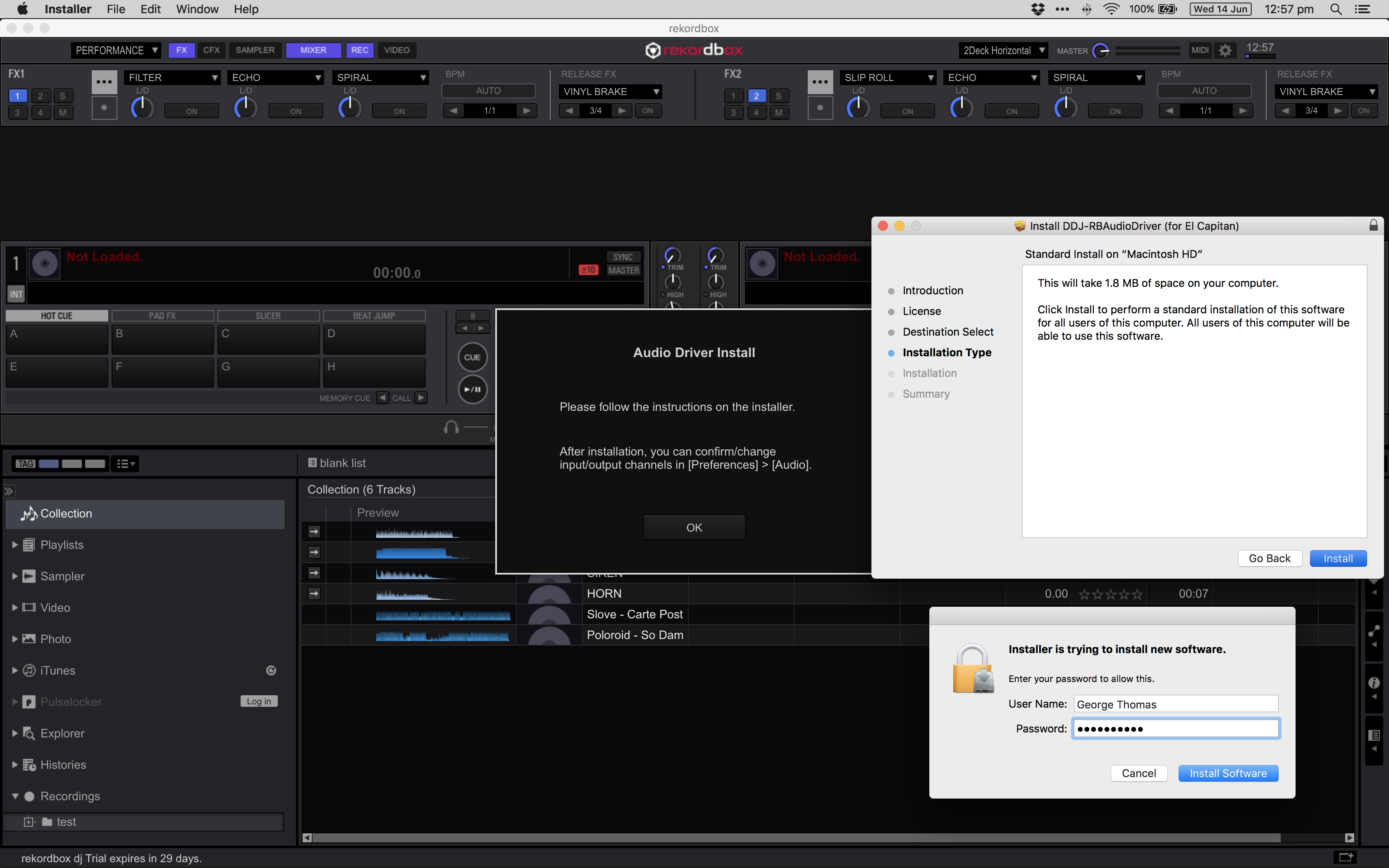
If you hadn't installed the driver prior to connecting the hardware the first time, you didn't follow the instructions in the package, which recommend doing that first. But that's okay, rekordbox is smart enough to notice that the hardware you had connected didn't have the corresponding drivers, so it prompted you to install them.

I'd say things are pretty straight-forward if you follow the instructions.
Pulse
Ações de comentário Permalink

Publicação fechada para comentários.

10 comentários

0
Avatar

Read everything. Firmware and driver won't install....


George Thomas 0 votos
Ações de comentário Permalink
0
Avatar

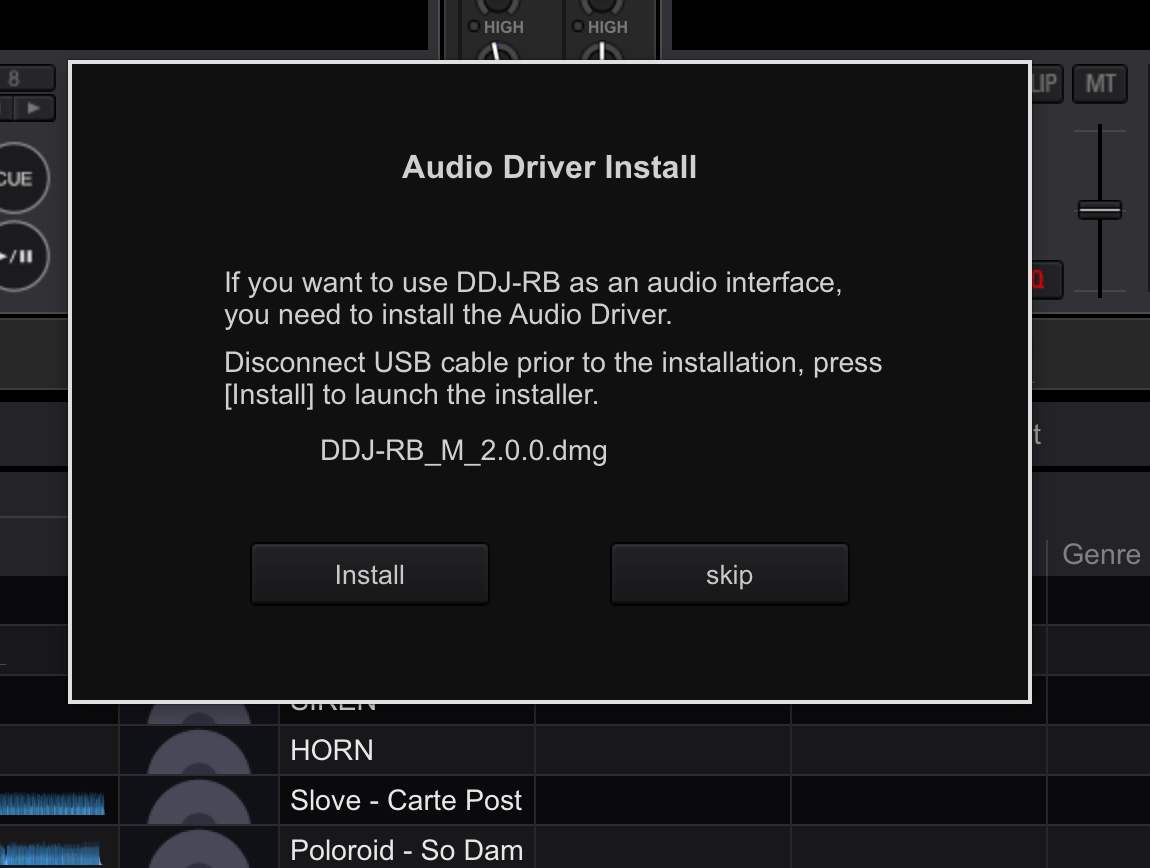
I have followed the instructions. The last image shows that the driver won't install. My mac is perfect and brand new and I have installed things fine, but this driver freezes the mac installer. After clicking the blue Install Software button, it freezes it, not responding and I have force quit after giving it 10 minutes of doing nothng. 

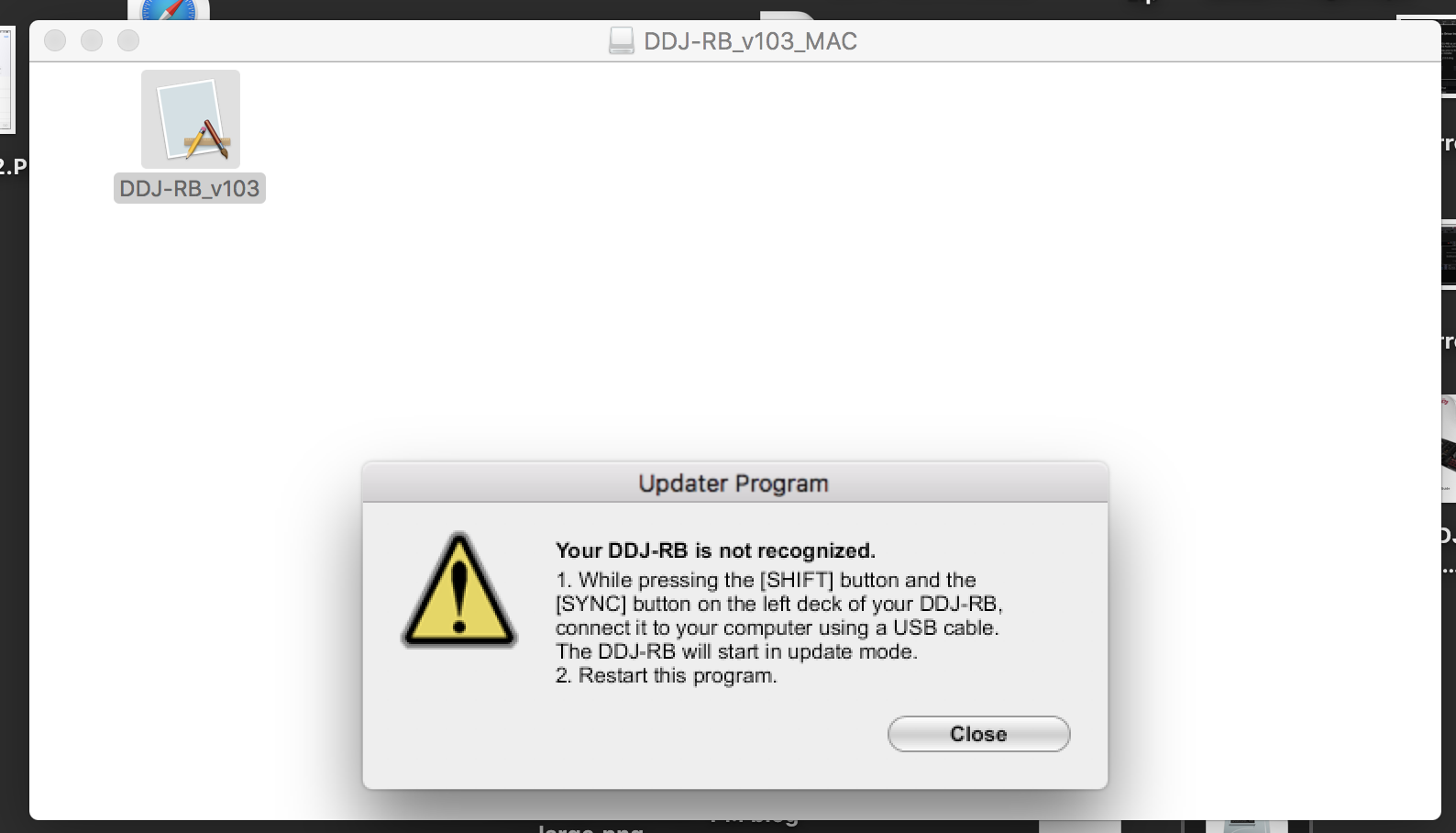
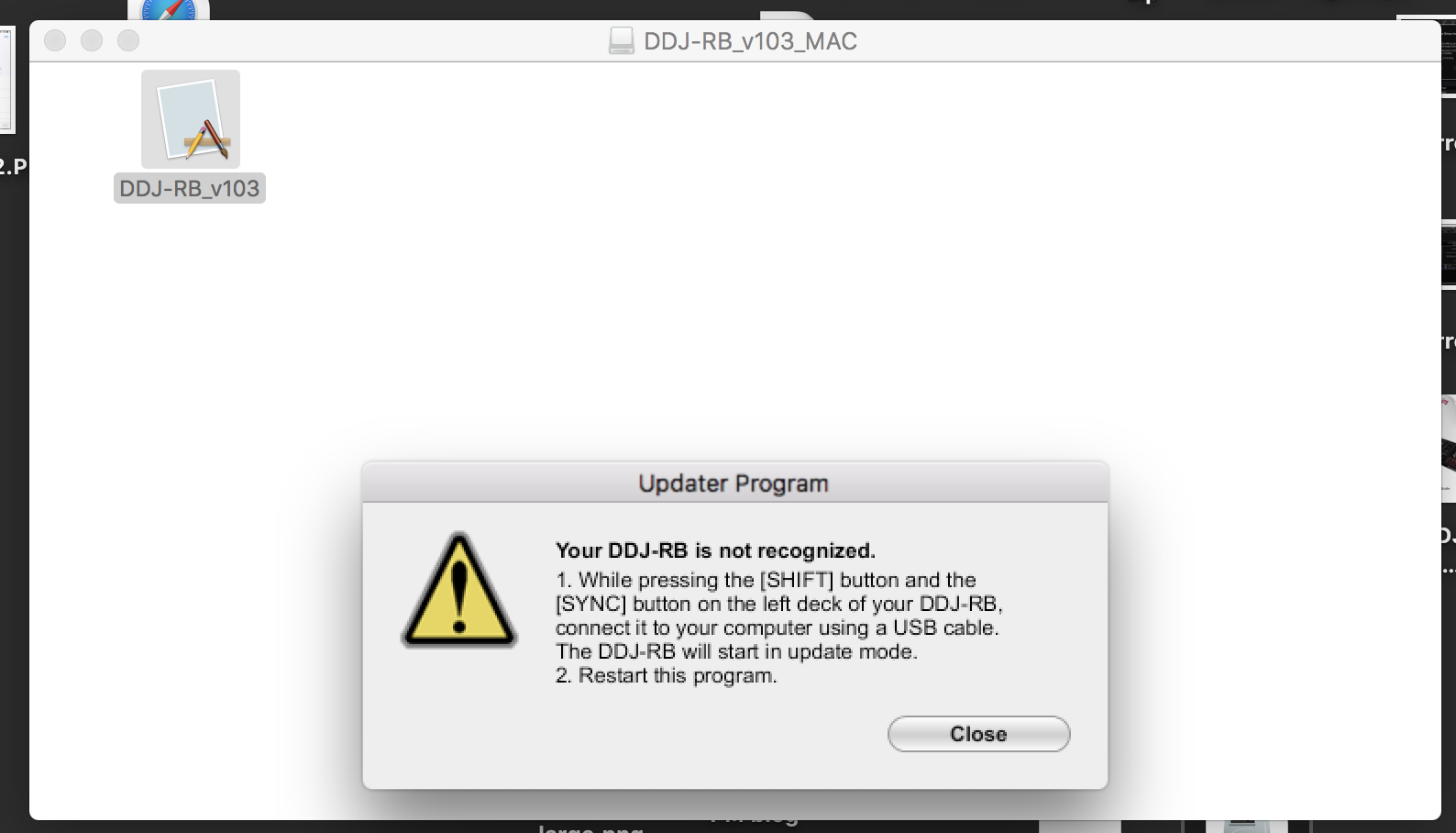
Also the shift sync thing is fine, but brings up a message saying do that and step 2) relaunch program. That just brings up the same message over and over again.

If only it just worked like you and the manual said it should. In reality, it doesn't do that. 

What next?

George Thomas 0 votos
Ações de comentário Permalink
0
Avatar

@George > Have you tried downloading the drivers directly from the website and running the installer with all other applications disabled and the hardware disconnected? Are you running El Cap? Because if not, that's the wrong driver.

Same with the firmrware; grab it from the website (above) and put the controller in firmware update mode, and run it with nothing else running as well.

Let's deal with one issue at a time as you have 2 things not working properly. 

Pulse 0 votos
Ações de comentário Permalink
0
Avatar

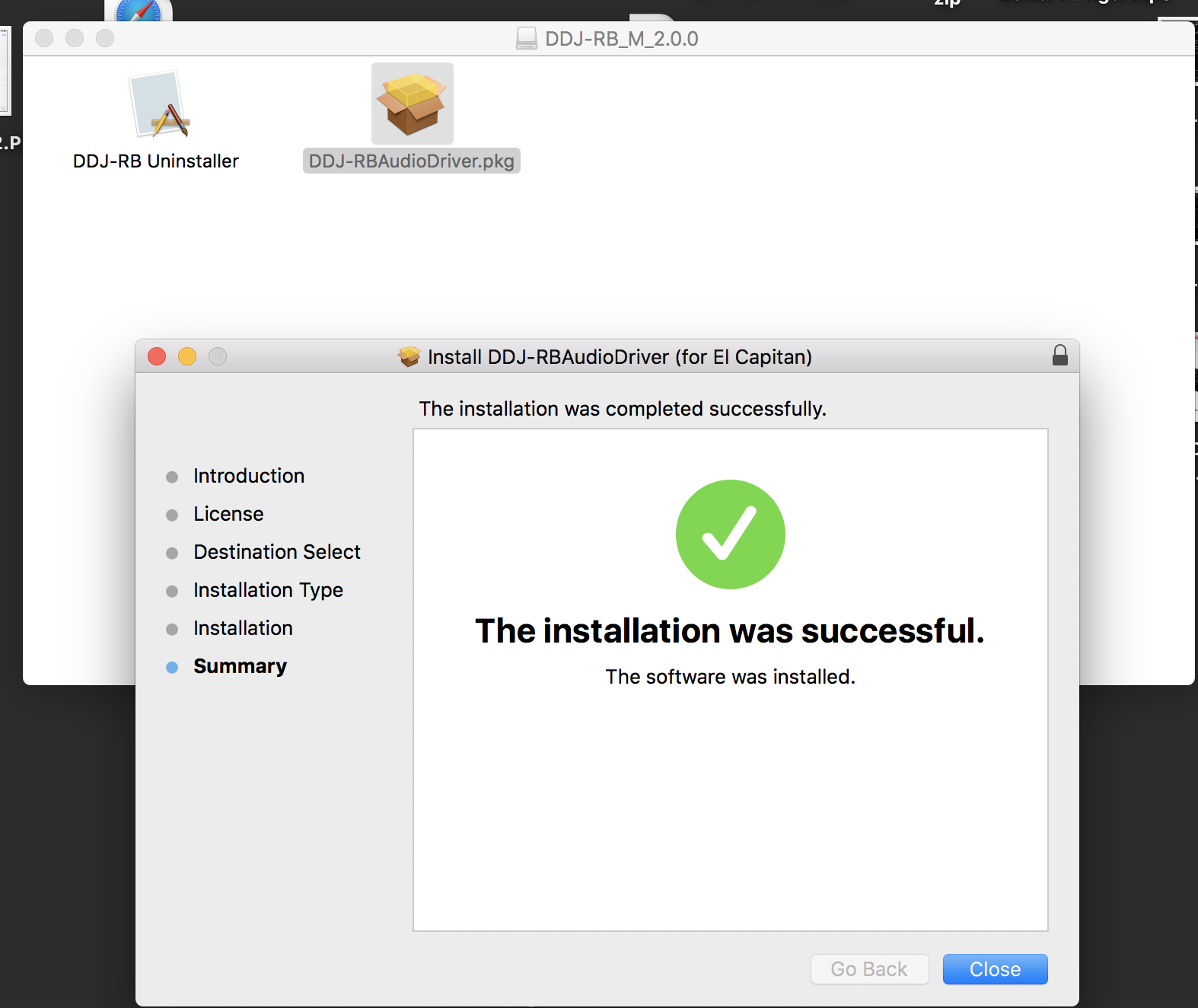
Ok closed everything down. Downloaded and installed the driver successfully. But still says El Cap?... (on on the latest OS, Sierra)


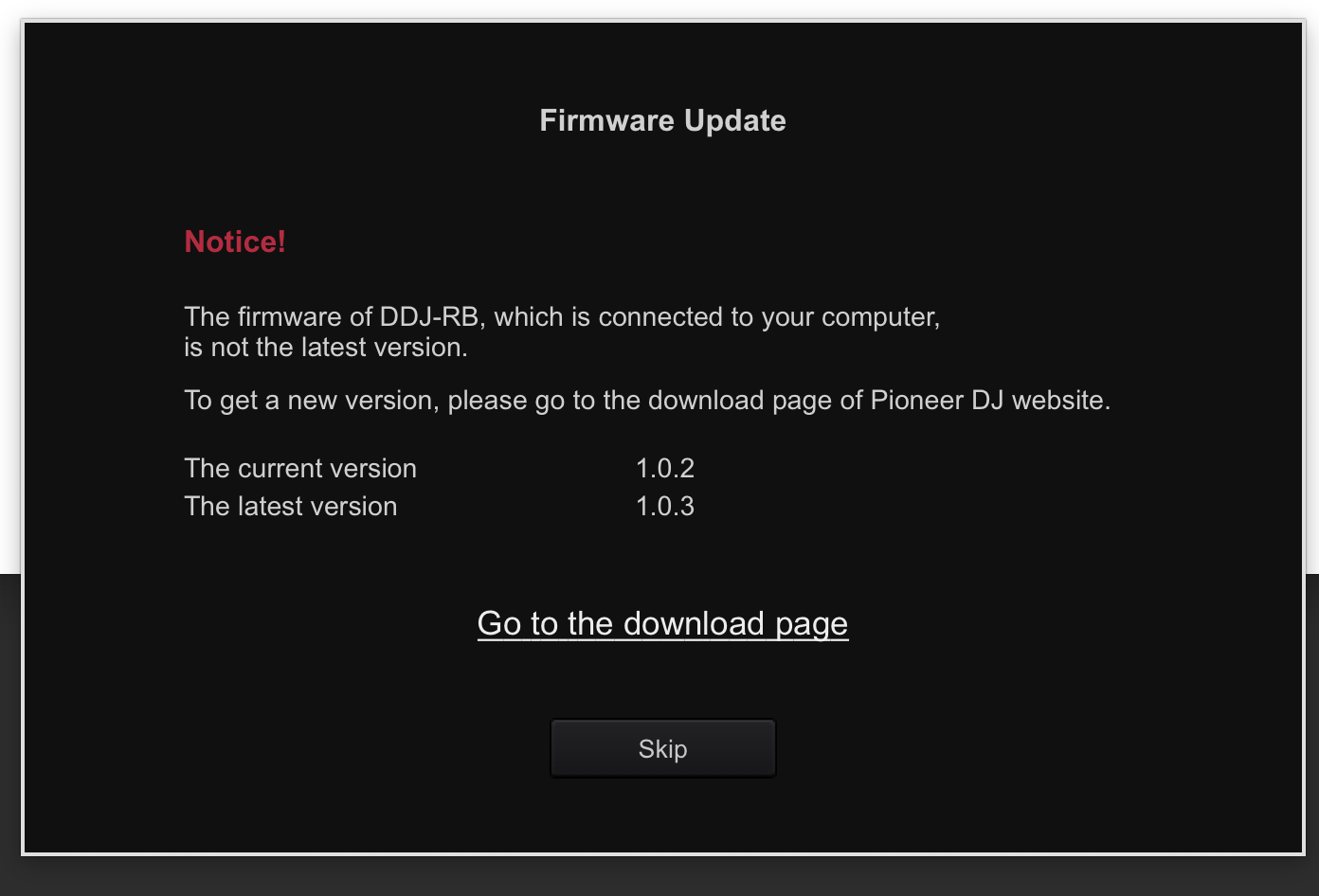
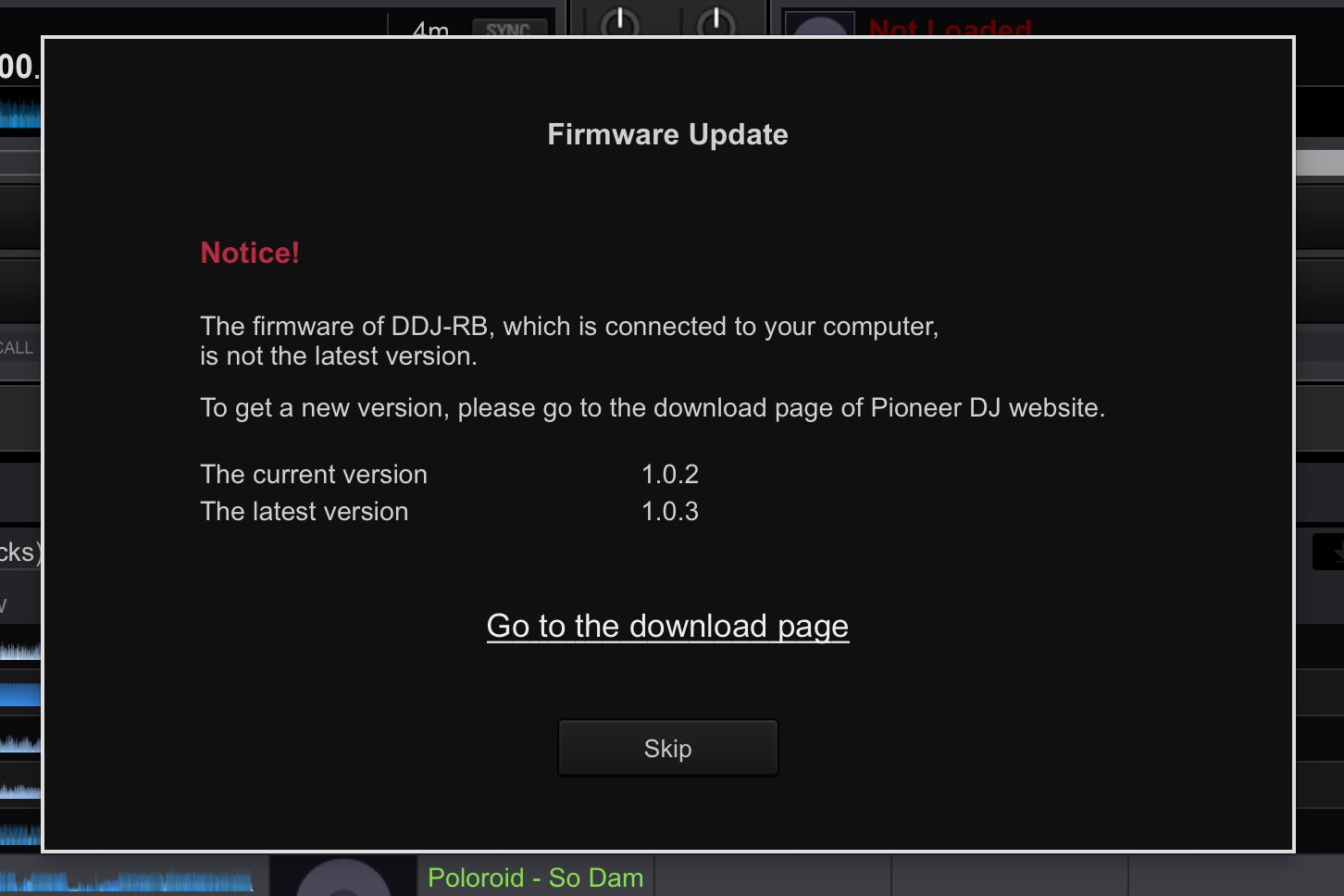
I then managed to download the firmware ok after doing the shift sync thing, it went through to 100%. So then opened Rekordbox and got this message...

Why would I get that? So went to download page again and now it won't do the shift sync thing anymore. It just stays on this message...

Hopefully you can help. 

George Thomas 0 votos
Ações de comentário Permalink
0
Avatar

If you're on Sierra, you need to install the Sierra drivers (as linked above), not the El Cap drivers as provided by the software.

The firmware update clearly didn't take place if rekordbox is telling you the hardware is at v1.0.2 instead of 1.0.3.

Disconnect the USB cable, press and hold SHIFT+SYNC on the left deck, then connect the USB cable. Next, run the DDJ-RB_v103 updater program and you won't that warning message, you'll see the updater run. After it's completion, you should disconnect the USB again, then reconnect it. You can even launch the DDJ-RB Driver Version Display utility which will show the firmware version of the connected hardware.

Pulse 0 votos
Ações de comentário Permalink
0
Avatar

If you're on Sierra, you need to install the Sierra drivers (as linked above), not the El Cap drivers as provided by the software.

I have. On this link https://www.pioneerdj.com/en/support/software/ddj-rb/ it just says "DRIVER FOR MAC SIERRA AND EL CAPITAN". There isn't an option for just SIERRA?

So what do I do??

Disconnect the USB cable, press and hold SHIFT+SYNC on the left deck, then connect the USB cable. Next, run the DDJ-RB_v103 updater program and you won't that warning message, you'll see the updater run. After it's completion, you should disconnect the USB again, then reconnect it. You can even launch the DDJ-RB Driver Version Display utility which will show the firmware version of the connected hardware.

I did do that and as it behaved as I explained. The updater DOES NOT RUN. 


George Thomas 0 votos
Ações de comentário Permalink
0
Avatar

Sorry - you're right, that was my mistake, they did a combo driver there, the previous one was Yosemite.

When you say the updater doesn't run, is it giving you the error message or simply not opening?

Pulse 0 votos
Ações de comentário Permalink
0
Avatar

So the El CAP one is the right one driver me? If so, then that is installed fine. 

The firmware just does this....

But the first time I ran it, it did work and i got the status bar that ran to 100%. 

But like I said in previous message, when I came to open RB I can that message I screen grabbed saying I had to run firmware again. 

I am stupid to think that this should just work and not have to mess around like this for 2 days. Traktor just worked. 


George Thomas 0 votos
Ações de comentário Permalink
0
Avatar

@Geroge > Don't confuse an error with a lack of "Ease-of-Use."

With your RB in normal mode (not firmware update mode), when you connect it to the computer, open the Version Display Utility and take a screenshot for me please.

Pulse 0 votos
Ações de comentário Permalink