Have a feature request or suggestion? Post your idea here!

Publicação

2 seguidores Seguir
0
Avatar

Format pc

Hi, how i can do to save all music and all Playlist done?
I need to format my pc. Now S.o is Windows 8.1 and now install windows 10.
Some years ago I tried to use backup function of Rekordbox to save database, but during replacement on new pc, it not was possible, during operation Rekordbox showed a message of error, and replacement not was possible.
Can explain how I can do please?

giovanni caccioppoli Respondido

Comentário oficial

Avatar

@giovanni > If you use the File > Library > Backup Library process on your old computer, and be sure to also back-up your music files, when you move to your new computer, use File > Library > Restore Library it will bring your entire collection of music, including all memory / cue points, to the new installation.

Pulse
Ações de comentário Permalink

Publicação fechada para comentários.

13 comentários

0
Avatar

Hi Pulse
Yes I used this procedure last year ago, but not was possible to restore.
You said in a post that the reason probably was different Software, becouse I went from Windows 7 to 8.1.
Now I wish that is possible becouse I not want lost all Playlist and hotcue point

giovanni caccioppoli 0 votos
Ações de comentário Permalink
0
Avatar

The database is not dependant on the operating system version. If you wish to test it yourself, before switching computers, perform a backup, then restore the newly created backup file back to the same computer.

Pulse 0 votos
Ações de comentário Permalink
0
Avatar

Hi pulse

So i format pc, installed windows 10 and  restored collection.

Now have this 2 problem:

When i sync itunes collection by narrow button near Itunes playlist, rekordbox say that can't read xml itunes file..

How i can do to resolve?

Without this function when i buy new track by itunes i need to import file one by one manually

giovanni caccioppoli 0 votos
Ações de comentário Permalink
0
Avatar

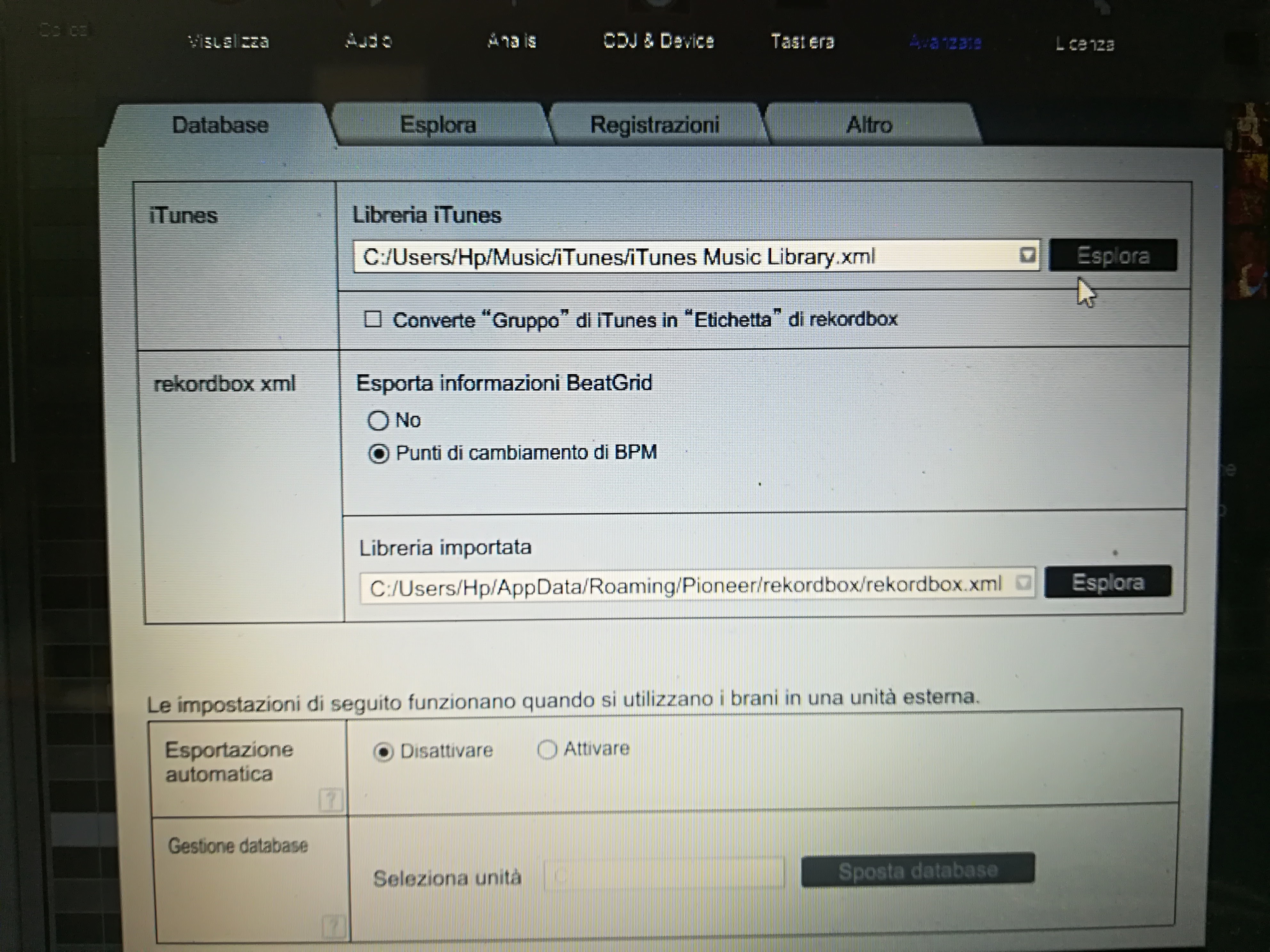
Have you verified that the iTunes XML file in the rekordbox preferences points to the correct location of your iTunes library file? It could be that when it was recovered, the rekordbox database was still pointing to the old location, but your new installation has a new username, and thus a new path to the library file.

Pulse 0 votos
Ações de comentário Permalink
0
Avatar

Hi pulse, sorry not understand how do...

this is my setting actually, and not work 

giovanni caccioppoli 0 votos
Ações de comentário Permalink
0
Avatar

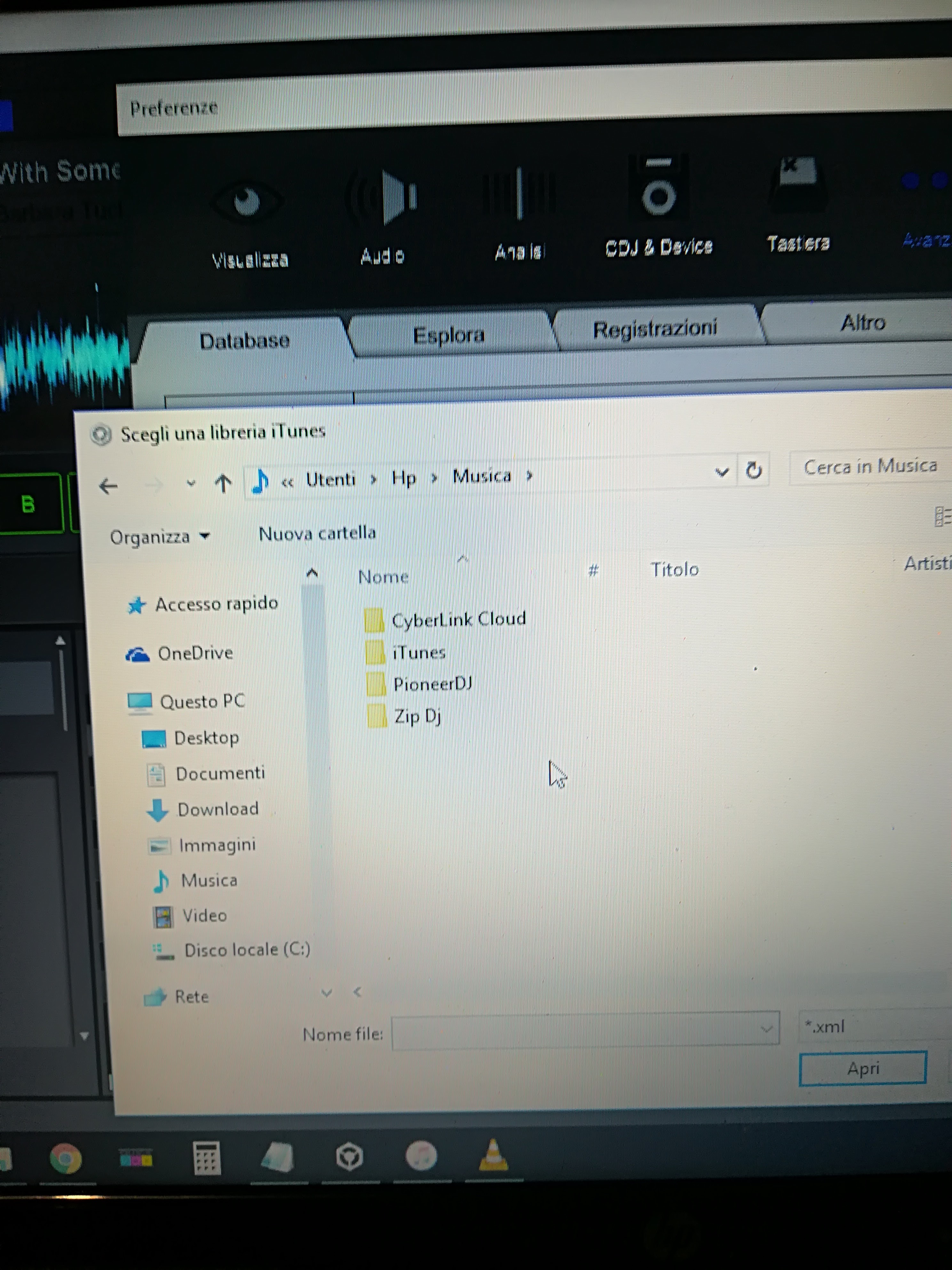
That doesn't tell me if that's the actual location of the iTunes database - have you clicked the "Esplora" button to find the iTunes XML file?

Pulse 0 votos
Ações de comentário Permalink
0
Avatar

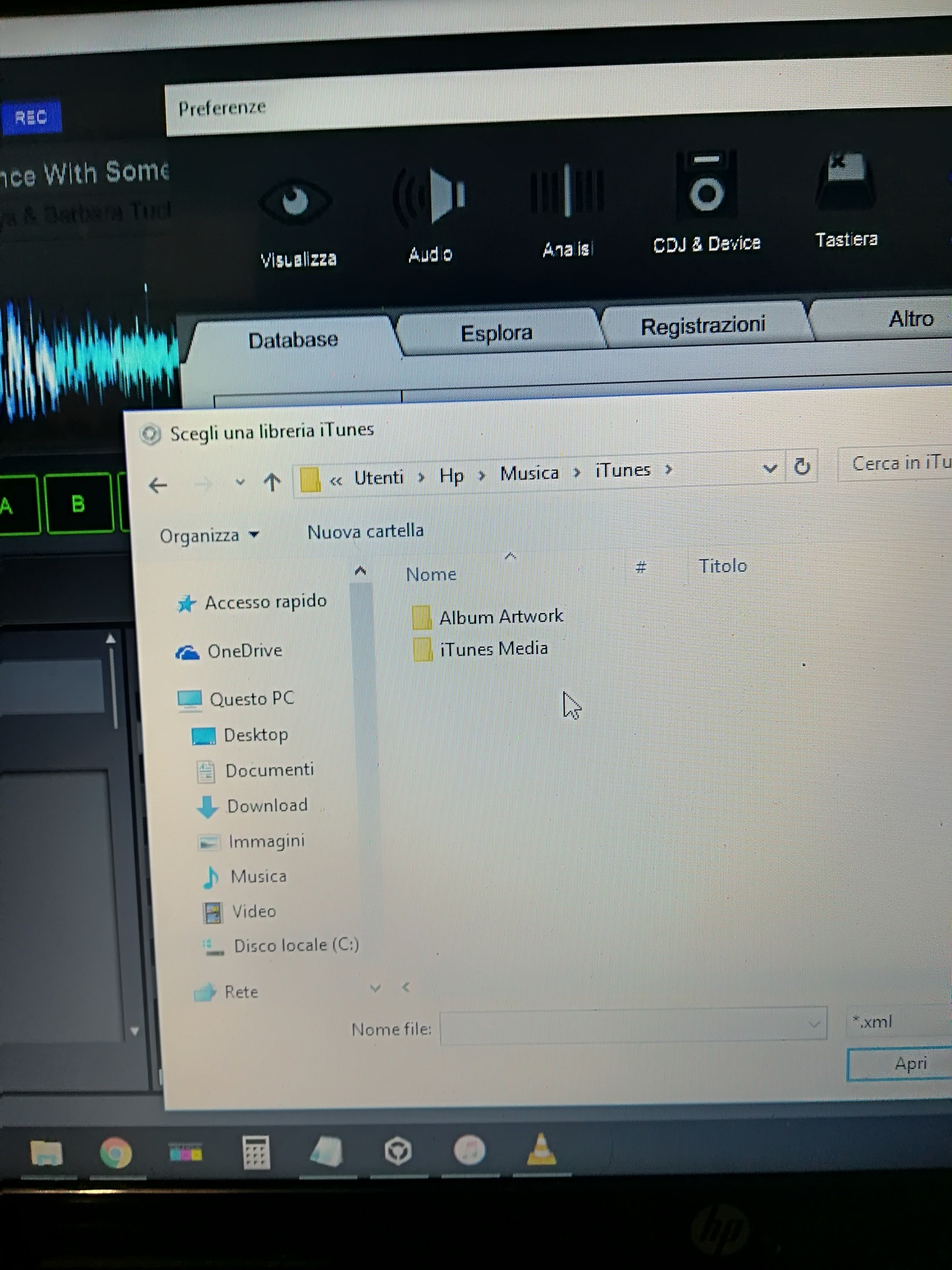
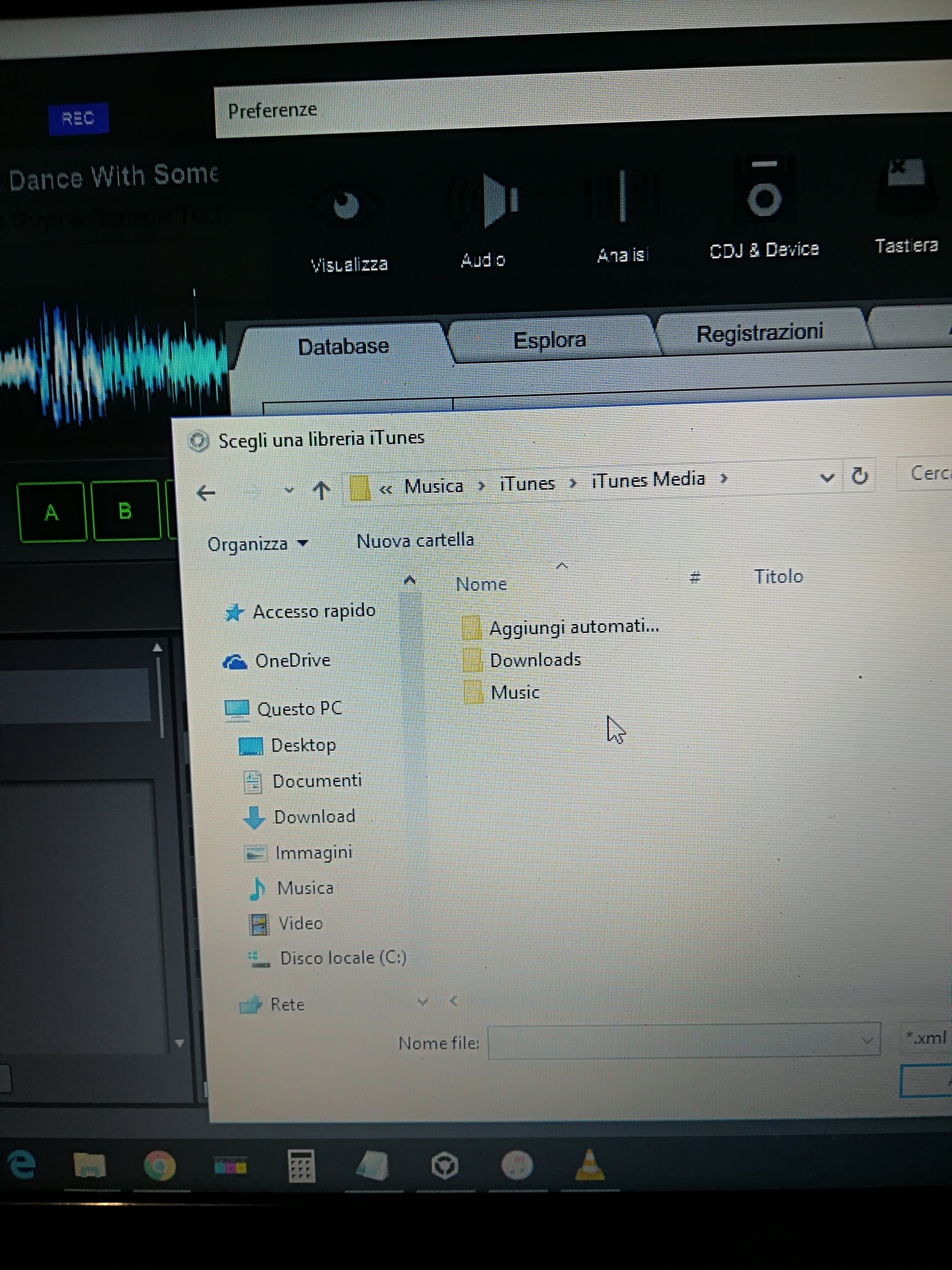
hi pulse, yes

i followed I  path of the folders but there isn't xml files

giovanni caccioppoli 0 votos
Ações de comentário Permalink
0
Avatar

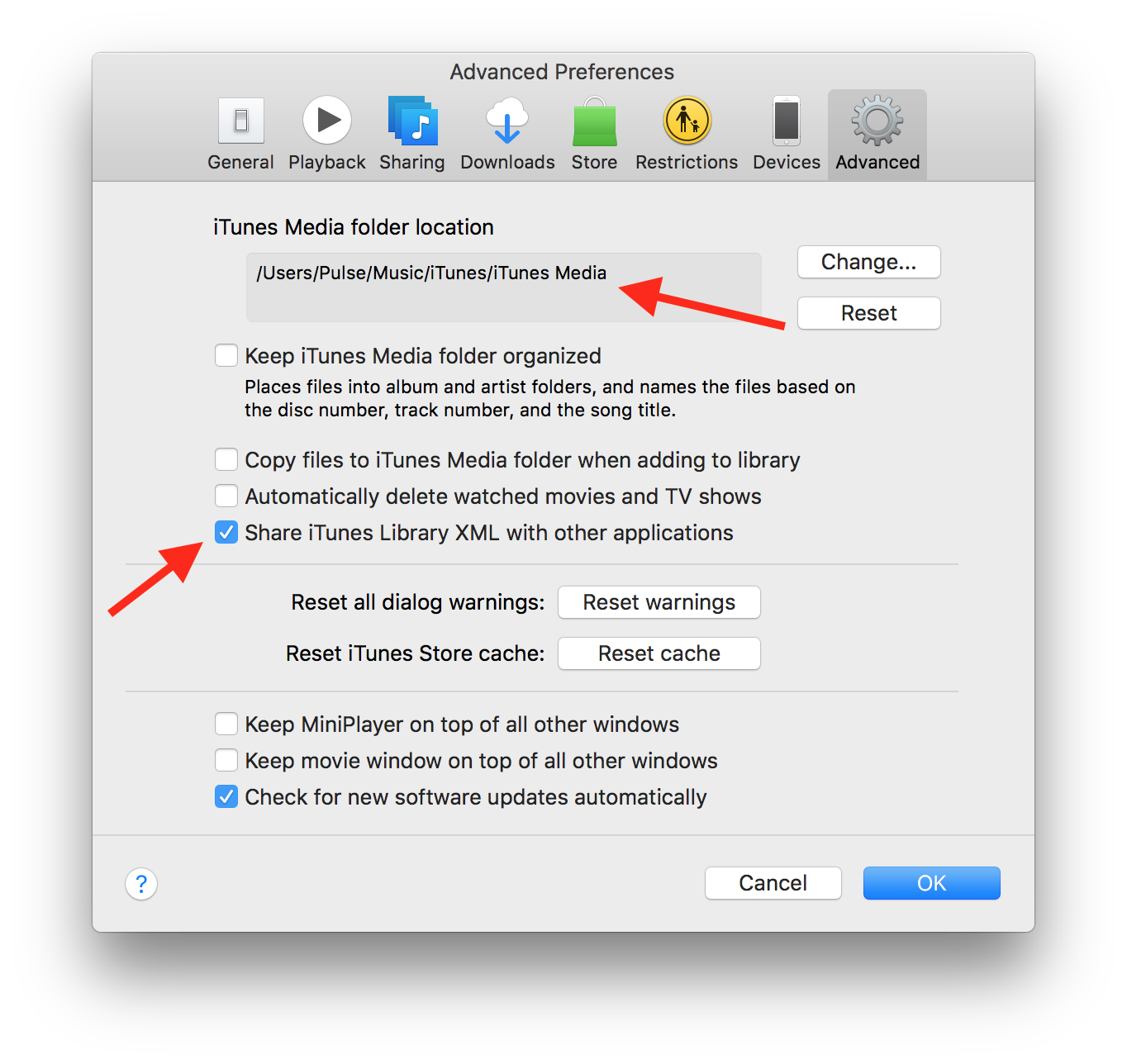
@Giovanni > Open iTunes and look in the preferences to get the location of the library:

And make sure the "Share" box is checked.

Pulse 0 votos
Ações de comentário Permalink