Comentário oficial
If you're trying to update the collection with the data from the USB drive, right-click on the USB drive and click Update Collection as opposed to using the Sync Manager, which is a one-way (push) sync.
I'm testing Recordbox sync capabilities in 5.0.1 and have encountered an issue with the "Cue Grid Info" sync which is intended to sync track data that you may add on your external device back to your collection track. It works simple and well so far however, I did have one issue with the sync back of the "color" info within a track. I've attached screenshots for reference. Any assistance on this?
My equipment list is:
MacBook Pro (Retina, 15-inch, Mid 2015)
2.8 GHz Intel Core i7
MacOS Sierra 10.12.6 (16G29)
Rekordbox 5.0.1
Pioneer DDJ-SX and DDJ-SR
Collection resides on a Seagate 8TB external desktop
Device resides on a Seagate 5TB external portable


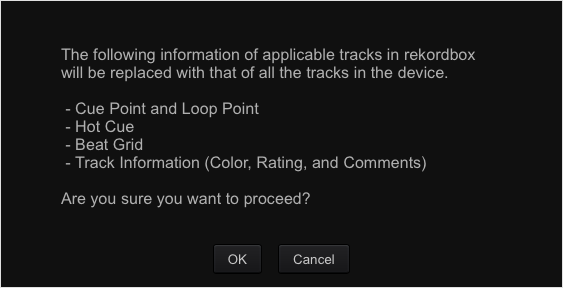
If you're trying to update the collection with the data from the USB drive, right-click on the USB drive and click Update Collection as opposed to using the Sync Manager, which is a one-way (push) sync.
Publicação fechada para comentários.
I just tried that and it did not change in collection. I changed the color of the track in collection and performed another sync which changed the color on the device. I changed the color on the device and did the "update collection" option when I right-click on the device name and no change to collection track. In addition, I tried the "synchronize" option when I right-click on the device too and no changes.
I have the same issue with color sync from USB device. It works only one-way from rekordbox to USB
@Oleksandr > Which version of rekordbox?